Barraca de macarrão molhada de chuva à meia-noite
Numa rua estreita de Hong Kong, uma barraca de macarrão em contraluz. A chuva cai em lençóis, o neon se reflete no asfalto molhado, o vapor subindo sob a marquise.
Editar prompt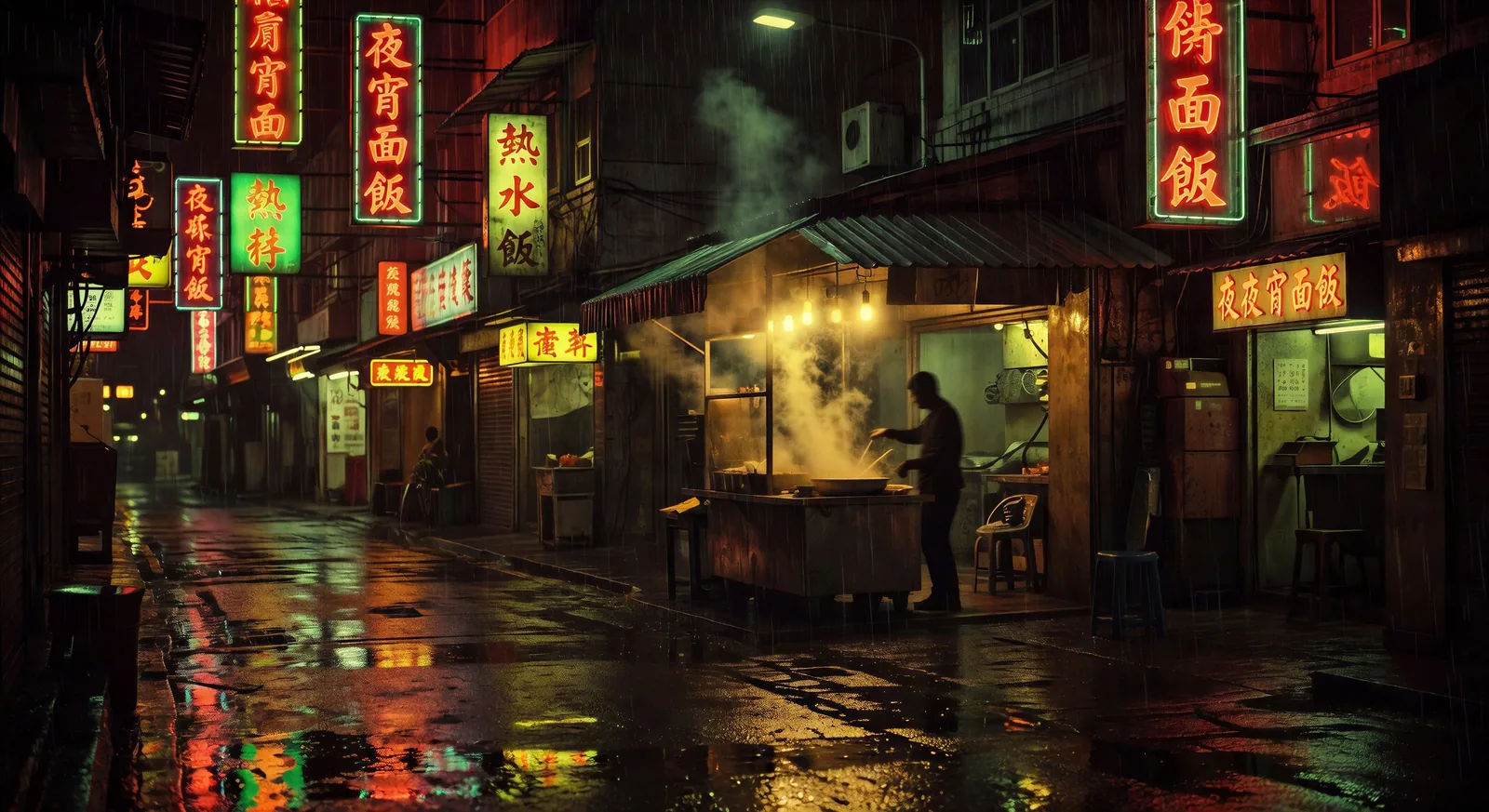
Dirija a melancolia molhada de chuva direto no navegador com o gerador de vídeos no estilo Wong Kar Wai do Morphic. Crie uma barraca de macarrão em Hong Kong ou dois desconhecidos num trem-leito. Grave narração e valsa com Speech e Music e trave a cor com Video Style Transfer.
Numa rua estreita de Hong Kong, uma barraca de macarrão em contraluz. A chuva cai em lençóis, o neon se reflete no asfalto molhado, o vapor subindo sob a marquise.
Editar promptUma figura central caminha devagar enquanto a multidão ao redor se borra em movimento step-printed. Luzes fluorescentes na escada, a névoa dos passageiros da madrugada.
Editar prompt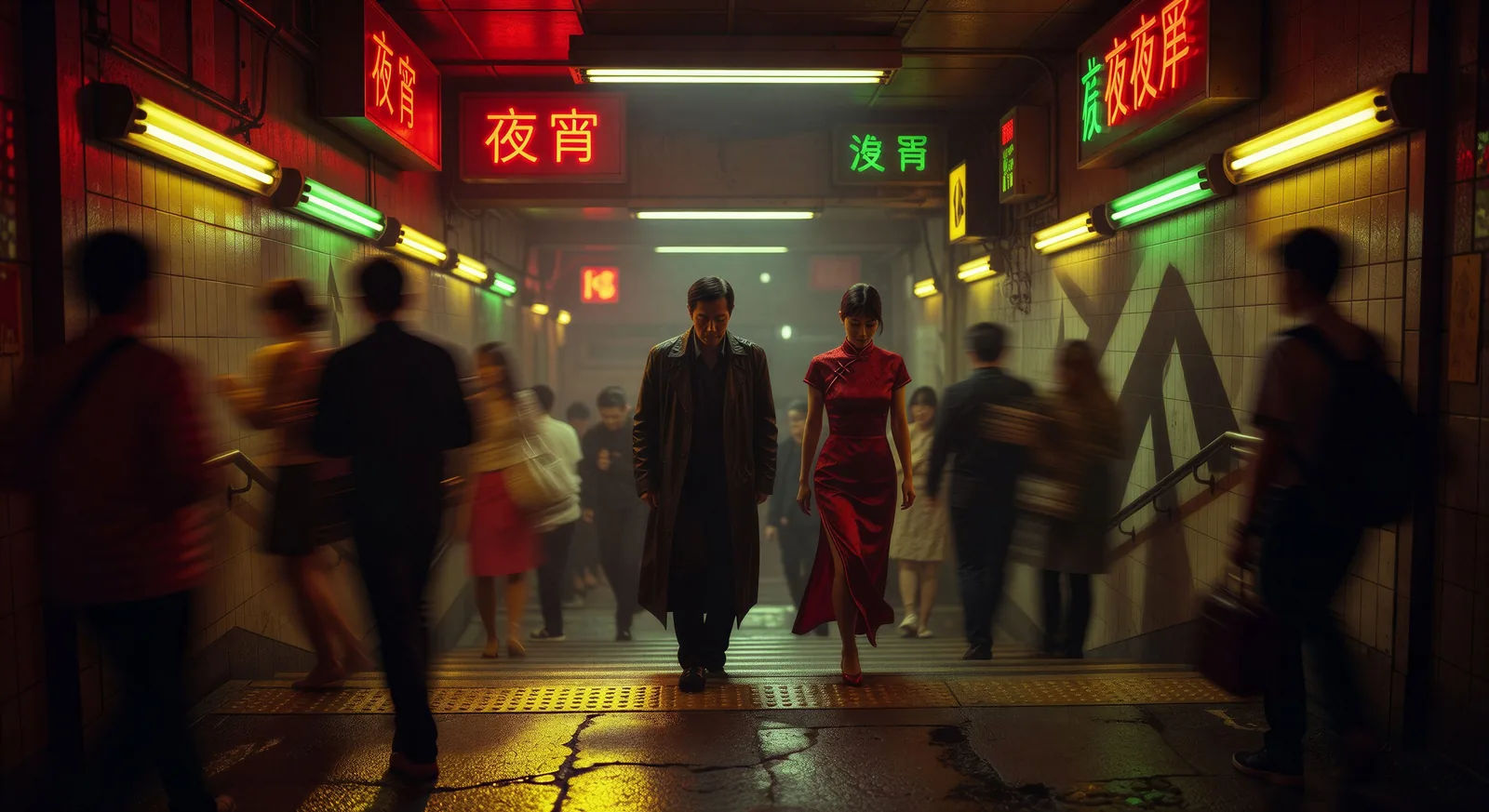
Duas figuras se cruzam num longo corredor de hotel, iluminado por arandelas vermelhas e verdes que se alternam. Câmera lenta na mão, sem diálogo, sem contato visual.
Editar prompt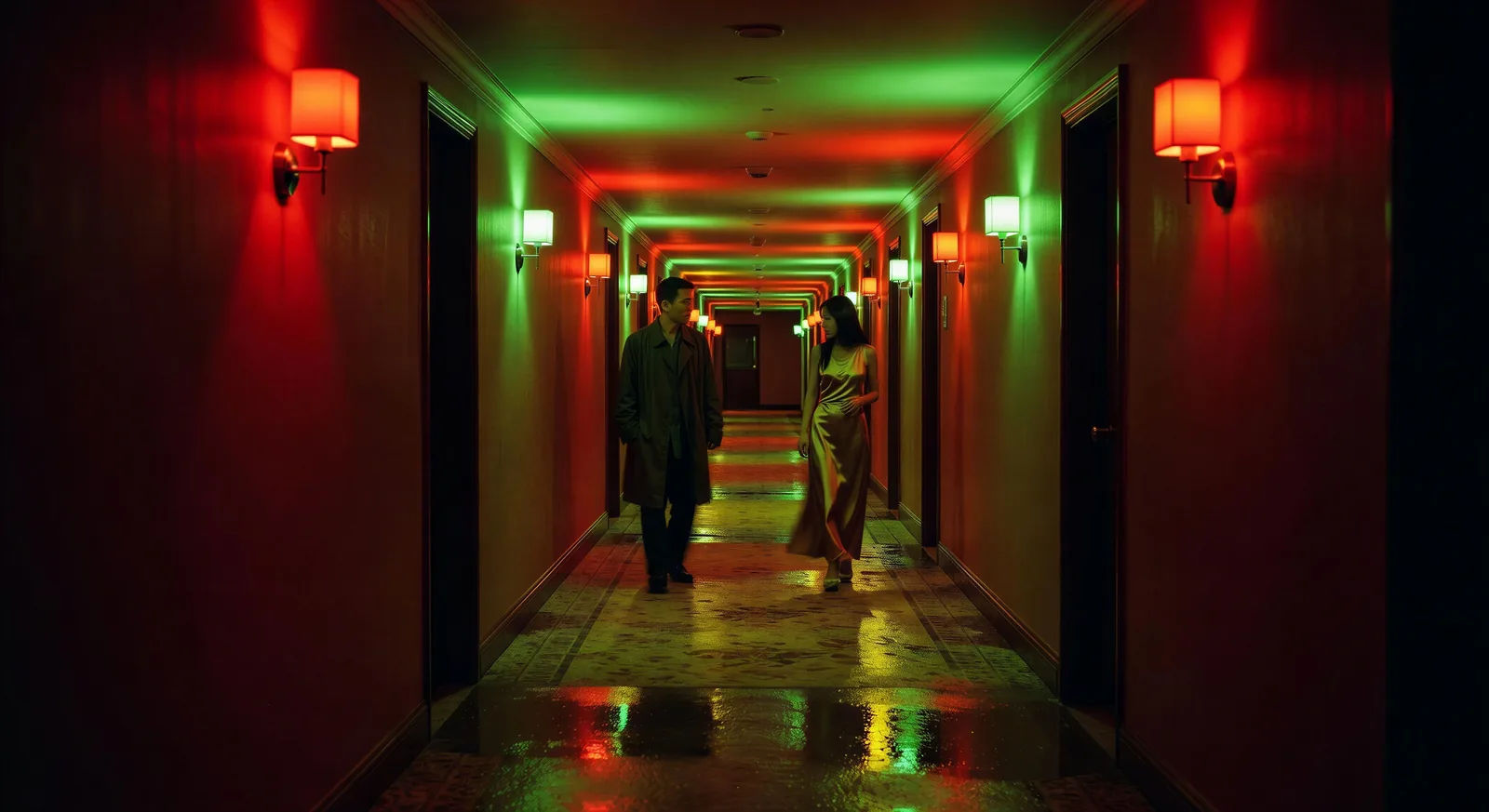
A laje de um prédio de Hong Kong na manhã depois da tempestade. As roupas balançam nos varais, o porto aparece por uma névoa ciano baixa, o rosa do amanhecer ao fundo.
Editar prompt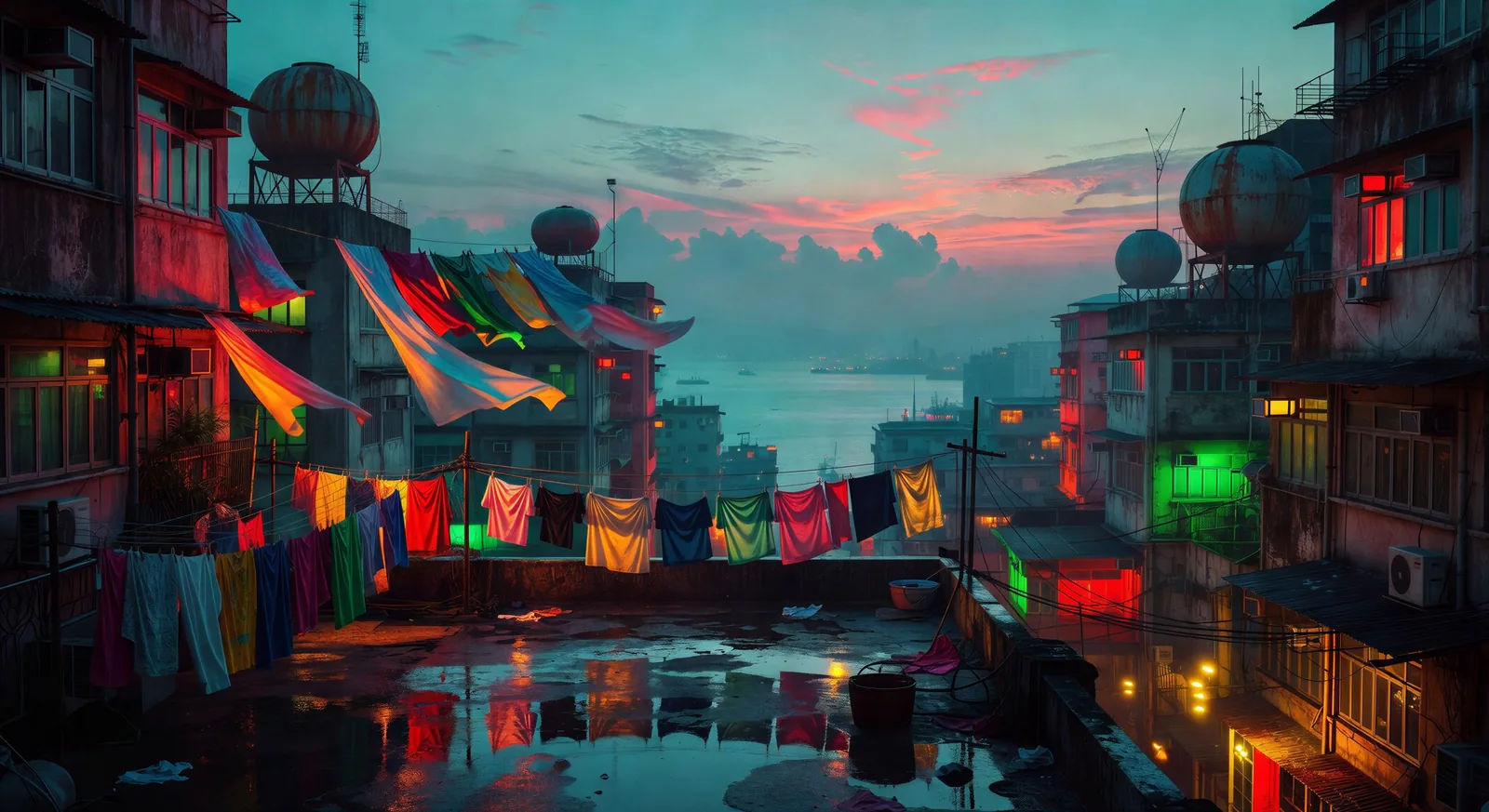
Escreva a cena de Wong Kar Wai que você quer, em poucas palavras.
A Morphic gera um clipe cinematográfico e pronto para uso no seu Canvas em segundos.
Ajuste o prompt, gere novas variações e depois baixe ou compartilhe a cena.

Share a scene description with character references. Get a full storyboard with shot angles and mood.
One image to a 9-scene cinematic video.

Dramatize any text conversation into a cinematic multi-shot video.
Cinematic time-freeze short film for any scene
Drop in a photo of yourself. Get a 12-second cinematic movie with animation and a matched soundtrack.

Feed in a single image. Get 9 cinematic beats laid out as a 3x3 storyboard grid.
Fincher AI Videos
Generate Fincher style videos with Morphic. Desaturated palettes, geometric framing, deep shadows, and prompt-led scenes you can run in your browser.
Vídeos estilo Wes Anderson com IA
Gere vídeos estilo Wes Anderson com IA no Morphic. Enquadramento simétrico, paleta pastel, cenas de quadro vivo sério e prompts prontos para usar.
Vídeos de anime com IA
Crie cenas de luta de anime, duelos de espada, batalhas mágicas e confrontos de mechas com o Morphic. Gere, anime, narre e componha a trilha de cenas a partir de um único prompt.
Vídeos de Mahabharata com IA
Crie cenas de batalha, retratos de personagens e episódios completos de Mahabharata com o Morphic. Gere, narre e componha a trilha de vídeos a partir de um único prompt.
Comece grátis hoje mesmo, com a opção de fazer upgrade ou cancelar quando quiser.
Basic
1100 mensal créditos
1 apenas usuário
Todos os modelos
Workflows
Standard
3625 mensal créditos
1 apenas usuário
Todos os modelos
Workflows
Pro
6350 compartilhado mensal créditos
1 usuário
Todos os modelos
Workflows
Pro Max
24650 compartilhado mensal créditos
1 usuário
Todos os modelos
Workflows
Enterprise
Para limites maiores
Personalizado
termos de preços e cobrança

Free
Para experimentar
$0
grátis para sempre