Storyboarding using a script
This method is useful when you want Copilot to generate a story or when you already have a script and want to visualize it as storyboard frames.
Here’s a quick tutorial on how to create storyboards using script on Morphic:
- Go to Copilot on Morphic
- Type a prompt such as “Generate a black and white storyboard of these scenes….”
- Optionally, include character actions, camera angles, mood, or environment
- Click the blue button in the prompt bar to create your storyboard
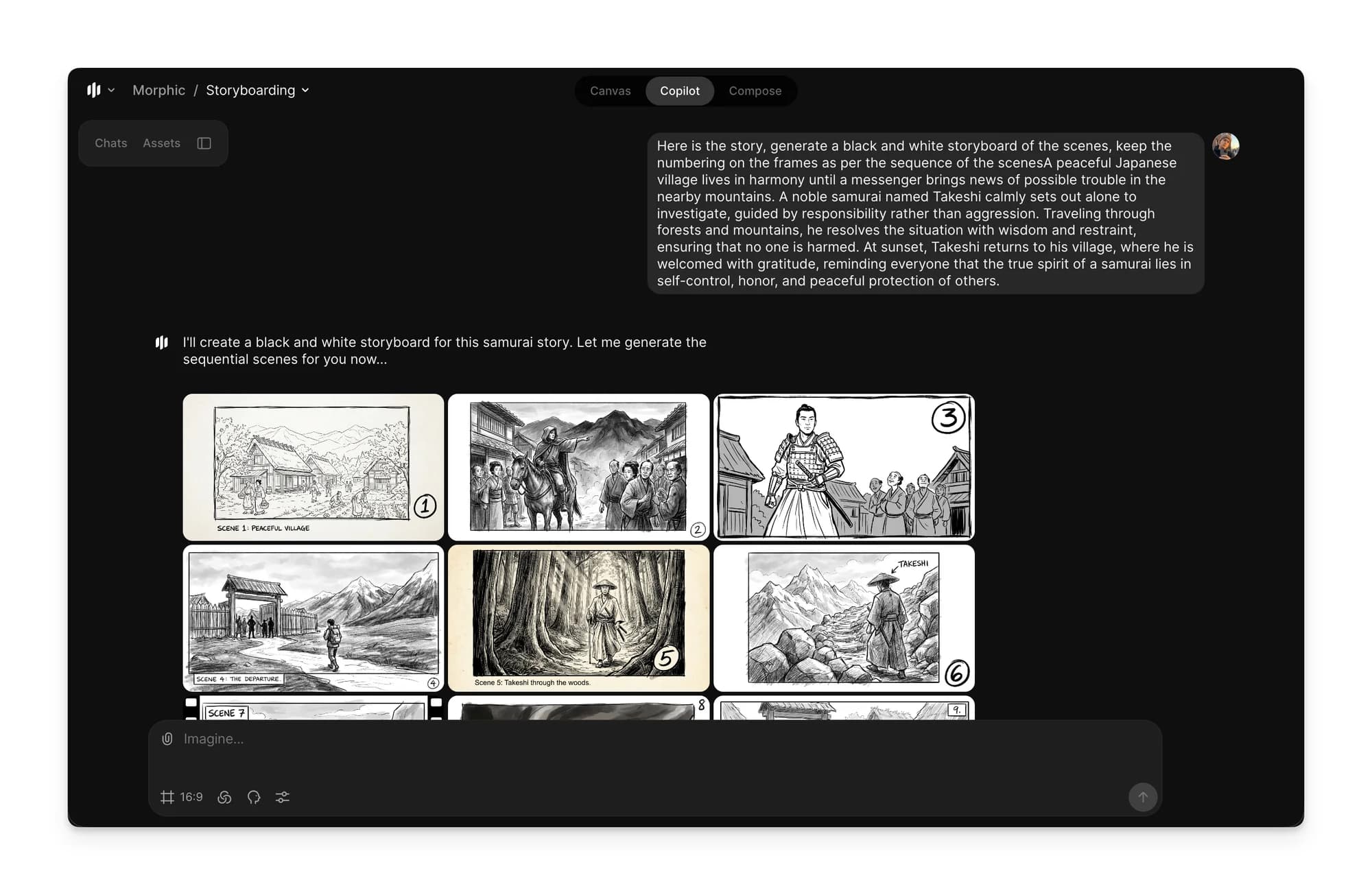
Copilot will create storyboard frames by breaking the generated story or script into clear visual scenes.
Long scripts
Attach a long script as a file instead of pasting it into the prompt. Copilot keeps an attached file and reads the part it needs, while pasted text is a message like any other and gets summarized once the chat grows long.
For a script with many scenes:
- Attach the script in a new chat, and ask for the scene list and a reference image for each character
- Once the references are right, continue in a new chat from that message for each scene, so every scene starts with the same characters
- In each scene's chat, name the scene you are working on, like
Scene 4, the market chase, and describe its shots one beat at a time
That’s how you can create storyboards using a script on Morphic. This helps turn written scripts into clear visual scenes.
If you have any trouble or have any questions, feel free to reach out. We're happy to help. Write to us at support@morphic.com.