
Sound effects for documentaries

A documentary has to feel true, so its sound supports the story rather than showing off. Morphic lets you describe the ambience or texture a sequence needs, from a moving stream under a wide shot to a quiet room behind an interview, and generates original audio to match. You fill gaps in field recordings and rebuild moments the camera missed without staging a reshoot.
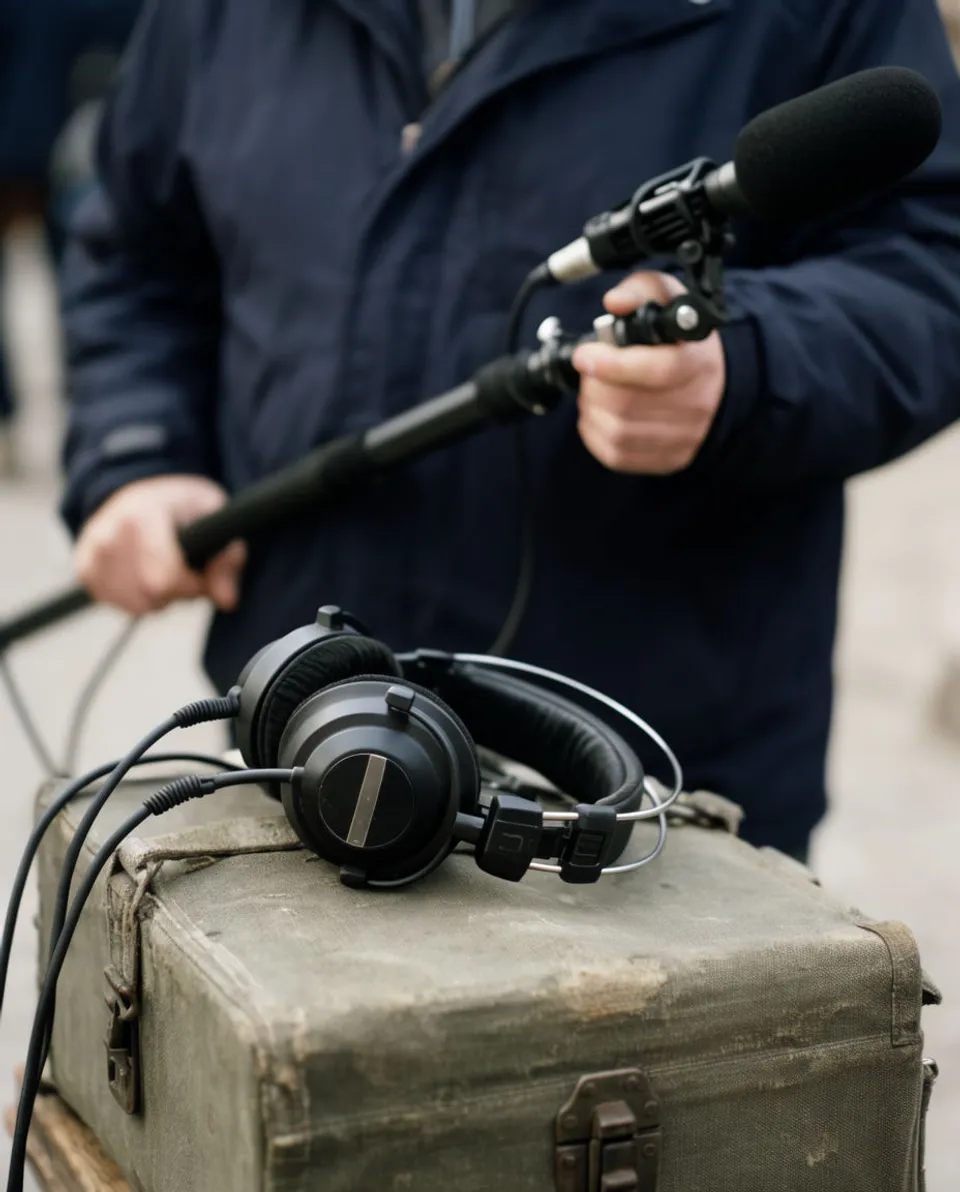
Example for Sound effects for documentaries

How it works

  1. 1
    describe it

    Describe the effect on Morphic

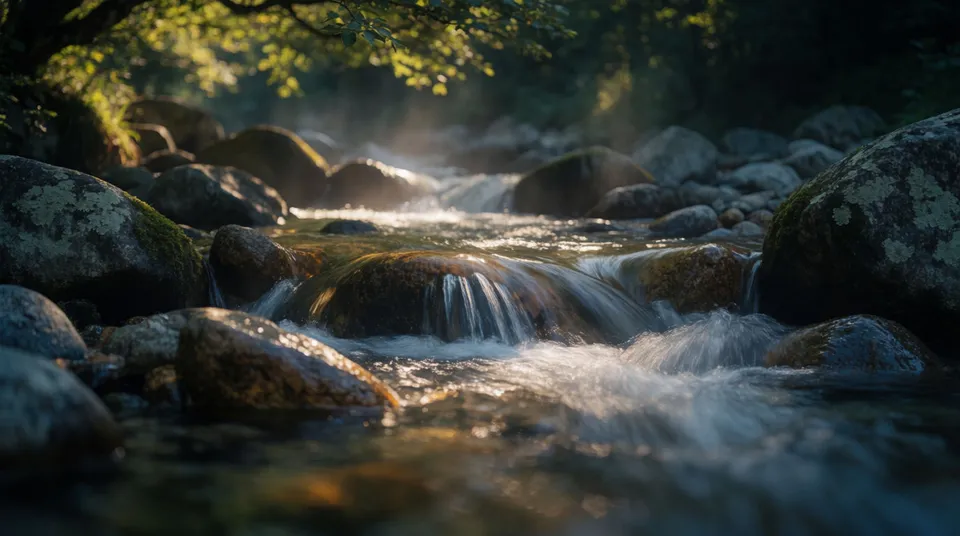
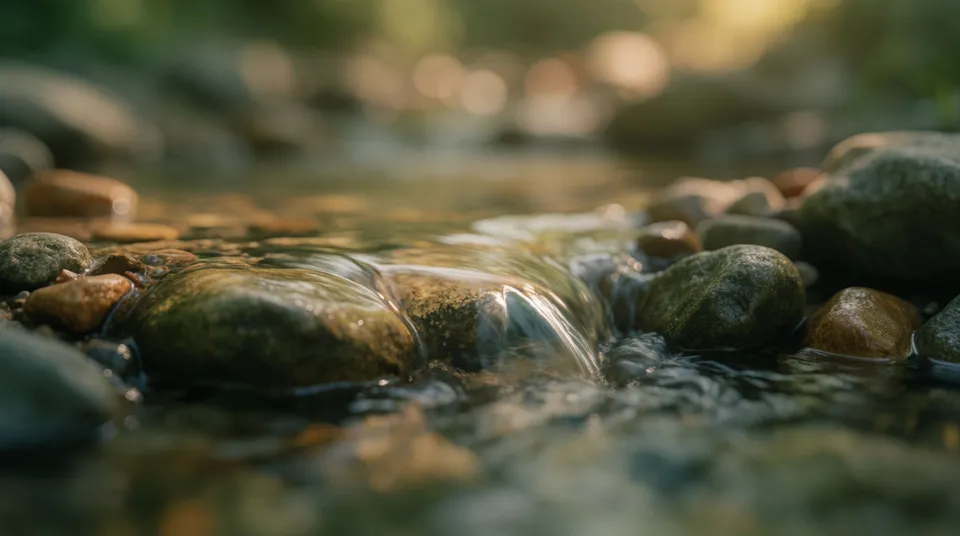
    Write the ambience or texture a sequence needs, like a babbling brook under a landscape or the low murmur of a distant voice. Morphic generates original audio from that description using models such as ElevenLabs and Seed Audio.

  2. 2

    Lay it under the picture

    Import the file into your editor and place it beneath the narration and interviews, matching the texture to the footage so it sits naturally.

  3. 3

    Balance and export

    Keep the effect low under the voice so it supports rather than distracts, then render. Effects are yours to use commercially on paid plans for broadcast or streaming.

Effects a documentary sequence leans on

Four kinds of subtle, natural effect that support narration without pulling focus.

What it handles, and what to check

Morphic fills the gaps in your field audio; honesty and the final balance stay with you.

What Morphic handles well

  • Generating natural ambience to fill gaps in field recordings
  • Producing subtle texture that supports narration without distraction
  • Recreating small on-screen sounds the mic missed
  • Covering SFX, music, and voiceover in one workspace

Where you still want your own ear

  • Honesty: deciding when a recreated sound is fair to the story and when to disclose it
  • Sync: matching a rebuilt sound to the on-screen action it replaces
  • Over-use: keeping ambience low so it never competes with the interview
  • Mix and rights: final balance under narration and confirming broadcast terms

أسعار بسيطة

ابدأ مجاناً اليوم، مع إمكانية الترقية أو الإلغاء في أي وقت.

Basic

$9/ شهر
تُفوتر باعتبارها $0 سنوياً

1100 شهرياً أرصدة

1 مستخدم فقط

جميع النماذج

Workflows

Standard

$24/ شهر
تُفوتر باعتبارها $0 سنوياً

3625 شهرياً أرصدة

1 مستخدم فقط

جميع النماذج

Workflows

Pro

$45/ شهر
تُفوتر باعتبارها $0 سنوياً

6350 مشترك شهرياً أرصدة

1 مستخدم

+ حتى 4 المزيد بتكلفة إضافية

جميع النماذج

Workflows

Pro Max

$170/ شهر
تُفوتر باعتبارها $0 سنوياً

24650 مشترك شهرياً أرصدة

1 مستخدم

+ حتى 9 المزيد بتكلفة إضافية

جميع النماذج

Workflows

Enterprise

لحدود أعلى

مخصص

شروط الأسعار والفوترة

أرصدة كبيرة الحجم
حدود مقاعد مخصصة
جميع النماذج
Workflows
Pricing Gradient

Free

للتجربة والاستكشاف

$0

مجاني إلى الأبد

حتى 20 رصيد
مستخدم واحد فقط
نماذج محدودة
Workflows

الأسئلة الشائعة

Can Morphic generate sound effects for a documentary?
Yes. You describe the ambience or texture a sequence needs, and Morphic generates original audio you lay under narration and interviews.
Is it fair to add generated sound to a documentary?
Ambience and texture that fill gaps in field audio are common practice. When you recreate a specific event the camera missed, use judgment about honesty and disclose it where the story calls for it.
Which models generate the audio?
Morphic uses text-to-audio models including ElevenLabs and Seed Audio. You specify the subject, texture, space, and length, and it produces original audio.
Can I use these effects for broadcast or streaming?
Effects are yours to use commercially on paid plans. Confirm the current terms for your plan before broadcast or streaming distribution.
Can it fill gaps where my field recorder was not running?
Yes. You can generate matching natural ambience to bridge sections where field audio is thin so a sequence feels continuous.
Can I get narration voice and music from the same tool?
One Morphic workspace covers sound effects, background music, and voiceover, so the whole documentary audio bed can come from one place.