Sita’s swayamvara and the breaking of Shiva’s bow
In King Janaka’s royal court, Rama lifts and bends the great bow of Shiva. The string snaps with a sound that splits the sky, and Sita garlands him.
تعديل الأمر النصي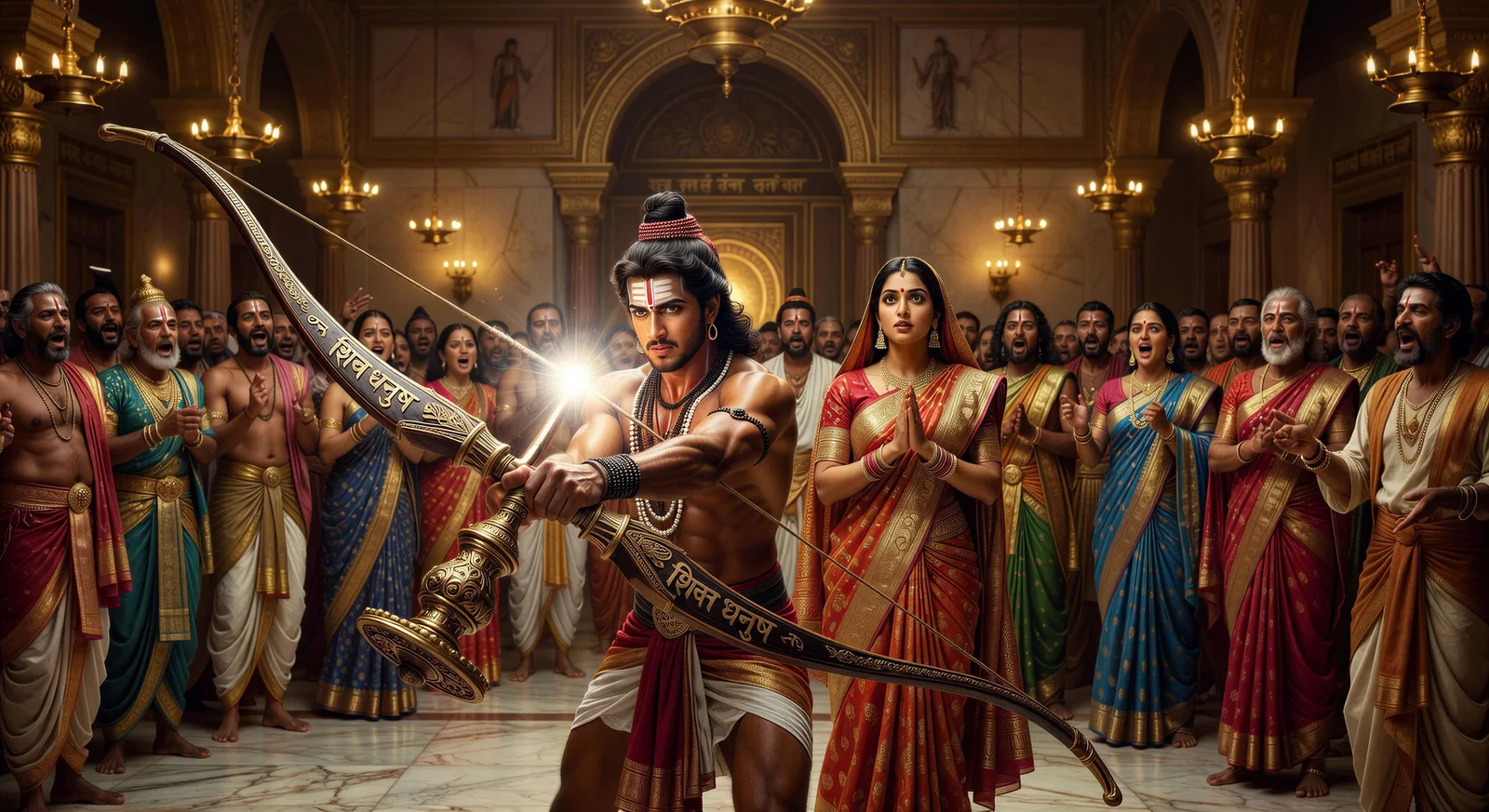
Direct Valmiki's epic in your browser with Morphic's Ramayana AI video generator. Generate Rama snapping Shiva's bow or Hanuman launching toward Lanka, chant the kandas with Speech and Music, and stitch the exile and return into a Hindu epic episode.
In King Janaka’s royal court, Rama lifts and bends the great bow of Shiva. The string snaps with a sound that splits the sky, and Sita garlands him.
تعديل الأمر النصيRama, Sita, and Lakshmana leave Ayodhya at first light, dressed in bark cloth, the citizens lining the riverbank in silence as they board the boat.
تعديل الأمر النصي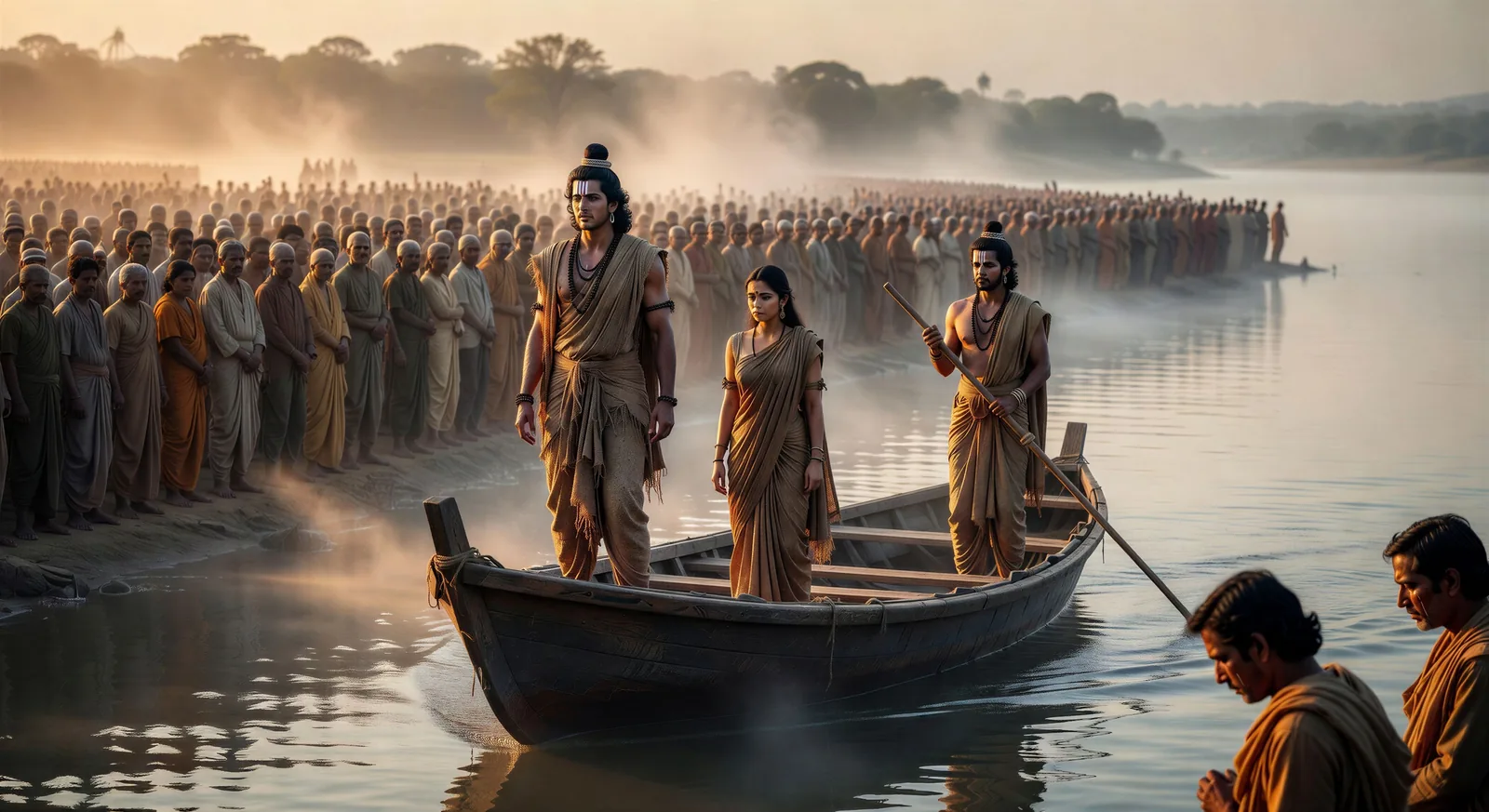
Hanuman expands to mountain size and launches from Mahendra peak. Cloud trails behind him, the ocean below, the towers of Lanka on the horizon.
تعديل الأمر النصي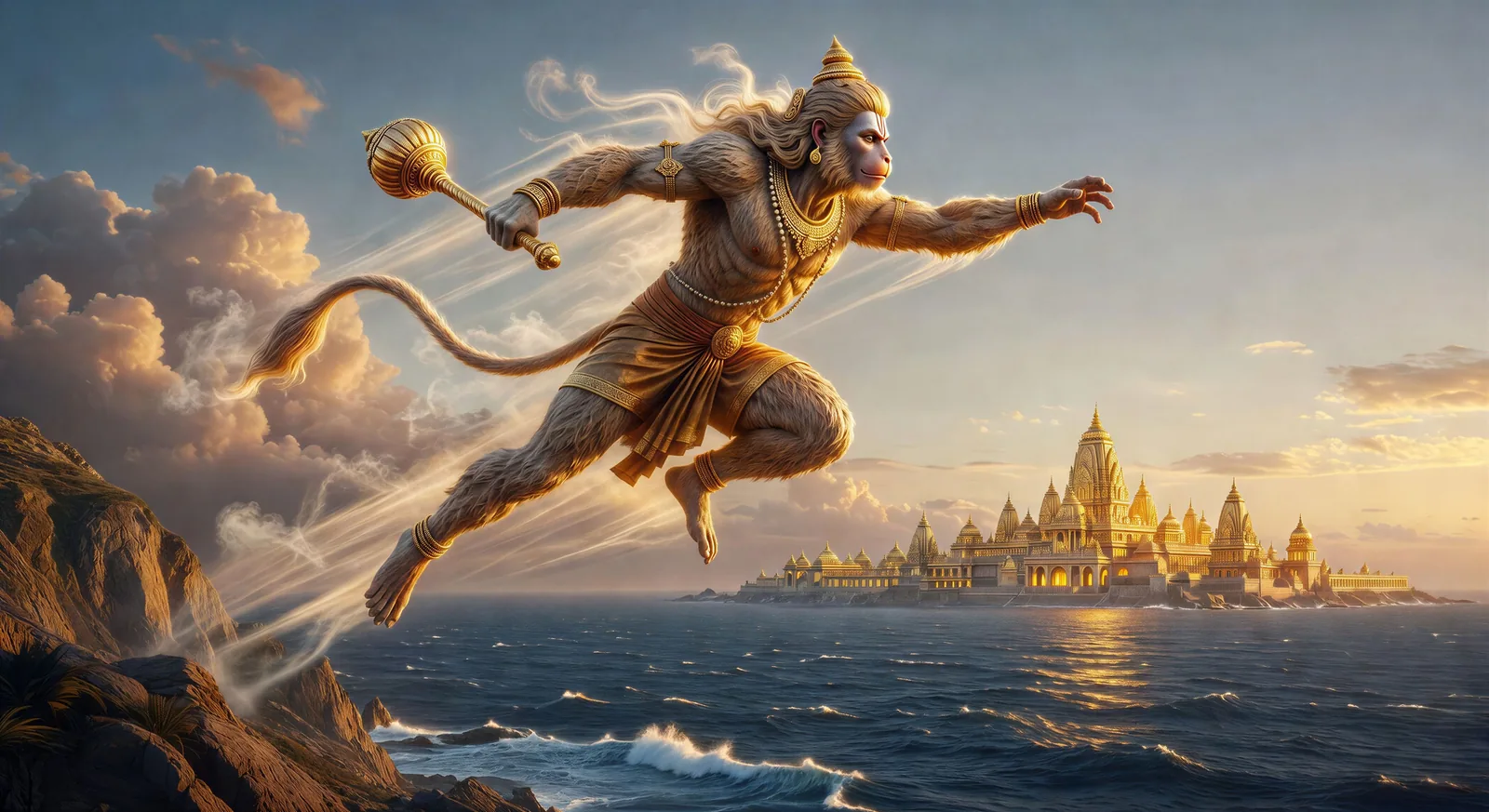
Hanuman moves rooftop to rooftop with his tail trailing flame. Smoke columns rise against the night sky, embers swirling above the golden city.
تعديل الأمر النصي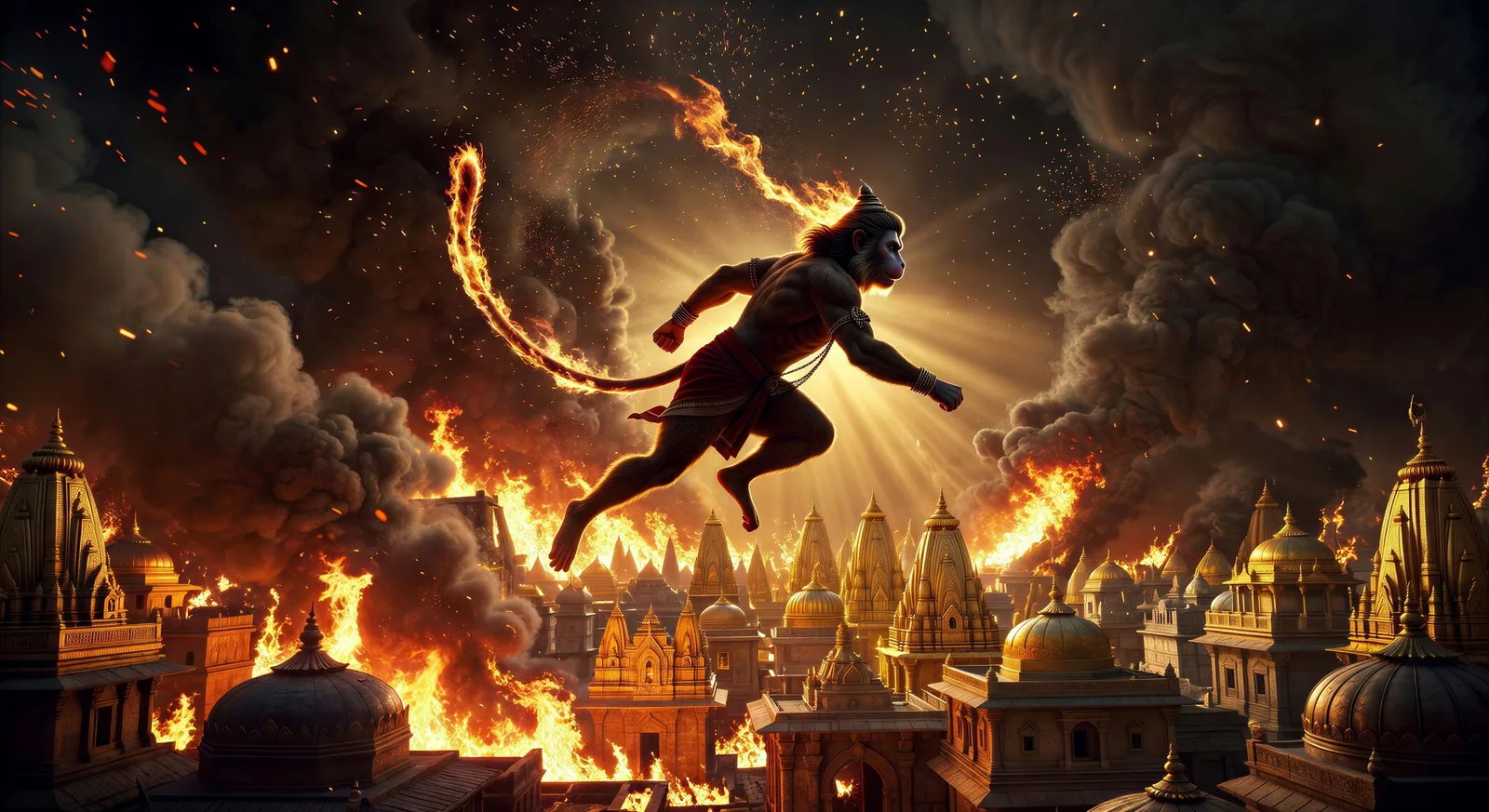
اكتب مشهد Ramayana الذي تريده، بكلمات بسيطة.
ينشئ Morphic مقطعا سينمائيا جاهزا للإطارات على لوحتك خلال ثوانٍ.
عدّل الأمر النصي، وأعد إنشاء التنويعات، ثم نزّل اللقطة أو شاركها.

Share a scene description with character references. Get a full storyboard with shot angles and mood.

Feed in a single image. Get 9 cinematic beats laid out as a 3x3 storyboard grid.
One image to a 9-scene cinematic video.

Take any character image and generate 6 distinct facial expressions on a single reference sheet.
Cinematic time-freeze short film for any scene
Drop in a photo of yourself. Get a 12-second cinematic movie with animation and a matched soundtrack.
Mahabharata AI Videos
Create Mahabharata battle scenes, character portraits, and full mythology episodes with Morphic. Generate, narrate, and score videos from a single prompt.
Greek mythology AI Videos
Create Greek mythology scenes, Olympian portraits, hero-arc shorts, and full episodes with Morphic. Generate, narrate, and score Greek mythology videos from a single prompt.
Norse mythology AI Videos
Create Norse mythology scenes, Eddic god portraits, Ragnarok shorts, and full episodes with Morphic. Generate, narrate, and score Norse mythology videos from a single prompt.
Dashavatara AI Videos
Create the ten Vishnu avatars from Matsya to Kalki as cinematic shorts with Morphic. Generate, narrate, and score Dashavatara videos from a single prompt.
ابدأ مجاناً اليوم، مع إمكانية الترقية أو الإلغاء في أي وقت.
Basic
900 شهرياً أرصدة
1 مستخدم فقط
جميع النماذج
Workflows
Standard
3200 شهرياً أرصدة
1 مستخدم فقط
جميع النماذج
Workflows
Pro
6200 مشترك شهرياً أرصدة
1 مستخدم
جميع النماذج
Workflows
Pro Max
24000 مشترك شهرياً أرصدة
1 مستخدم
جميع النماذج
Workflows
Enterprise
لحدود أعلى
مخصص
شروط الأسعار والفوترة

Free
للتجربة والاستكشاف
$0
مجاني إلى الأبد