Punctuate the moment a choice is made
A single sharp snap marks the exact frame a selection lands, which is what makes a product demo, a tutorial, or a menu in a game feel responsive rather than pre-recorded.
Editar prompt
The small snap under a finger. Generate a click at the brightness, weight and spacing your interface audio needs, from a soft switch to a hard mechanical one.
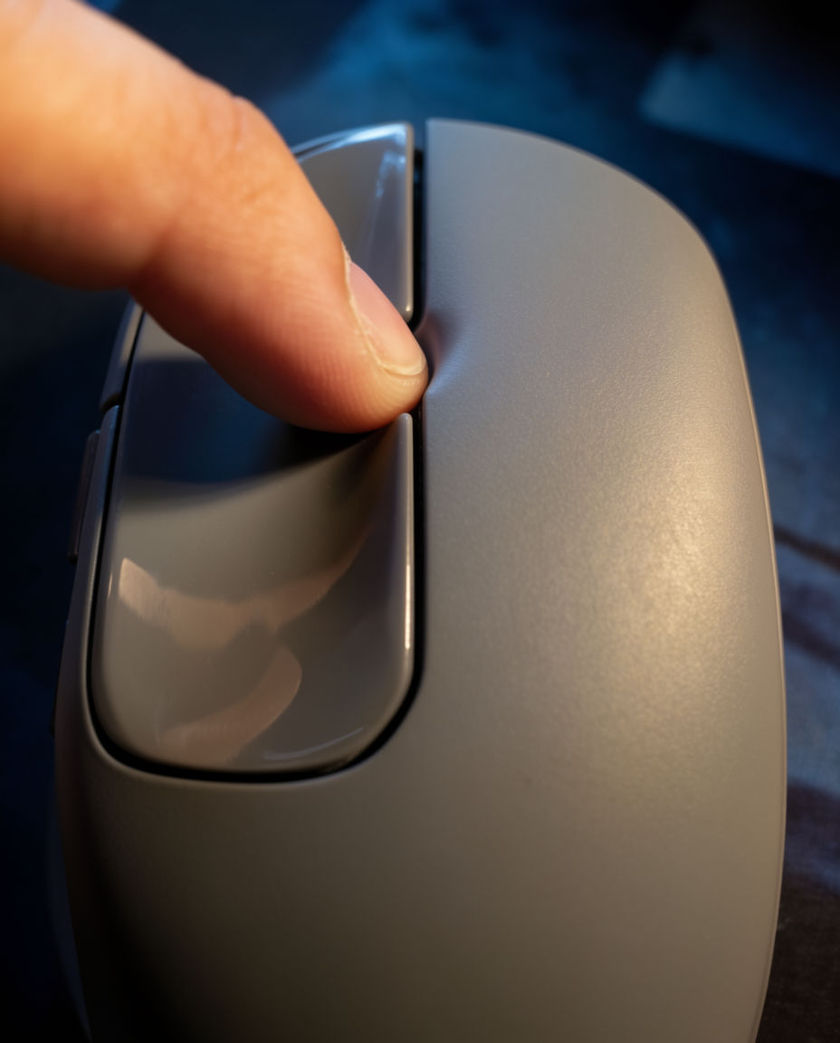
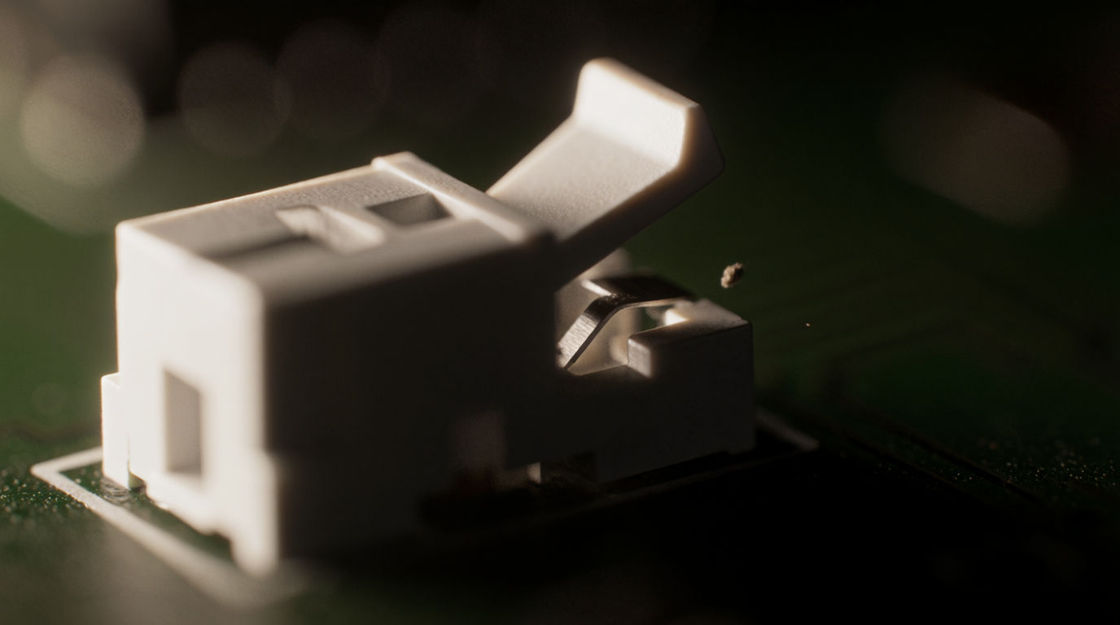
One bright plastic snap that stops the instant it arrives. This is the click most interface work wants, because it registers at any volume and never smears into the next one.
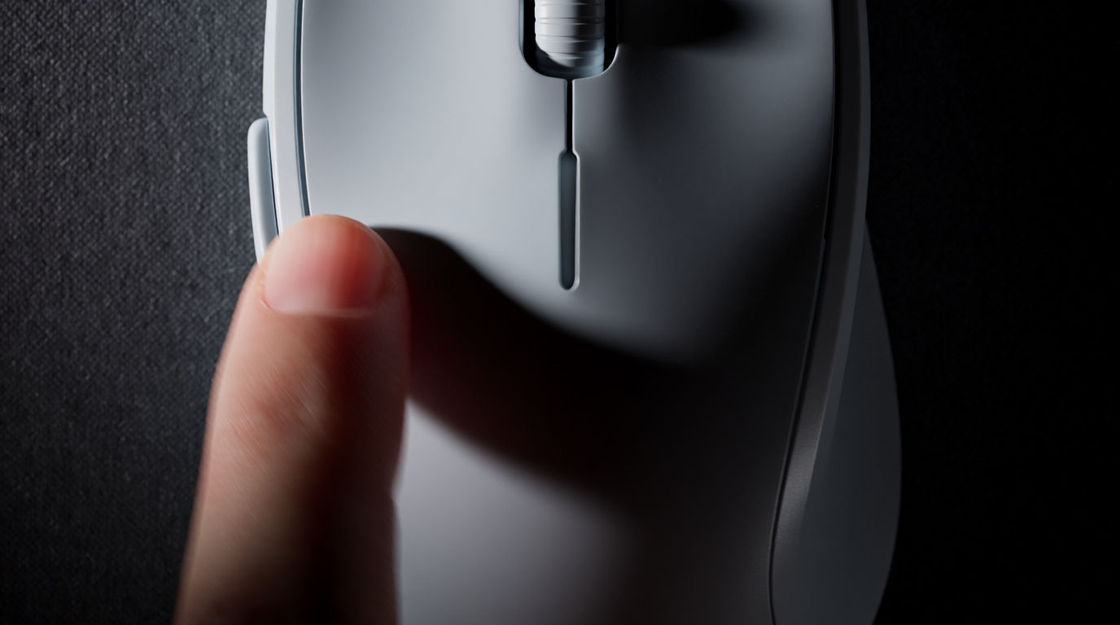
Two snaps with a very small gap, generated as one take so the spacing is already right. Aligning two separate clips by hand almost never sounds like a real double click.
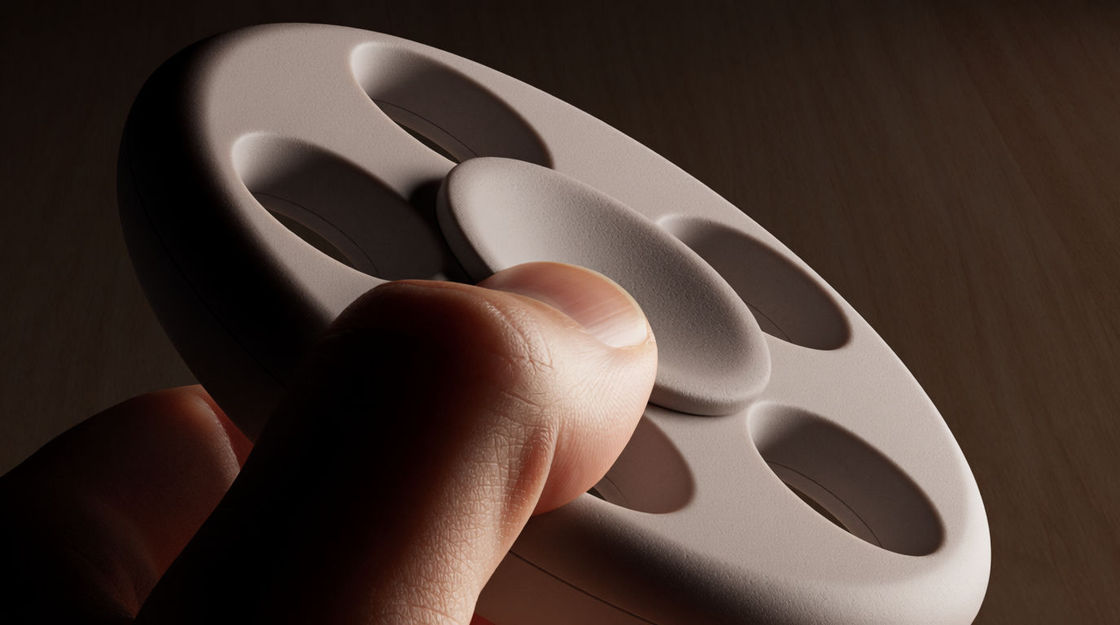
The bright top edge damped away, leaving a dull tap. Reach for it when clicks come often enough that a sharp one would start to feel like being poked.

A stiffer switch with a short solid body behind the snap. It reads as a deliberate, weighty action, which suits a confirm button better than a menu hover.
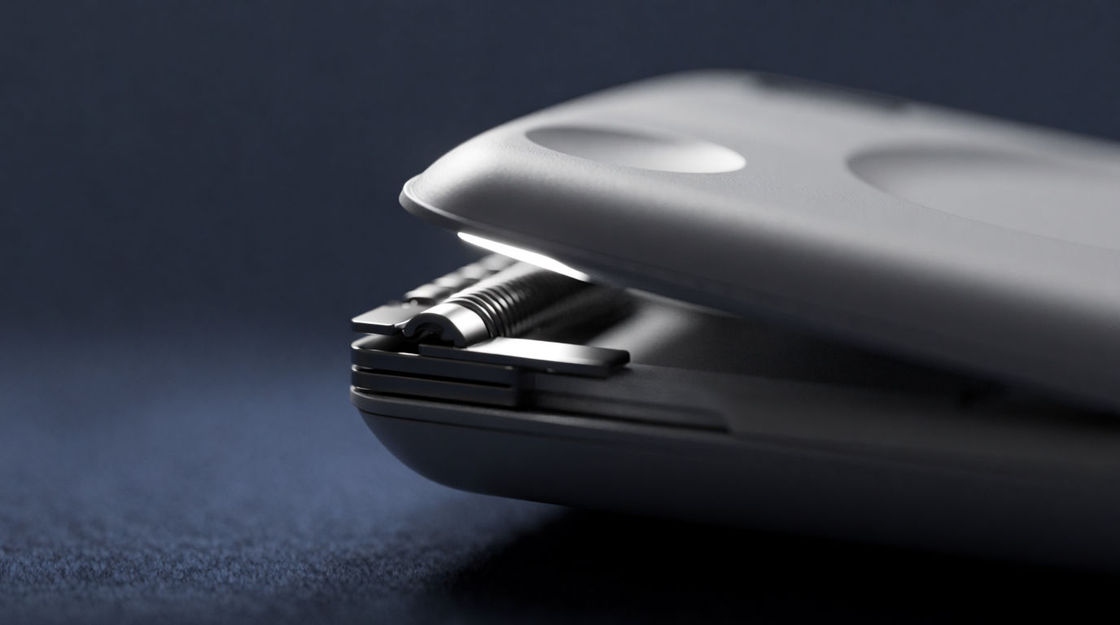
The switch going down and coming back up as two distinct edges. Interfaces that respond on release feel wrong with a single snap, and this pair fixes that.
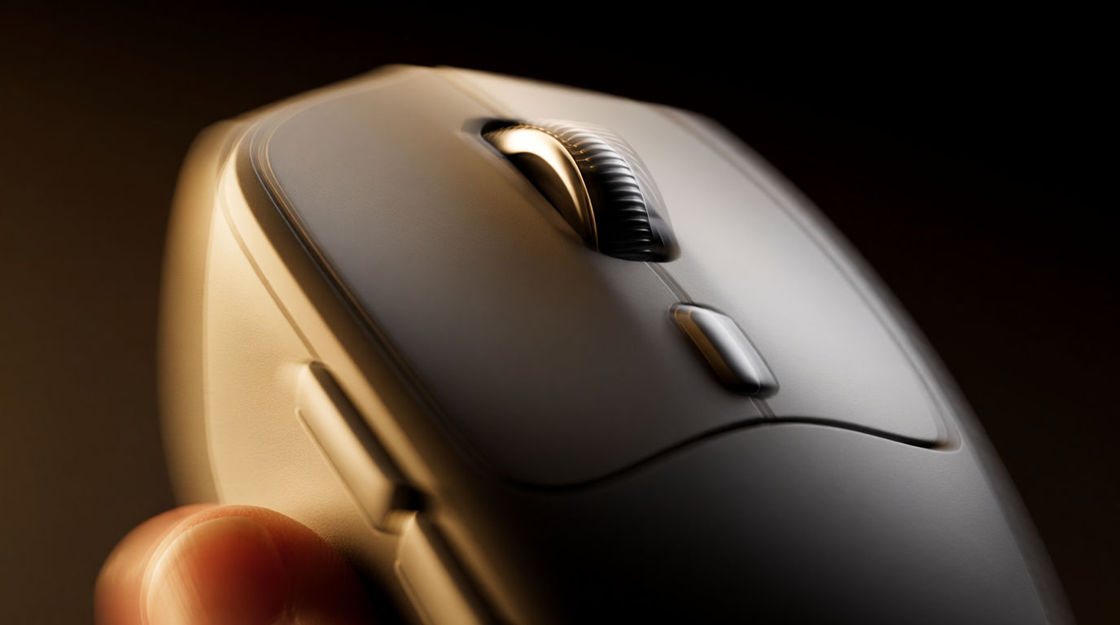
A run of clicks arriving fast and slightly unevenly, the way a real hand produces them. It carries impatience or effort without a single frame of picture.
Escolha um ponto de partida, edite o que quiser e gere no Morphic.
A single sharp snap marks the exact frame a selection lands, which is what makes a product demo, a tutorial, or a menu in a game feel responsive rather than pre-recorded.
Editar promptA muted click on every action gives a screen capture something to breathe with. Software walkthroughs and animated explainers both stop feeling like slideshows once it is there.
Editar prompt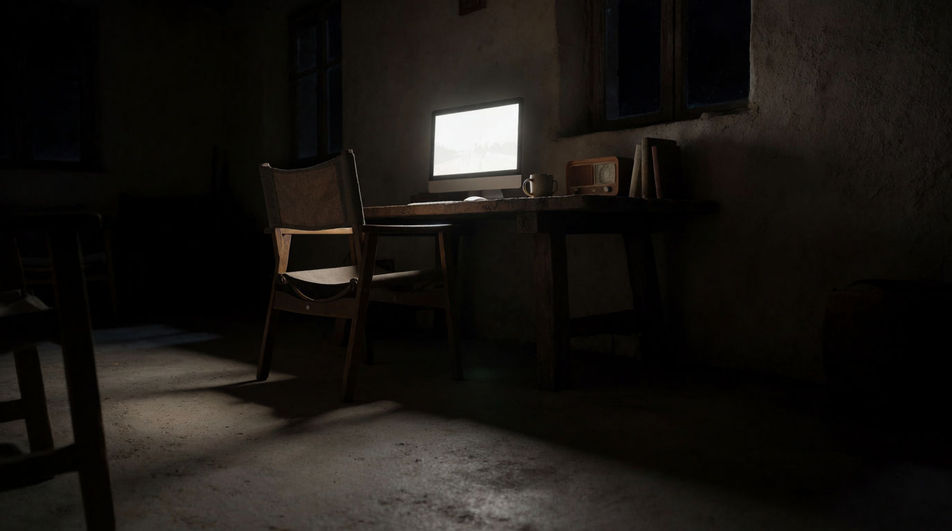
Clicks arriving fast and unevenly say the work is urgent, while slow spaced ones say it is careful. The same take can score a montage or a puzzle level.
Editar prompt
One firm click over a shot of a screen puts a person at the desk without showing them. It is a cheap way to add a character to a scene, a comic, or an audio drama.
Editar prompt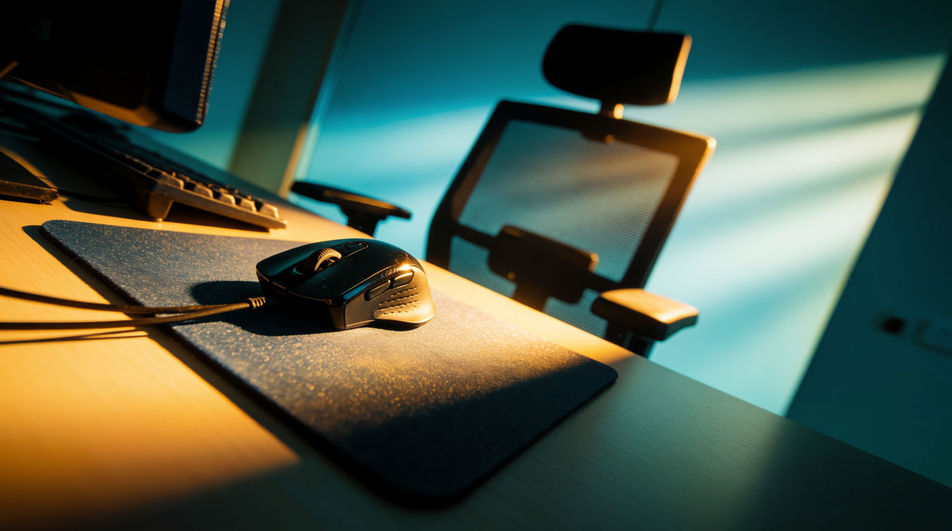
Beep sound effect
Need a beep sound effect for an interface or edit? Morphic generates crisp, short cues to your spec in seconds.
Beeper sound effects
Generate beeper sound effects with AI on Morphic. Describe the sound, pick a variation, and download MP3 or WAV for your video, game or podcast.
Bleep sound effect
Morphic builds bleep sound effects from a text prompt. Get short, clean cues sized for product UI, apps, and on screen moments.
Blip sound effects
Generate blip sound effects with AI on Morphic. Describe the sound, pick a variation, and download MP3 or WAV for your video, game or podcast.
Comece grátis hoje mesmo, com a opção de fazer upgrade ou cancelar quando quiser.
Basic
2400 mensal créditos
1 apenas usuário
Todos os modelos
Workflows
Standard
3625 mensal créditos
1 apenas usuário
Todos os modelos
Workflows
Pro
6350 compartilhado mensal créditos
1 usuário
Todos os modelos
Workflows
Max
24650 compartilhado mensal créditos
1 usuário
Todos os modelos
Workflows
Enterprise
Para limites maiores
Personalizado
termos de preços e cobrança

Free
Para experimentar
$0
grátis para sempre