Direct hyperreal anime skies in your browser with Morphic's Makoto Shinkai style AI video generator. Generate a glowing train through a sunset city or two figures under a comet trail, add a piano score with Music, and lock the look with Video Style Transfer.

Shinkai style characters you can create

Shinkai style scenes you can direct

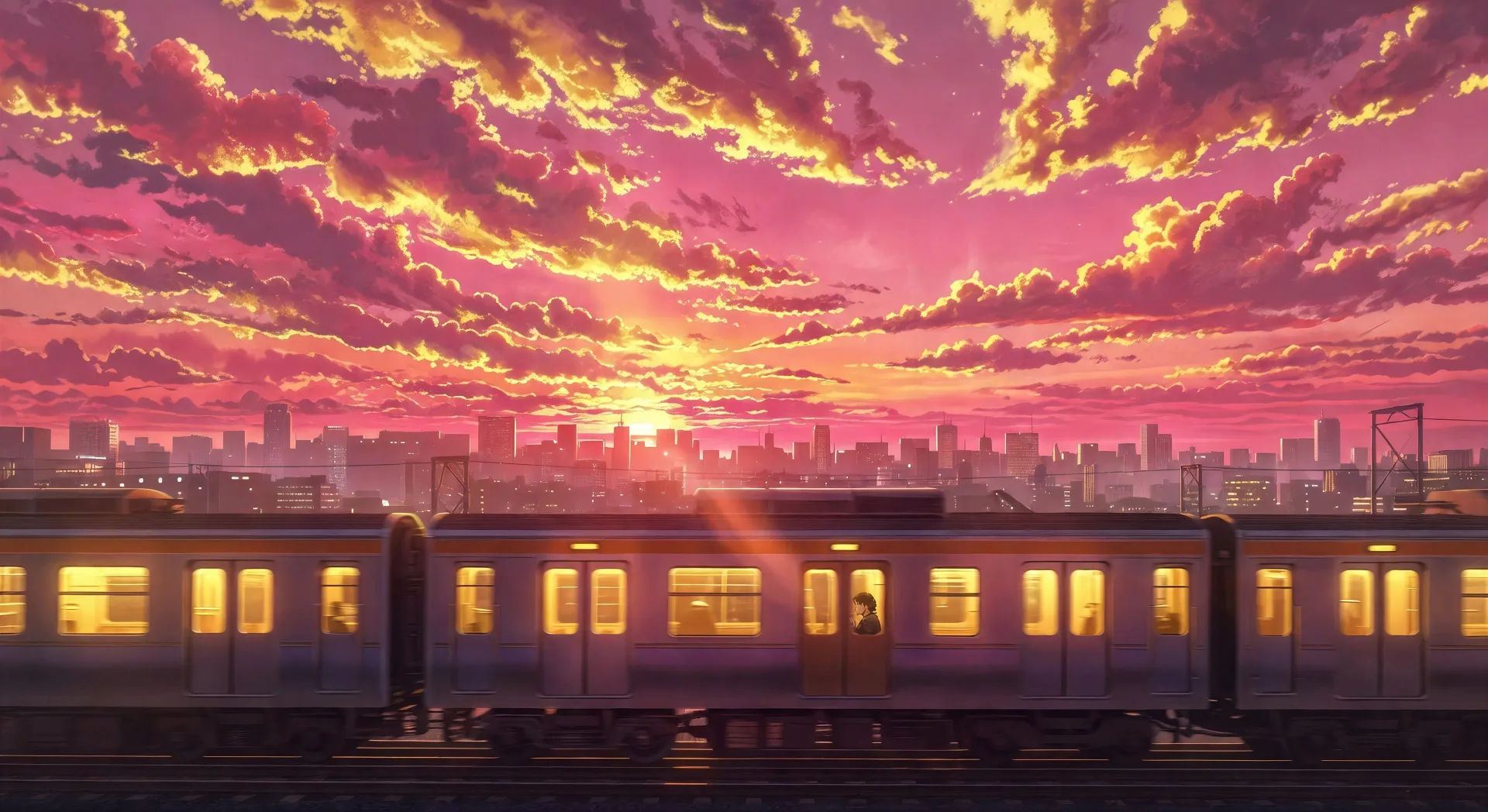
Glowing train through sunset cityscape

A commuter train glowing yellow-orange against a saturated magenta-and-gold sunset cityscape, hyperreal cloud detail above, single figure visible in the carriage window.

Editar prompt
Glowing train through sunset cityscape

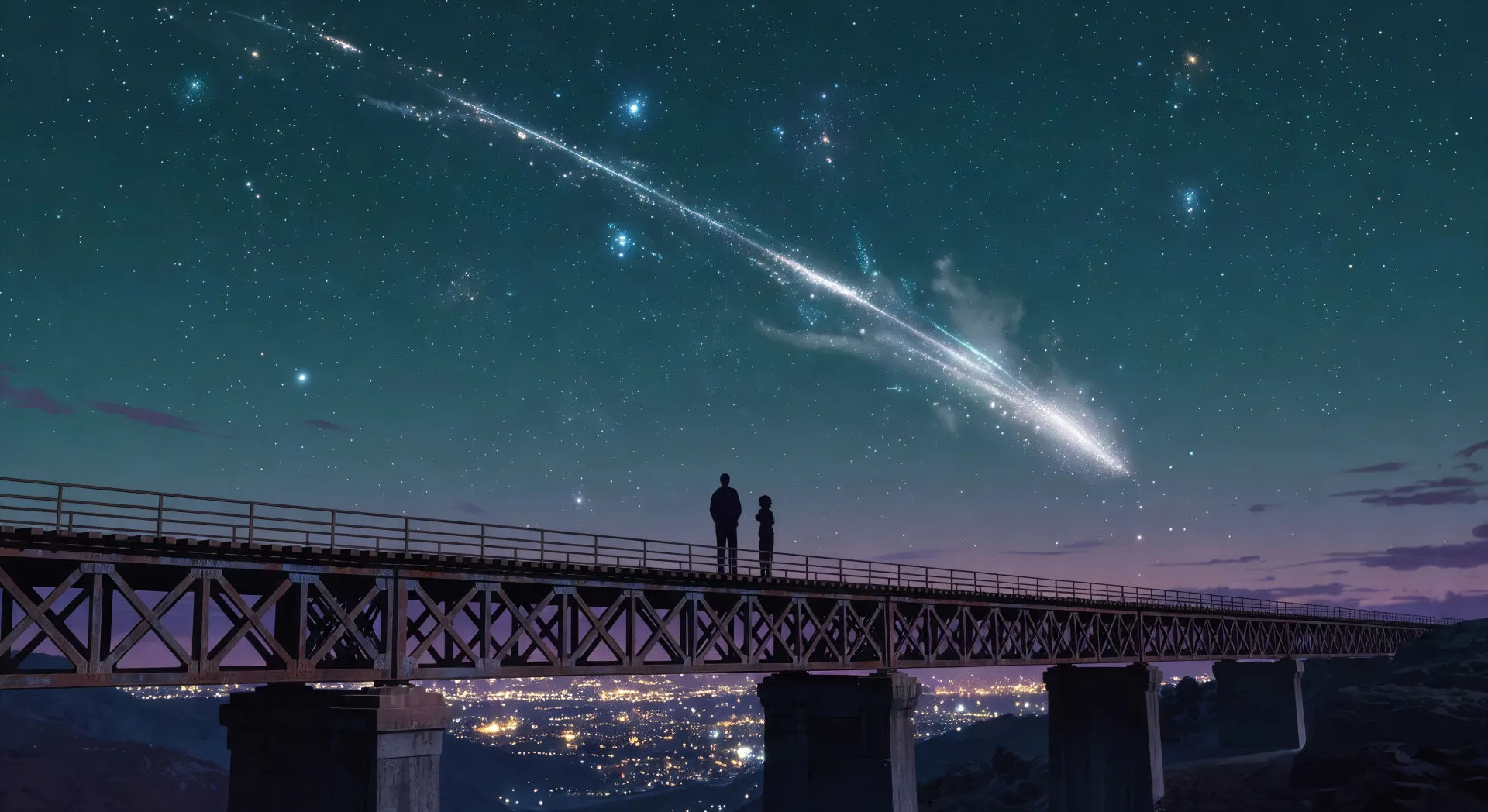
Comet trail across deep teal sky

Two silhouettes on a railway bridge at twilight, a comet trail streaking across a deep teal sky overhead, distant city lights glittering in the valley below.

Editar prompt
Comet trail across deep teal sky

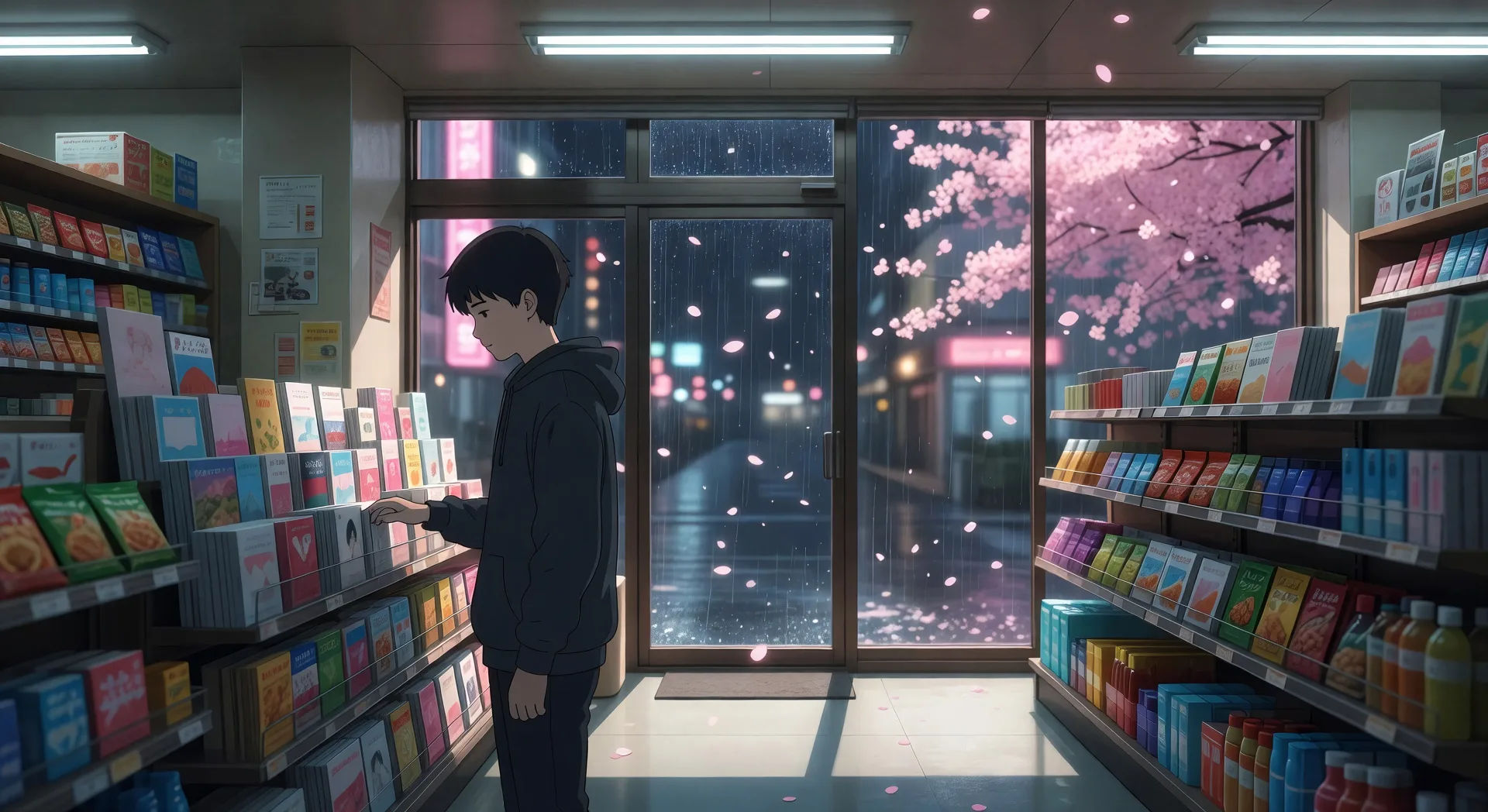
Cherry blossom convenience store window

Inside a Japanese convenience store at night, sakura petals drifting past the rain-streaked window, a single figure browsing the magazine rack under fluorescent light.

Editar prompt
Cherry blossom convenience store window

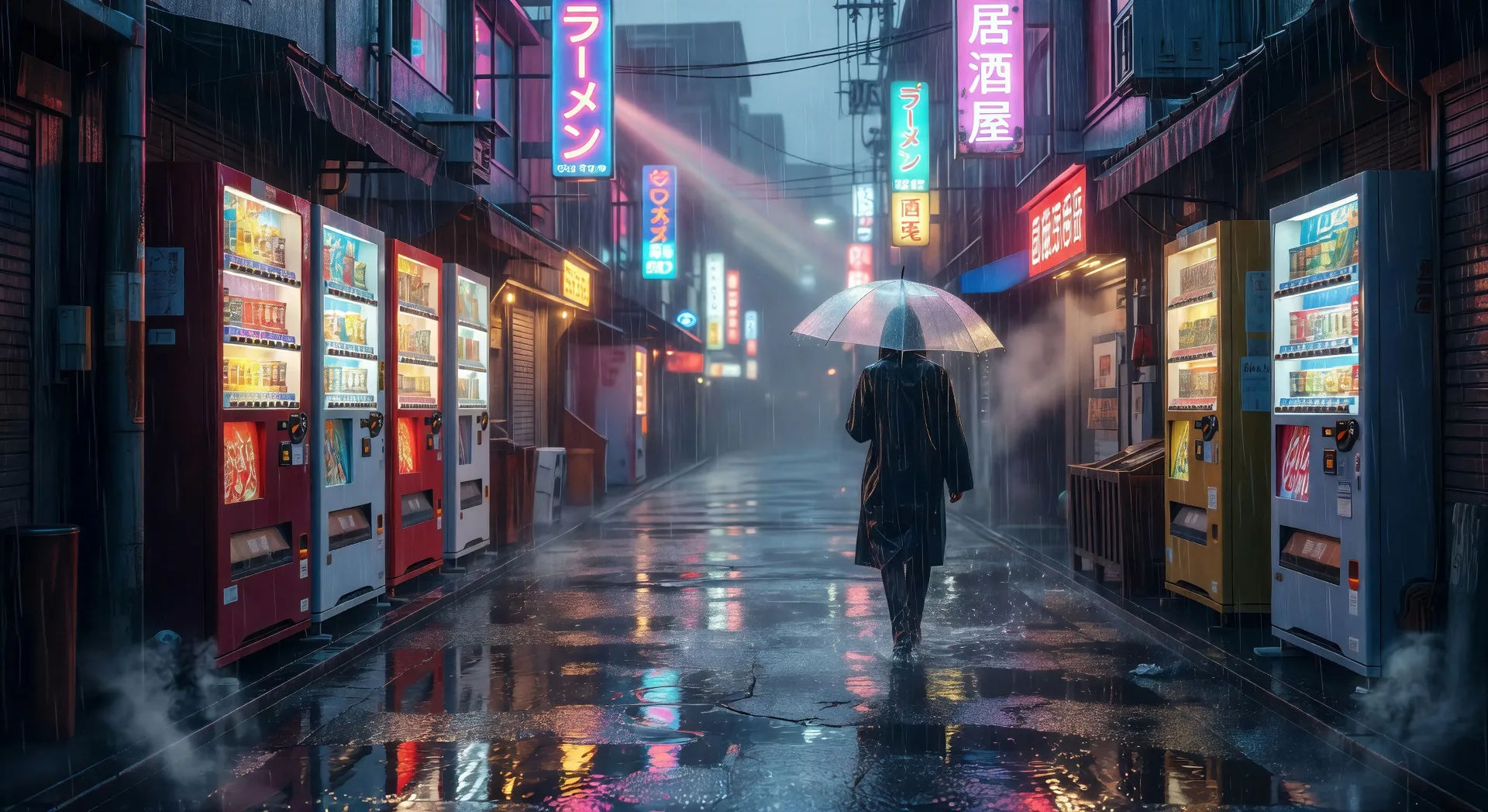
Empty Tokyo street in summer rain

A wide empty Tokyo backstreet in heavy summer rain, vending machines glowing yellow-and-red, neon signage reflecting on wet asphalt, a single umbrella figure walking away.

Editar prompt
Empty Tokyo street in summer rain

Crie vídeos de Shinkai em três passos

  1. 01

    Descreva sua cena de Shinkai

    Escreva a cena de Shinkai que você quer, em poucas palavras.

  2. 02

    Gere o vídeo

    A Morphic gera um clipe cinematográfico e pronto para uso no seu Canvas em segundos.

  3. 03

    Refine seu vídeo de Shinkai

    Ajuste o prompt, gere novas variações e depois baixe ou compartilhe a cena.

Workflows relacionados

Você também pode gostar

Preços simples

Comece grátis hoje mesmo, com a opção de fazer upgrade ou cancelar quando quiser.

Basic

$9/ mês
cobrado como $0 por ano

900 mensal créditos

1 apenas usuário

Todos os modelos

Workflows

Standard

$24/ mês
cobrado como $0 por ano

3200 mensal créditos

1 apenas usuário

Todos os modelos

Workflows

Pro

$45/ mês
cobrado como $0 por ano

6200 compartilhado mensal créditos

1 usuário

+ até 4 mais com custo adicional

Todos os modelos

Workflows

Pro Max

$170/ mês
cobrado como $0 por ano

24000 compartilhado mensal créditos

1 usuário

+ até 9 mais com custo adicional

Todos os modelos

Workflows

Enterprise

Para limites maiores

Personalizado

termos de preços e cobrança

Créditos ilimitados
Limites de vagas personalizados
Todos os modelos
Workflows
Pricing Gradient

Free

Para experimentar

$0

grátis para sempre

Até 20 créditos
apenas 1 usuário
Modelos limitados
Workflows

Perguntas frequentes

Where can I make Makoto Shinkai style videos with AI?
You can create Shinkai style videos directly in your browser on Morphic. Open the Text to Video tool, describe the scene with the saturated sky colour, the iconic element, and the camera direction spelled out, and Morphic produces the clip. No installs and no specialist software needed.
What kinds of Shinkai style scenes work best with AI video?
Single-shot moments with the studio signature: a glowing train at sunset, a comet trail across a twilight sky, a cherry blossom convenience store window, an empty Tokyo street in summer rain, a country railway crossing at sunrise, a school rooftop at golden hour. Anchor each scene to a sky colour and a single iconic element.
How do I get the saturated Shinkai sky in AI video?
Stack the sky cues. Use phrases like "saturated magenta-and-gold sky", "hyperreal cloud detail", "deep teal twilight gradient", "comet trail across the upper third", "lens flare from the setting sun". Naming the sky colour and the cloud structure is what separates a Shinkai style result from a generic anime sunset.
How do I keep Shinkai style characters consistent across scenes?
Use the Character Lineup workflow to lock in each character's face, uniform, and signature accessory before you produce any clips, then reference those cards in every shot prompt. Morphic preserves the design across countryside, urban, and station cuts so a series feels continuous.
Can I add narration and music to my Shinkai style videos?
Yes. The Speech tool generates a wistful narrative voiceover from your script, and the Music tool produces an original soundtrack in the piano-and-strings register the studio favours. Layer them onto your generated video to publish a complete Shinkai style short.
Do I need any prior animation experience to make Shinkai style videos?
No. Morphic runs in your browser and you direct it with plain-language prompts. Anyone who can describe a Shinkai style scene can produce one. After Effects, hand-painted backgrounds, and frame-by-frame inbetweening are not required.