Rua de bairro tomada ao entardecer
Uma rua de bairro coberta de destroços ao entardecer. Carros largados de portas abertas, o comércio arrombado, e ao longe, na neblina, vultos que cambaleiam.
Editar prompt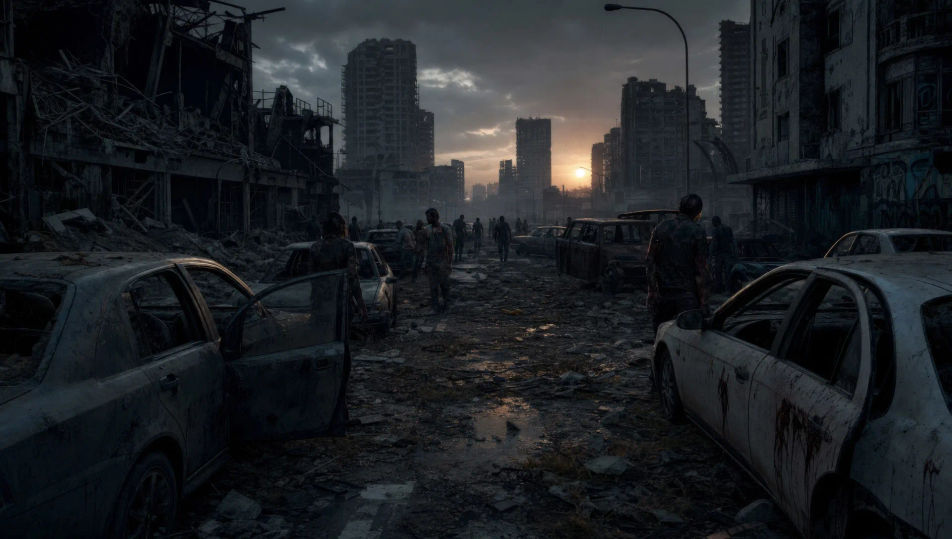
This page covers mature themes for adult audiences making film, games and other creative work.
No Morphic, o apocalipse zumbi vira vídeo em minutos com o gerador de vídeo de zumbi com IA, direto no navegador. Monte a fuga de um sobrevivente por um bairro tomado, o cerco a um mercadinho no escuro ou a horda forçando o portão. Ajuste a trilha com Music e Speech e finalize o curta no Canvas.
Uma rua de bairro coberta de destroços ao entardecer. Carros largados de portas abertas, o comércio arrombado, e ao longe, na neblina, vultos que cambaleiam.
Editar promptUm cômodo com as janelas pregadas com tábuas tortas. Uma lanterna só, sobreviventes encostados na parede, e sombras que se mexem entre as frestas.
Editar prompt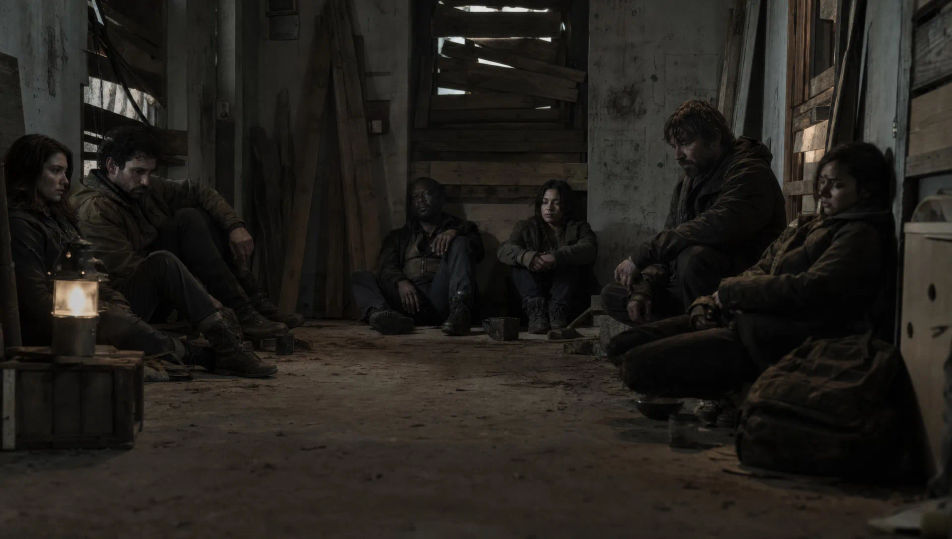
Uma rodovia parada até onde a vista alcança, cada carro vazio e coberto de poeira. As portas entreabertas, uma figura sozinha seguindo pela faixa do meio.
Editar prompt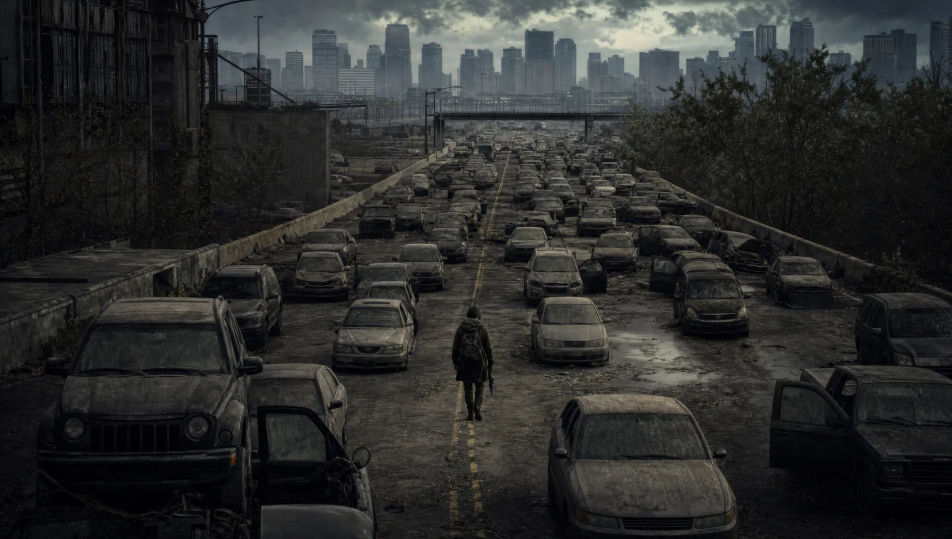
Uma multidão de corpos apodrecidos empurra uma cerca de alambrado que já cede. Braços passam pelos vãos, o arame enverga, e o refletor cega por trás.
Editar prompt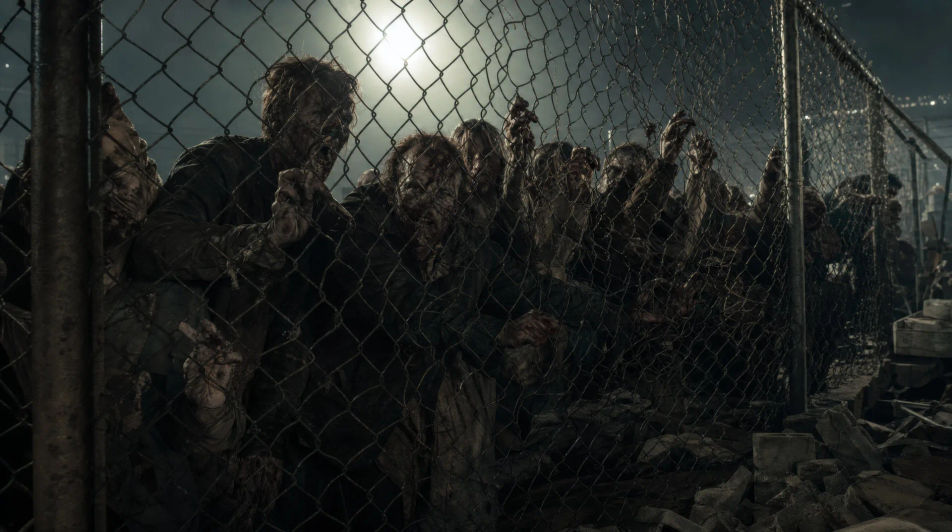
Escreva a cena de Zumbi que você quer, em poucas palavras.
A Morphic gera um clipe cinematográfico e pronto para uso no seu Canvas em segundos.
Ajuste o prompt, gere novas variações e depois baixe ou compartilhe a cena.
Cinematic time-freeze short film for any scene

Dramatize any text conversation into a cinematic multi-shot video.
One image to a 9-scene cinematic video.
Drop in a photo of yourself. Get a 12-second cinematic movie with animation and a matched soundtrack.

Share a scene description with character references. Get a full storyboard with shot angles and mood.

Feed in a single image. Get 9 cinematic beats laid out as a 3x3 storyboard grid.
Vídeos de terror com IA
Crie vídeos de terror no Morphic. Casas mal-assombradas, florestas com neblina e corredores com a luz piscando a partir de prompts em texto simples.
Vídeos de monstro com IA
Crie vídeos de monstro no Morphic: criaturas originais, feras na neblina, monstros de lago e cenas de ameaça oculta a partir de prompts simples.
Vídeos de ficção científica com IA
Crie vídeos de ficção científica no Morphic: naves estelares, mundos alienígenas e estações espaciais a partir de um prompt em texto, sem instalar nada.
Frankenstein AI Videos
Create Frankenstein scenes, the Ingolstadt lab, the creature's first breath, Mont Blanc, the De Lacey cottage, and the Arctic chase with Morphic. Generate gothic sci-fi videos from a single prompt.
Comece grátis hoje mesmo, com a opção de fazer upgrade ou cancelar quando quiser.
Basic
2400 mensal créditos
1 apenas usuário
Todos os modelos
Workflows
Standard
3625 mensal créditos
1 apenas usuário
Todos os modelos
Workflows
Pro
6350 compartilhado mensal créditos
1 usuário
Todos os modelos
Workflows
Max
24650 compartilhado mensal créditos
1 usuário
Todos os modelos
Workflows
Enterprise
Para limites maiores
Personalizado
termos de preços e cobrança

Free
Para experimentar
$0
grátis para sempre
Everything on this page is fictional depiction for film, games and creative work. It does not depict real events, and does not place real, identifiable people in them.
Results vary by model. Some models apply stricter content policies than others, so a shot one model declines may generate on another.