The creature's first breath
In an apparatus-cluttered Ingolstadt laboratory at midnight, the creature opens a yellow eye on the slab as lightning forks at the high window and rain hammers the glass, Victor recoiling from his own work.
Editar prompt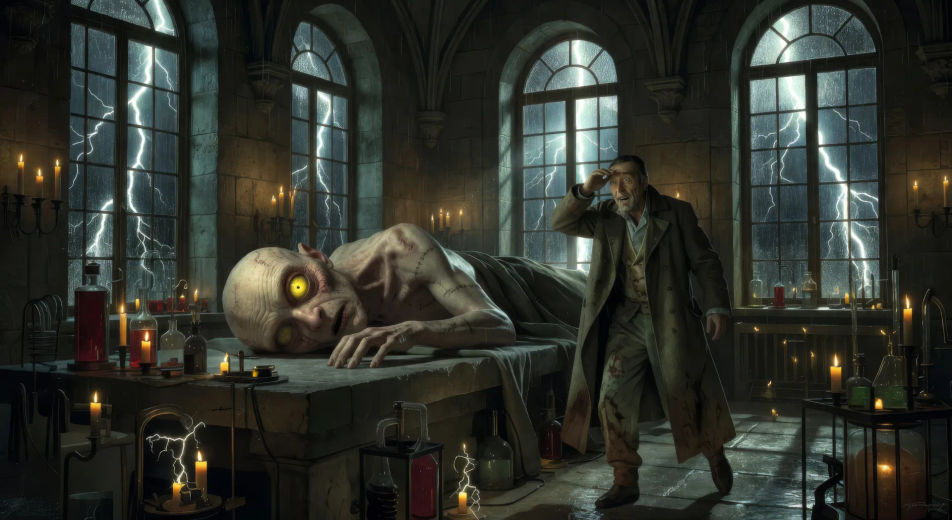
Direct Mary Shelley's gothic in your browser with Morphic's Frankenstein AI video generator. Generate the creature opening a yellow eye or the Mer de Glace confrontation, layer Walton's letters with Speech and Music, then stitch a gothic-sci-fi episode.
In an apparatus-cluttered Ingolstadt laboratory at midnight, the creature opens a yellow eye on the slab as lightning forks at the high window and rain hammers the glass, Victor recoiling from his own work.
Editar promptIn the gray dawn after the animation, Victor runs headlong down a winding Ingolstadt staircase in a stained shirt, the apartment door swung open behind him on a glimpse of moving shadow.
Editar prompt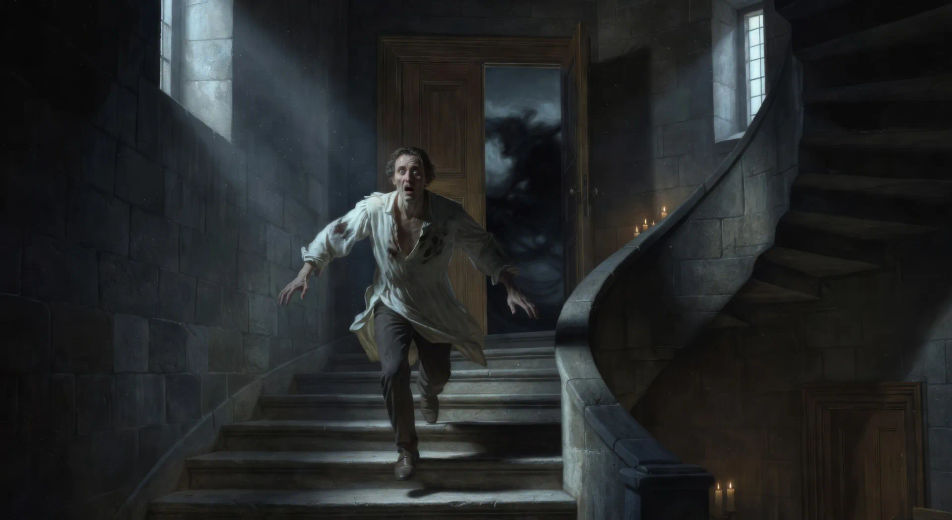
On the blue ice of the Mer de Glace under low cloud, Victor in a heavy travelling coat faces the creature across a crevasse, the wall of Mont Blanc rising white above them, wind moving snow.
Editar prompt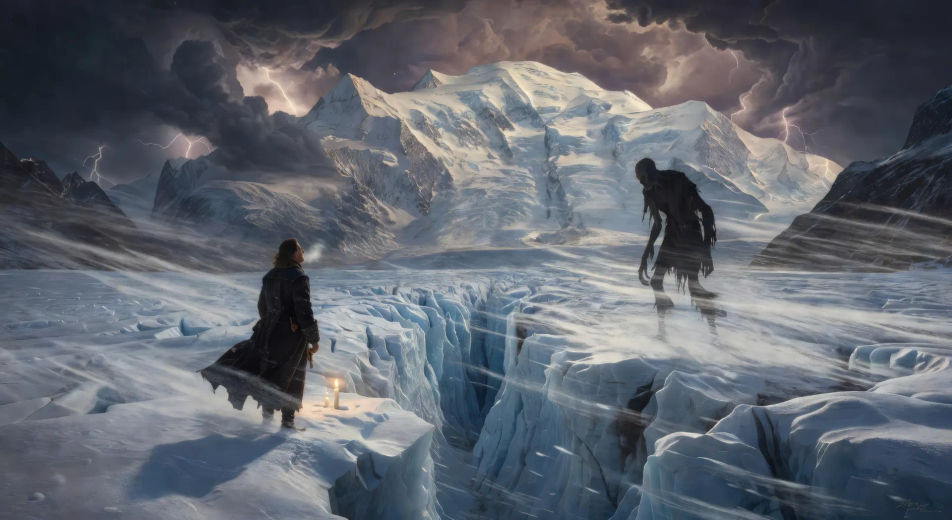
Through the cracks of a forest cottage wall at evening, the blind De Lacey listens at the fire while the creature stands hidden outside in the dusk, learning a language word by word.
Editar prompt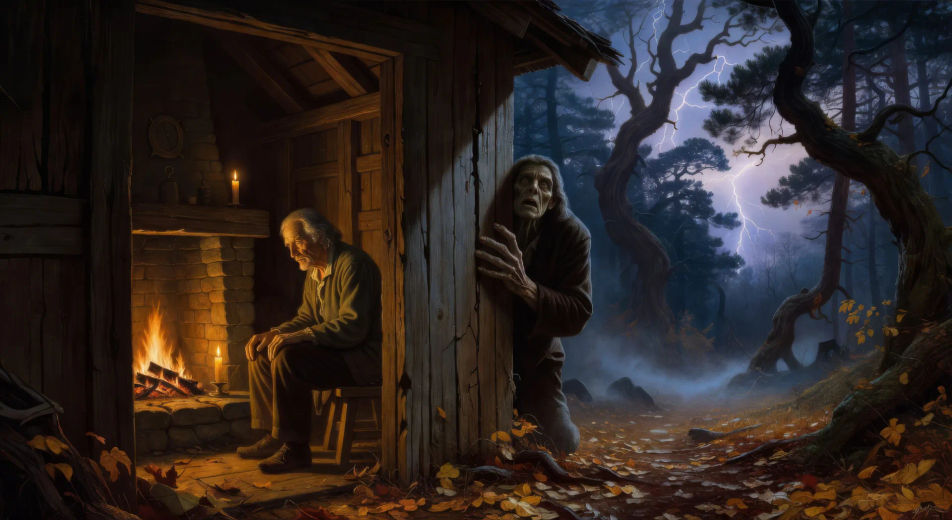
Escreva a cena de Frankenstein que você quer, em poucas palavras.
A Morphic gera um clipe cinematográfico e pronto para uso no seu Canvas em segundos.
Ajuste o prompt, gere novas variações e depois baixe ou compartilhe a cena.

Share a scene description with character references. Get a full storyboard with shot angles and mood.

Feed in a single image. Get 9 cinematic beats laid out as a 3x3 storyboard grid.
One image to a 9-scene cinematic video.

Take any character image and generate 6 distinct facial expressions on a single reference sheet.
Cinematic time-freeze short film for any scene
Drop in a photo of yourself. Get a 12-second cinematic movie with animation and a matched soundtrack.
Vídeos de clássicos de domínio público com IA
Crie vídeos com Sherlock Holmes, Drácula, Frankenstein, Alice no País das Maravilhas e outros clássicos no Morphic. Gere cenas do cânone do século dezenove.
Vídeos de Drácula com IA
Crie cenas de Drácula com IA no Morphic: castelo dos Cárpatos, o Demeter em Whitby e as noivas. Vídeos de horror gótico a partir de um único prompt.
Jekyll and Hyde AI Videos
Create Jekyll and Hyde scenes, the laboratory, the transformation, the Soho rooms, the Carew murder, and the lawyer Utterson narration with Morphic. Generate Victorian gothic videos from a single prompt.
War of the Worlds AI Videos
Create War of the Worlds scenes, the cylinder at Horsell Common, the tripod fighting-machines, the heat-ray, the empty Thames, and the red weed of London with Morphic. Generate H.G. Wells videos from a single prompt.
Comece grátis hoje mesmo, com a opção de fazer upgrade ou cancelar quando quiser.
Basic
2400 mensal créditos
1 apenas usuário
Todos os modelos
Workflows
Standard
3625 mensal créditos
1 apenas usuário
Todos os modelos
Workflows
Pro
6350 compartilhado mensal créditos
1 usuário
Todos os modelos
Workflows
Max
24650 compartilhado mensal créditos
1 usuário
Todos os modelos
Workflows
Enterprise
Para limites maiores
Personalizado
termos de preços e cobrança

Free
Para experimentar
$0
grátis para sempre