Product · Jan 22, 2026
Introducing Multi Character Tag
Today, we're excited to introduce Multi Character Tag.
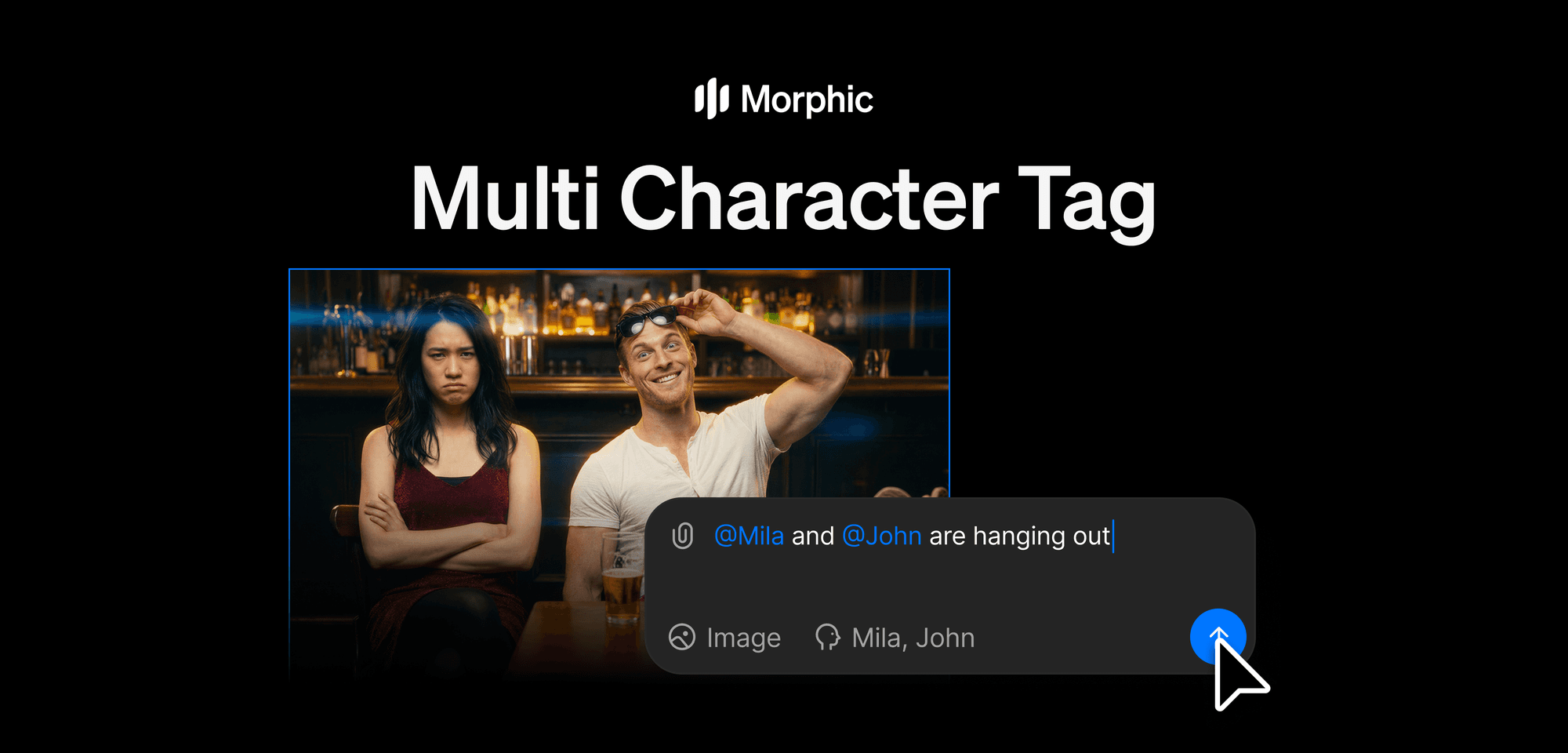
Today, we're excited to introduce Multi Character Tag.
You can now tag multiple characters while generating with AI on Morphic.
Here's a quick tutorial on how to use Multi Character Tag:
This ensures your characters stay consistent across different generations and frames, resulting in smoother continuity and more coherent storytelling.
Open Morphic on your desktop (https://morphic.com). Open Canvas, go to the prompt bar, and select multiple characters you'd like to include in your image generation.
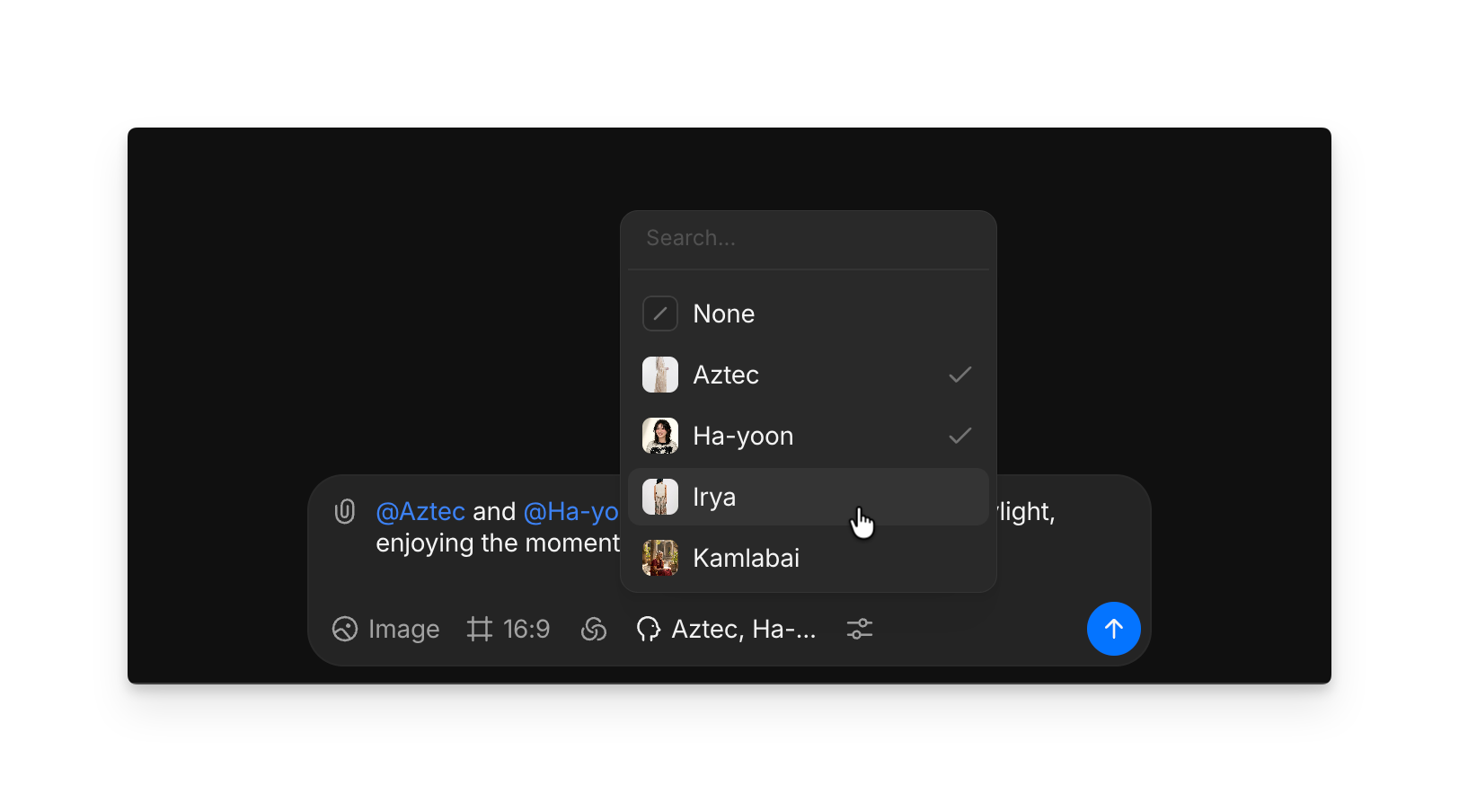
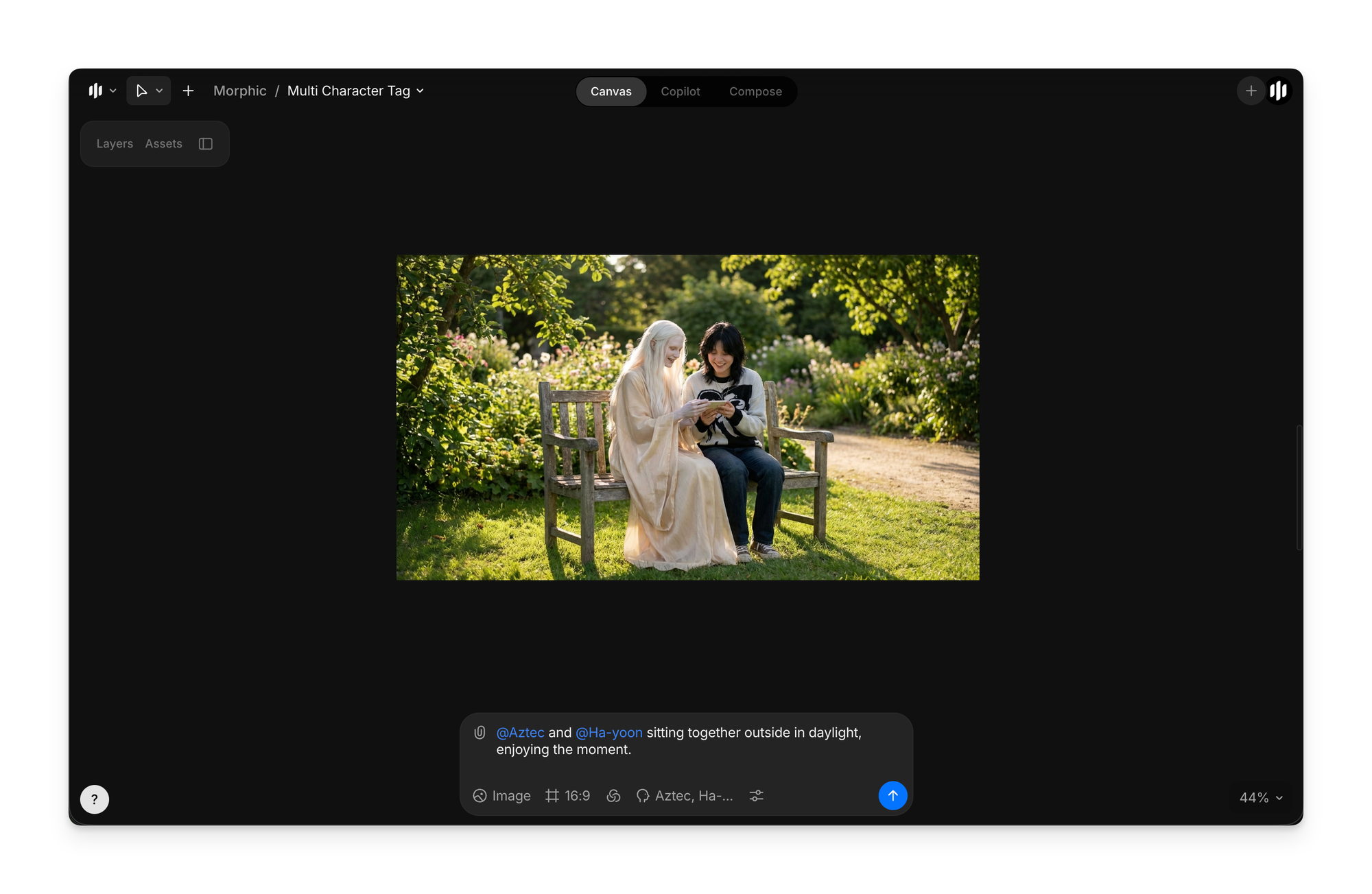
Press the arrow button to generate, and Morphic will generate images while maintaining consistency with multiple characters across generations.
And it doesn’t stop at just two. You can tag up to 7 characters simultaneously for richer, multi-character scenes!
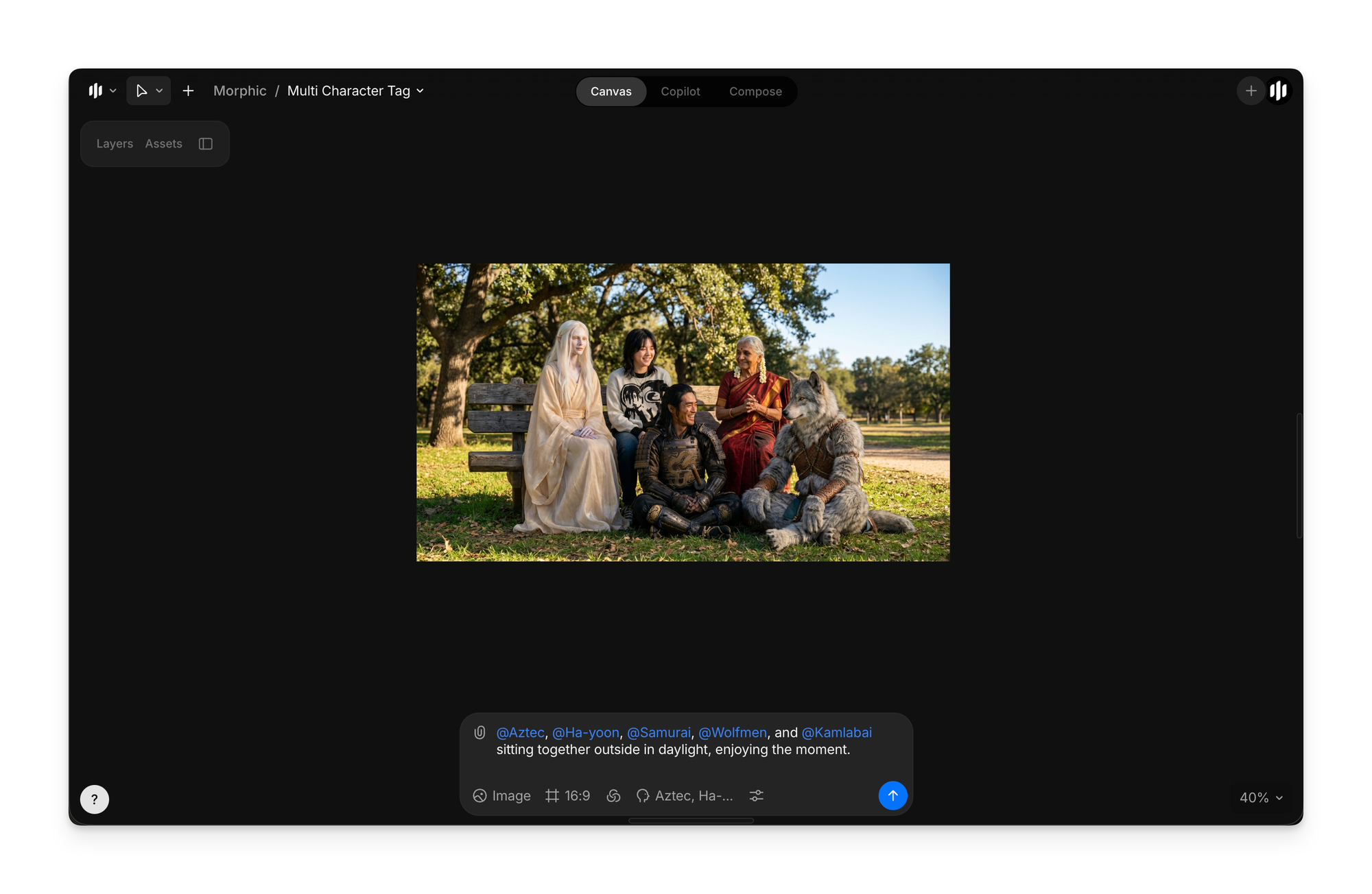
This ensures your characters stay consistent across different generations and frames, resulting in smoother continuity and more coherent storytelling.
Try Multi Character Tag now on Morphic, or check out the launch on X.