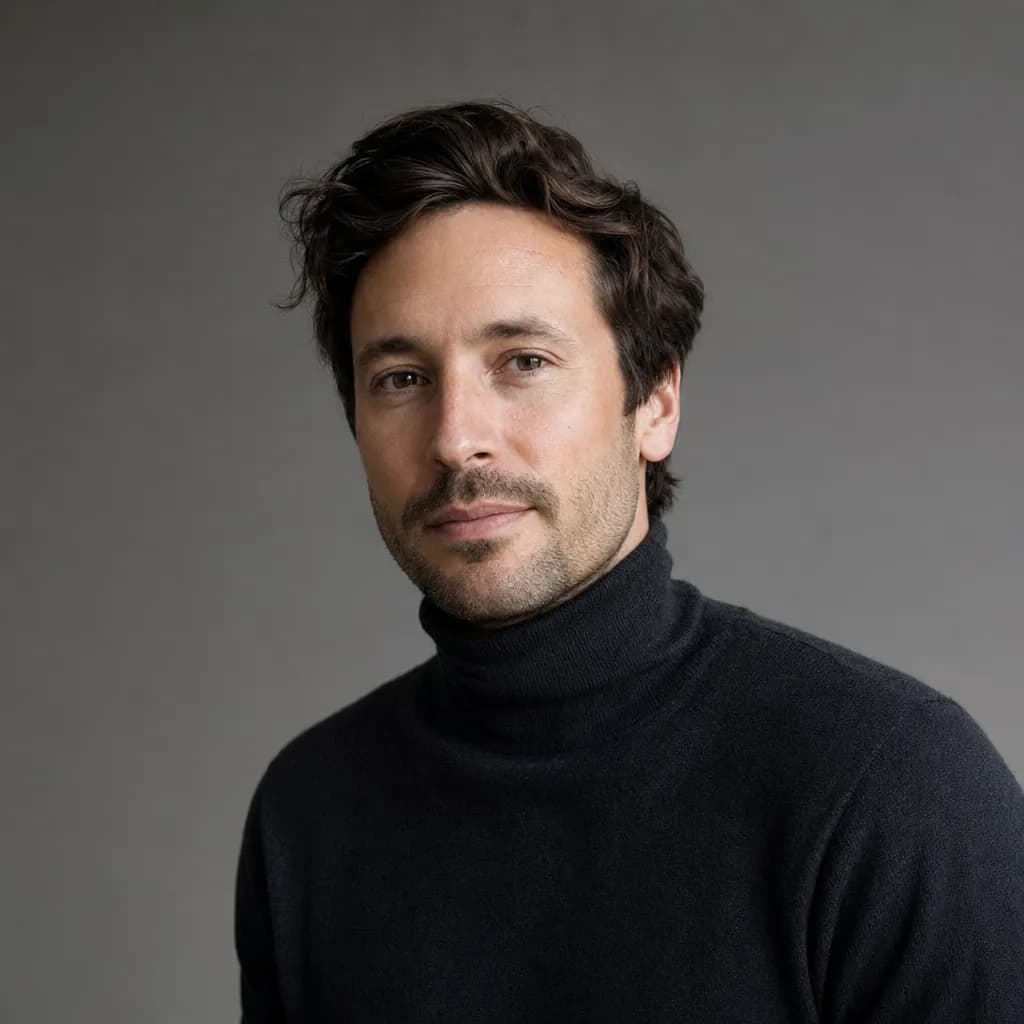
사실적인 인물 사진

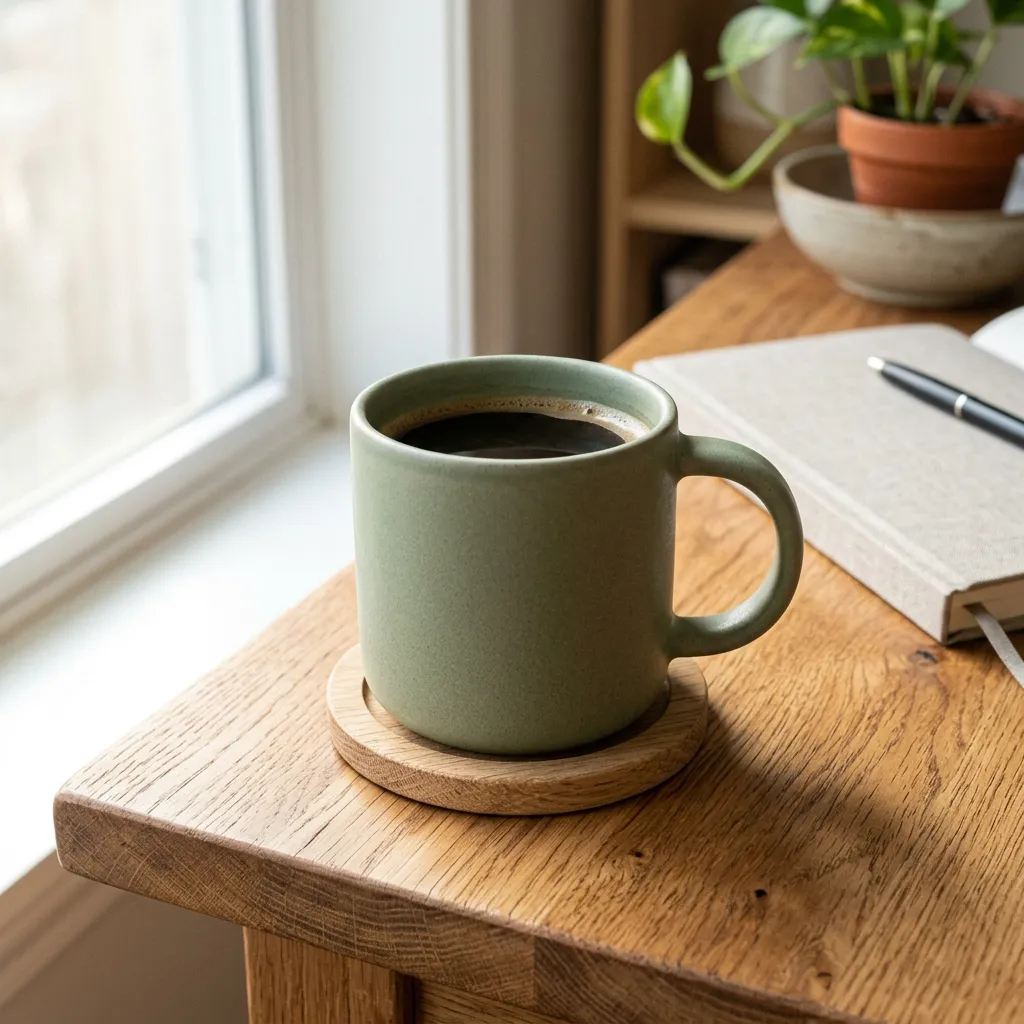
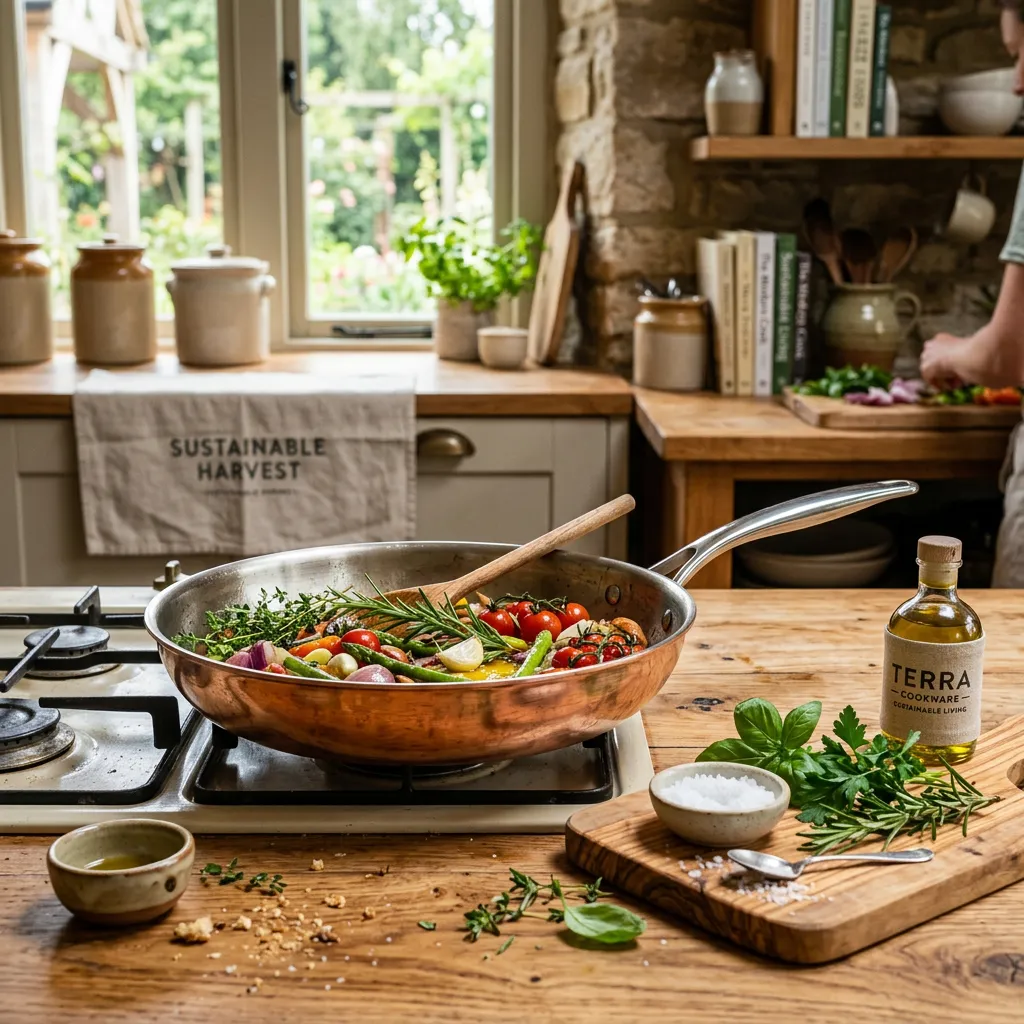
이커머스 제품 사진

텍스트 비중이 큰 영화 포스터
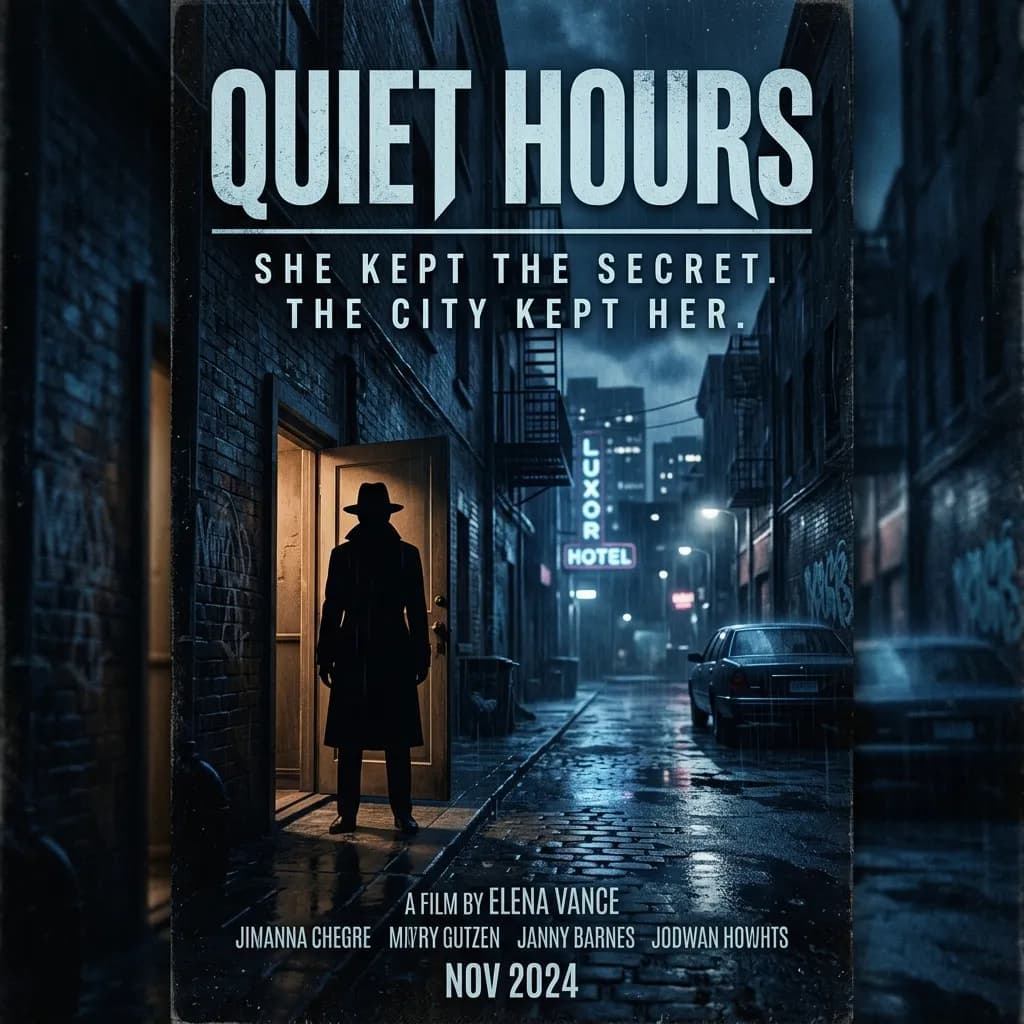
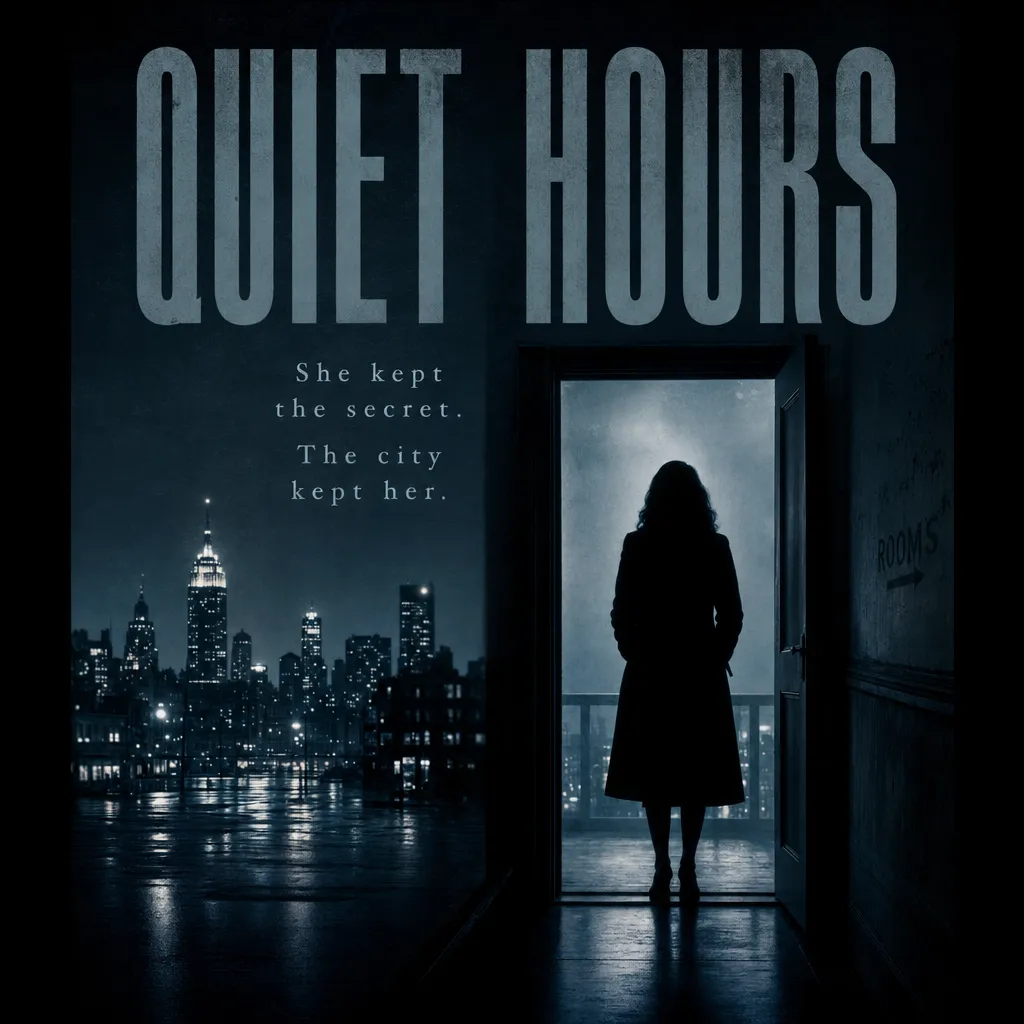
"Quiet Hours"라는 제목의 영화 포스터, 네오누아르 감성, 상단에 큰 타이틀, 그 아래 "She kept the secret. The city kept her."라고 적힌 세 줄 태그라인, 문가에 선 인물의 실루엣 하나, 차분한 블루 팔레트.
다국어 간판
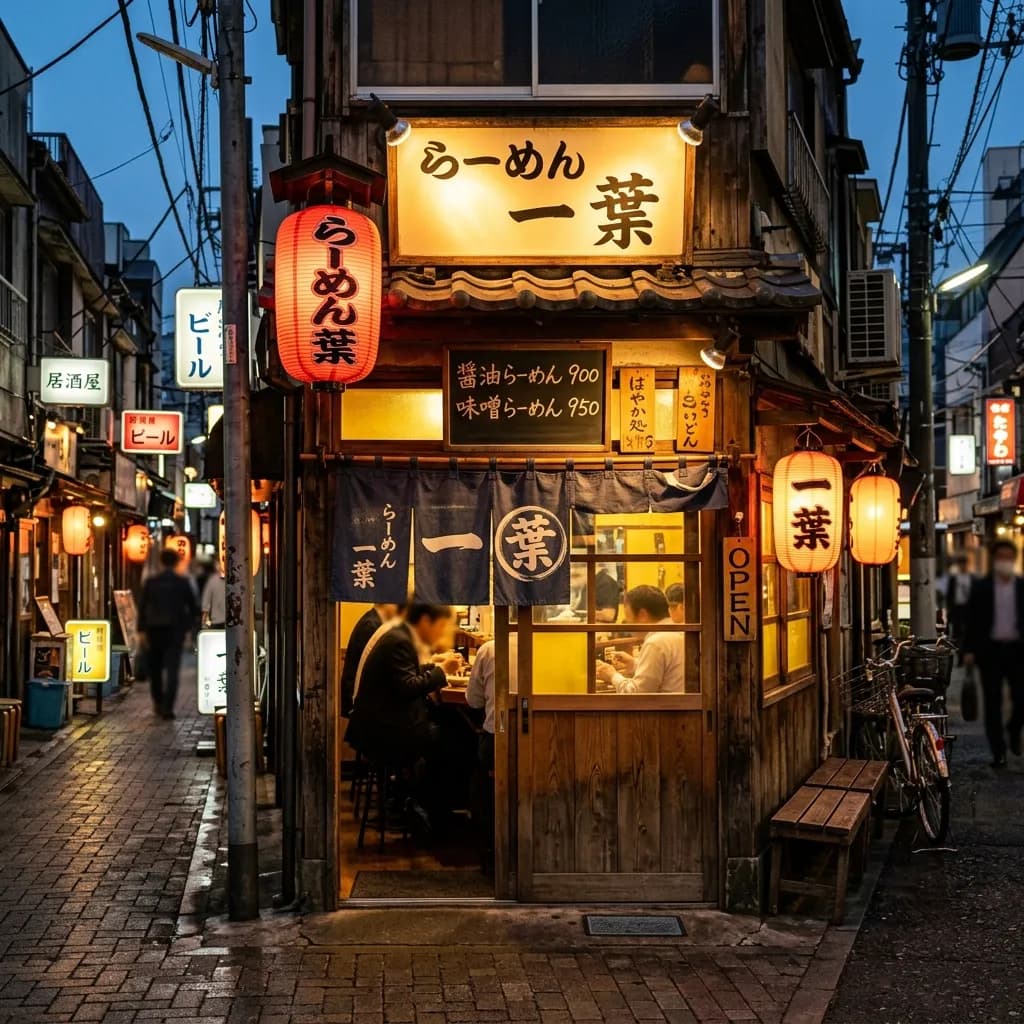
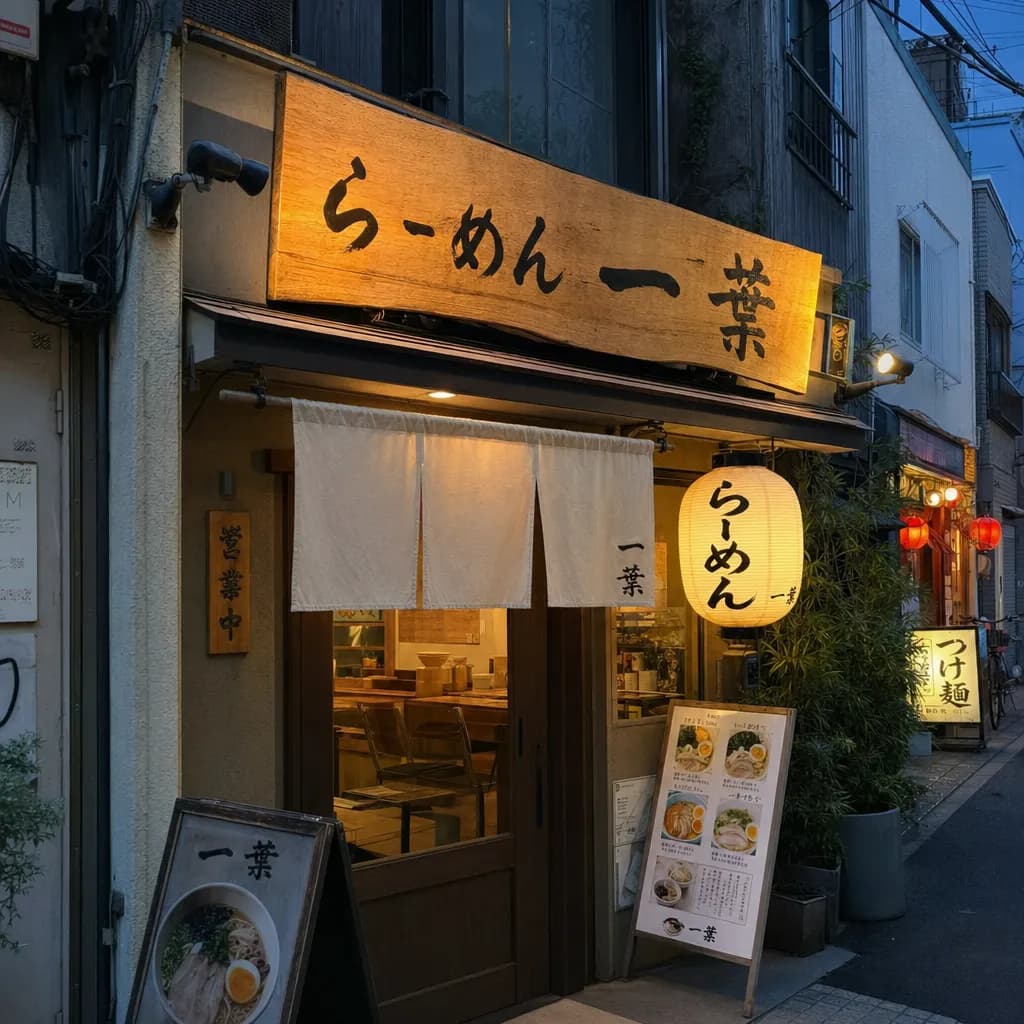
멀티 패널 만화
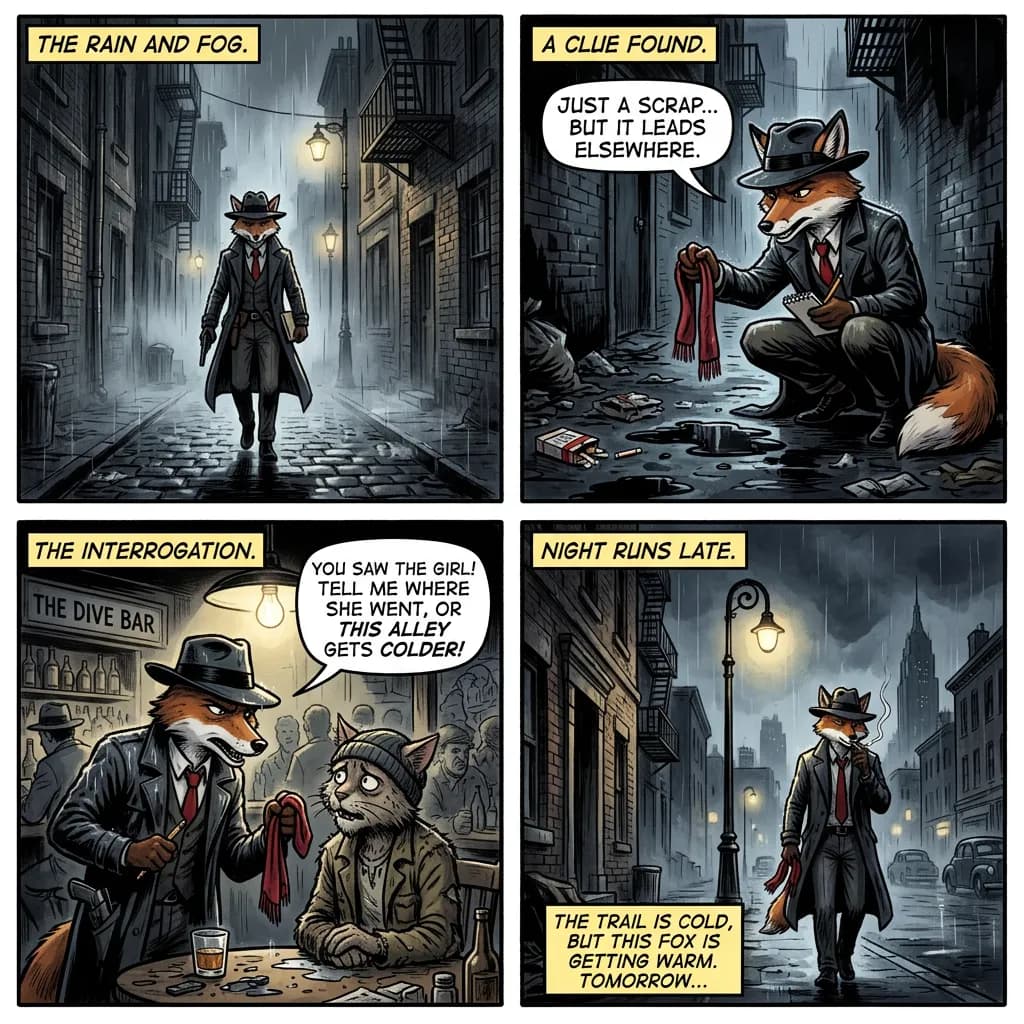
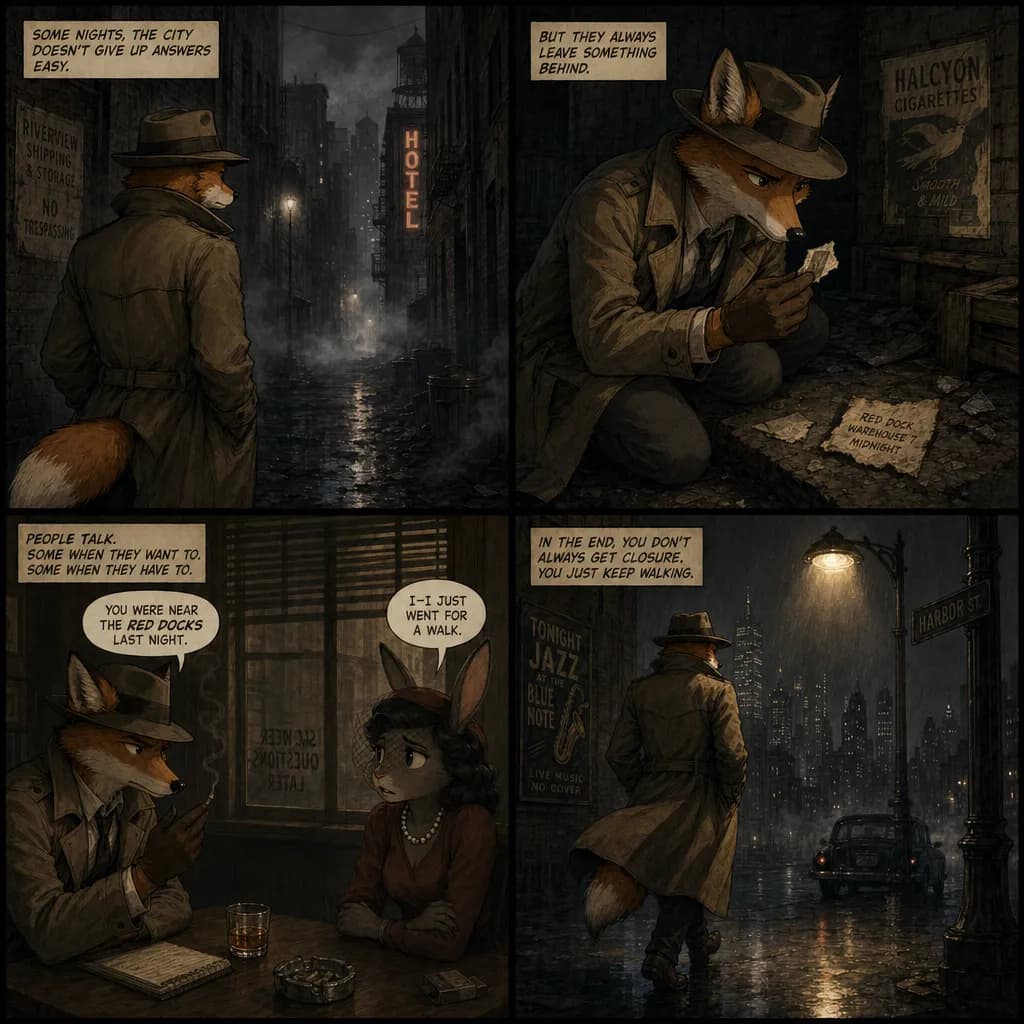
1940년대 누아르 도시를 배경으로 한 여우 탐정의 4컷 만화. Panel 1: 안개 낀 골목으로 걸어 들어간다. Panel 2: 단서를 발견한다. Panel 3: 목격자를 심문한다. Panel 4: 가로등 아래로 걸어 나간다. 전체에 걸쳐 같은 캐릭터, 일관된 스타일.
주석이 포함된 인포그래픽
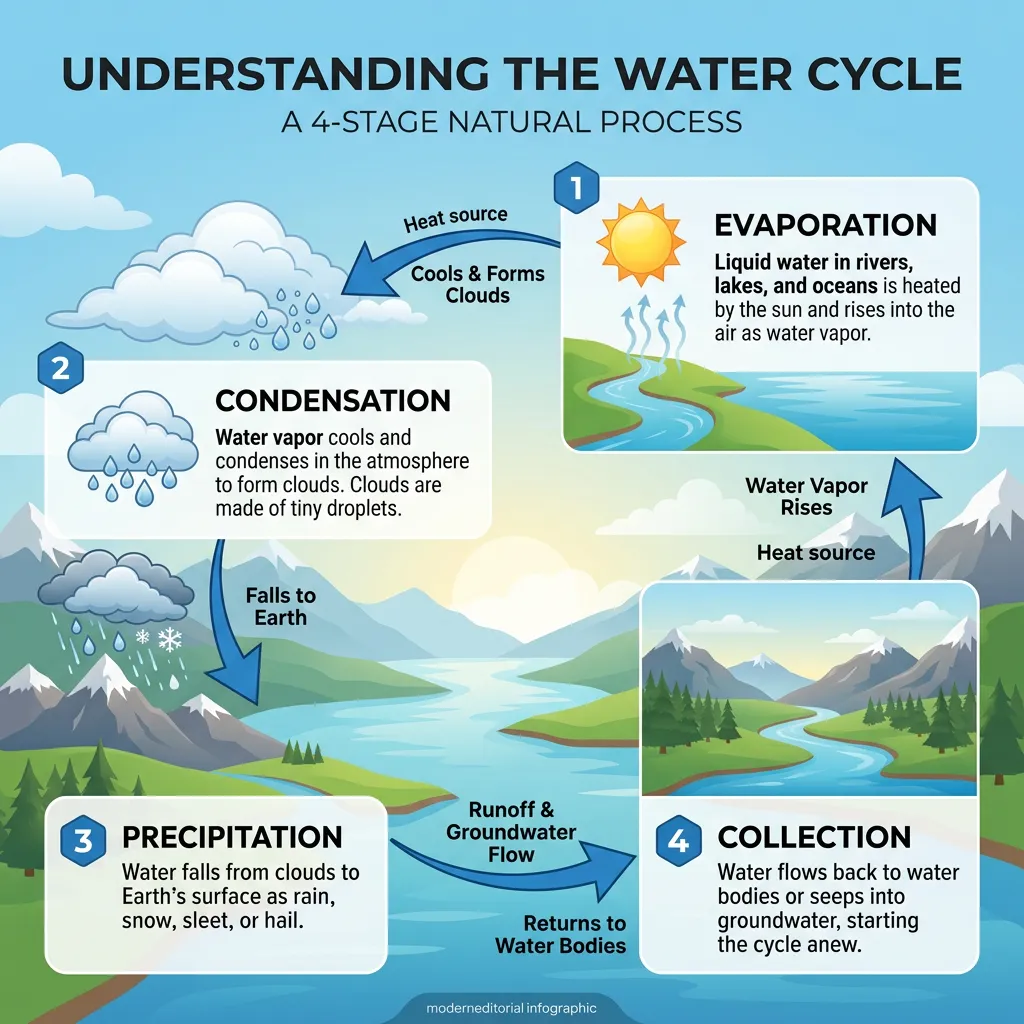
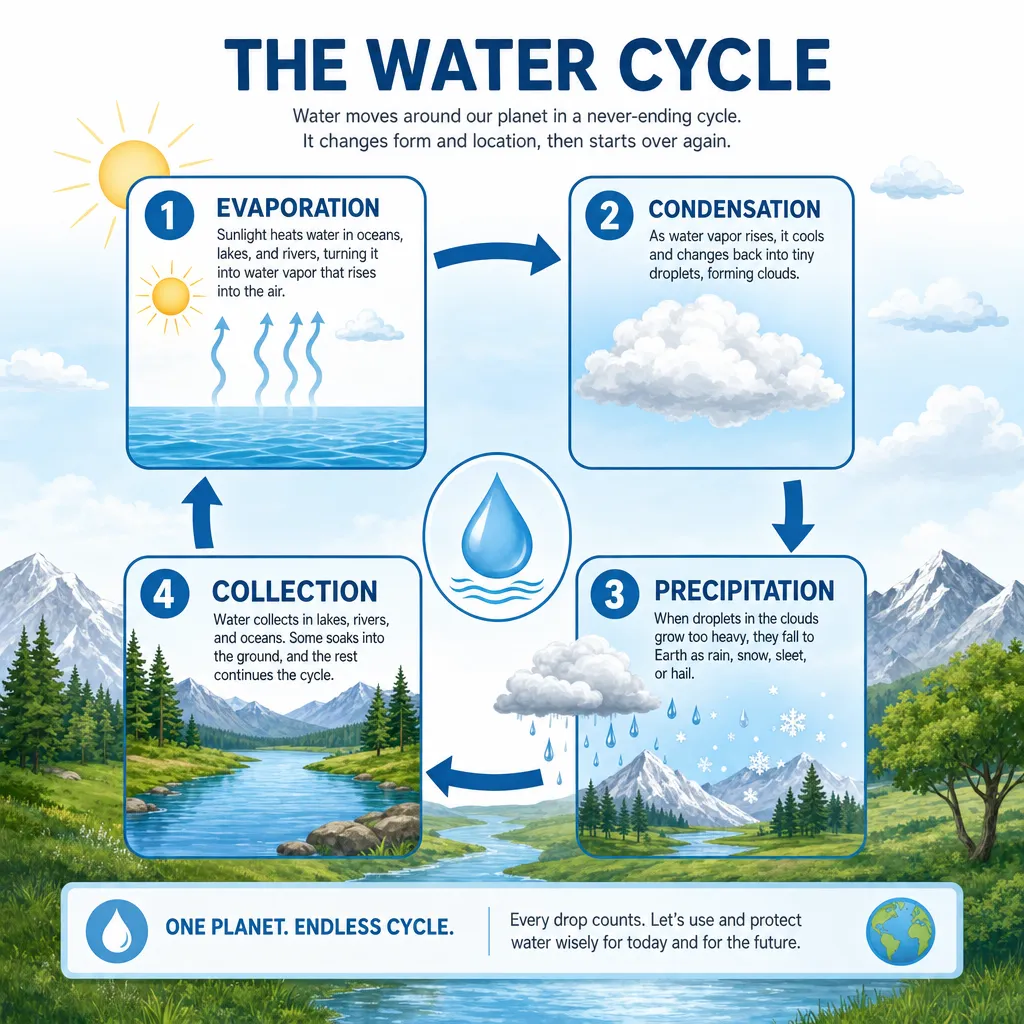
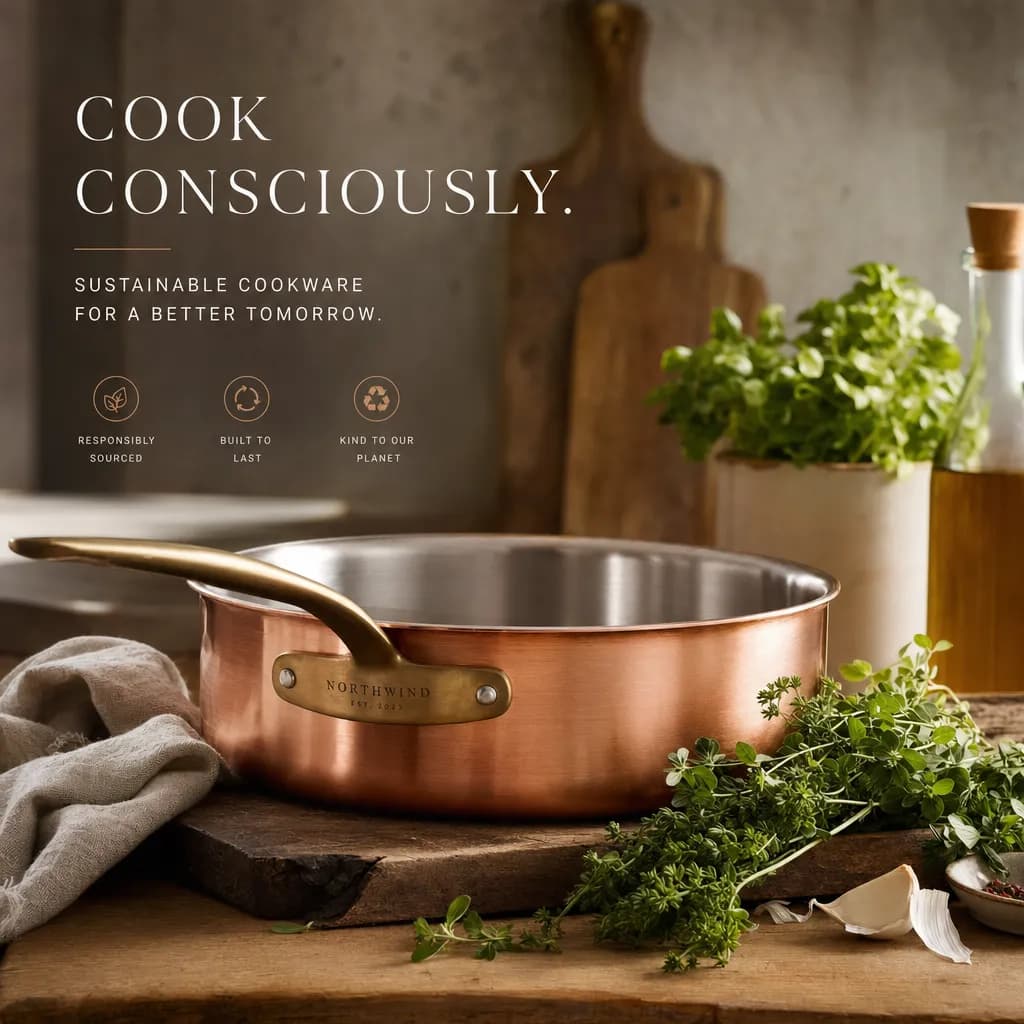
브랜드 캠페인 히어로 이미지
수채화 풍 스타일 일러스트
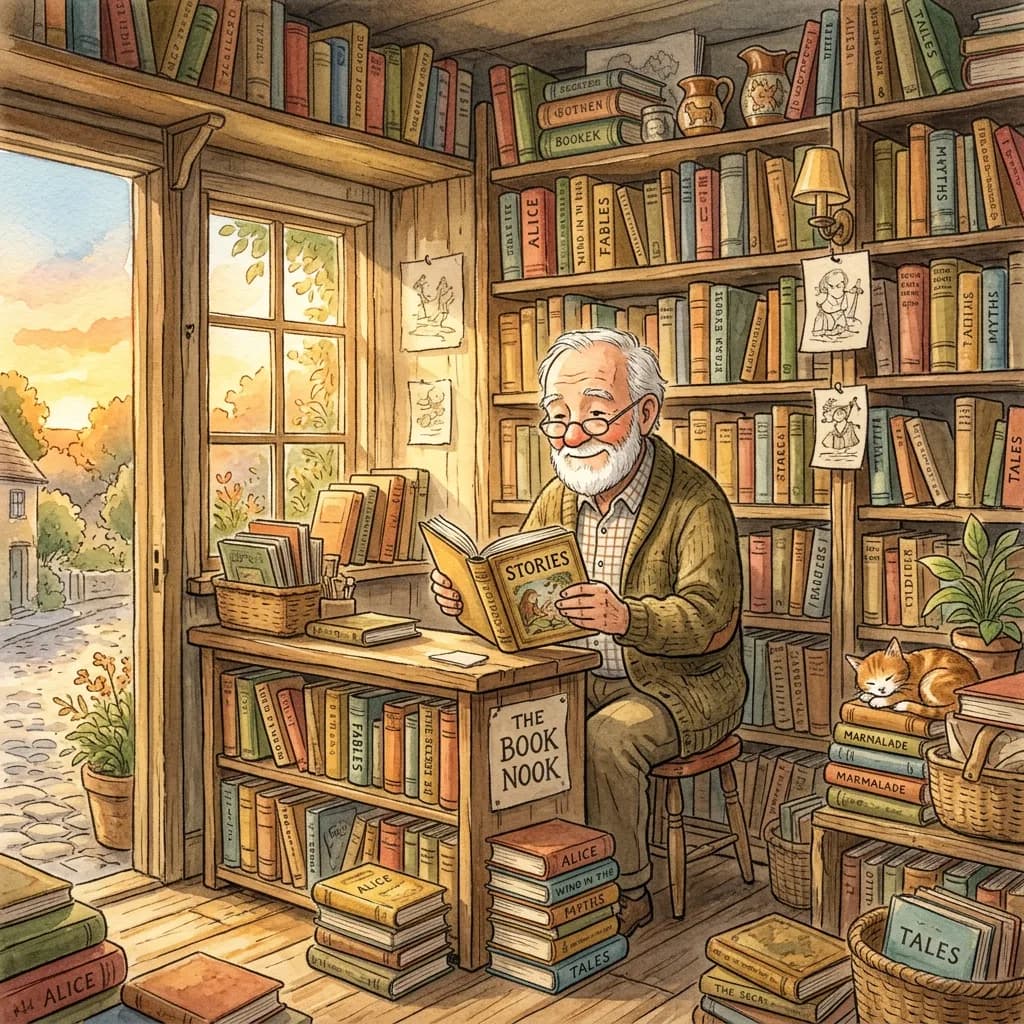
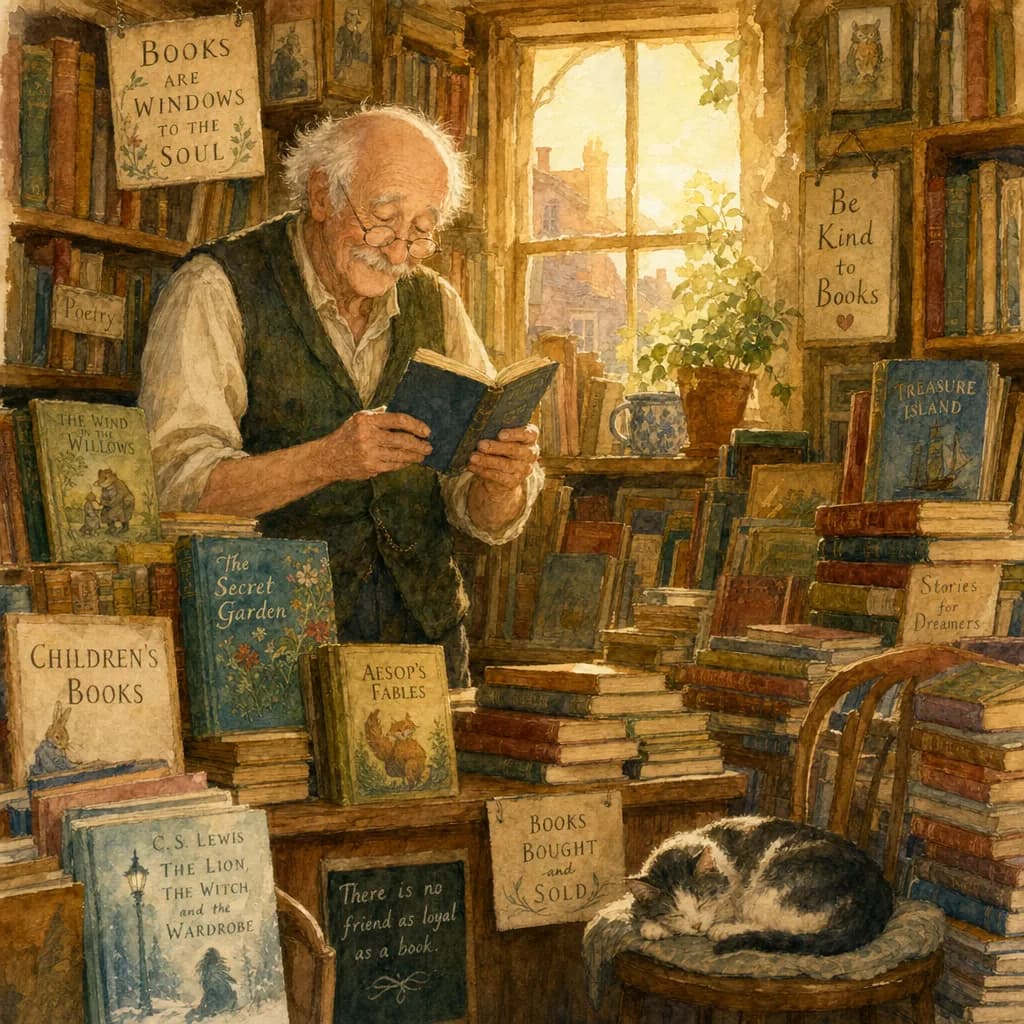
책이 넘쳐나는 작은 서점의 노년 서점 주인을 그린 수채화 일러스트, 작은 창으로 들어오는 골든아워 빛, 손으로 칠한 질감, 부드럽고 따뜻한 팔레트, 동화책 일러스트 스타일.
이걸 내 작업에 어떻게 적용할까
한 번의 테스트로 자신의 사용 사례가 결판났다면, 그 카테고리에서 앞선 모델로 그 작업을 라우팅하면 됩니다. 작업이 여러 카테고리에 걸친다면(대부분의 크리에이티브 작업이 그렇습니다), 한 모델에 묶일 필요는 없습니다. 작업에 맞는 모델을 고르고, 작업이 바뀌면 모델도 바꾸세요.
한 작품이 여러 카테고리를 오가는 프로젝트를 위해 존재하는 것이 Morphic의 Workflows입니다. 하나의 Workflow에서 레이아웃 단계는 ChatGPT Images 2.0에, 4K 렌더는 Nano Banana 2에 라우팅하고, 필요한 만큼 비디오, 음악, 보이스, 캐릭터 생성으로 이어 갈 수 있습니다. 단계별 모델을 한 번 설정해 두면 Morphic을 떠나지 않고 프로젝트를 처음부터 끝까지 돌릴 수 있습니다.
자주 묻는 질문
모델이라는 변수만 떼어 보기 위해서입니다. 각 모델의 강점에 맞춰 프롬프트를 바꾸면 비교하는 건 모델이 아니라 프롬프트 엔지니어링이 됩니다. 동일한 입력과 기본 설정만이 도움 없이 각 모델이 무엇을 만들어 내는지를 보여 주는 유일한 방법입니다.
단일 생성입니다. 프롬프트당, 모델당 첫 출력 한 장씩, 리롤 없음. 두 모델 모두 특히 크리에이티브한 프롬프트에서 생성 변동성이 있어서 여러 번 돌리면 세부는 달라집니다. 실행을 넘어 일관되게 유지되는 건 각 모델의 전반적인 캐릭터입니다. Nano Banana 2의 사실주의 성향, ChatGPT Images 2.0의 추론·텍스트 렌더링 성향이 그것입니다.
테스트마다 봐야 할 것이 다릅니다. 인물 사진은 피부 질감과 눈의 사실감. 포스터와 인포그래픽은 텍스트 가독성과 레이아웃 일관성. 만화는 컷에서 컷으로 이어지는 캐릭터 연속성. 스타일라이즈된 일러스트는 팔레트의 따뜻함과 텍스처의 진정성. 가장 강한 신호는 보통 전체 구도가 아니라 디테일에서 드러납니다.
두 모델의 방향성 차이(Nano Banana 2의 사실주의 성향, ChatGPT Images 2.0의 레이아웃·텍스트 성향)는 프롬프트가 바뀌어도 대체로 유지되는 편입니다. 다만 단일 이미지의 세부는 표현, 레퍼런스 입력, 선택한 종횡비에 따라 달라집니다. 이 테스트들은 "내 작업 종류에 어느 모델이 잘 맞을 가능성이 높은가"의 기준으로 활용하시고, 특정 출력을 보장하는 결과로 받아들이지는 마세요.