Renklendirme
Bir görselin renk paletini, tonunu ve genel atmosferini basit ve hassas bir şekilde başka bir görsele aktarın.

Renklendirme, görsellerinizi bir referans görselle eşleştirmenizi sağlar. Bir hedef belirleyin, bir renk kaynağı seçin, Morphic yapıyı ve ışığı korurken renk tonlarını, tonları ve atmosferi ayarlasın.
Dengeyi korur. Gölgeler, parlak alanlar ve geçişler sahneyle birlikte doğal biçimde değişir.
İster gri tonlamalı bir eskize hayat verin ister bir sekanstaki kareleri hizalayın, sonuç uyumlu hissettirir. Renklendirme, görselleriniz genelinde ton ve duyguyu birleştirmeye yardımcı olur.
Renkler doğal ve tutarlı hissettiriyor, sanki hep orada olmaları gerekiyormuş gibi.
Renklendirmenin Morphic içinde nasıl çalıştığını görün.
Tek bir referans görselle renklendirilen karelerin örnekleri.


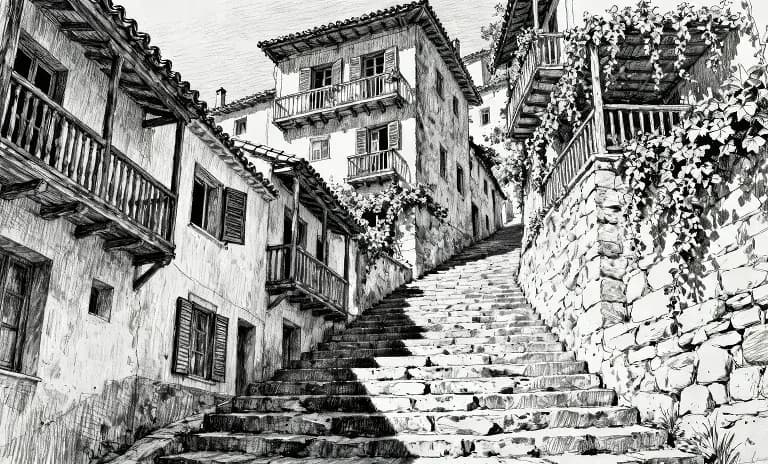



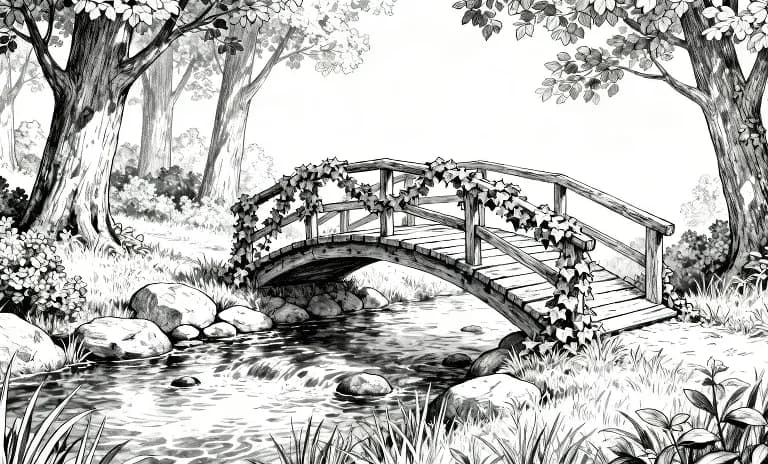

Girdi karelerini görmek için üzerine gelin
Renklendirme, hikayenizi kareden kareye akıcı, tutarlı ve amacınıza sadık tutar. Şimdi deneyin