Frames to Video
Bir sahnenin iki veya daha fazla karesini seçerek aradaki kareleri otomatik olarak üretin ve bir video oluşturun.
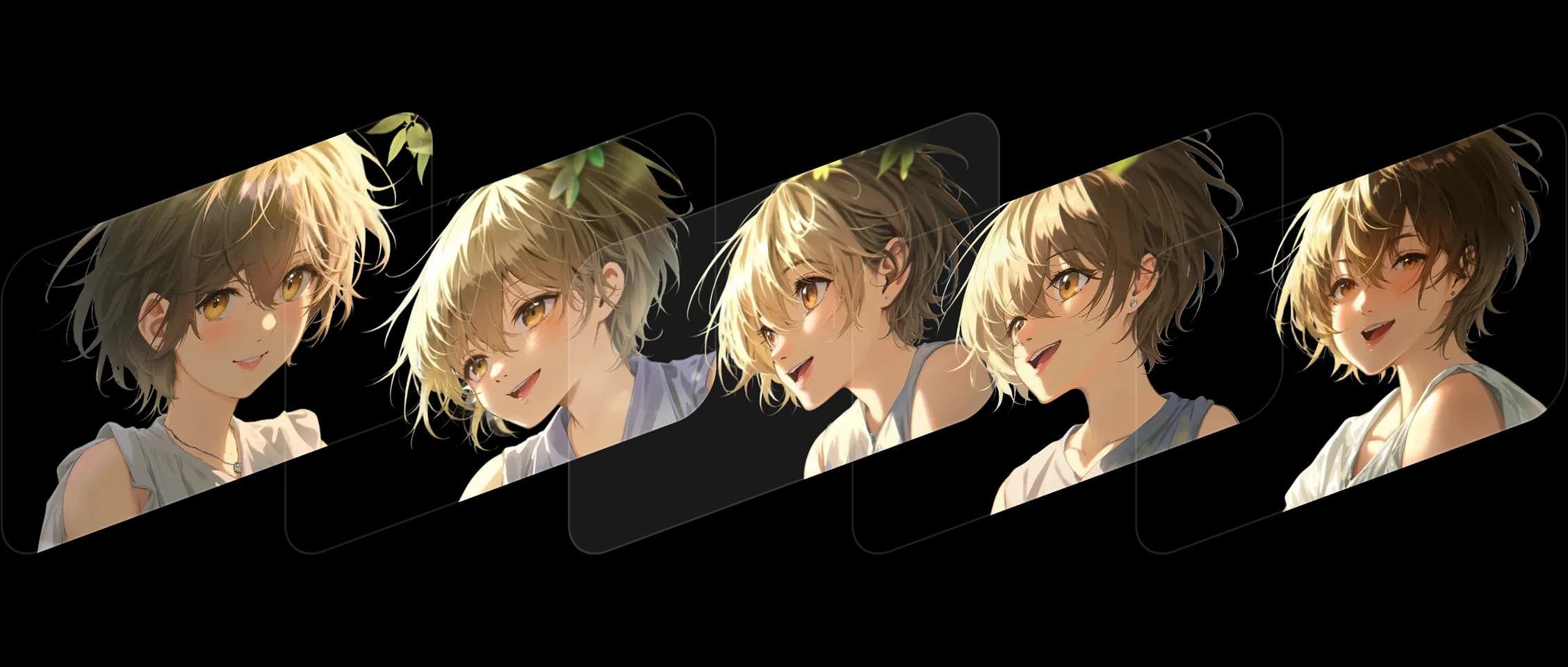
Karelerinizi seçin, sırayı belirleyin, Morphic stilinizi ve hikayenizi tutarlı tutarken aradaki kareleri doldursun.
Her geçiş akıcı biçimde ilerler ve sahnenizi hayata geçiren ayrıntıları ve ifadeleri korur. Dijital sanattan canlı çekim karelerine kadar farklı stillerde harika sonuç verir.
Morphic değişiklikleri yalnızca canlandırmaz, onları anlar. Renkler, kompozisyon ve duygular baştan sona sadık kalır.
Birkaç sabit kareyi hareketli bir çekime dönüştürdüm. Sanki eserimin hayat bulmasını izliyordum.
Frames to Video'nun Morphic içinde nasıl çalıştığını görün.
İçerik üreticilerinin yalnızca iki kare yükleyerek yaptıkları burada.

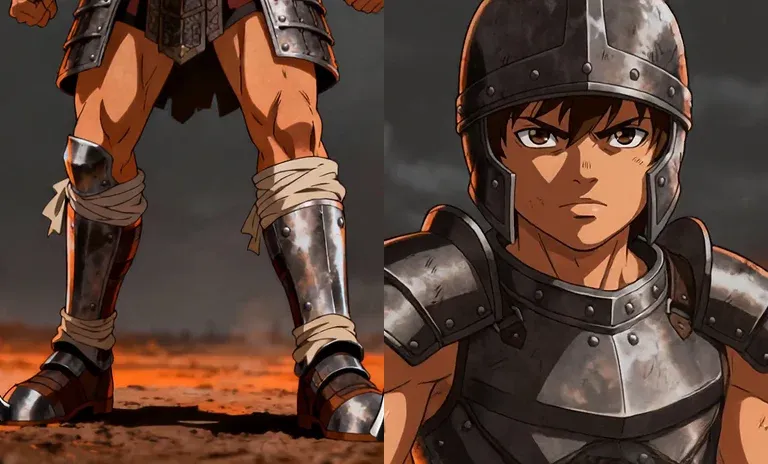

Girdi karelerini görmek için üzerine gelin
Morphic'te durağanlık ile hareket arasında köprü kuran araçlar geliştiriyoruz. Frames to Video, sabit anları sürekli hikayelere dönüştürerek bu vizyonu sürdürüyor. Şimdi deneyin