Sert ışıklı stüdyo chiaroscuro
Karanlık bir stüdyoda tek gridli sert kaynak özneyi yandan tarıyor. Kalan kareyi derin mat gölge dolduruyor, parlak vurgular kontrastı iyice sertleştiriyor.
Prompt'u düzenleyin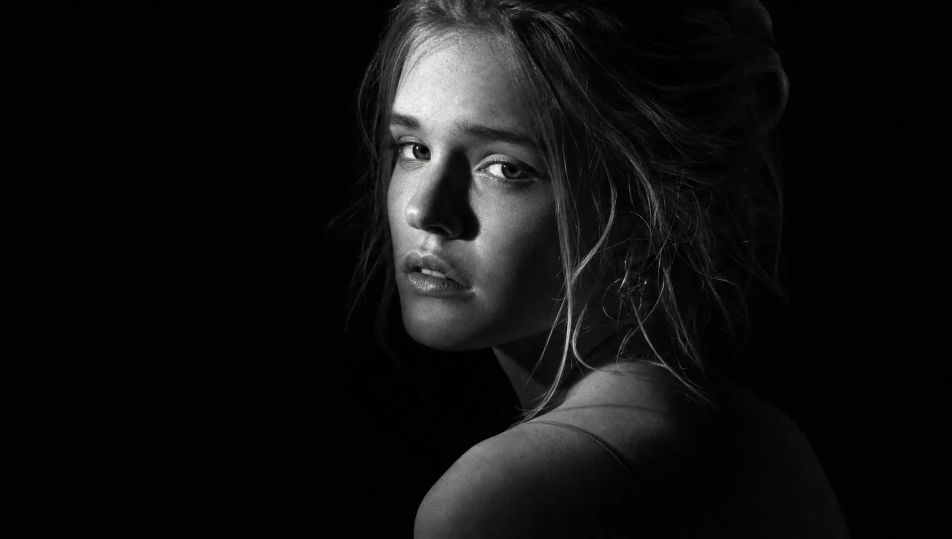
Portre neden hâlâ siyah beyaz çekiliyor? Renk gidince geriye ışık, doku ve bakış kalır. Bir YouTube kanal görseli de küçük bir ajansın ekip sayfası da böyle ağırbaşlı durur. Morphic'te kontrastı ve taneyi siz yazarsınız; yüzü Character Lineup ile sabitleyip kareyi Image to Video ile hareketlendirirsiniz.
Karanlık bir stüdyoda tek gridli sert kaynak özneyi yandan tarıyor. Kalan kareyi derin mat gölge dolduruyor, parlak vurgular kontrastı iyice sertleştiriyor.
Prompt'u düzenleyinYüksek tavanlı bir dairede tül perde ışığı dağıtıyor, duvardaki gri tonlar yumuşak geçiyor. İnce analog tane sakin ve içe dönük bir hava kuruyor.
Prompt'u düzenleyin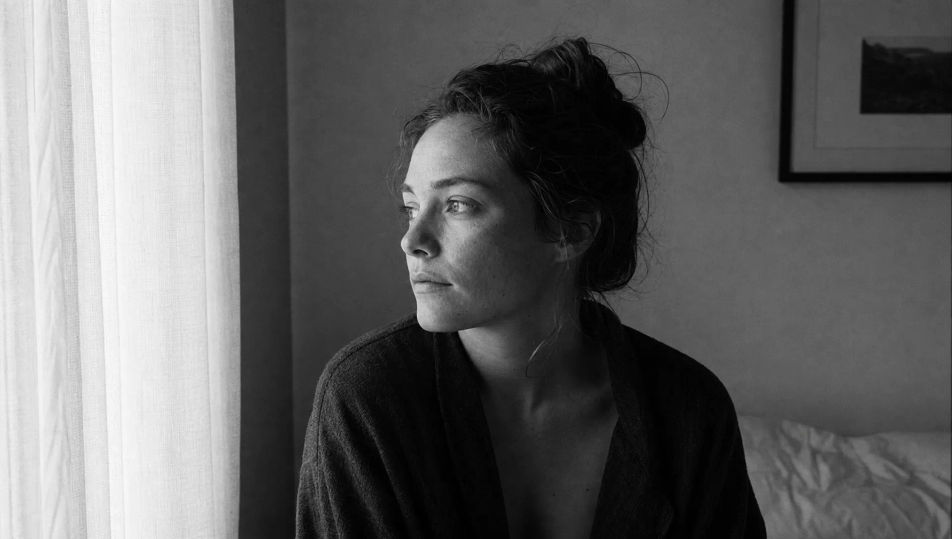
Dar bir çarşı sokağında yayalar bulanık geçiyor, erken güneş keskin gölgeler bırakıyor. Kaldırımdaki doku ve tam ton aralığı belgesel bir kare veriyor.
Prompt'u düzenleyin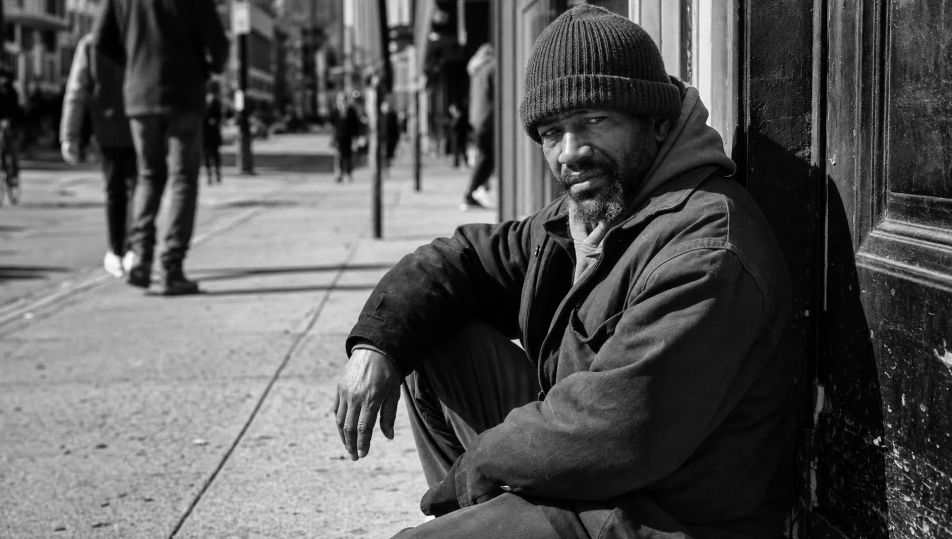
Bembeyaz fonda sarma ışık gölgeyi neredeyse tümüyle siliyor. Özne ince koyu çizgiler halinde kalıyor; küçük ekranda da okunan bir kanal ya da profil görseli çıkıyor.
Prompt'u düzenleyin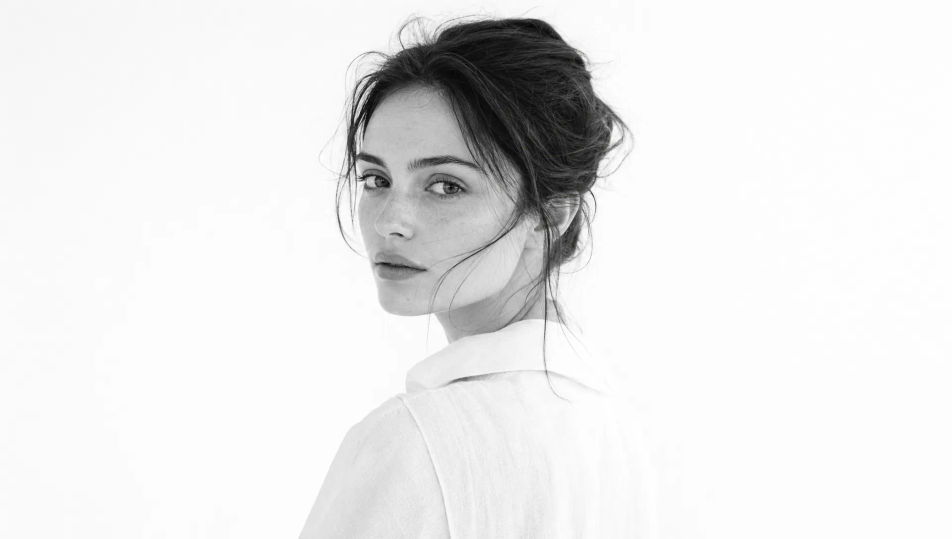
İstediğiniz siyah beyaz portre öğesini sade sözcüklerle açıklayın.
Morphic, tuvalinizde saniyeler içinde temiz, yayına hazır bir görsel oluşturur.
Prompt'ta ince ayar yapın, varyasyonları yeniden oluşturun, ardından kareyi indirin veya paylaşın.
Fix plastic-looking AI skin. Adds natural texture, pores, and imperfections for realism.
One selfie becomes a set of professional headshots. Studio-quality, multiple styles.
Choose your viewing angles and get precise perspective shifts of any image with full camera control.
Convert any image to a new aspect ratio. Smart crop or extend the edges to fit.
Set the look with one reference image. Apply that exact grade to any scene or batch.
Bring back any damaged, blurry, or low-res image. Get a sharp, detailed 4K version with natural clarity restored.
Portrait Photography AI Images
Generate studio-quality AI portraits from a prompt. Realistic lighting, skin texture, and lens looks. Free HD, no watermark.
Studio Portrait AI Images
Create AI Studio Portrait images with Morphic. Generate Studio Portrait shots, portraits, and visuals for any project in seconds.
Environmental Portrait AI Images
Create AI Environmental Portrait images with Morphic. Generate Environmental Portrait shots, portraits, and visuals for any project in seconds.
Headshot AI Images
Create AI Headshot images with Morphic. Generate Headshot shots, portraits, and visuals for any project in seconds.
Bugün ücretsiz başlayın, istediğiniz zaman yükseltme veya iptal etme seçeneğiyle.
Basic
2400 aylık kredi
1 yalnızca kullanıcı
Tüm modeller
Workflows
Standard
3625 aylık kredi
1 yalnızca kullanıcı
Tüm modeller
Workflows
Pro
6350 paylaşılan aylık kredi
1 kullanıcı
Tüm modeller
Workflows
Max
24650 paylaşılan aylık kredi
1 kullanıcı
Tüm modeller
Workflows
Enterprise
Daha yüksek limitler için
Özel
fiyatlandırma ve faturalandırma koşulları

Free
Denemek için
$0
kalıcı olarak ücretsiz