Shoot long exposure photography in your browser with Morphic's long exposure AI image generator. Generate car light trails through a city junction or silky water over rocks, lock the blur palette with Style Transfer, then animate any still with Image to Video.

Long exposure subjects you can capture

Long exposure compositions you can frame

Car light trails through a city junction

A busy city junction at dusk with red and white car light trails streaking in ribbons across the frame, sharp buildings behind, 24mm wide, cool blue-hour palette, classic long-exposure cityscape.

Prompt'u düzenleyin
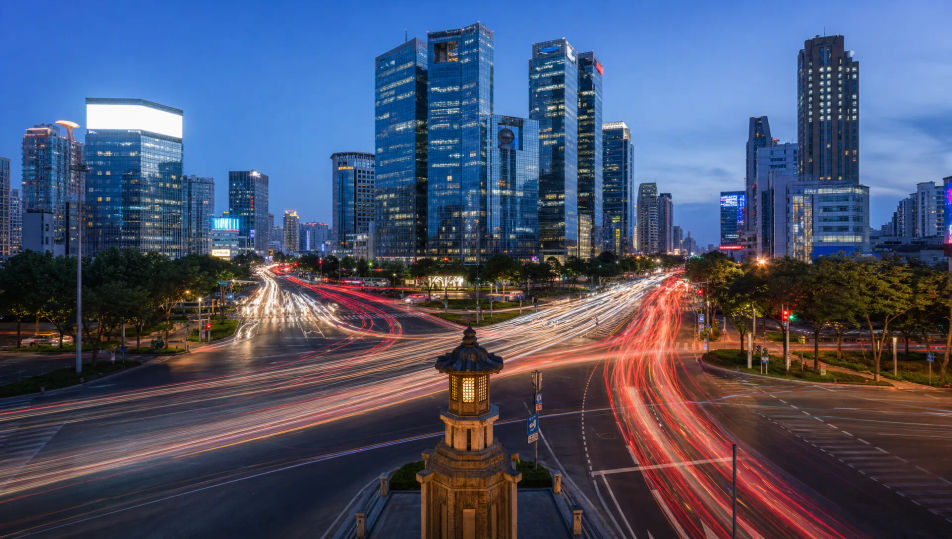
Car light trails through a city junction

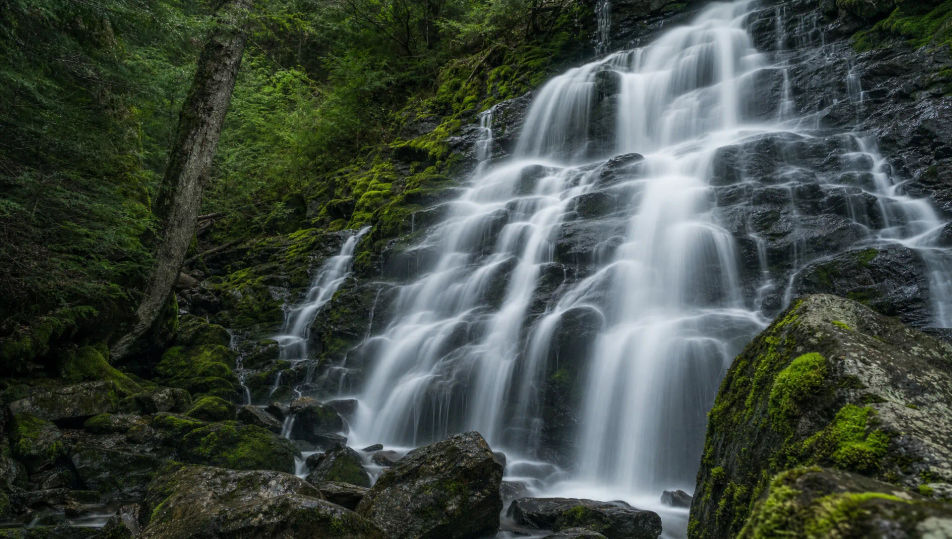
Silky waterfall over mossy rocks

A forest waterfall blurred to smooth silk threads pouring over dark mossy rocks, still wet stone sharp around it, soft overcast light, 35mm, cool green palette, serene long-exposure frame.

Prompt'u düzenleyin
Silky waterfall over mossy rocks

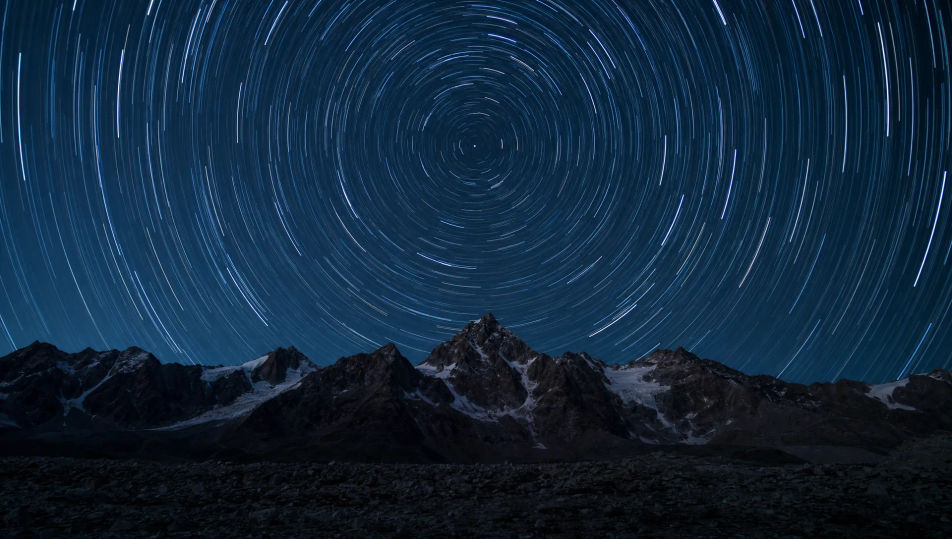
Star trails over a dark ridgeline

Concentric star trails wheeling around the pole above a sharp black mountain ridge, deep night sky, faint foreground glow, 24mm wide, cool palette, long-exposure astro-landscape.

Prompt'u düzenleyin
Star trails over a dark ridgeline

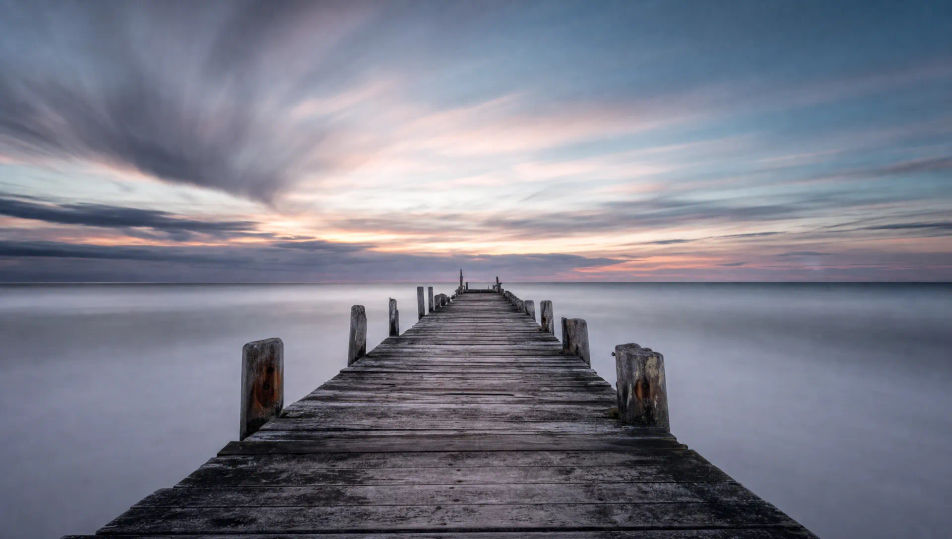
Smooth misted sea around a lone pier

A weathered pier reaching into a sea blurred to flat soft mist under a long dusk, sky streaked with drifting cloud, 24mm wide, muted cool palette, minimal long-exposure seascape.

Prompt'u düzenleyin
Smooth misted sea around a lone pier

Long exposure photography üç adımda oluşturun

  1. 01

    Long exposure photography açıklayın

    İstediğiniz Long exposure photography öğesini sade sözcüklerle açıklayın.

  2. 02

    Görseli oluşturun

    Morphic, tuvalinizde saniyeler içinde temiz, yayına hazır bir görsel oluşturur.

  3. 03

    Long exposure photography iyileştirin

    Prompt'ta ince ayar yapın, varyasyonları yeniden oluşturun, ardından kareyi indirin veya paylaşın.

İlgili Workflow'lar

Şunları da beğenebilirsiniz

Basit fiyatlandırma

Bugün ücretsiz başlayın, istediğiniz zaman yükseltme veya iptal etme seçeneğiyle.

Basic

$9/ ay
şu şekilde faturalandırılır $0 yıl başına

900 aylık kredi

1 yalnızca kullanıcı

Tüm modeller

Workflows

Standard

$24/ ay
şu şekilde faturalandırılır $0 yıl başına

3200 aylık kredi

1 yalnızca kullanıcı

Tüm modeller

Workflows

Pro

$45/ ay
şu şekilde faturalandırılır $0 yıl başına

6200 paylaşılan aylık kredi

1 kullanıcı

+ en fazla 4 ek ücret karşılığında daha fazlası

Tüm modeller

Workflows

Pro Max

$170/ ay
şu şekilde faturalandırılır $0 yıl başına

24000 paylaşılan aylık kredi

1 kullanıcı

+ en fazla 9 ek ücret karşılığında daha fazlası

Tüm modeller

Workflows

Enterprise

Daha yüksek limitler için

Özel

fiyatlandırma ve faturalandırma koşulları

High-volume credits
Özel koltuk limitleri
Tüm modeller
Workflows
Pricing Gradient

Free

Denemek için

$0

kalıcı olarak ücretsiz

En fazla 20 kredi
Yalnızca 1 kullanıcı
Sınırlı modeller
Workflows

SSS

Where can I make long exposure photography with AI?
You can create long exposure images directly in your browser on Morphic. Open the Image tool, describe what stays sharp, what blurs, and the light, and Morphic produces the frame. No installs and no specialist software needed.
What defines long exposure at the prompt level?
Three locked-in choices: a sharp still anchor, a moving element rendered as blur or light trail, and the time-of-day light. Name both the sharp subject and the smeared motion so the frame reads as a slow shutter rather than a frozen snapshot.
How do I get light trails and silky water in AI images?
Name the motion directly: "red and white car light trails streaking across the frame" for traffic, or "water blurred to smooth silk threads" for waterfalls. Keep the anchor sharp ("sharp buildings behind"). Reuse those words across every prompt so Morphic carries the same look through the set.
How do I keep a long exposure series feeling consistent?
Use Morphic's Style Transfer workflow to lock the cool blue-hour palette, the smooth motion blur, and the still-anchor framing, then reference that style card in every prompt. The series reads as one session across images, from cityscapes to seascapes.
Do I need a tripod and ND filters to make these?
No. Morphic runs in your browser and you direct it with plain-language prompts. Anyone who can describe a sharp anchor, a moving element, and the light can produce a long exposure frame. No tripod, no neutral-density filters, and no minutes-long waits required.