Splash page hero entrance
Single full-page panel: hero stepping into frame under a broken sky, thick ink outline, dramatic screentone shadow behind, page-edge bleed.
Prompt'u düzenleyin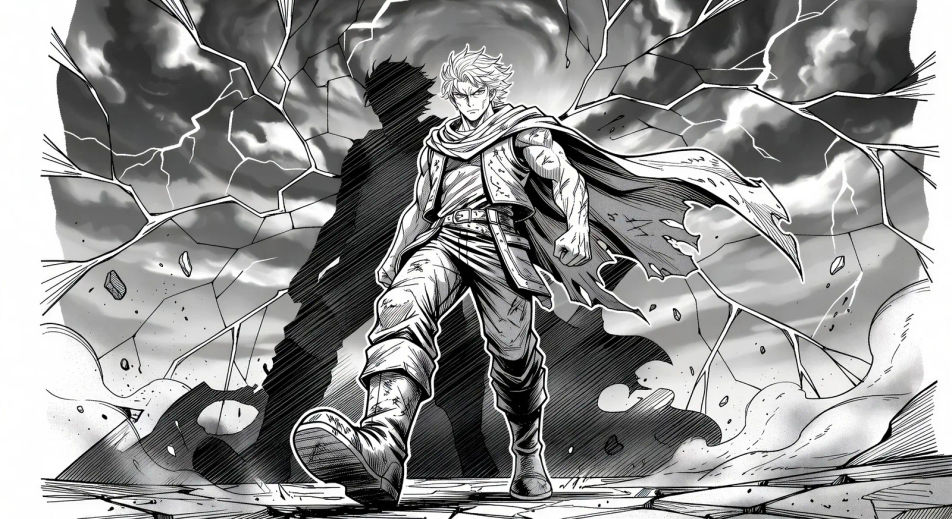
Render Japanese sequential art in your browser with Morphic's Manga AI image generator. Create a splash-page hero in thick ink and screentone or a one-eye cliffhanger close-up, lock faces with Character Lineup, then animate the spread with Image to Video.
Single full-page panel: hero stepping into frame under a broken sky, thick ink outline, dramatic screentone shadow behind, page-edge bleed.
Prompt'u düzenleyinTop panel: hero glances over the shoulder, eyes lit. Bottom panel: villain mirrors the glance from across the city. Thin gutter for fast read.
Prompt'u düzenleyin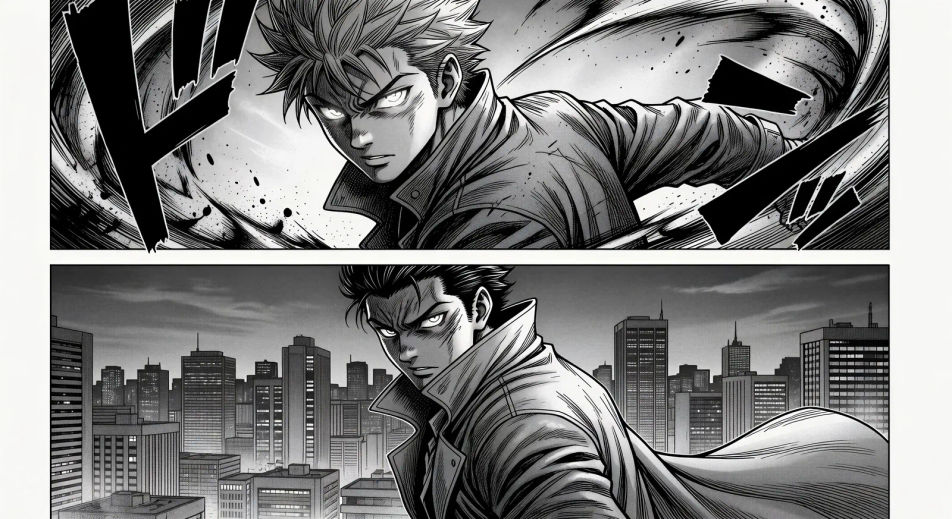
Tilted impact panel, silhouette explosion at the centre of frame, motion lines radiating, debris drifting, single onomatopoeia stamp at the corner.
Prompt'u düzenleyin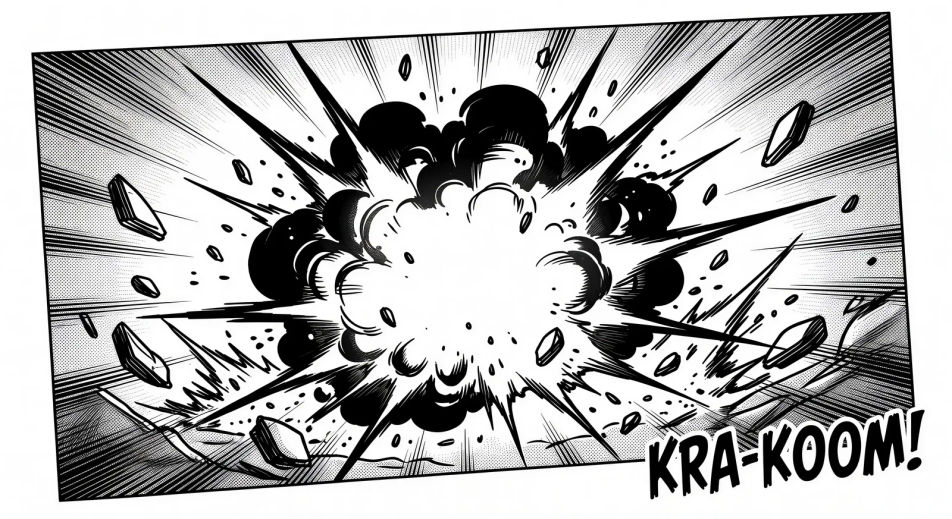
Two characters kneeling at a low table, single tea cup steaming between them, soft daylight through shoji panels, no dialogue.
Prompt'u düzenleyin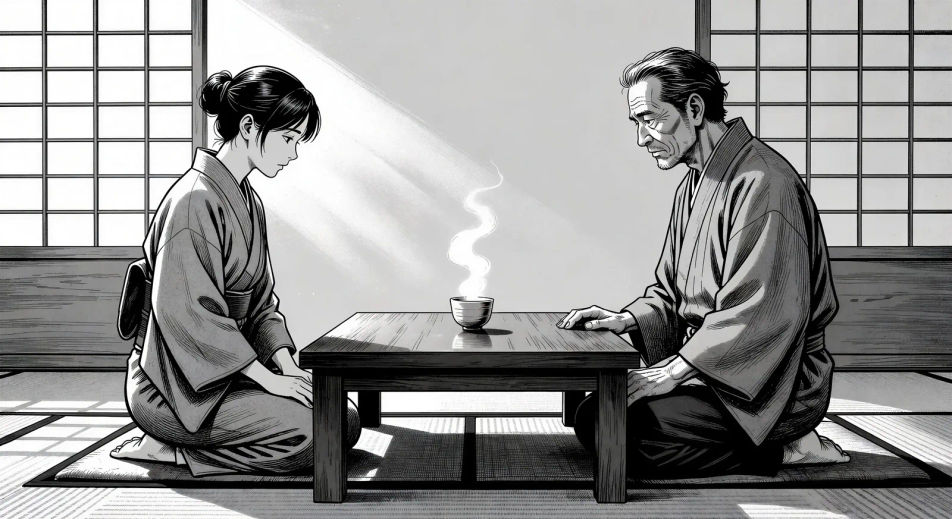
İstediğiniz Manga öğesini sade sözcüklerle açıklayın.
Morphic, tuvalinizde saniyeler içinde temiz, yayına hazır bir görsel oluşturur.
Prompt'ta ince ayar yapın, varyasyonları yeniden oluşturun, ardından kareyi indirin veya paylaşın.

Pick any anime illustration as your style guide. Apply its look to any image.

Turn any sketch or drawing into a finished render.

Take any character image and generate 6 distinct facial expressions on a single reference sheet.

All your characters on a single lineup image, side by side with height comparison.
Reimagine any anime character as a photorealistic, high-fashion live-action portrait.

Turn any photo or description into an animated chibi sprite. Dance, jump, wave, attack, and more.
Manhwa Yapay Zeka Görselleri
Morphic ile Manhwa panelleri, karakter tasarımları ve tam bölümler oluşturun. Regression, hunter, chaebol ve villainess alt türlerinde dikey kaydırmalı Kore webtoonları tek bir komuttan.
Comic book AI Images
Create comic book panels, character designs, and full pages with Morphic. Splash pages, action sequences, decompressed beats, and indie-comic styles from a single prompt.
Anime yapay zeka videoları
Morphic ile Anime videoları üretin: günlük yaşam, Mecha ve büyülü kız dönüşümleri, tek bir promptla oluşturulan tam Anime bölümleri.
Anime yapay zeka videoları
Morphic ile anime dövüş sahneleri, kılıç düelloları, büyü savaşları ve Mecha çatışmaları oluşturun. Tek bir promptla sahneleri üretin, canlandırın, seslendirin ve müziklendirin.
Bugün ücretsiz başlayın, istediğiniz zaman yükseltme veya iptal etme seçeneğiyle.
Basic
2400 aylık kredi
1 yalnızca kullanıcı
Tüm modeller
Workflows
Standard
3625 aylık kredi
1 yalnızca kullanıcı
Tüm modeller
Workflows
Pro
6350 paylaşılan aylık kredi
1 kullanıcı
Tüm modeller
Workflows
Max
24650 paylaşılan aylık kredi
1 kullanıcı
Tüm modeller
Workflows
Enterprise
Daha yüksek limitler için
Özel
fiyatlandırma ve faturalandırma koşulları

Free
Denemek için
$0
kalıcı olarak ücretsiz