Create pop art portraits in your browser with Morphic's AI image generator. Generate a woman in profile printed in saturated primaries, a four-panel repeated grid, or a bold comic-outline close-up. Drop the finished art into the Canvas to add a title or caption.

Pop art portrait subjects you can create

Pop art portraits you can compose

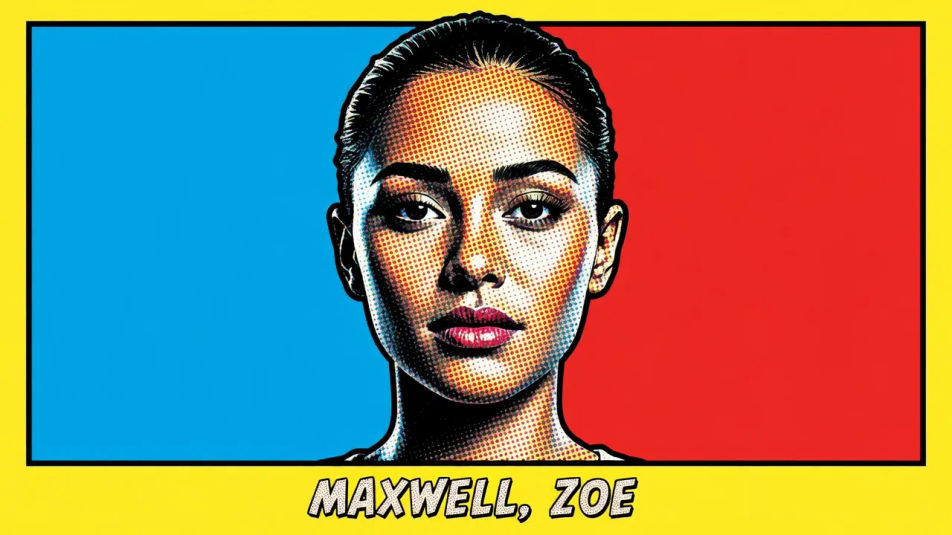
Single silkscreen portrait

A head-and-shoulders portrait in flat colour blocks with halftone Ben-Day dots on the skin, a bold black comic outline and one saturated primary field behind the sitter, a band reserved at the base for a name.

Prompt'u düzenleyin
Single silkscreen portrait

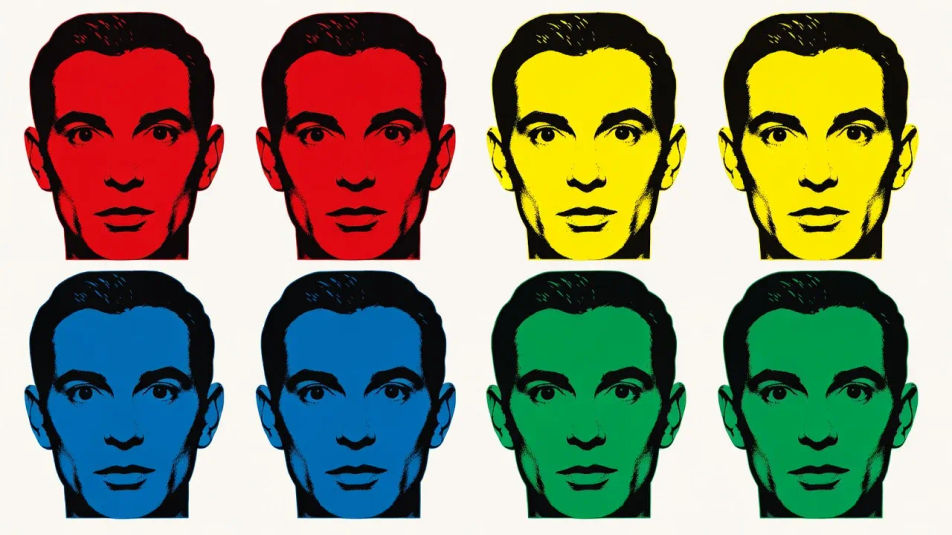
Four-panel grid

One face repeated across four panels, each recoloured in a different high-contrast primary, flat silkscreen inks and equal spacing giving the serial pop-art rhythm across the sheet.

Prompt'u düzenleyin
Four-panel grid

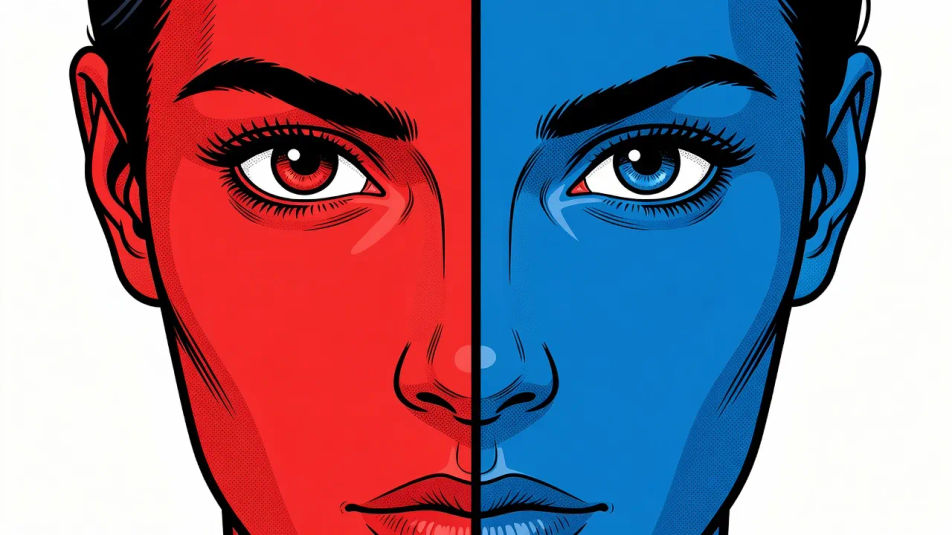
Split-complement close-up

A tight close-up on the eyes with the face split down the middle into complementary primaries, heavy comic outline, halftone dot shading and a stark flat background for maximum contrast.

Prompt'u düzenleyin
Split-complement close-up

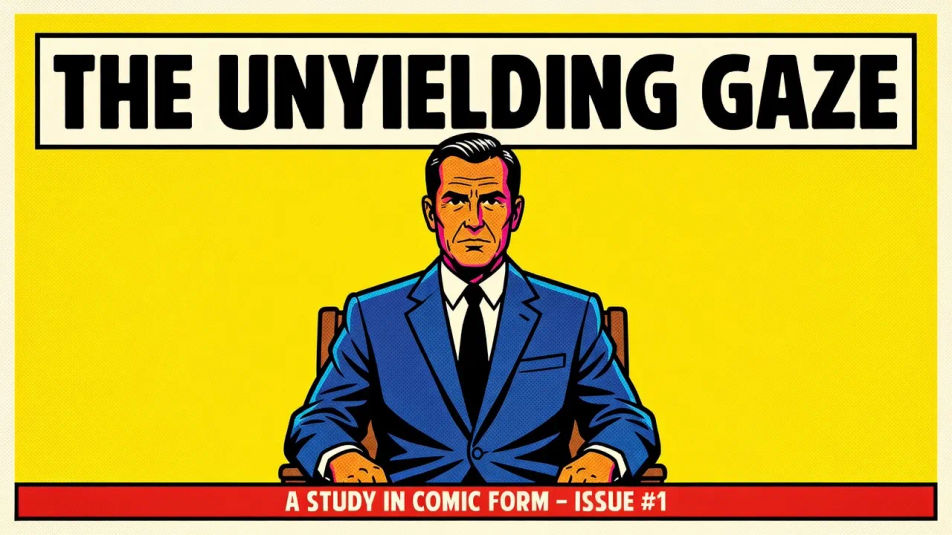
Poster portrait layout

A full poster composition with the sitter in flat saturated colour, bold comic outline and halftone texture, generous headline space reserved at the top and a caption strip at the base.

Prompt'u düzenleyin
Poster portrait layout

Pop art portrait üç adımda oluşturun

  1. 01

    Pop art portrait açıklayın

    İstediğiniz Pop art portrait öğesini sade sözcüklerle açıklayın.

  2. 02

    Görseli oluşturun

    Morphic, tuvalinizde saniyeler içinde temiz, yayına hazır bir görsel oluşturur.

  3. 03

    Pop art portrait iyileştirin

    Prompt'ta ince ayar yapın, varyasyonları yeniden oluşturun, ardından kareyi indirin veya paylaşın.

İlgili Workflow'lar

Şunları da beğenebilirsiniz

Basit fiyatlandırma

Bugün ücretsiz başlayın, istediğiniz zaman yükseltme veya iptal etme seçeneğiyle.

Basic

$9/ ay
şu şekilde faturalandırılır $0 yıl başına

900 aylık kredi

1 yalnızca kullanıcı

Tüm modeller

Workflows

Standard

$24/ ay
şu şekilde faturalandırılır $0 yıl başına

3200 aylık kredi

1 yalnızca kullanıcı

Tüm modeller

Workflows

Pro

$45/ ay
şu şekilde faturalandırılır $0 yıl başına

6200 paylaşılan aylık kredi

1 kullanıcı

+ en fazla 4 ek ücret karşılığında daha fazlası

Tüm modeller

Workflows

Pro Max

$170/ ay
şu şekilde faturalandırılır $0 yıl başına

24000 paylaşılan aylık kredi

1 kullanıcı

+ en fazla 9 ek ücret karşılığında daha fazlası

Tüm modeller

Workflows

Enterprise

Daha yüksek limitler için

Özel

fiyatlandırma ve faturalandırma koşulları

High-volume credits
Özel koltuk limitleri
Tüm modeller
Workflows
Pricing Gradient

Free

Denemek için

$0

kalıcı olarak ücretsiz

En fazla 20 kredi
Yalnızca 1 kullanıcı
Sınırlı modeller
Workflows

SSS

What defines the pop art portrait look?
A pop art portrait is defined by three signature traits: flat blocks of saturated colour, halftone Ben-Day dots, and a bold comic outline. Keep the palette to a few high-contrast primaries and the face reads instantly as a silkscreen pop-art portrait.
Where can I make pop art portraits with AI?
You can create pop art portraits with AI on Morphic, right in your browser. Open the Image tool, describe the sitter, the flat colour blocks, and the halftone dots, and Morphic generates the portrait. No installs and no design software are needed.
How do I get the flat silkscreen colour and halftone dots?
Name the cues directly in your prompt: "flat colour blocks, halftone Ben-Day dots, bold comic outline, saturated primaries, no gradients." Calling out the flat inks and the dot texture is what gives the portrait its hand-printed silkscreen character.
How do I keep a set of pop art portraits consistent?
Use Morphic's Style Transfer workflow to lock the primary palette and the dot-and-outline style from your first portrait, then reference that style card across the set. Each portrait carries a different sitter while the whole set keeps one palette and one flat style.
Can I add a title or caption to a pop art portrait on Morphic?
Yes. Generate the portrait with a band reserved at the top or base, then open the Canvas to place a title or caption. Keeping the type as a layer lets you adjust the wording without regenerating the artwork.
Do I need design skill to make pop art portraits?
No. Morphic runs in your browser and takes plain-language prompts, so anyone who can describe a sitter, a few flat primaries, and halftone dots can produce a finished pop-art portrait. Silkscreen equipment is not required.