Edge-to-edge smile
One single glossy smile emoji face scaled so it nearly touches the edges of the wide frame, strong color, no small extra emoji, nothing in the corners.
Prompt'u düzenleyin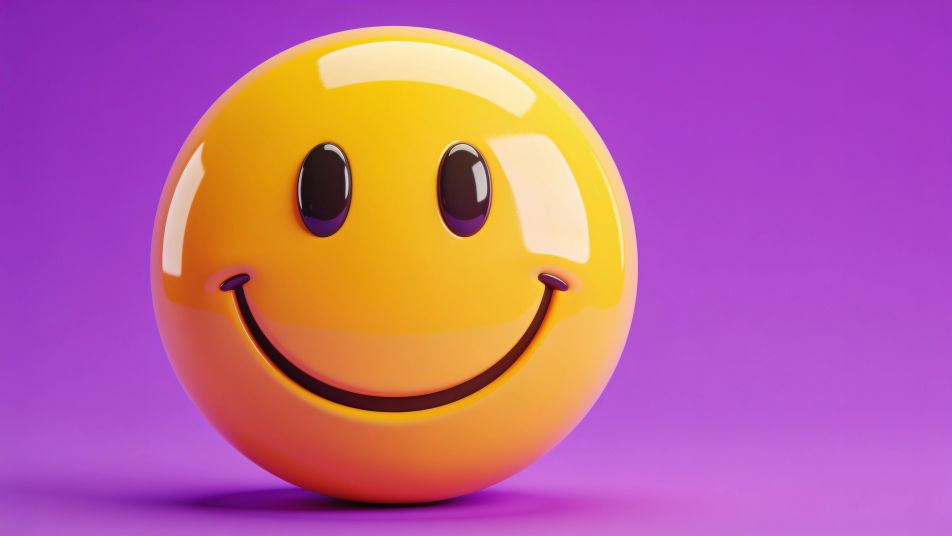
Design a smile emoji DP in the Image tool on Morphic by describing the kind of smile, the finish, and the background color you want on your profile. Pick a glossy 3D face, a flat vector icon, or a hand-drawn grin, fill the square with it, and download a cheerful avatar that reads at a glance in any chat list.
One single glossy smile emoji face scaled so it nearly touches the edges of the wide frame, strong color, no small extra emoji, nothing in the corners.
Prompt'u düzenleyinA flat smile emoji centered on a smooth sunset gradient from coral to gold, lots of calm space around the face.
Prompt'u düzenleyin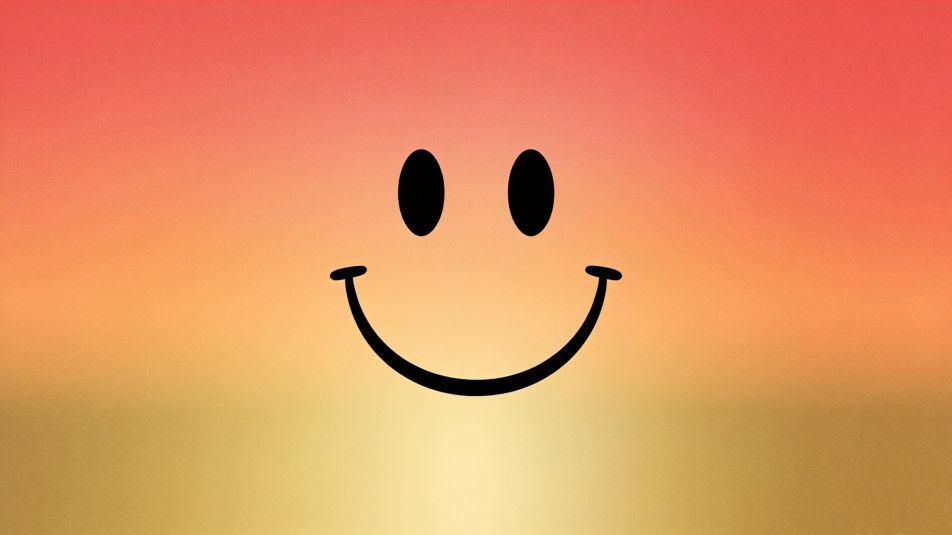
A smile emoji surrounded by a few small sparkle shapes and tiny hearts, bright and upbeat, clean white background.
Prompt'u düzenleyin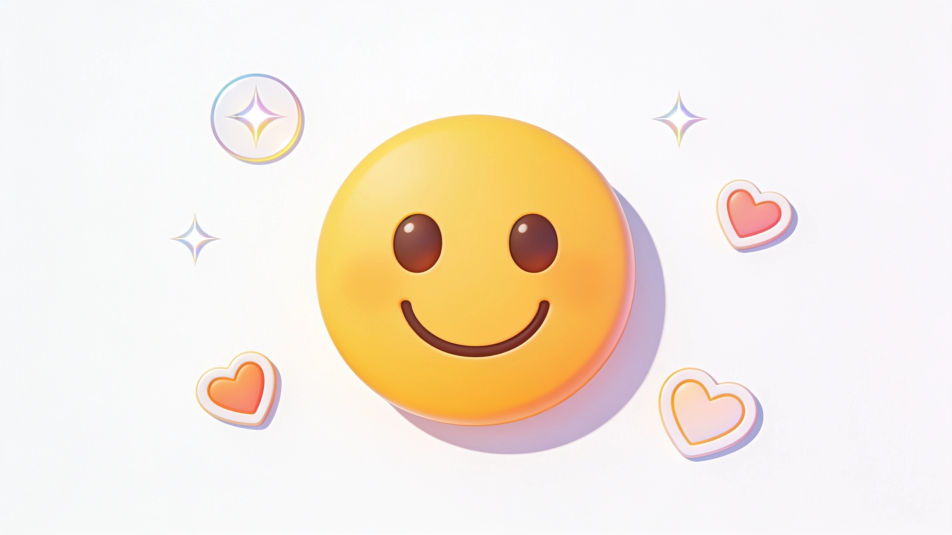
A smile emoji tilted at an angle with one eye winking, soft drop shadow, pastel blue background for a playful profile.
Prompt'u düzenleyin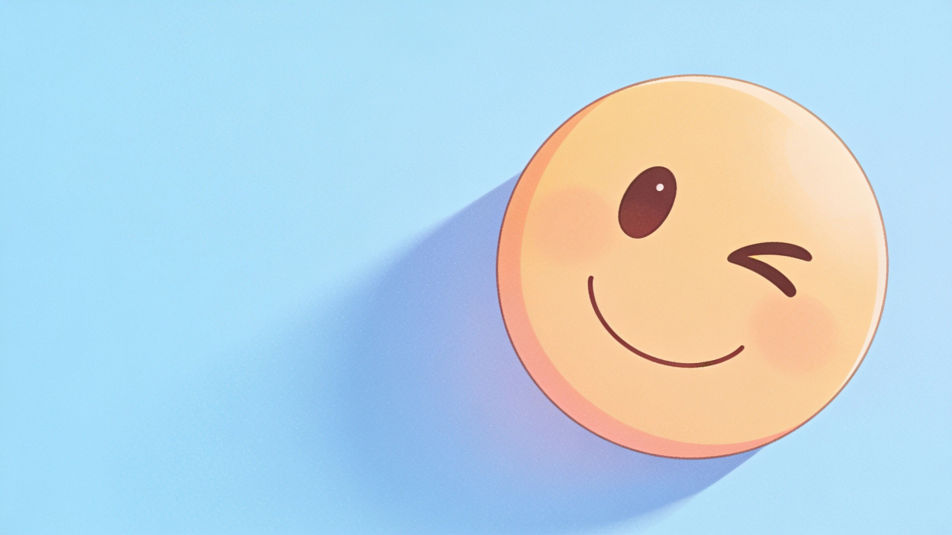
İstediğiniz Smile emoji DP öğesini sade sözcüklerle açıklayın.
Morphic, tuvalinizde saniyeler içinde temiz, yayına hazır bir görsel oluşturur.
Prompt'ta ince ayar yapın, varyasyonları yeniden oluşturun, ardından kareyi indirin veya paylaşın.
Convert any image to a new aspect ratio. Smart crop or extend the edges to fit.
One selfie becomes a set of professional headshots. Studio-quality, multiple styles.

Turn any image into anime-style stickers in PNG. Ready for messaging apps or social media.

Generate a female AI influencer. Vertical output, ready for socials.
Bring back any damaged, blurry, or low-res image. Get a sharp, detailed 4K version with natural clarity restored.
Full model photoshoot from one photo of you
Smile images - AI photography
Explore smile images in HD. Browse a fresh AI-generated collection to download and use anywhere, or generate your own custom version with Morphic.
Cute DP maker
Make a cute dp image in Morphic. Describe the look you want on your profile, generate options to compare, then refine the prompt and download the picture.
Funny PFP AI generator
funny pfp to download in HD. Browse unique AI-generated profile pictures for WhatsApp, Instagram, and Discord, or make your own with Morphic.
Krishna DP AI generator
krishna dp to download in HD. Browse unique AI-generated profile pictures for WhatsApp, Instagram, and Discord, or make your own with Morphic.
Bugün ücretsiz başlayın, istediğiniz zaman yükseltme veya iptal etme seçeneğiyle.
Basic
2400 aylık kredi
1 yalnızca kullanıcı
Tüm modeller
Workflows
Standard
3625 aylık kredi
1 yalnızca kullanıcı
Tüm modeller
Workflows
Pro
6350 paylaşılan aylık kredi
1 kullanıcı
Tüm modeller
Workflows
Max
24650 paylaşılan aylık kredi
1 kullanıcı
Tüm modeller
Workflows
Enterprise
Daha yüksek limitler için
Özel
fiyatlandırma ve faturalandırma koşulları

Free
Denemek için
$0
kalıcı olarak ücretsiz