Oluşturabileceğiniz çizgi romanlar
Üç adımda çizgi roman oluşturun
- 01
Morphic'i açın
Kaydolun ve özgürce akan, sınırsız görsel bir tuval üzerinde oluşturmaya başlayın.
- 02
Her paneli tarif edin
Her an için sahneyi, karakterleri ve aksiyonu yazın.
- 03
Sayfayı bir araya getirin
Karakterleri tutarlı tutun, panelleri düzenleyin ve dışa aktarın.
Oluşturabileceğiniz çizgi roman türleri
Manga
Screentone gölgelendirme, etkileyici paneller ve dramatik açılar. Sayfa sayfa siyah-beyaz manga tarzı.

Süper kahraman
Dinamik splash sayfaları, canlı renkler ve kahramanca pozlar. Klasik western çizgi roman enerjisi.

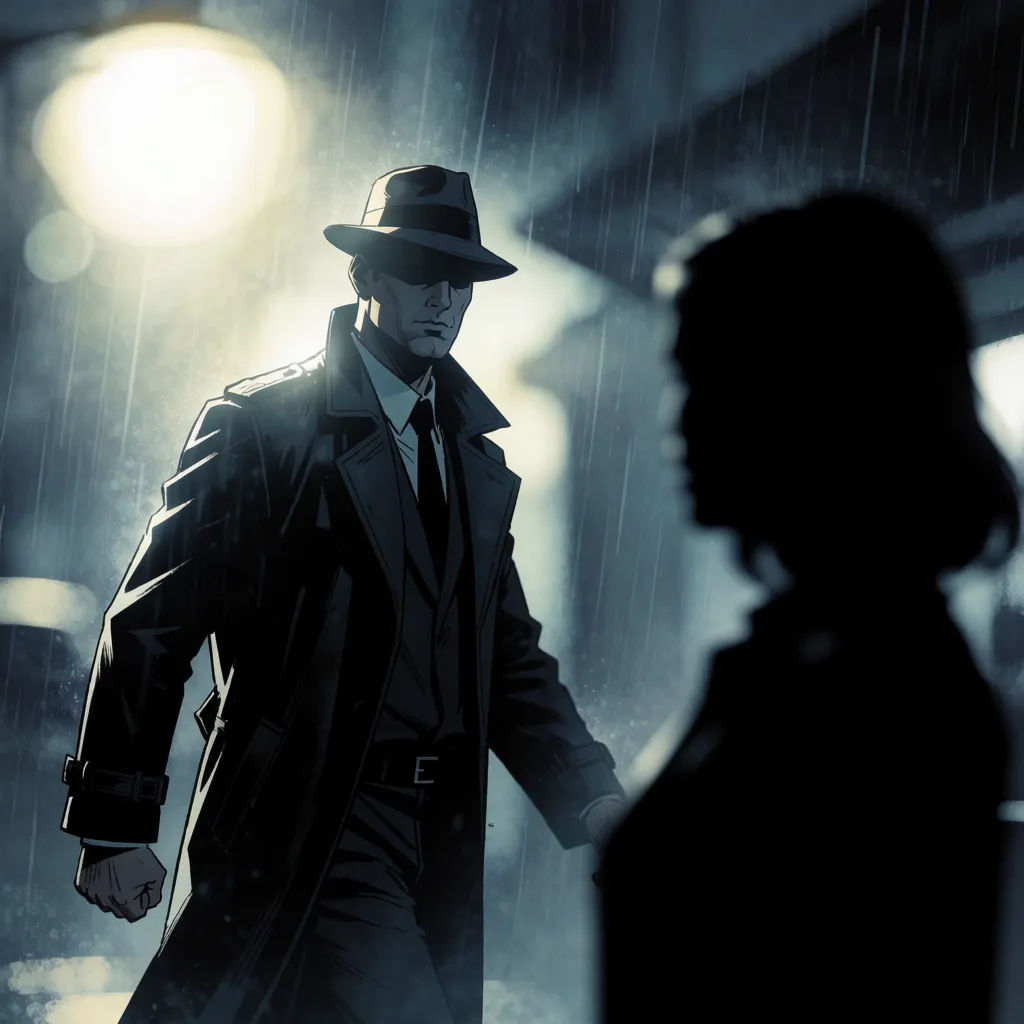
Noir ve korku
Yüksek kontrastlı gölgeler, kasvetli yağmur ve gergin kadrajlar. Atmosferine uygun karanlık hikayeler.

Karikatür şeridi
Basit şekiller, esprili ifadeler ve hızlı espriler. Web için hafif, okunması kolay şeritler.

Denenecek çizgi roman promptları
Farklı türler, paneller ve tarzlar. Herhangi bir promptu açıp değiştirin ve kendi görselinizi oluşturun.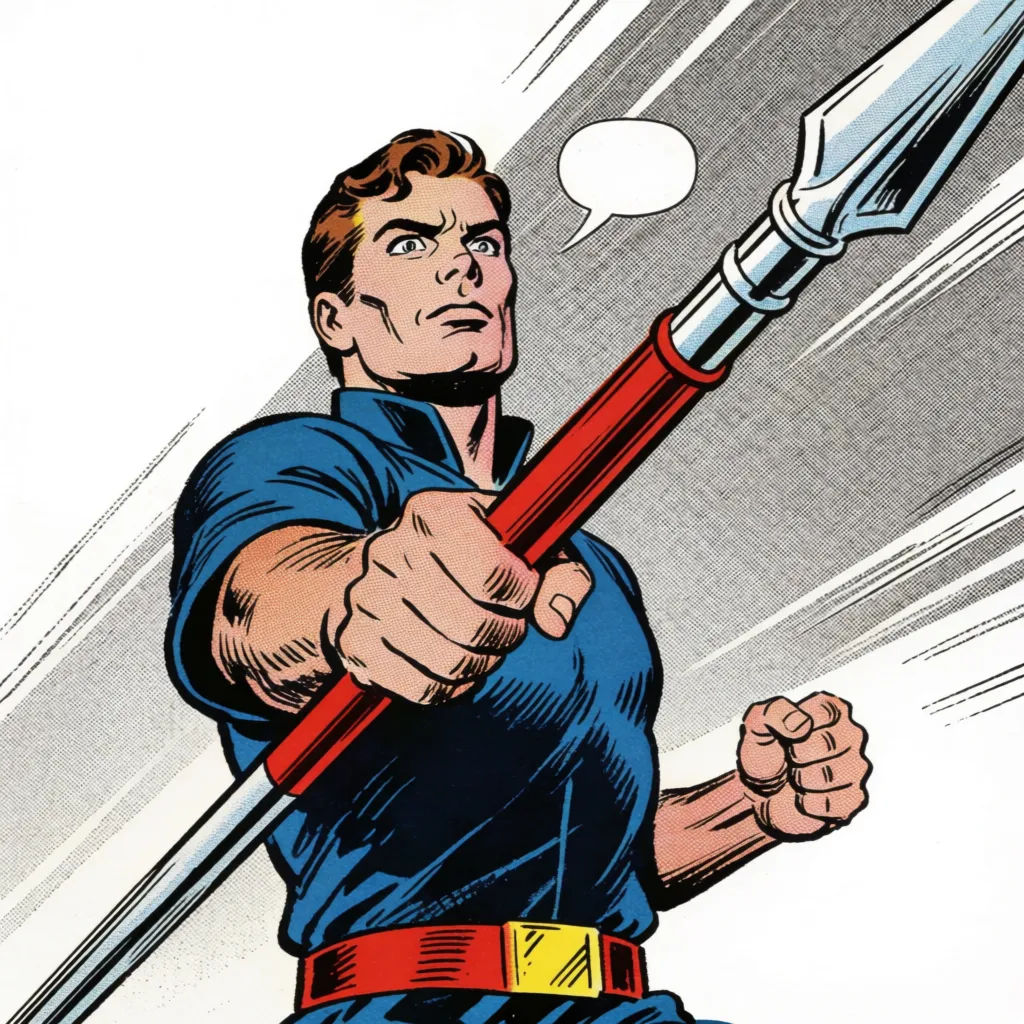
Western aksiyon
Western çizgi roman paneli, aksiyon anında kahraman, kalın mürekkep çizgiler, yarım ton gölgelendirme
Edit prompt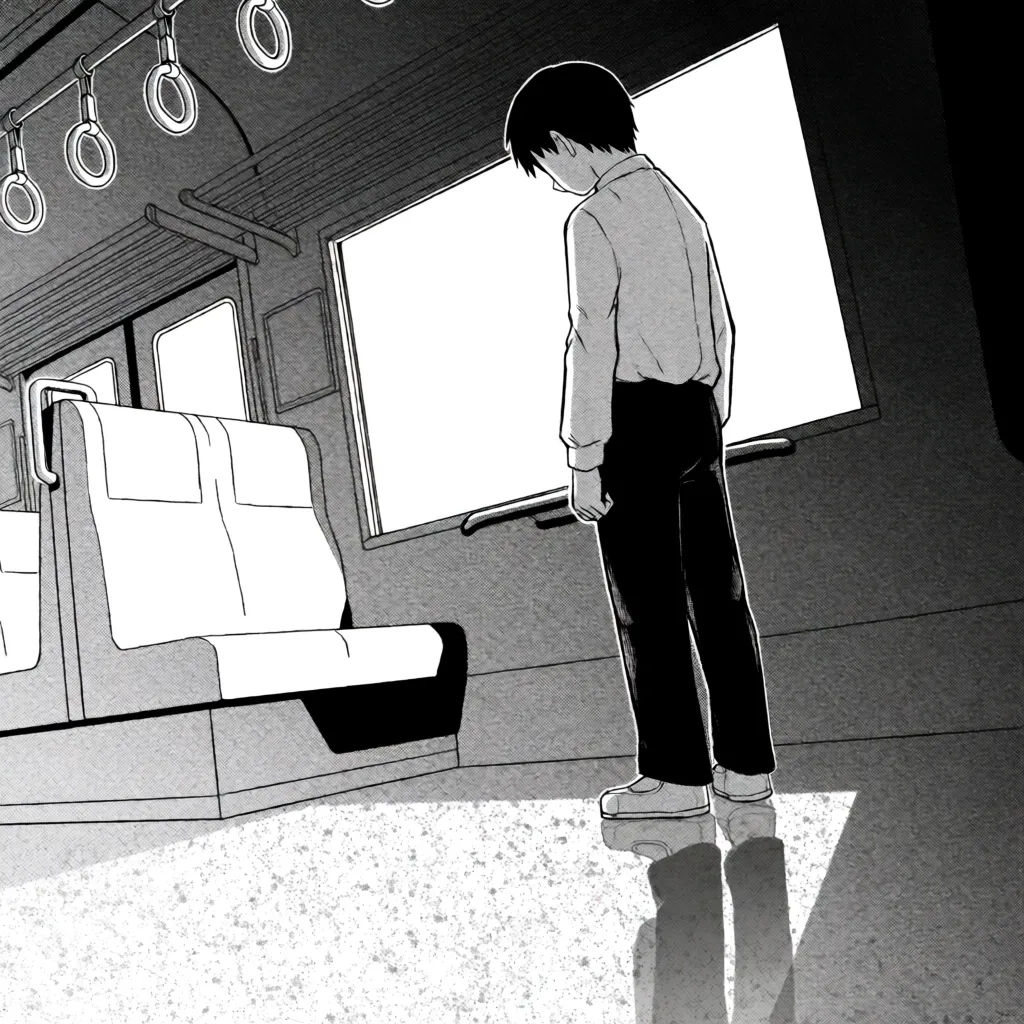
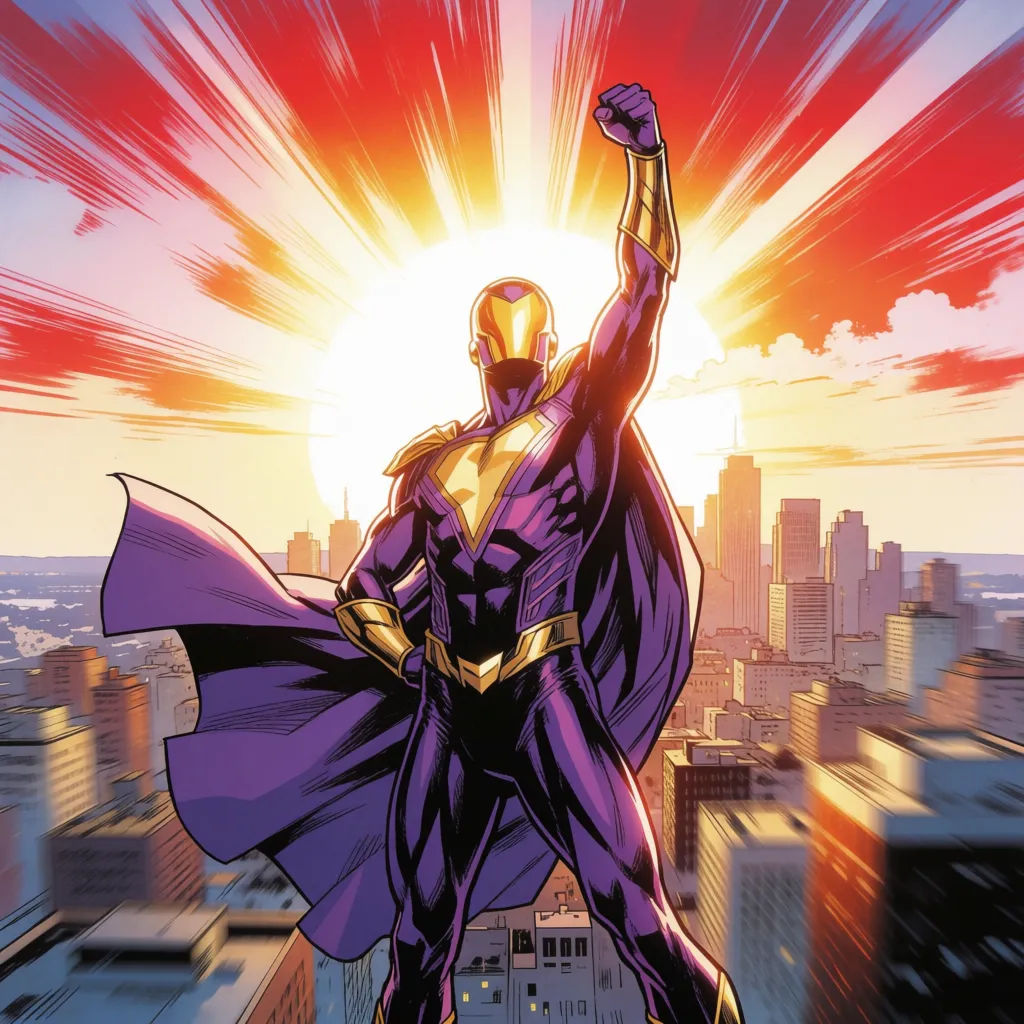
Süper kahraman sayfası
Süper kahraman splash sayfası, dinamik poz, şehir silüeti, canlı renk
Edit prompt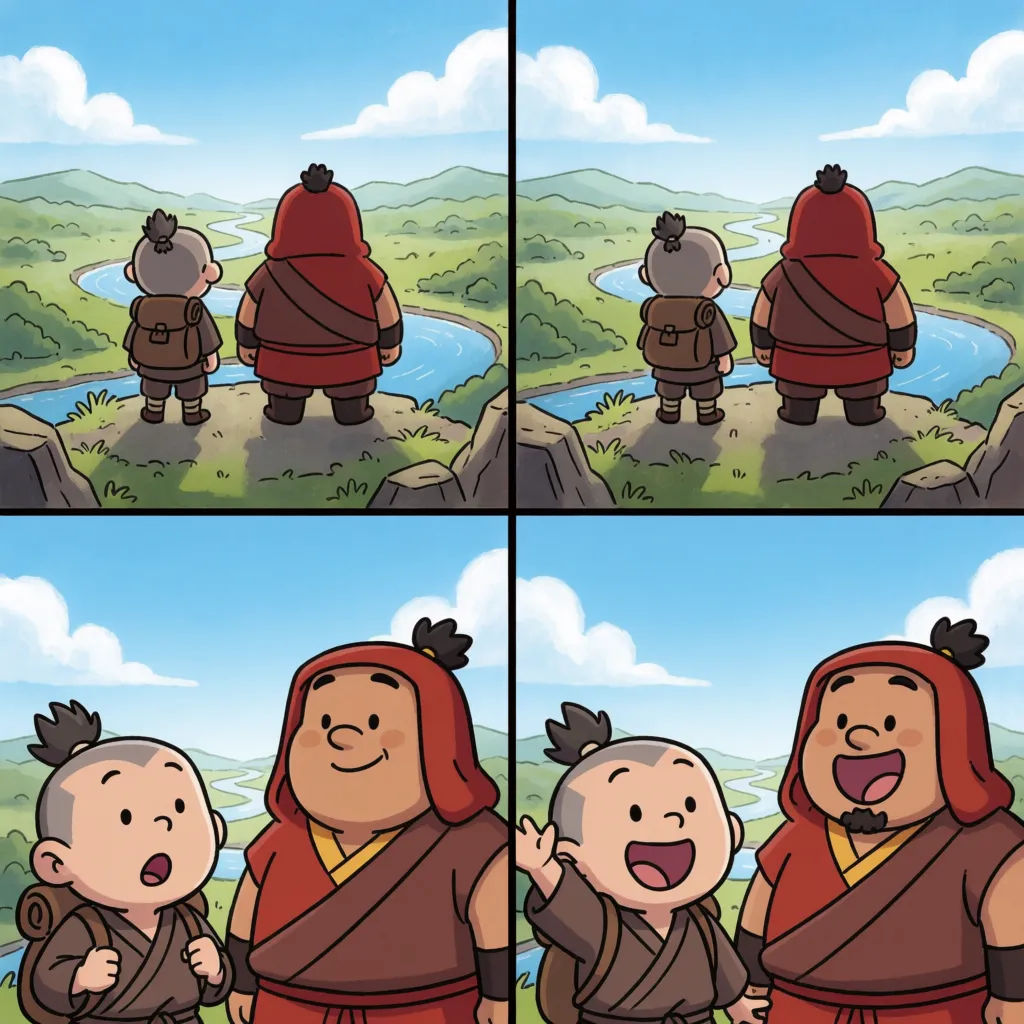
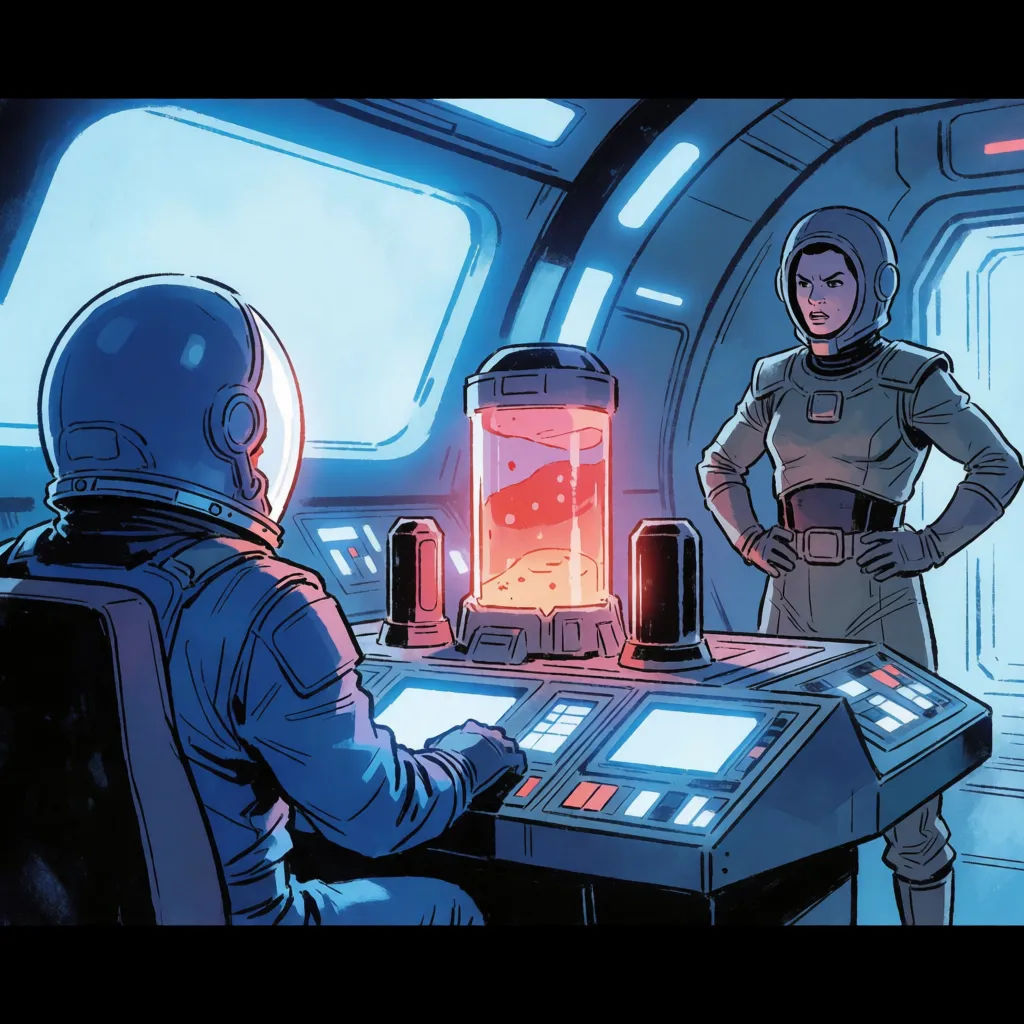
Bilim kurgu sahnesi
Bilim kurgu çizgi roman paneli, uzay gemisi iç mekanı, soğuk palet, temiz çizgi işi
Edit prompt
Anime style transfer
Pick any anime illustration as your style guide. Apply its look to any image.

Sketch to render
Turn any sketch or drawing into a finished render.

Expressions
Take any character image and generate 6 distinct facial expressions on a single reference sheet.

Character lineup
All your characters on a single lineup image, side by side with height comparison.

Chibi sprite animation
Turn any photo or description into an animated chibi sprite. Dance, jump, wave, attack, and more.

3x3 storyboard
Feed in a single image. Get 9 cinematic beats laid out as a 3x3 storyboard grid.
Hepsi Morphic'te
Hikayenizin her paneli, tek bir tutarlı tarzdaModeller
Nano Banana 2, Flux 2 Pro, Grok Imagine, Seedream 5 ve daha fazlası. Çizgi roman tarzınıza en uygun modeli seçin, istediğiniz zaman değiştirin.
Tutarlı karakterler
Paneller arasında aynı kadroyu tekrar kullanarak çizgi romanınızın baştan sona aynı model üzerinde kalmasını sağlayın.
Her tür
Manga, noir, süper kahraman veya karikatür. Tarzı belirtin, paneller ona uysun.
Workflows
Bir çizgi roman tarzını Workflow'a kilitleyin ve tüm bir sayıyı tek bakışta oluşturun.
