Uygulayabileceğiniz görünümler
Üç adımda yapay zeka filtresi uygulayın
- 01
Morphic'i açın
Kaydolun ve özgürce akan, sınırsız görsel bir tuval üzerinde oluşturmaya başlayın.
- 02
Fotoğrafınızı yükleyin
Yeniden tasarlamak istediğiniz görseli sürükleyip bırakın.
- 03
Görünümü tarif edin
Stili adlandırın, ince ayar yapın ve filtrelenmiş fotoğrafı indirin.
Uygulayabileceğiniz filtre görünümleri
Sinematik ton
Teal-turuncu renk, yumuşak grenli doku ve filmsel kontrast. Bir film karesinin işlenmiş görünümü.

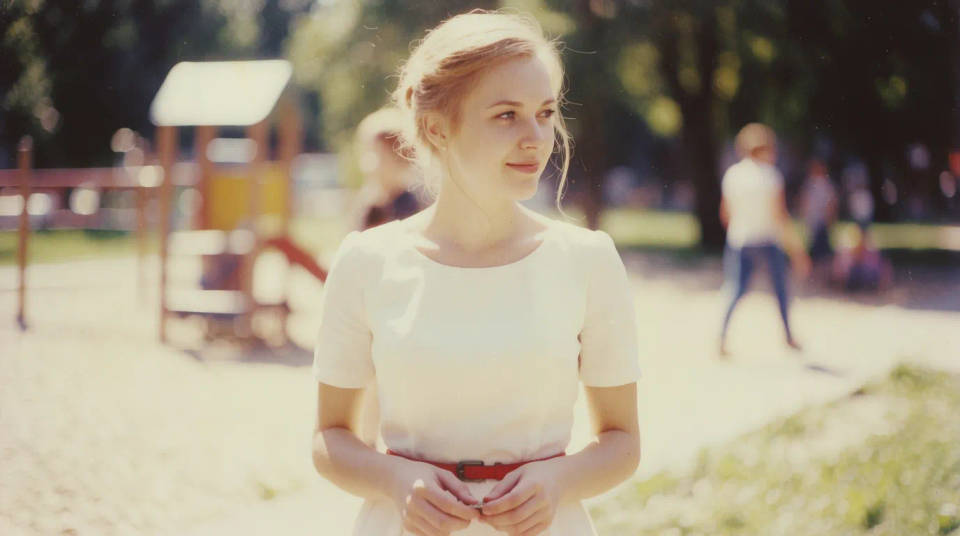
Vintage film
Solgun tonlar, sıcak bir renk katmanı ve hafif grenli doku. Anlık bir retro, film çekimi hissi.
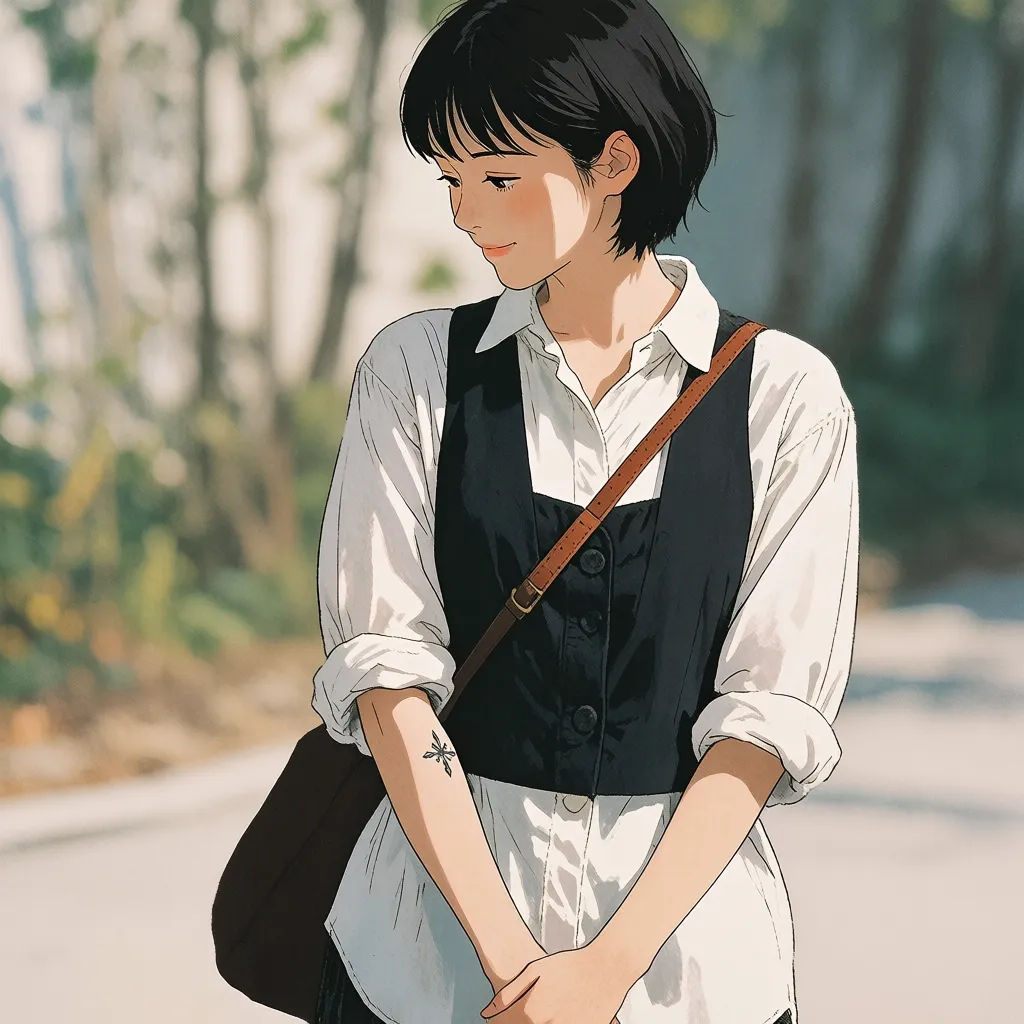
Anime ve sanat
Temiz çizgiler, resimsi gölgelendirme veya yağlı boya dokusu. Bir fotoğrafı tek adımda stilize sanata dönüştürün.

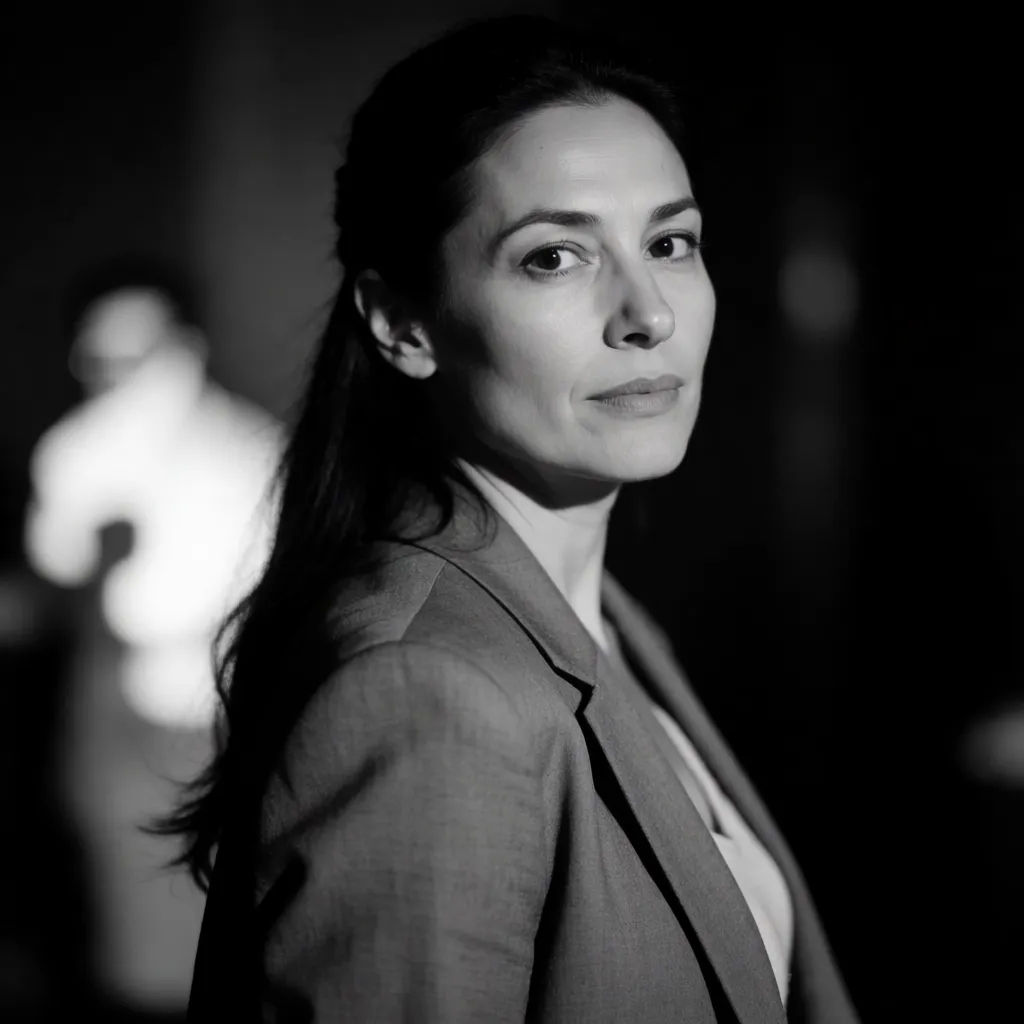
Siyah beyaz noir
Derin kontrast, zengin siyahlar ve dramatik ışık. Zamansız bir monokrom atmosfer.

Denenecek filtre promptları
Her biri kendi fotoğrafınızla başlar. Herhangi bir promptu açıp ince ayar yaparak kendi görselinizi oluşturun.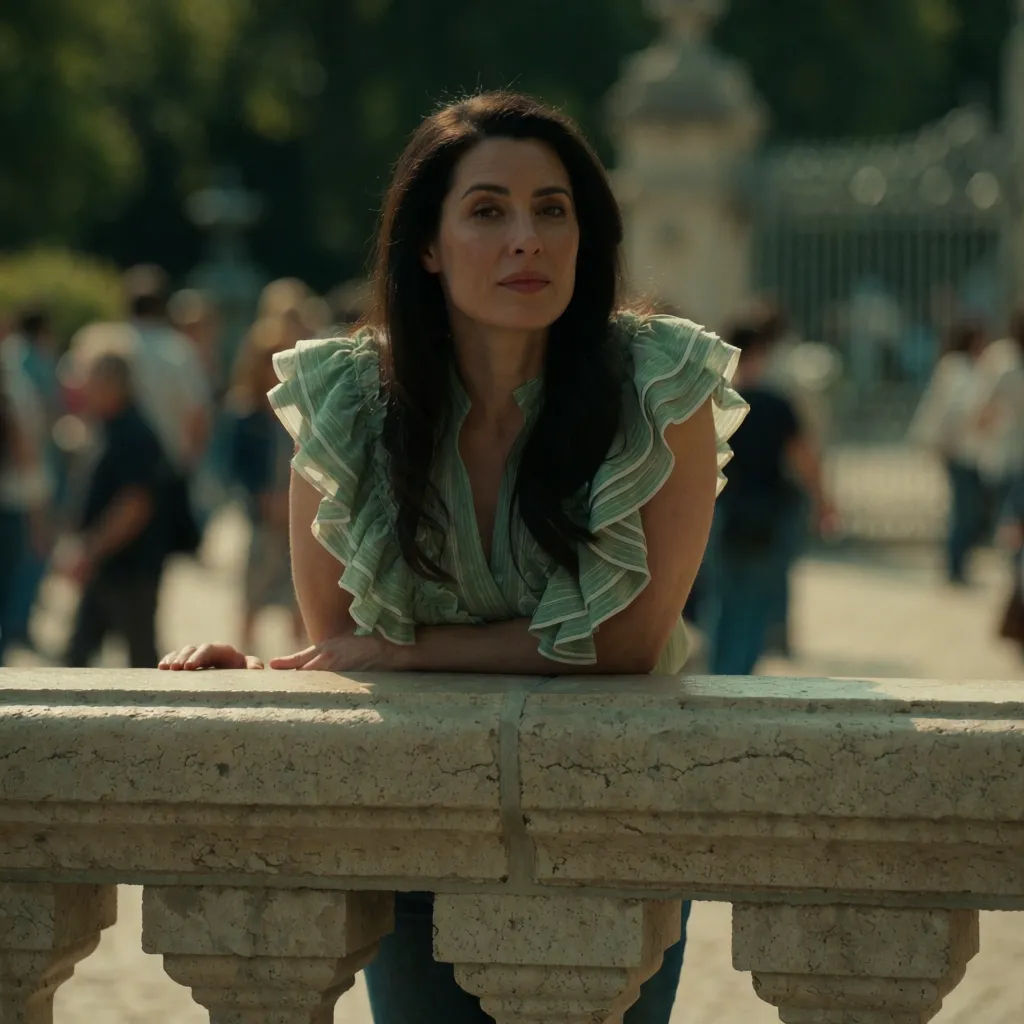
Sinematik ton
Bu fotoğrafa sıcak bir sinematik ton uygulayın, yumuşak film grenli, teal gölgeler
Edit prompt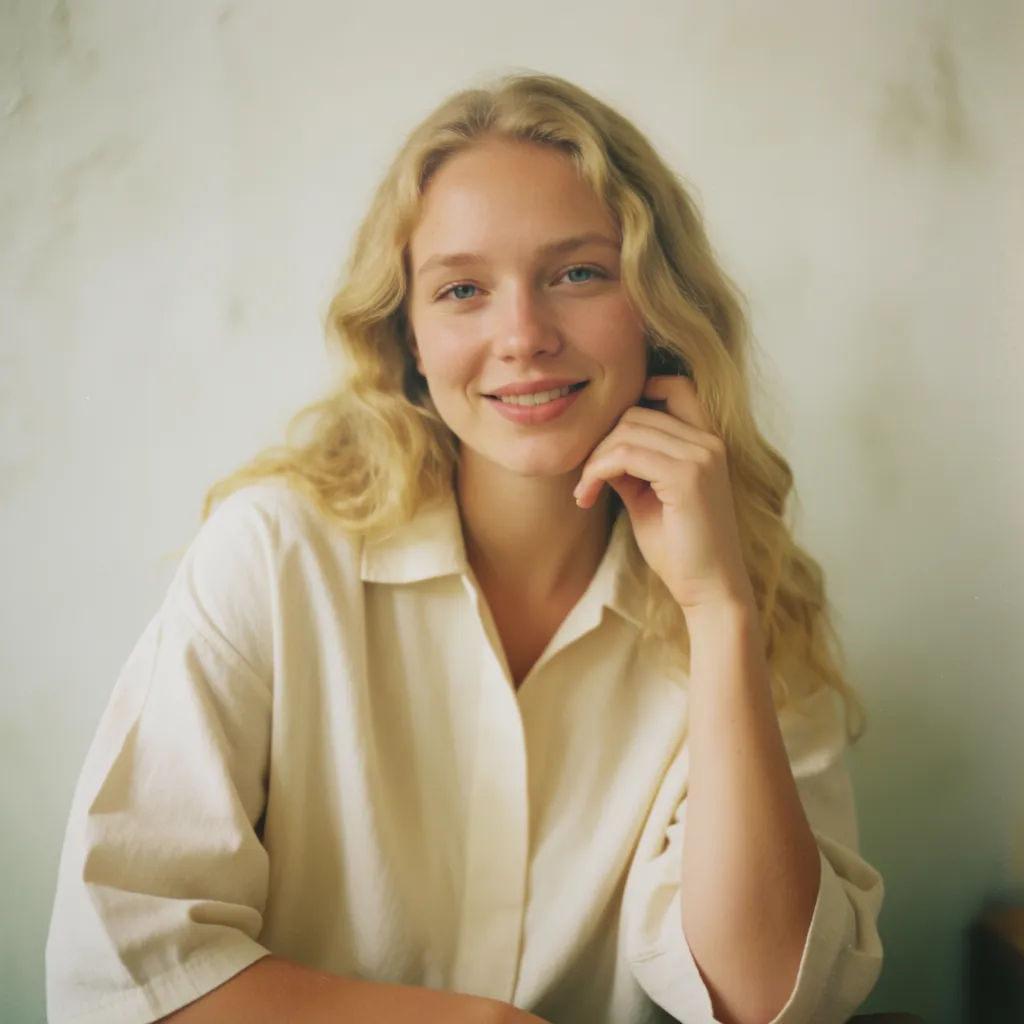
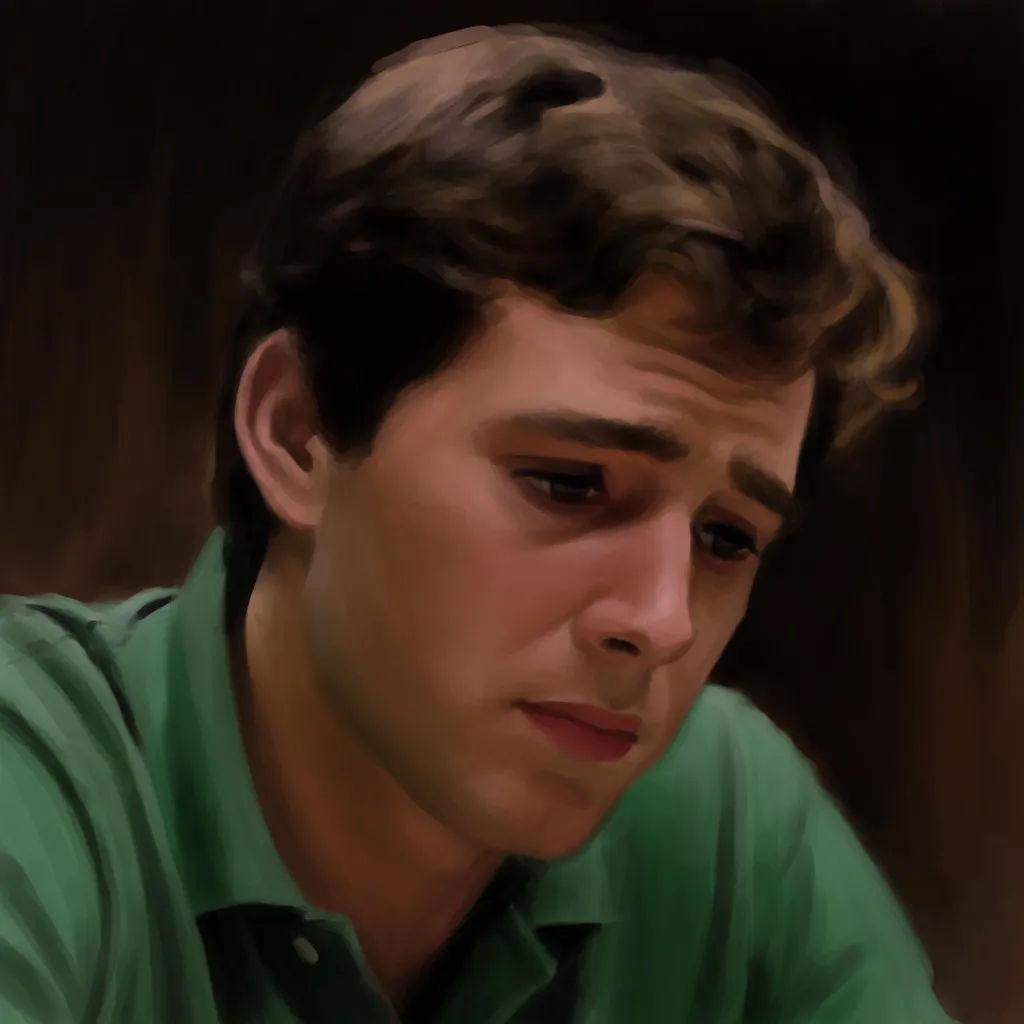
Yağlı boya tablo
Bu fotoğrafı yağlı boya tabloya dönüştürün, belirgin fırça darbeleri, zengin tonlar
Edit prompt

Sketch to render
Turn any sketch or drawing into a finished render.

Anime style transfer
Pick any anime illustration as your style guide. Apply its look to any image.

Expressions
Take any character image and generate 6 distinct facial expressions on a single reference sheet.
Art style transfer
Pick a reference image, apply its visual style to your own photo or artwork.

Chibi sprite animation
Turn any photo or description into an animated chibi sprite. Dance, jump, wave, attack, and more.

Image reverse engineer
Get a detailed prompt extracted from a reference image, and then a fresh recreation.
Hepsi Morphic'te
Tarif edebileceğiniz her görünüm, tek adımdaModeller
Nano Banana 2, Flux 2 Pro, Grok Imagine, Seedream 5 ve daha fazlası. Görünümünüzü en iyi işleyen modeli seçin, istediğiniz zaman değiştirin.
Prompt, ön ayar değil
Sabit filtre paketlerinde aramak yerine her görünümü kelimelerle tarif edin.
Çekiminizi korur
Filtre renk ve atmosferi yeniden düzenlerken kompozisyonunuz ve özneniz yerinde kalır.
Workflows
İmza görünümünüzü bir Workflow olarak kaydedin ve her yeni fotoğrafa tek tıkla uygulayın.
