Oluşturabileceğiniz boyutlar
Bir görseli üç adımda boyutlandırın
- 01
Morphic'i açın
Kaydolun ve özgürce akan, sınırsız görsel bir tuval üzerinde oluşturmaya başlayın.
- 02
Bir boyut seçin
İhtiyacınız olan boyutu veya en boy oranını seçin.
- 03
Boyutlandırın ve indirin
Yapay zeka yeni alanı doldursun, ardından boyutlandırılmış görseli dışa aktarın.
Kullanım alanları
Tek görsel, her platform
Tek bir fotoğrafı hikayeler, gönderiler, bannerlar ve küçük resimler için yeniden şekillendirin. Tek bir kaynak görsel, paylaşmanız gereken her boyuta dönüşür.
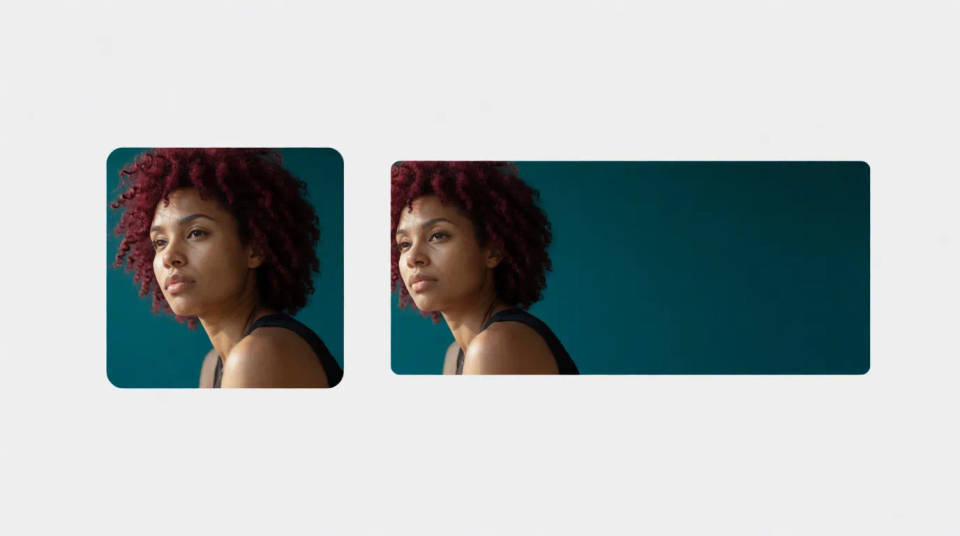
Kırpmadan boyutlandırma
Özneyi kesmek yerine sahneyi genişleterek yeni bir orana uydurun. Önemli hiçbir şeyi kaybetmeden şekli değiştirin.
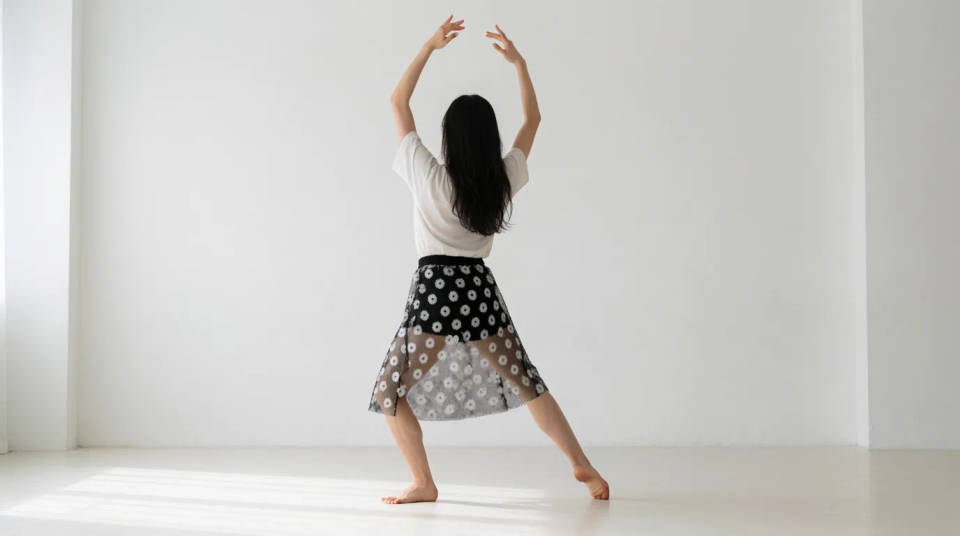
Reklam kreatifi hazırlayın
Tek bir kaynak görselden marka kimliğine uygun her yerleşim boyutunu üretin. Görsel olarak birbiriyle uyumlu kalan eksiksiz bir reklam seti dışa aktarın.
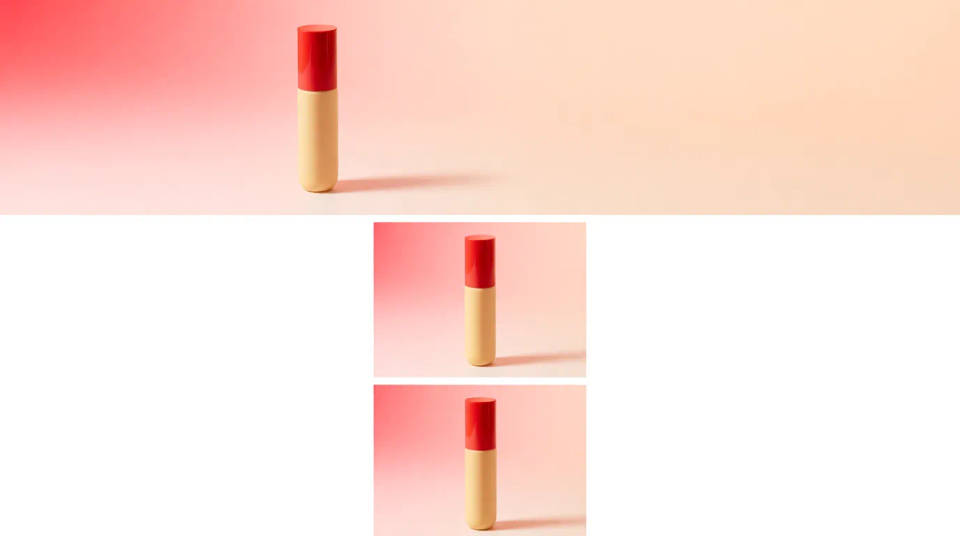
Kötü kırpımları düzeltin
Fazla sıkı kırpılmış bir fotoğrafa kenarları genişleterek yeniden nefes alan bir alan kazandırın. Kadrajın rahatlaması için boşlukları yeniden kurun.
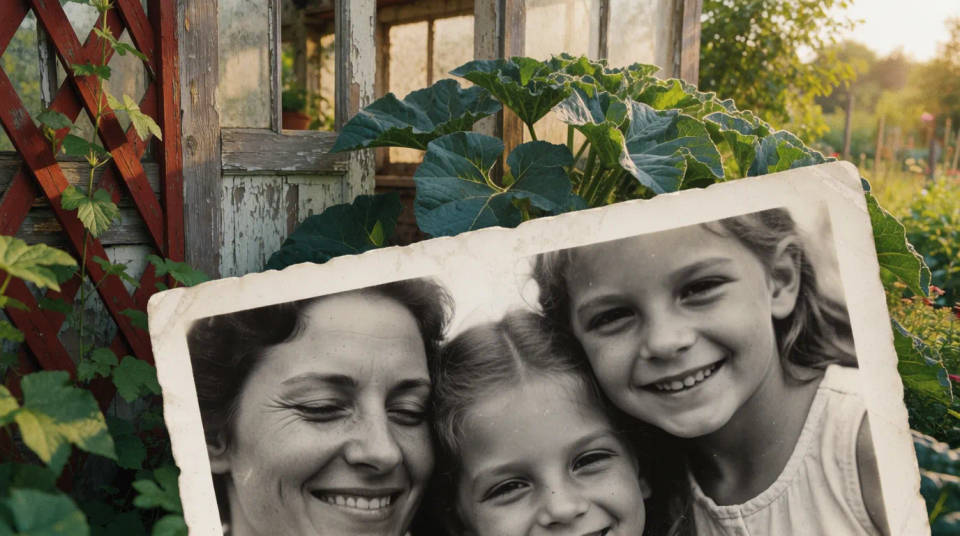
Oluşturabileceğiniz boyutlar
Her biri kendi görselinizden başlar. Ayarlamak ve kendi versiyonunuzu oluşturmak için herhangi bir prompt'u açın.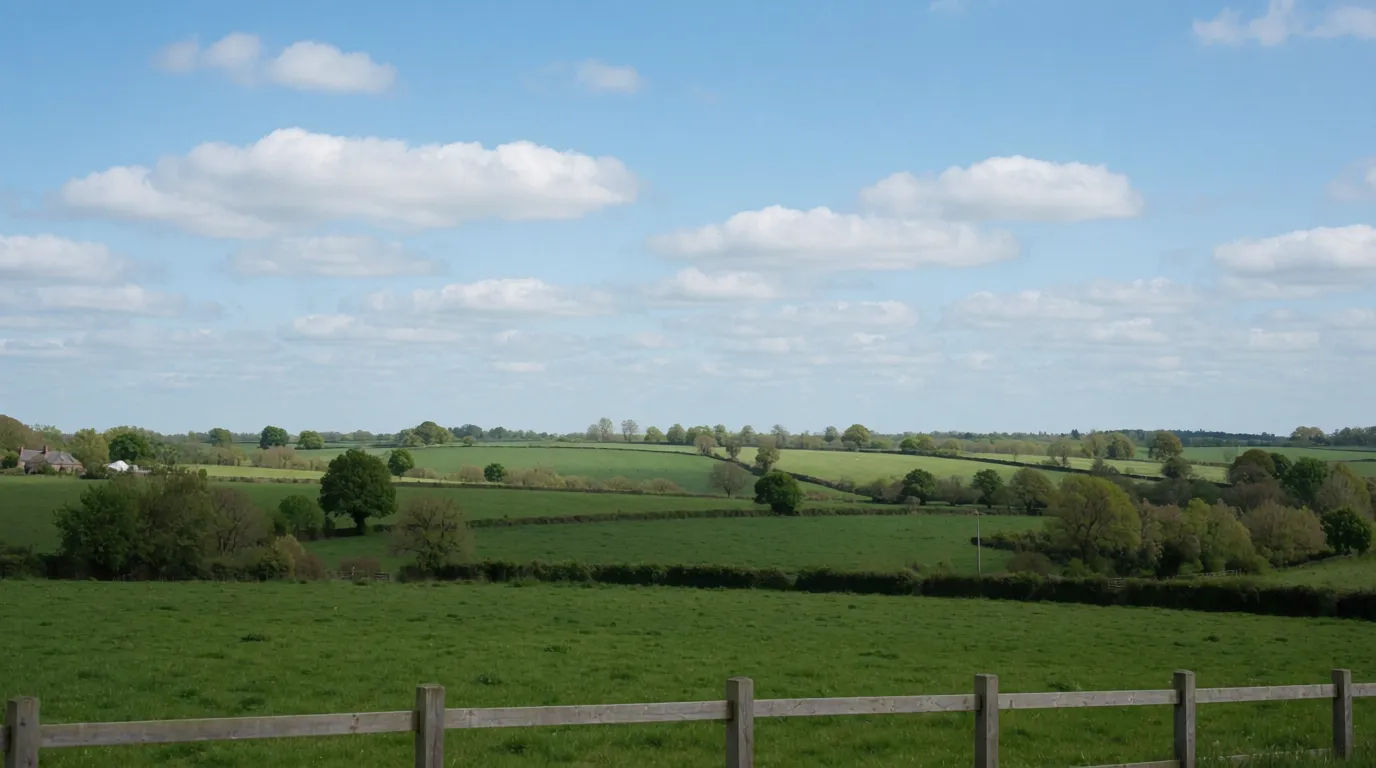
Geniş banner
Bu fotoğrafı geniş bir 16:9 banner'a boyutlandır, yeni alanı doğal şekilde doldur
Edit prompt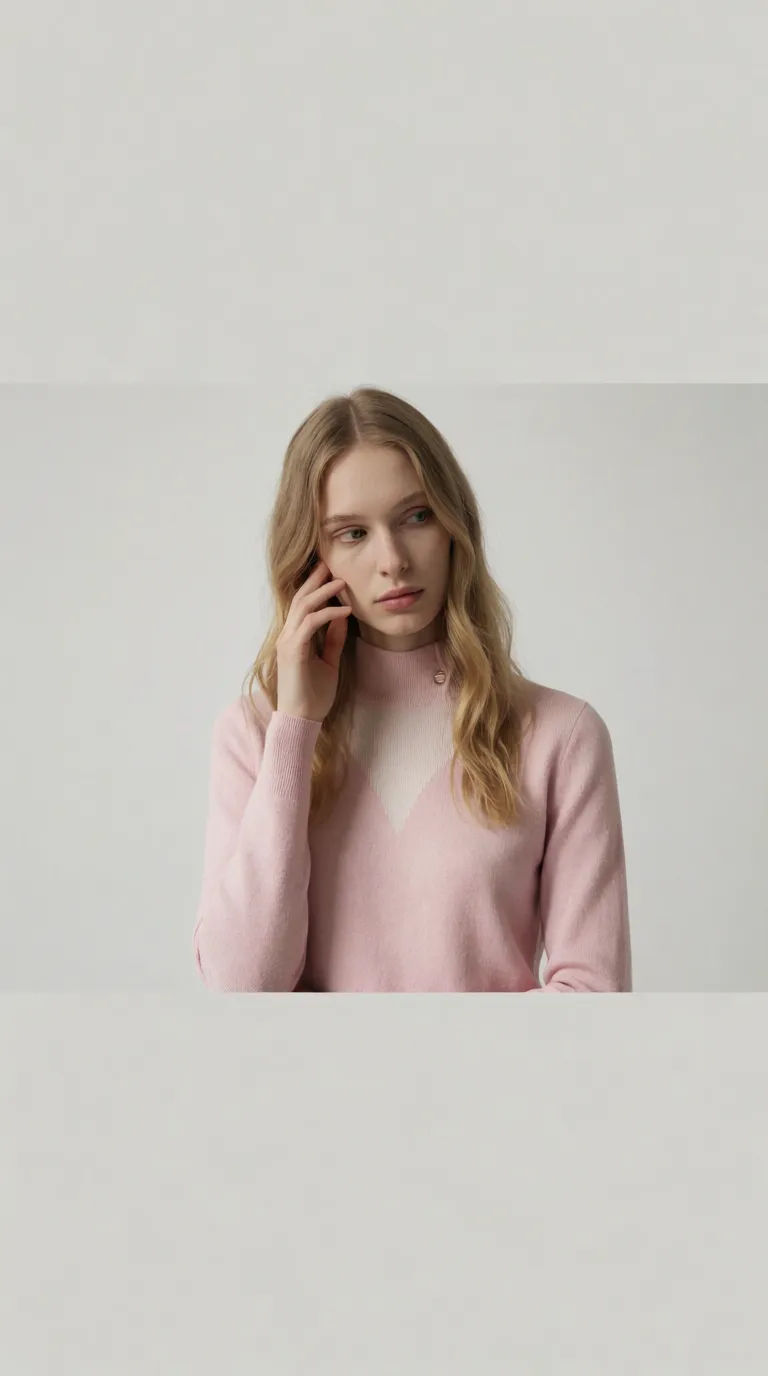
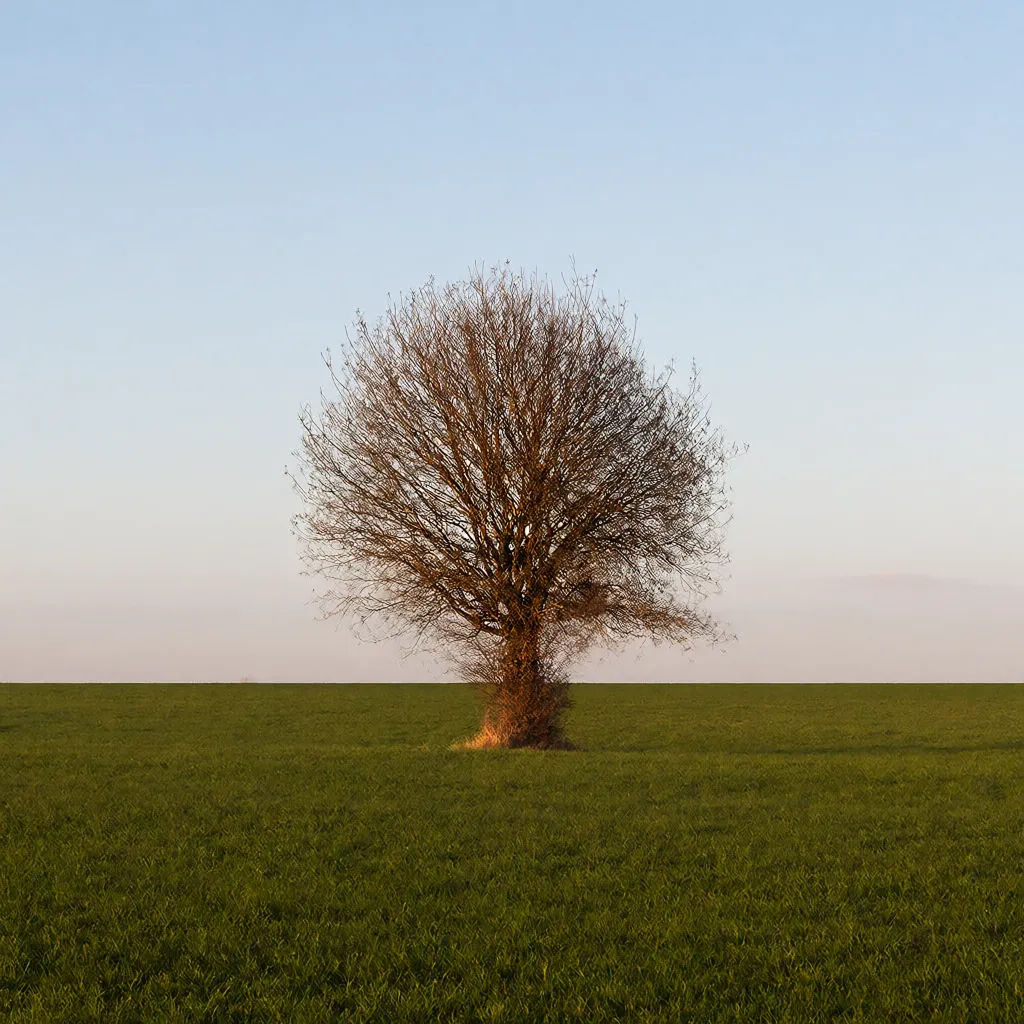
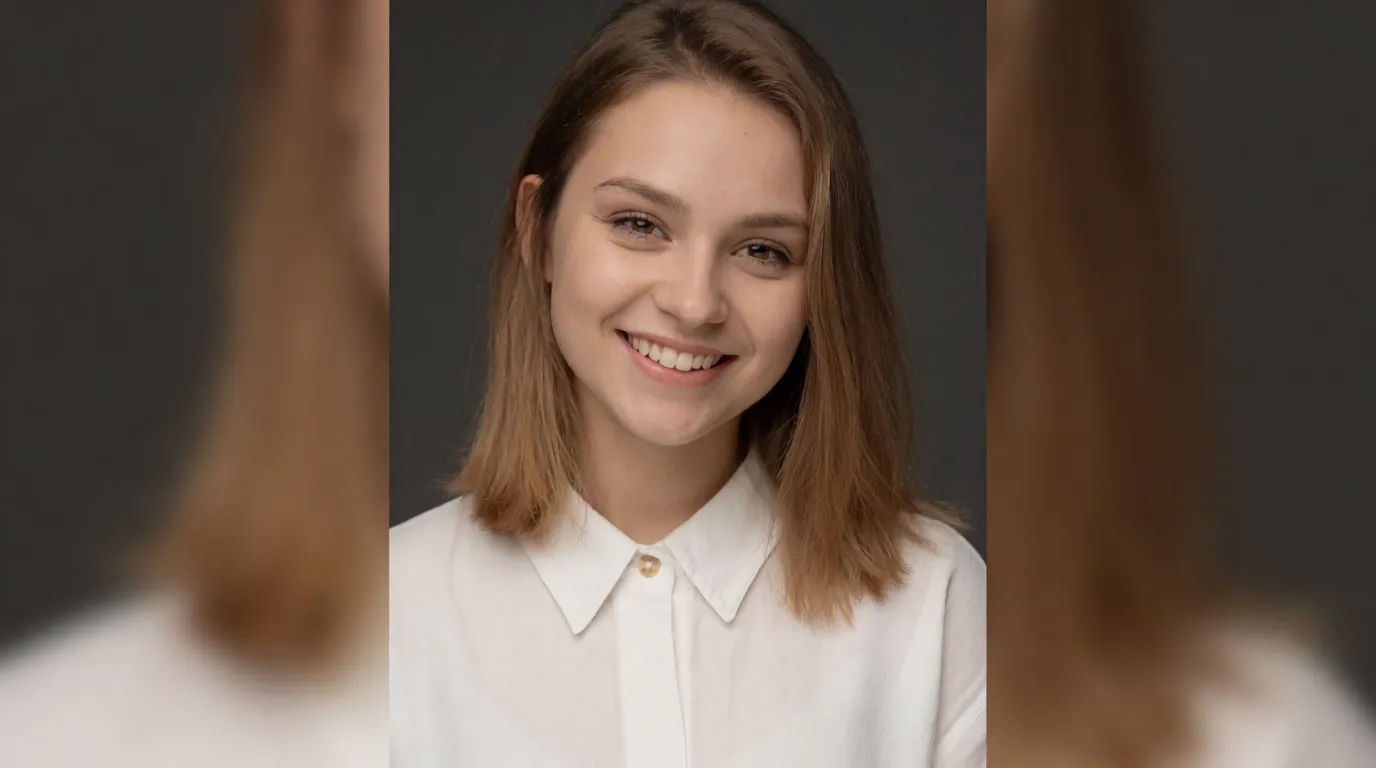
Kapak fotoğrafı
Bu dikey fotoğrafı geniş bir kapak fotoğrafına boyutlandır, arka planı genişlet
Edit prompt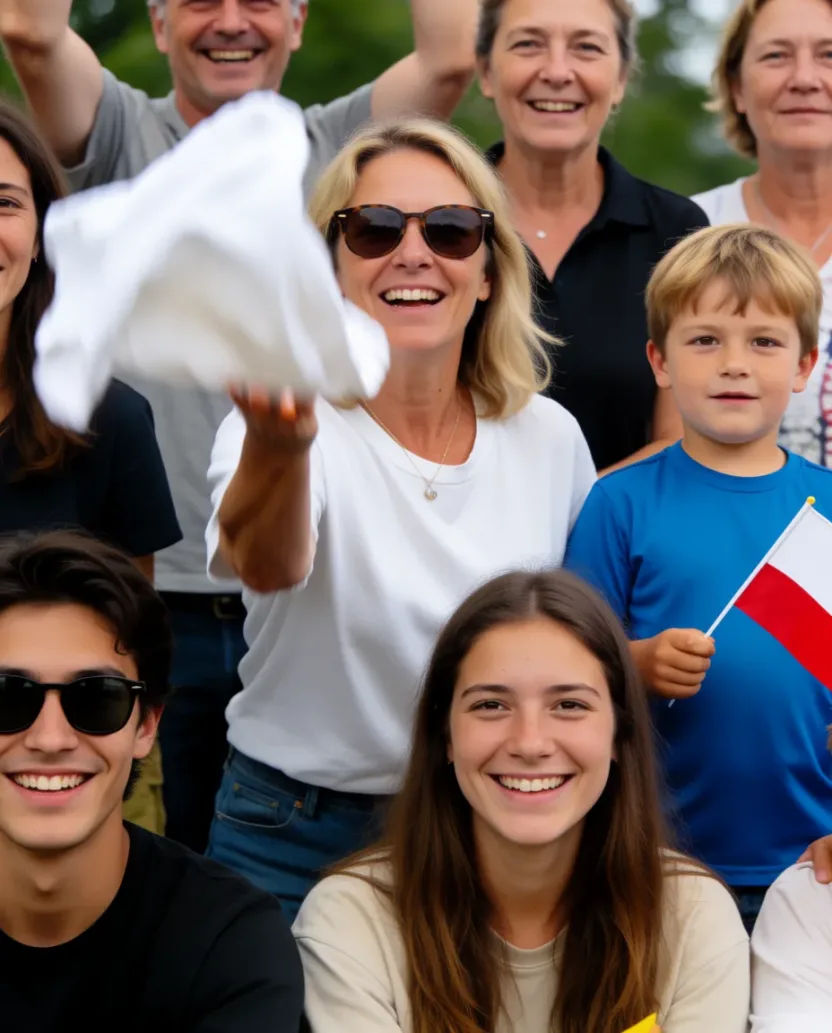

Sketch to render
Turn any sketch or drawing into a finished render.

Expressions
Take any character image and generate 6 distinct facial expressions on a single reference sheet.

Anime style transfer
Pick any anime illustration as your style guide. Apply its look to any image.

Image reverse engineer
Get a detailed prompt extracted from a reference image, and then a fresh recreation.

Cinematic storyboard
Share a scene description with character references. Get a full storyboard with shot angles and mood.

Chibi sprite animation
Turn any photo or description into an animated chibi sprite. Dance, jump, wave, attack, and more.
Hepsi Morphic'te
Germeden her boyut ve oranModeller
Nano Banana 2, Flux 2 Pro, Seedream 5 ve daha fazlası. Yeni alanı en temiz dolduran modeli seçin, istediğiniz zaman değiştirin.
Germe yok
Pikselleri sıkıştırmak yerine sahneyi genişletir, böylece oranlar doğru kalır.
Her oran
Hikaye, kare, banner veya küçük resim. Tek bir görseli hepsi için yeniden şekillendirin.
Workflows
Bir boyutlandırma setini Workflow olarak kaydedin ve her platform boyutunu tek seferde dışa aktarın.
