Yapabileceğiniz genişletmeler
Üç adımda bir görseli genişletin
- 01
Morphic'i açın
Kaydolun ve özgürce akan, sınırsız görsel bir tuval üzerinde oluşturmaya başlayın.
- 02
Yeni boyutu belirleyin
Ne kadar ve hangi yönde genişleteceğinizi seçin.
- 03
Genişletin ve indirin
Yapay zekanın yeni alanı oluşturmasına izin verin, ardından genişletilmiş görseli dışa aktarın.
Kullanım alanları
Yeni bir en boy oranına uydurma
Bir fotoğrafı özneyi kırpmadan banner, kapak veya akış için yeniden şekillendirin. Önemli kısımları kesmek yerine kenarları genişletin.
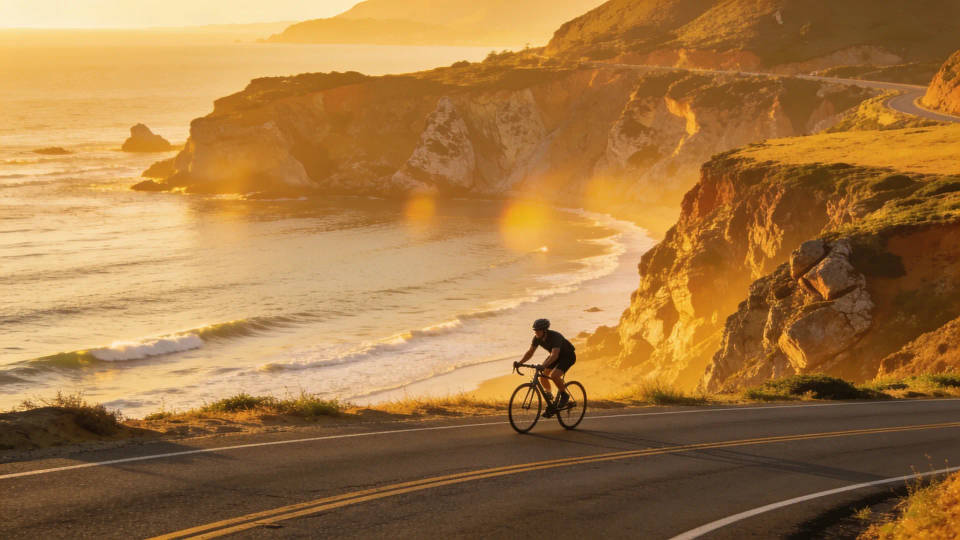
Dar bir kadrajın kırpmasını kaldırma
Kesilen alanı yeniden oluşturarak öznenin nefes alacağı boşluğu sağlayın. Dar bir kadraja baştan beri ihtiyaç duyduğu boşluğu verin.
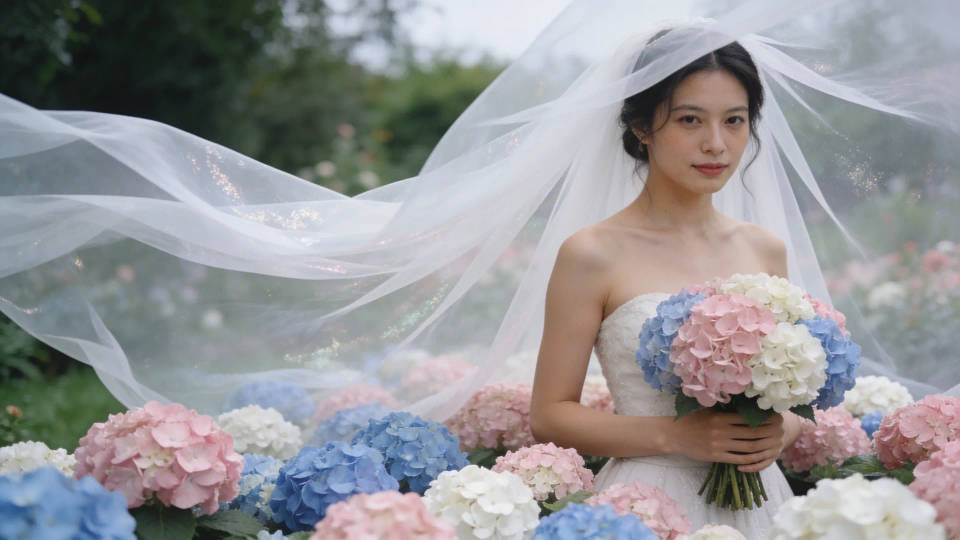
Bir sahneyi genişletme
Daha geniş bir görünüm için bir manzarayı veya iç mekanı kare dışına taşıyın. Yeni alan sahneyle uyumlu olduğundan birleşim yeri fark edilmez.
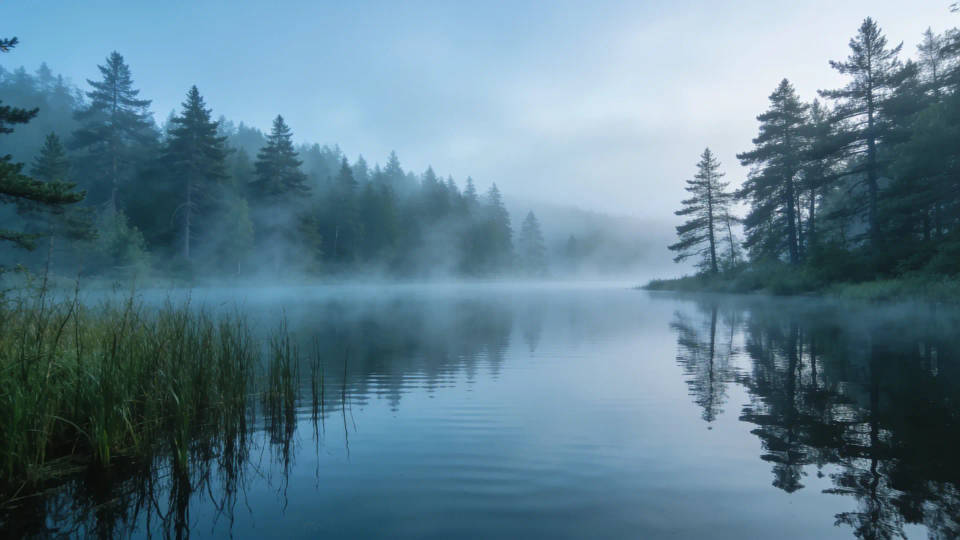
Metin için boşluk açma
Başlıklar veya düzen için kadrajın etrafına temiz bir boşluk ekleyin. Görseli küçültmeden veya bozmadan metin için yer açın.
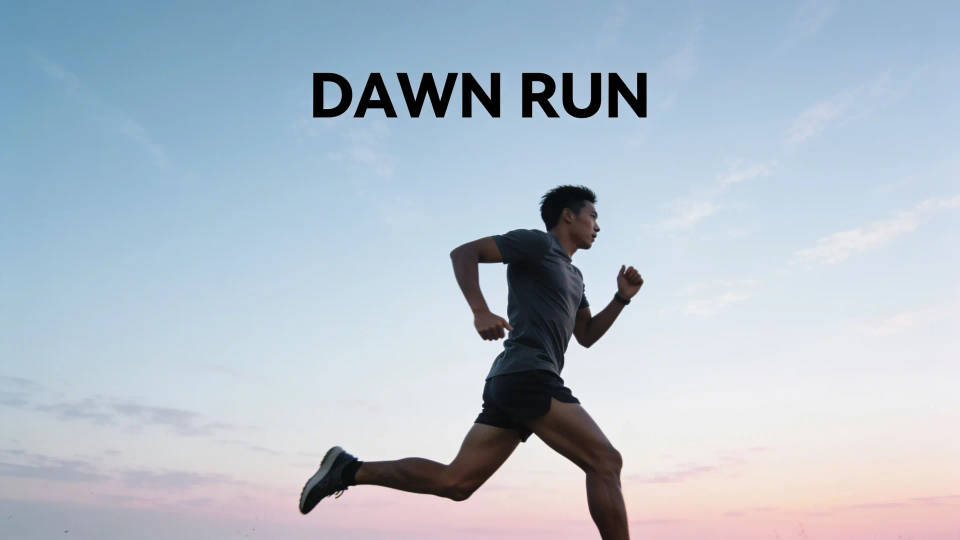
Yapabileceğiniz genişletmeler
Her biri kendi görselinizle başlar. İstediğiniz prompt'u açıp düzenleyin ve kendi versiyonunuzu oluşturun.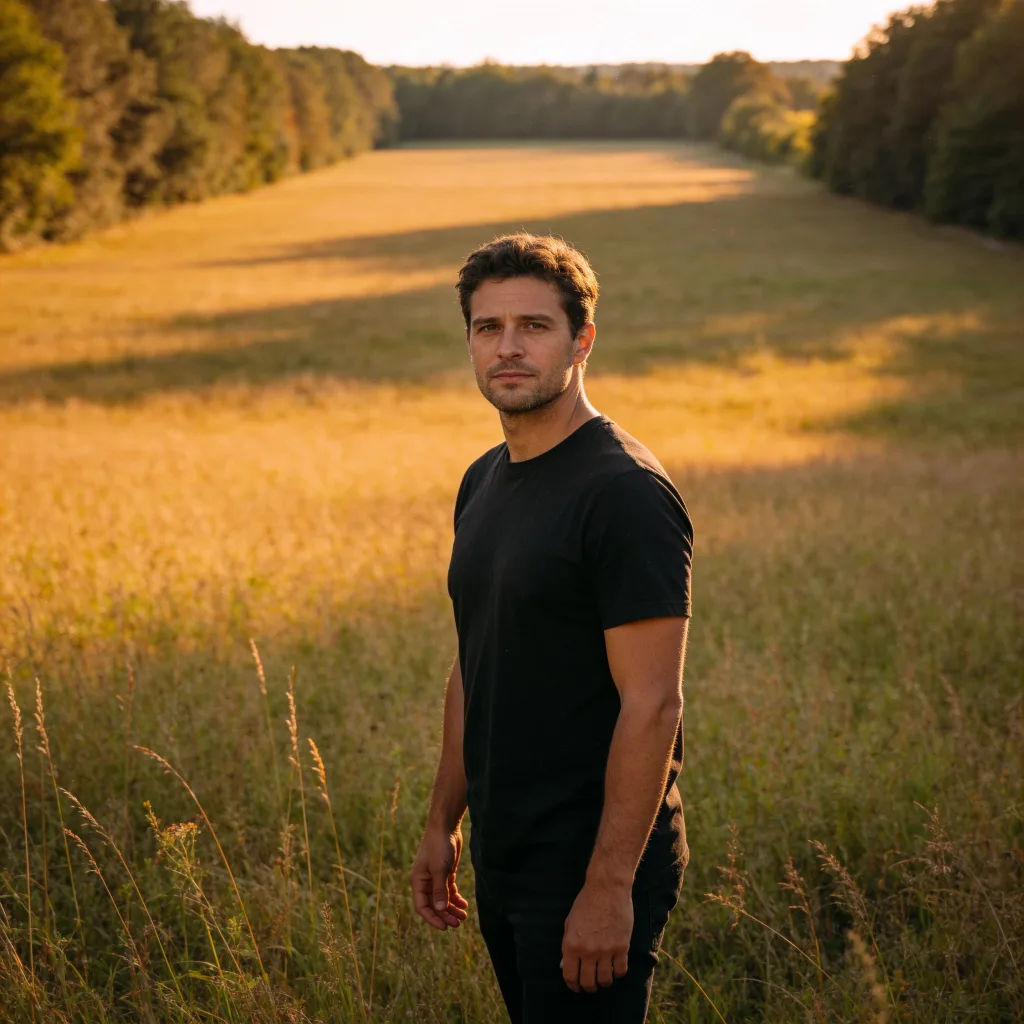
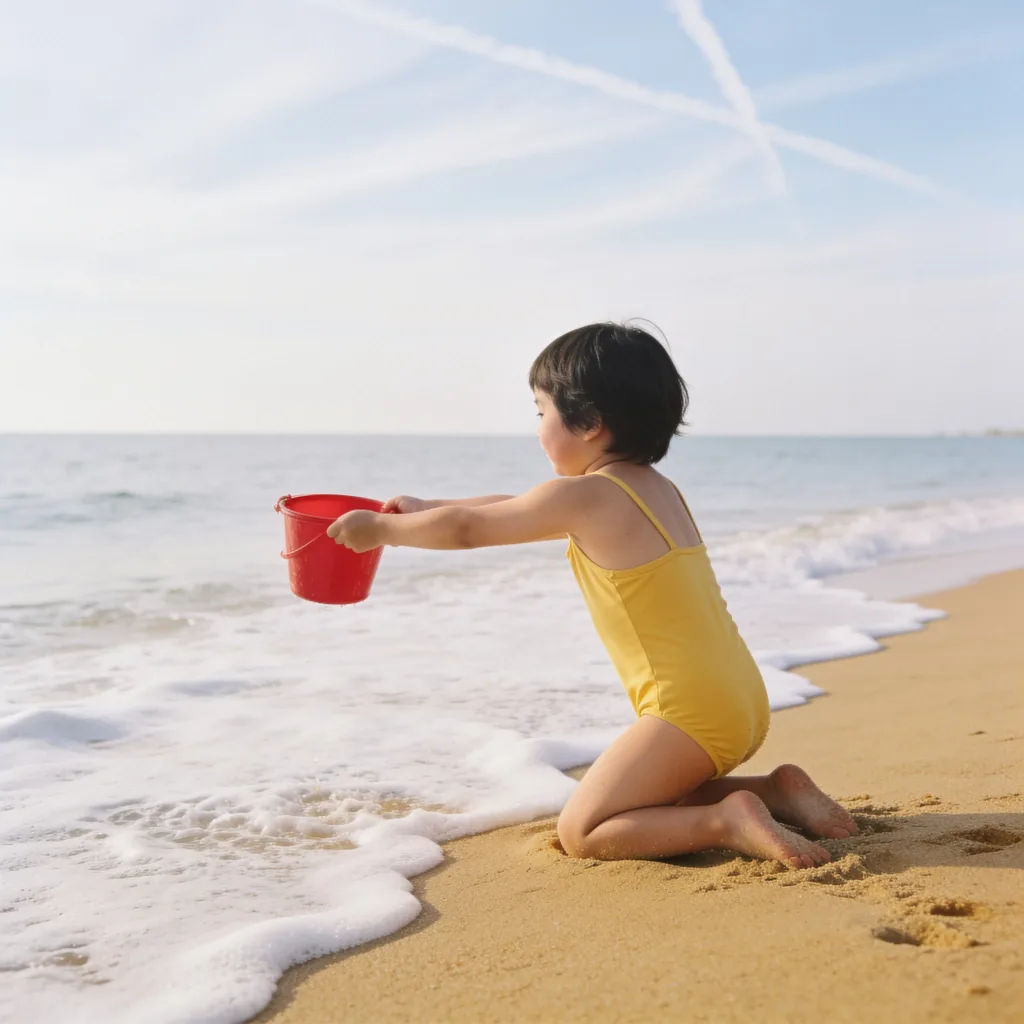
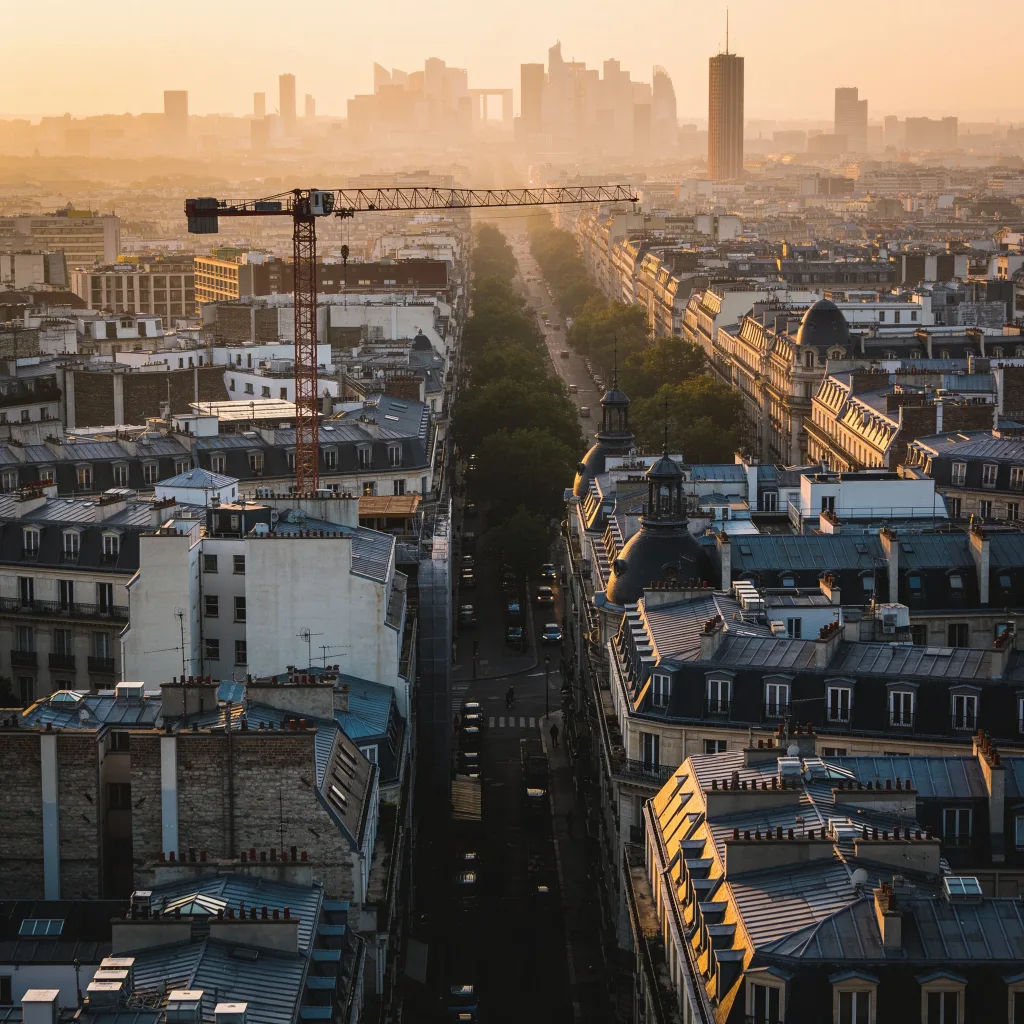
Şehir silüetini genişletme
Bu şehir fotoğrafını genişlet, silüeti her iki tarafta da devam ettir
Edit prompt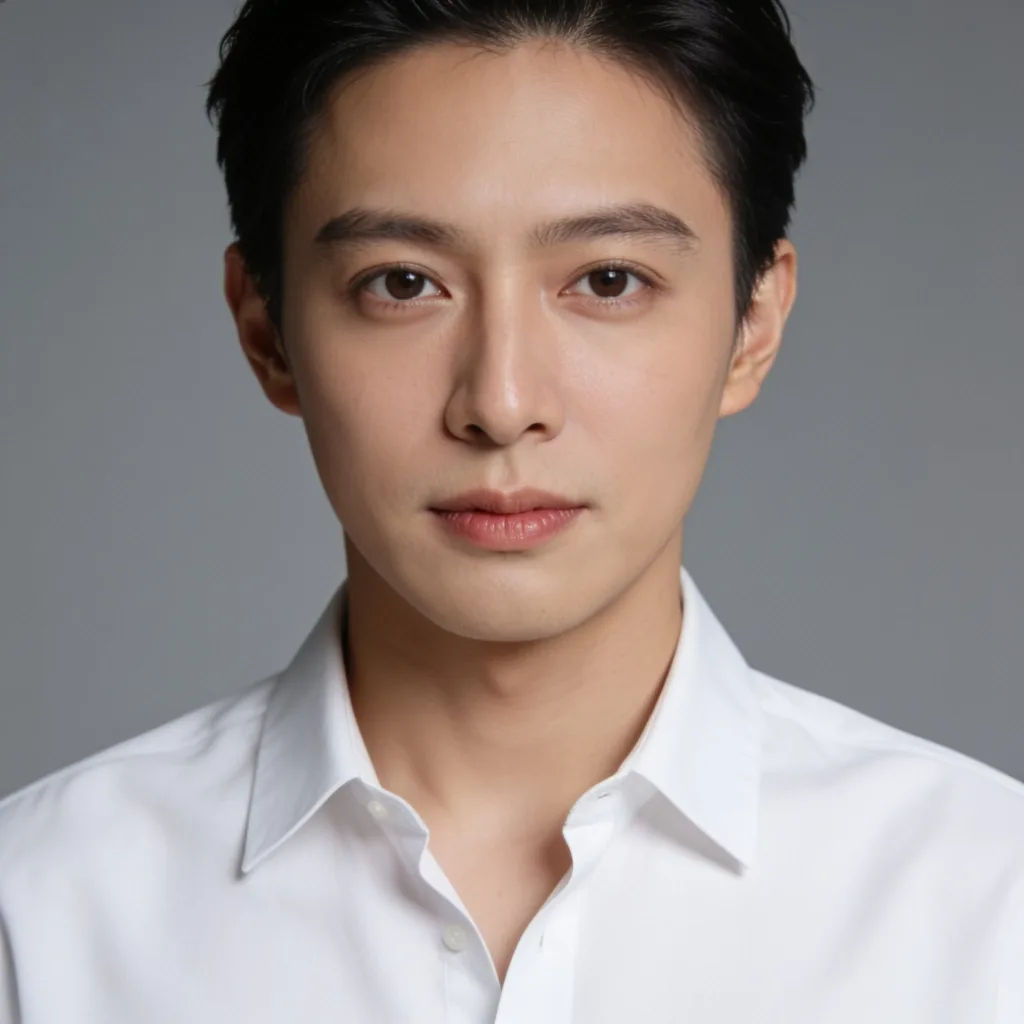
Portredeki kırpmayı kaldırma
Bu portrenin kırpmasını kaldır, baş ve omuz boşluğu ekle, stüdyo ışığını eşleştir
Edit prompt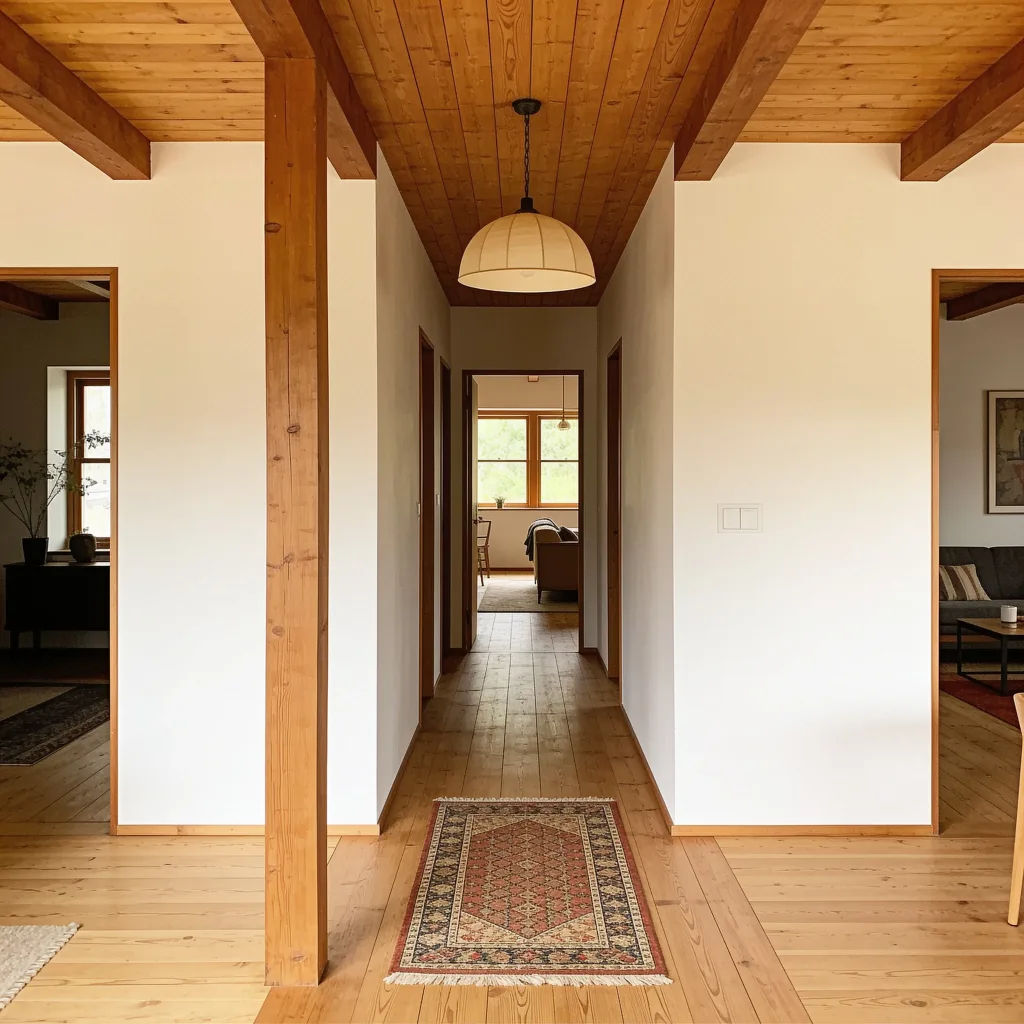
Odayı genişletme
Bu iç mekan fotoğrafını genişlet, daha fazla zemin ve tavan göster, aynı stilde
Edit prompt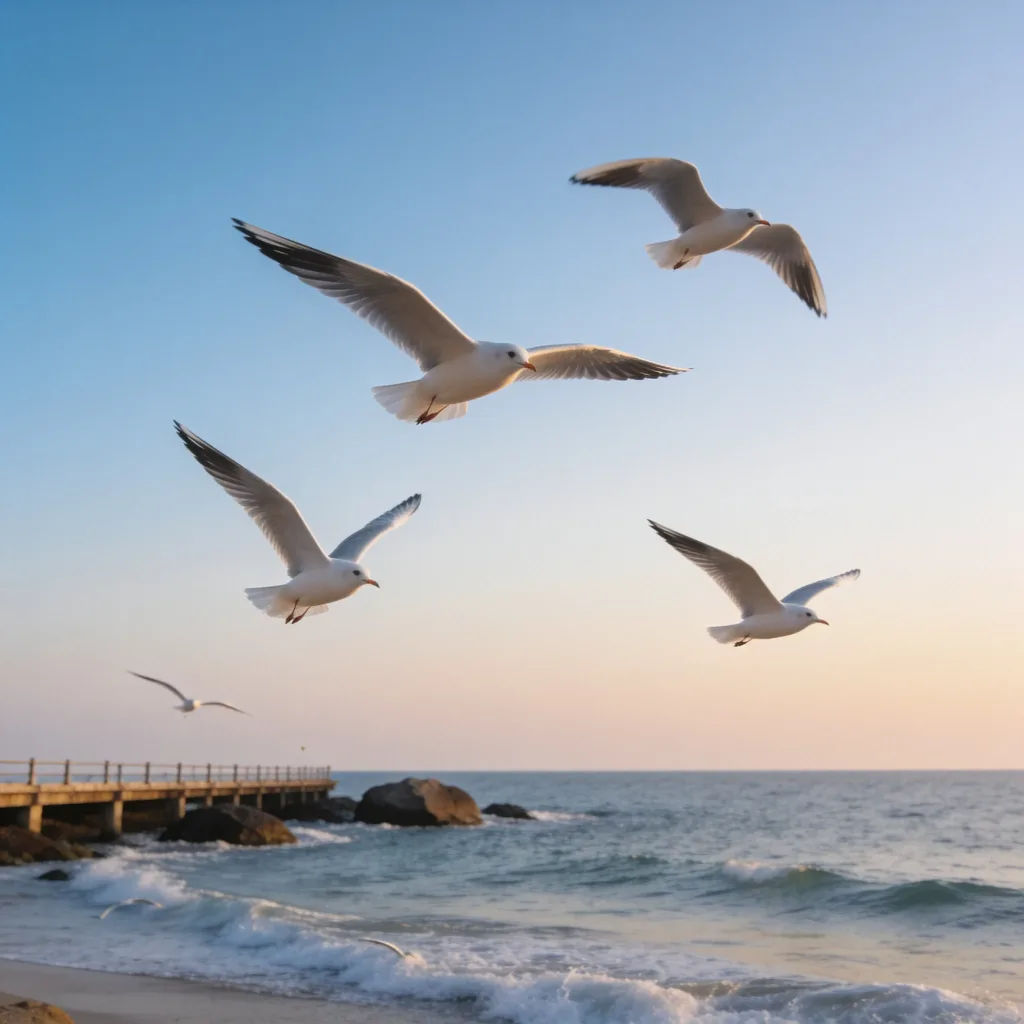
Metin için boşluk
Bu sahnenin üzerine başlık için temiz bir gökyüzü boşluğu ekle, rengi koru
Edit prompt
Sketch to render
Turn any sketch or drawing into a finished render.

Cinematic storyboard
Share a scene description with character references. Get a full storyboard with shot angles and mood.

3x3 storyboard
Feed in a single image. Get 9 cinematic beats laid out as a 3x3 storyboard grid.

Image reverse engineer
Get a detailed prompt extracted from a reference image, and then a fresh recreation.

Expressions
Take any character image and generate 6 distinct facial expressions on a single reference sheet.

Anime style transfer
Pick any anime illustration as your style guide. Apply its look to any image.
Hepsi Morphic'te
Her görsel, kenarlarının ötesine temizce genişletilirModeller
Nano Banana 2, Flux 2 Pro, Seedream 5 ve daha fazlası. Sahneyi en temiz şekilde genişleten modeli seçin, istediğiniz zaman değiştirin.
Sahneyle uyumlu
Yeni alanlar orijinal ışığı, rengi ve perspektifi devam ettirir, böylece birleşim yeri fark edilmez.
Her en boy oranı
Kırpmak yerine genişleterek banner, kapak veya akış için yeniden şekillendirin.
Workflows
Genişletme ve yeniden kadrajlama tarifini bir Workflow olarak kaydedin, bir sette çalıştırın.
