Yapabileceğiniz düzenlemeler
Bir görseli üç adımda doldurun
- 01
Morphic'i açın
Kaydolun ve özgürce akan, sınırsız görsel bir tuval üzerinde oluşturmaya başlayın.
- 02
Alanı işaretleyin
Eklemek, kaldırmak ya da değiştirmek istediğiniz bölgeyi fırçalayın.
- 03
Tarif edin ve doldurun
Orada ne olması gerektiğini söyleyin ve harmanlanmış sonucu indirin.
Kullanım alanları
Dikkat dağıtan öğeleri kaldırın
Kareye giren birini, bir tabelayı ya da dağınıklığı silin ve boşluğu temiz şekilde doldurun. Arka plan kendini yeniden kurar, hiçbir şey kaldırılmış gibi görünmez.

Eksik olanı ekleyin
Sahneyle uyumlu bir nesne, kişi ya da aksesuar ekleyin. Yeni öğeler mevcut ışık ve perspektifle otomatik olarak eşleşir.

Arka planı değiştirin
Öznenizi korurken kalabalık bir arka planı temiz bir şeyle değiştirin. Kimseyi elle kesmeden ortamı değiştirin.

Ürün fotoğraflarını düzeltin
Yüzeyleri temizleyin, yansımaları kaldırın ve katalog için sahneyi düzenleyin. Tam bir düzenleme sürecine gerek kalmadan rötuşlanmış ürün fotoğrafları elde edin.

Yapabileceğiniz düzenlemeler
Her biri kendi görselinizle başlar. Herhangi bir prompt'u açıp düzenleyin ve kendi sonucunuzu oluşturun.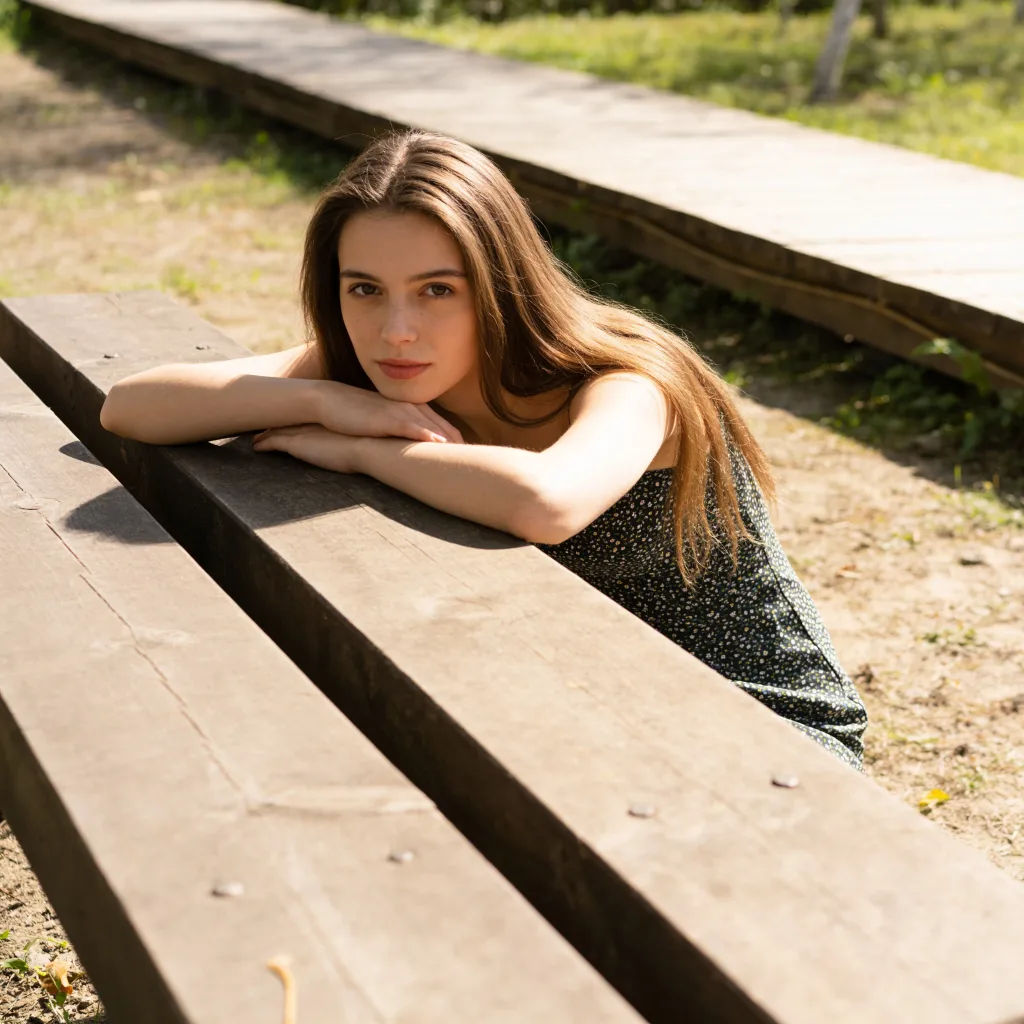



Gökyüzünü değiştirin
Kapalı gökyüzünü sıcak bir gün batımına çevir, zemindeki ışıkla eşleştir
Edit prompt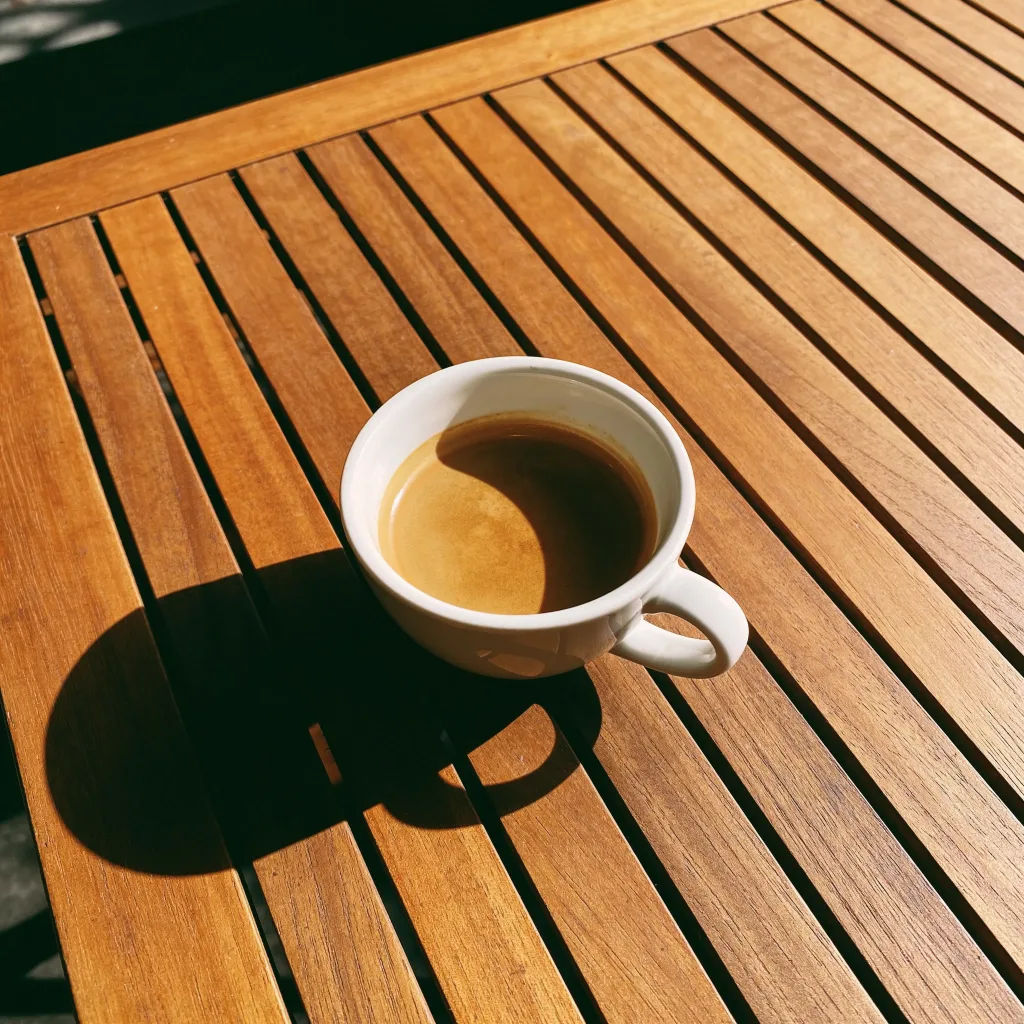

Sketch to render
Turn any sketch or drawing into a finished render.

Image reverse engineer
Get a detailed prompt extracted from a reference image, and then a fresh recreation.

Expressions
Take any character image and generate 6 distinct facial expressions on a single reference sheet.

Anime style transfer
Pick any anime illustration as your style guide. Apply its look to any image.

Cinematic storyboard
Share a scene description with character references. Get a full storyboard with shot angles and mood.

Chibi sprite animation
Turn any photo or description into an animated chibi sprite. Dance, jump, wave, attack, and more.
Hepsi Morphic'te
Görselde her şeyi ekleyin, kaldırın, yeniden şekillendirinModeller
Nano Banana 2, Flux 2 Pro, Seedream 5 ve daha fazlası. Düzenlemeyi en temiz harmanlayan modeli seçin, istediğiniz zaman değiştirin.
Doğal harmanlama
Dolgular çevredeki ışığı ve dokuyu okur, böylece değişiklikler görselde doğal şekilde yer alır.
Ekleyin veya kaldırın
Aynı düzenlemede nesneleri çıkarın ya da yenilerini ekleyin, hepsi kısa bir tarifle.
Workflows
Sık kullandığınız bir düzenlemeyi Workflow olarak kaydedin ve bir görsel grubuna uygulayın.
