Her görsel modeli
Tek çalışma alanıGPT Image 2 ile üretildi
Üç adımda görsel oluşturun
- 01
Morphic'i açın
Kaydolun ve özgürce akan, sınırsız görsel bir tuval üzerinde oluşturmaya başlayın.
- 02
Görseli tarif edin
Özne, düzen, yazı, stil. Sabit kalması gereken kelimeleri belirtin, tipografi okunaklı gelsin.
- 03
Oluşturun ve iyileştirin
Bir set render alın, değişiklikleri tarif ederek düzenleyin ve Canvas'ta modelleri yan yana değiştirin.
GPT Image 2 ile neler oluşturulur
Çizmeden önce akıl yürütme
Düşünme modu kompozisyonu planlar, yazıyı doğrular ve son haline getirmeden önce kendi kendini düzeltir. Karmaşık, çok öğeli promptlar daha güvenilir sonuç verir.

Karakter sürekliliğiyle setler
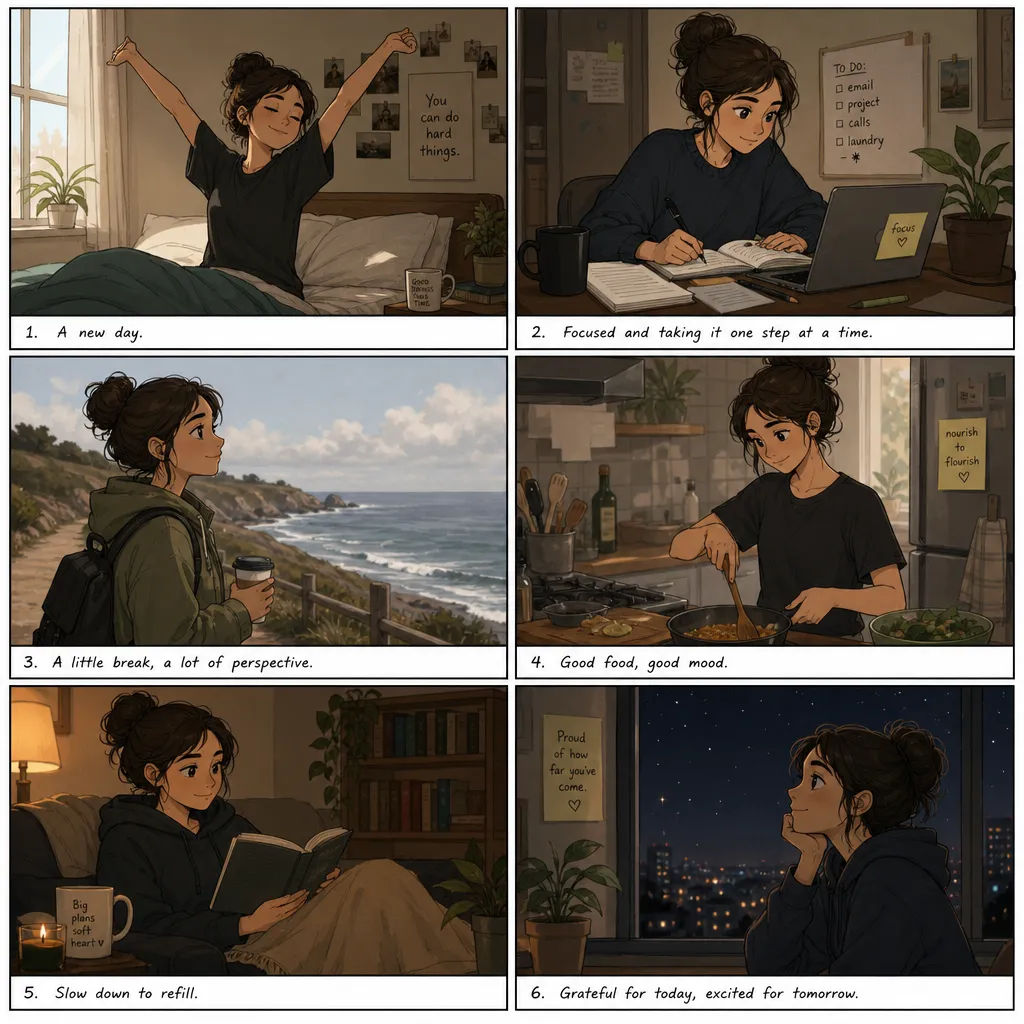
Tek bir prompt, aynı karakterleri, aksesuarları ve stili paylaşan 8 görsele kadar döndürür. Storyboard, çizgi roman paneli ve reklam varyantları için tasarlandı.

Görsel içi okunaklı yazı
Birçok dilde doğru yazılmış, okunaklı metin; diyagram, infografik, poster, çizgi roman ve kelimelerin önemli olduğu ambalaj işleri için.

Konuşarak düzenleme
Değişikliği tarif ederek bir sonucu düzenleyin. Bir öğeyi düzeltin, bir detayı ayarlayın ya da yeniden stillendirin, akıştan çıkmadan iyileştirin.

Prompt örnekleri
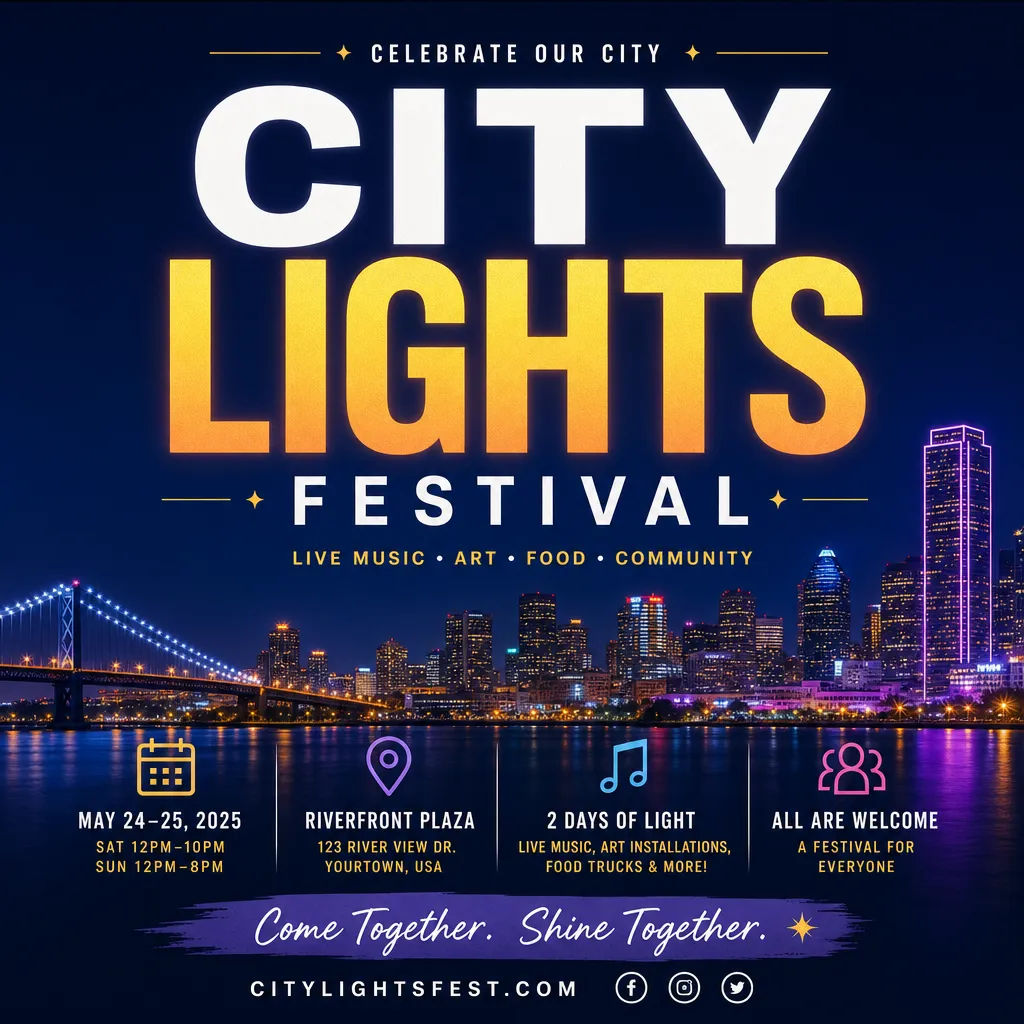
Etkinlik afişi
CITY LIGHTS FESTIVAL başlığına ve temiz tipografi hiyerarşisine sahip etkinlik afişi
Edit prompt
Süreç diyagramı
Etiketli adımlar ve oklarla, temiz ve okunaklı altyazılı katılım akışı diyagramı
Edit prompt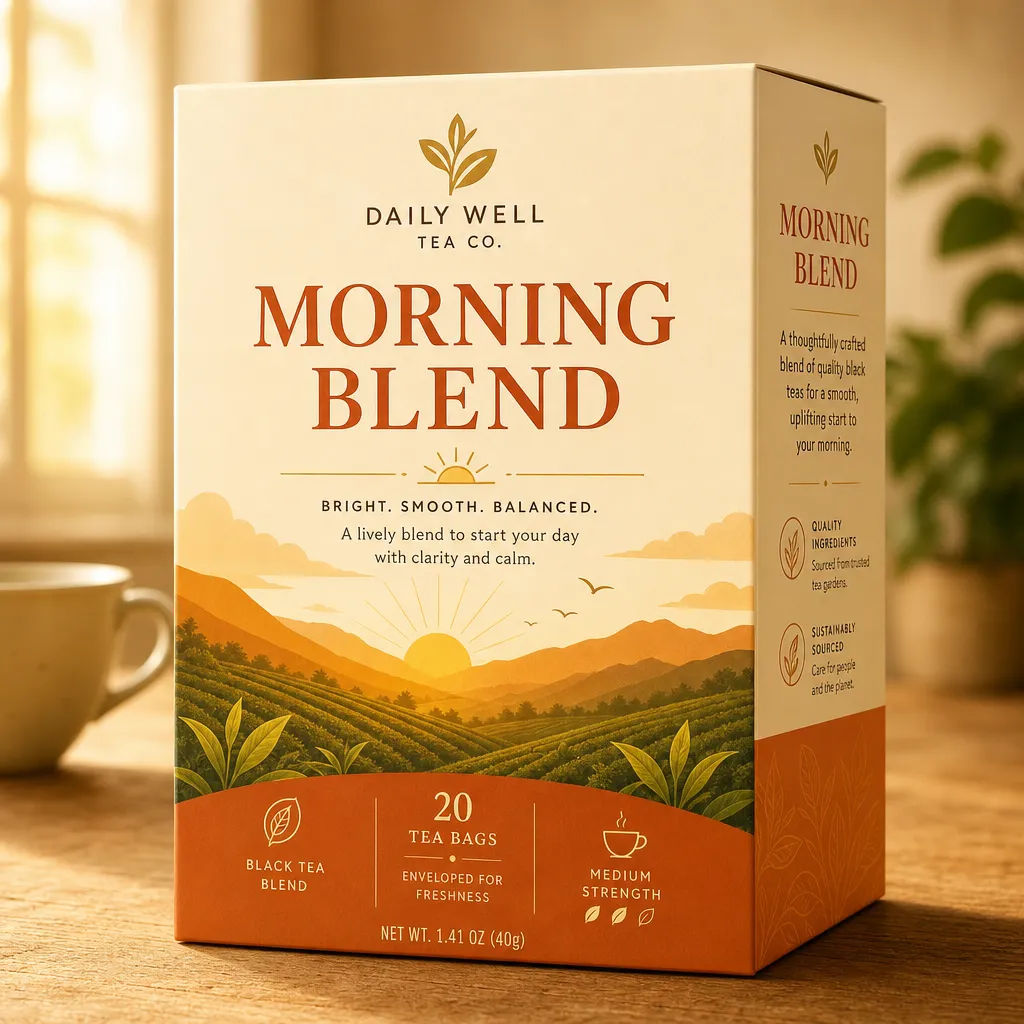
Ürün ambalajı
MORNING BLEND ürün adına, düzenli tipografiye ve sıcak renk paletine sahip çay kutusu ambalajı
Edit prompt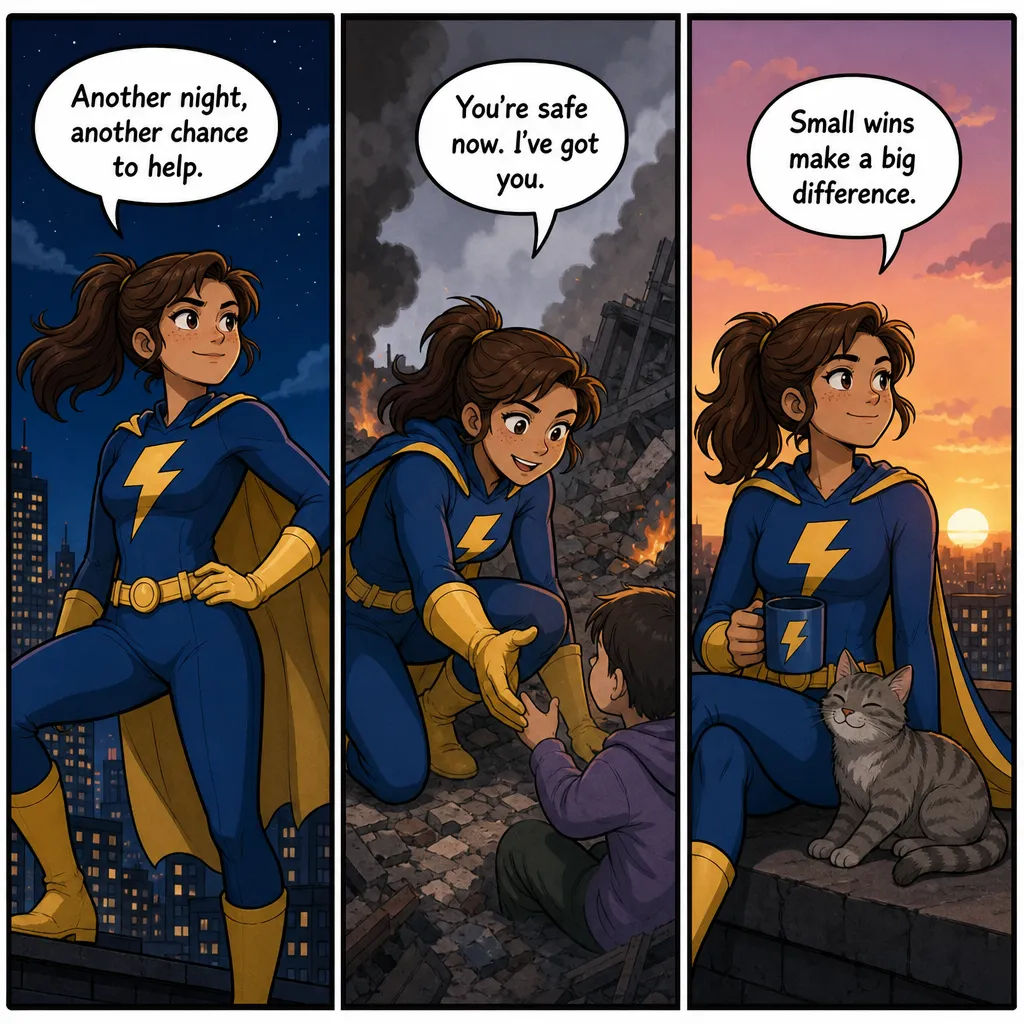
Çizgi roman şeridi
Aynı kahraman ve kısa okunaklı satırlı konuşma balonlarıyla üç panellik çizgi roman şeridi
Edit prompt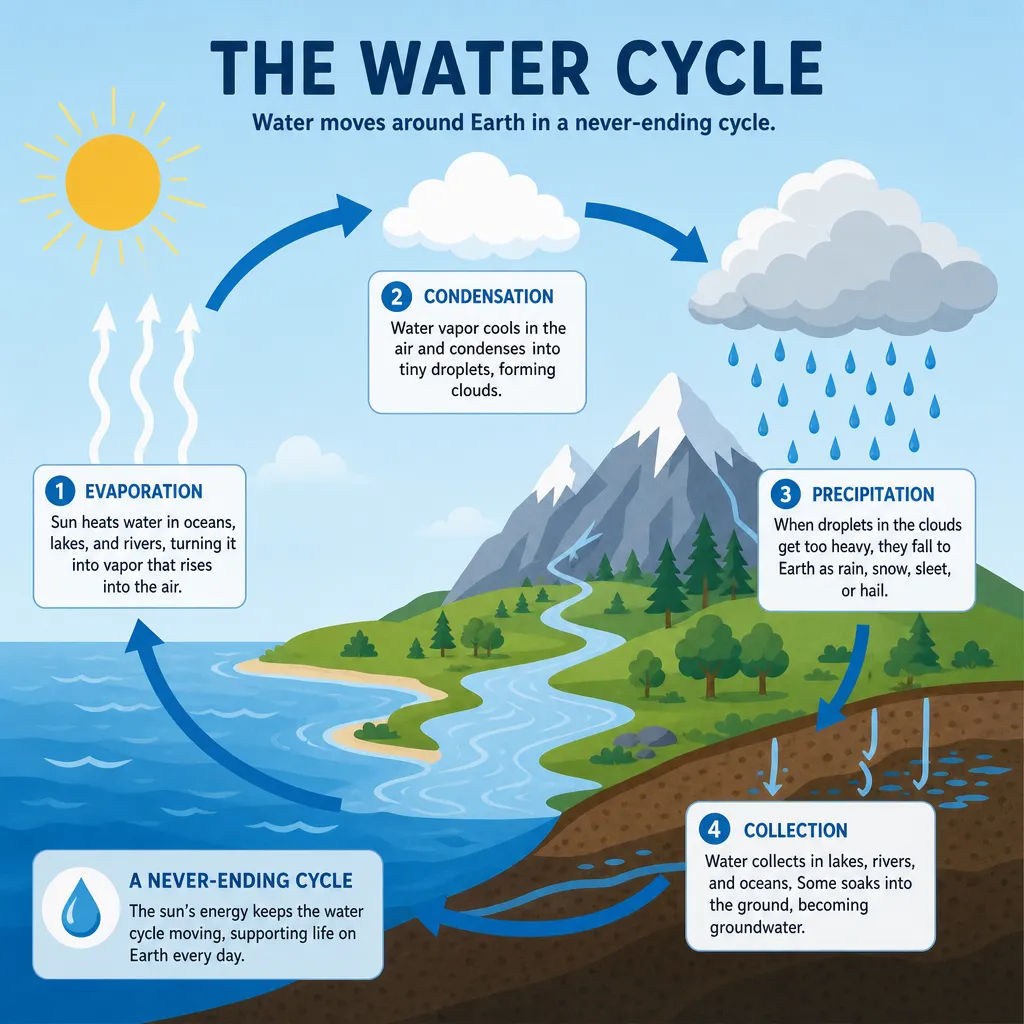

Cinematic storyboard
Share a scene description with character references. Get a full storyboard with shot angles and mood.

3x3 storyboard
Feed in a single image. Get 9 cinematic beats laid out as a 3x3 storyboard grid.

Messages to cinematic scene
Dramatize any text conversation into a cinematic multi-shot video.

Expressions
Take any character image and generate 6 distinct facial expressions on a single reference sheet.

Title sequence
Generate a professional film title card from scratch, with optional cinematic animation.

Chibi sprite animation
Turn any photo or description into an animated chibi sprite. Dance, jump, wave, attack, and more.
Hepsi Morphic'te
Eksiksiz görsel araç setinizModeller
GPT Image 2, Nano Banana Pro, Seedream 5, Flux 2 Pro ve daha fazlası. Çekime uyan modeli seçin, proje ortasında değiştirin.
Konuşarak düzenleme
Bir değişikliği tarif edin, GPT Image 2 uygulasın. Bir öğeyi düzeltin, bir detayı ayarlayın ya da baştan üretmeden yeniden stillendirin.
Set sürekliliği
Tek bir kadro ve stili paylaşan bir set oluşturun, böylece storyboard ve reklam varyantları aynı dünyayı anlatsın.
Workflows
Tamamlanmış bir görseli tek tıkla çalışan bir Workflow'a dönüştürün. Hızlı erişim için yeniden çalıştırın, paylaşın veya favorilere ekleyin.
