Oluşturabileceğiniz karikatürler
Fotoğrafınızı üç adımda karikatüre çevirin
- 01
Morphic'i açın
Kaydolun ve özgürce akan, sınırsız görsel bir tuval üzerinde oluşturmaya başlayın.
- 02
Fotoğrafınızı yükleyin
Net bir kişi, grup veya evcil hayvan fotoğrafı yükleyin.
- 03
Bir stil seçin
Çizgi film görünümünü seçin, iyileştirin ve sonucu indirin.
Oluşturabileceğiniz karikatür stilleri
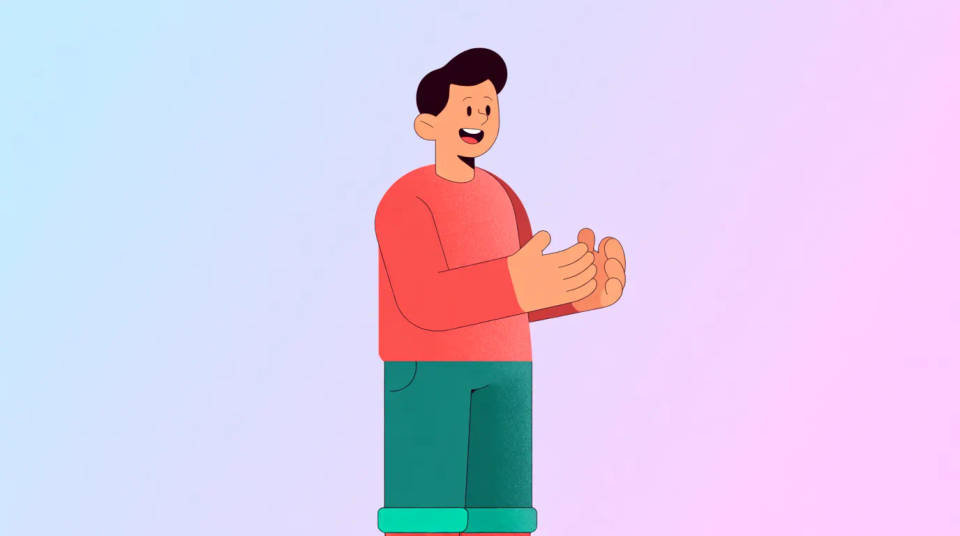
Düz vektör
Temiz şekiller, kalın hatlar ve sade renkler. Avatar ve sticker'lar için modern düz tasarım.
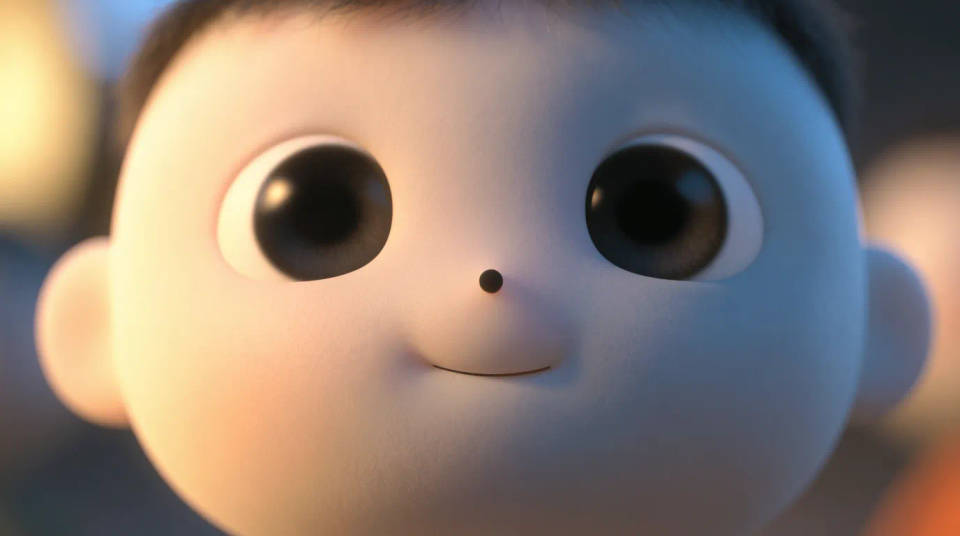
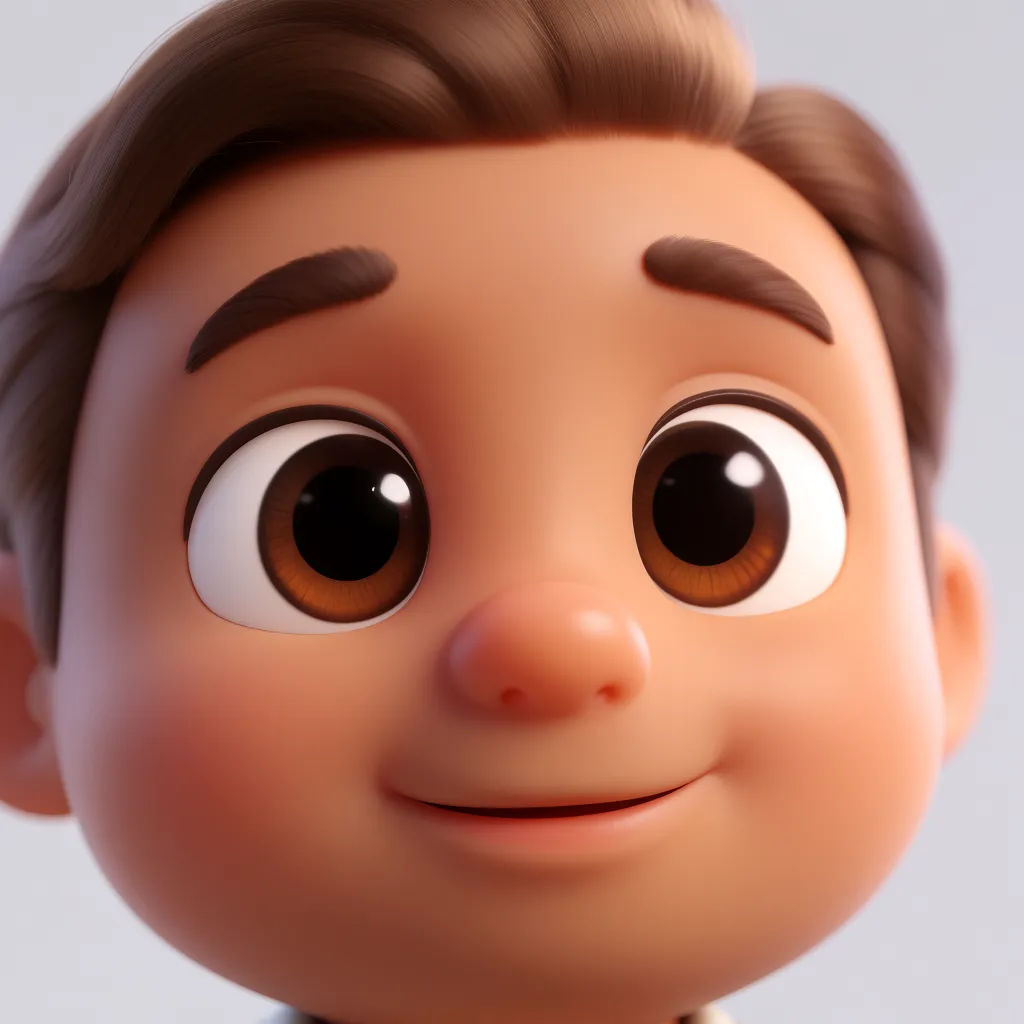
3D animasyon
Yumuşak ışık ve yuvarlak, animasyon filmi hatları. Fotoğrafınızdan gösterişli bir 3D karikatür hissi.
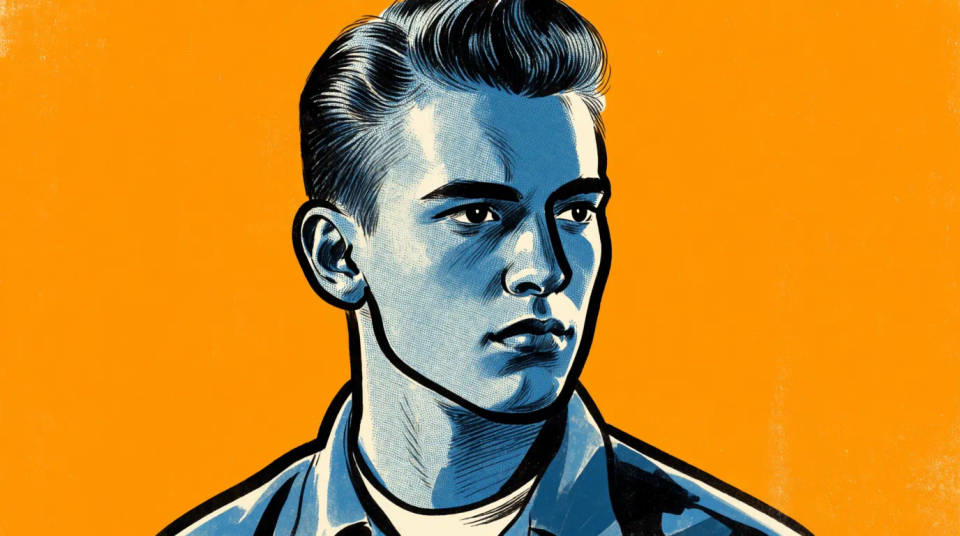
Çizgi roman ve pop art
Mürekkep çizgiler, halftone gölgelendirme ve canlı renk blokları. Vurucu bir çizgi roman veya pop art tarzı.
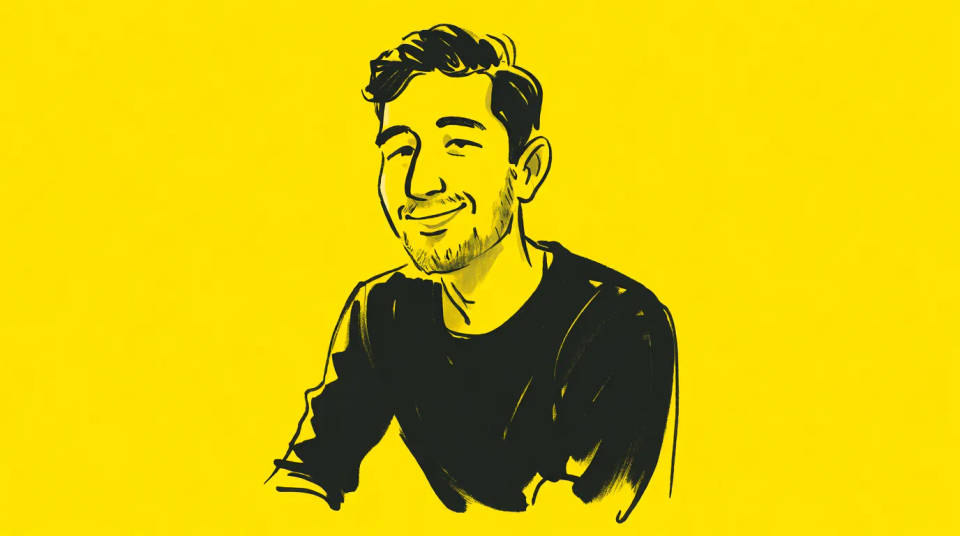
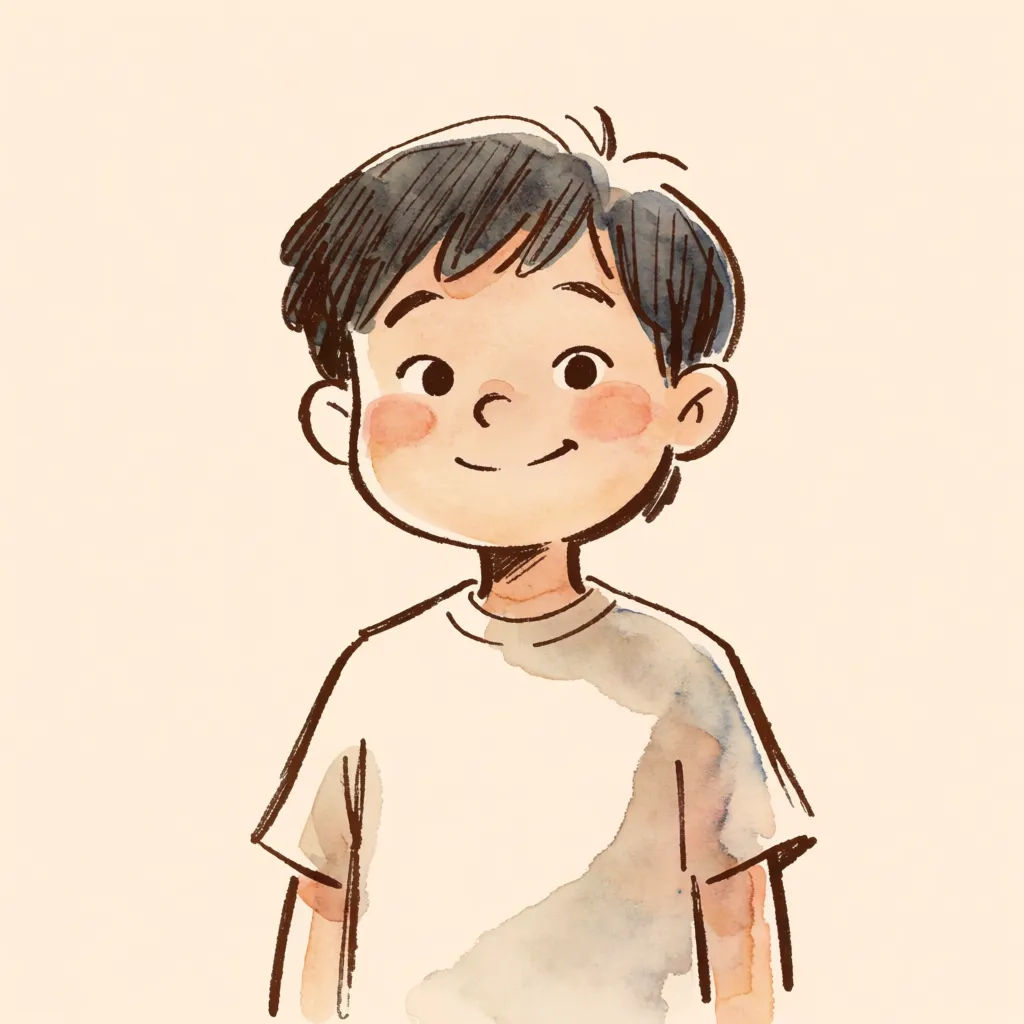
El çizimi
Serbest çizgiler ve sıcak, taslak benzeri tonlar. Yine de size benzeyen, kişisel bir illüstrasyon hissi.
Denenecek karikatür promptları
Her biri kendi fotoğrafınızdan başlar. Herhangi bir promptu açıp düzenleyin ve kendi versiyonunuzu oluşturun.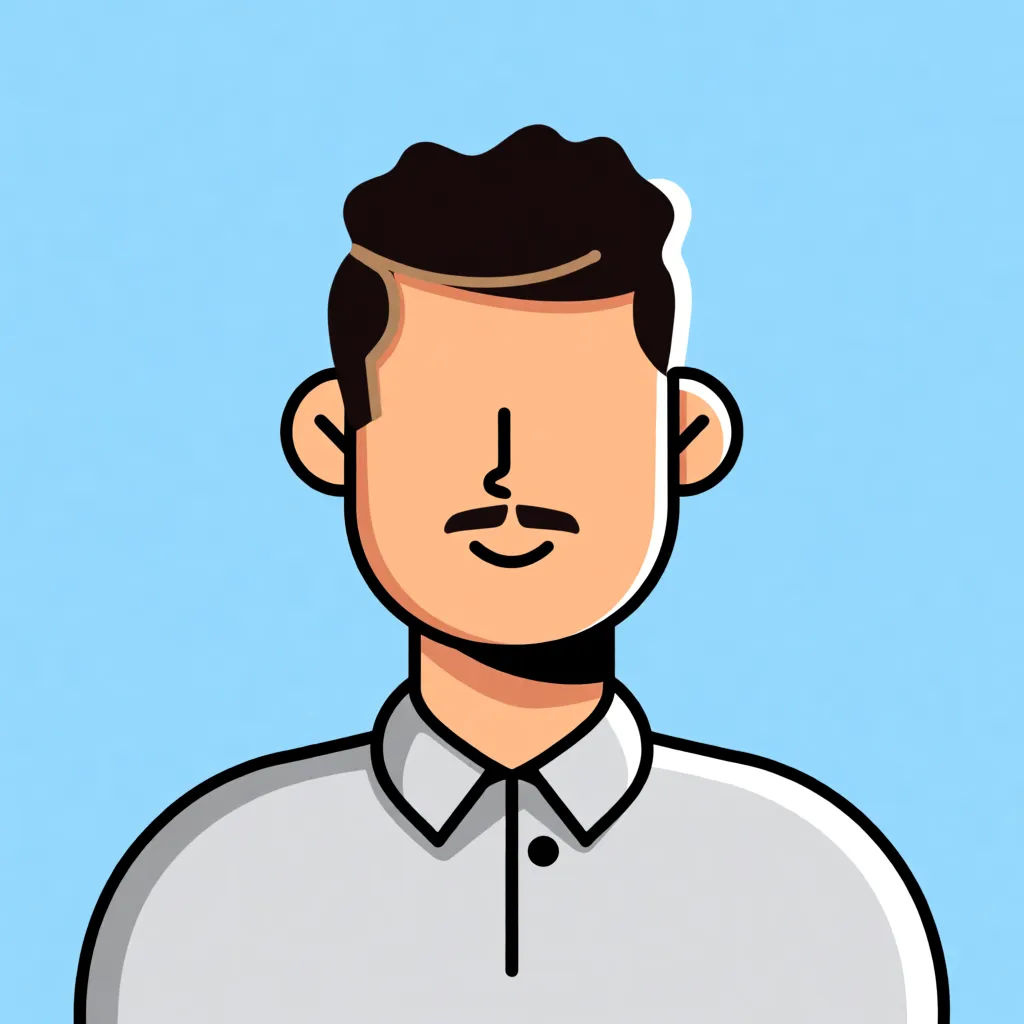
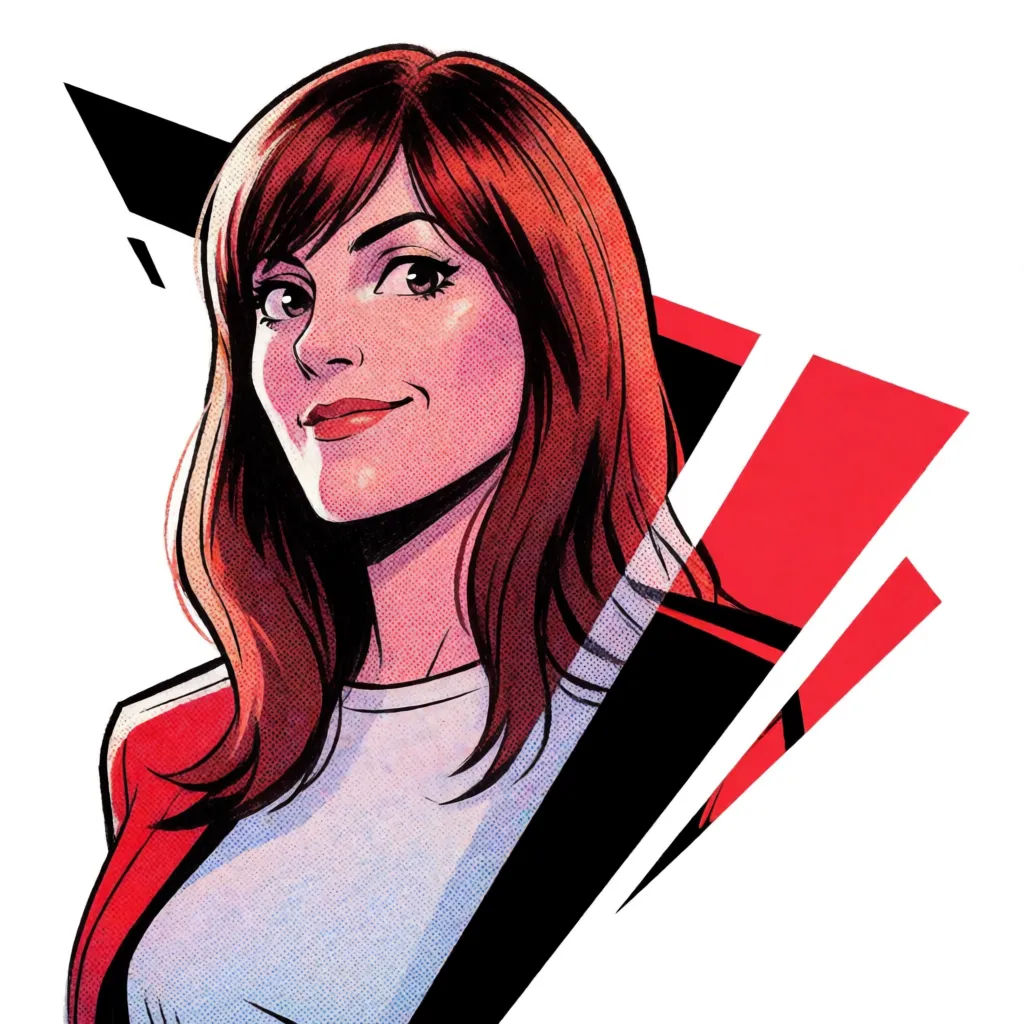
Çizgi roman karesi
Bu fotoğrafı çizgi roman karesi olarak yeniden çiz, mürekkep çizgiler, halftone gölgelendirme
Edit prompt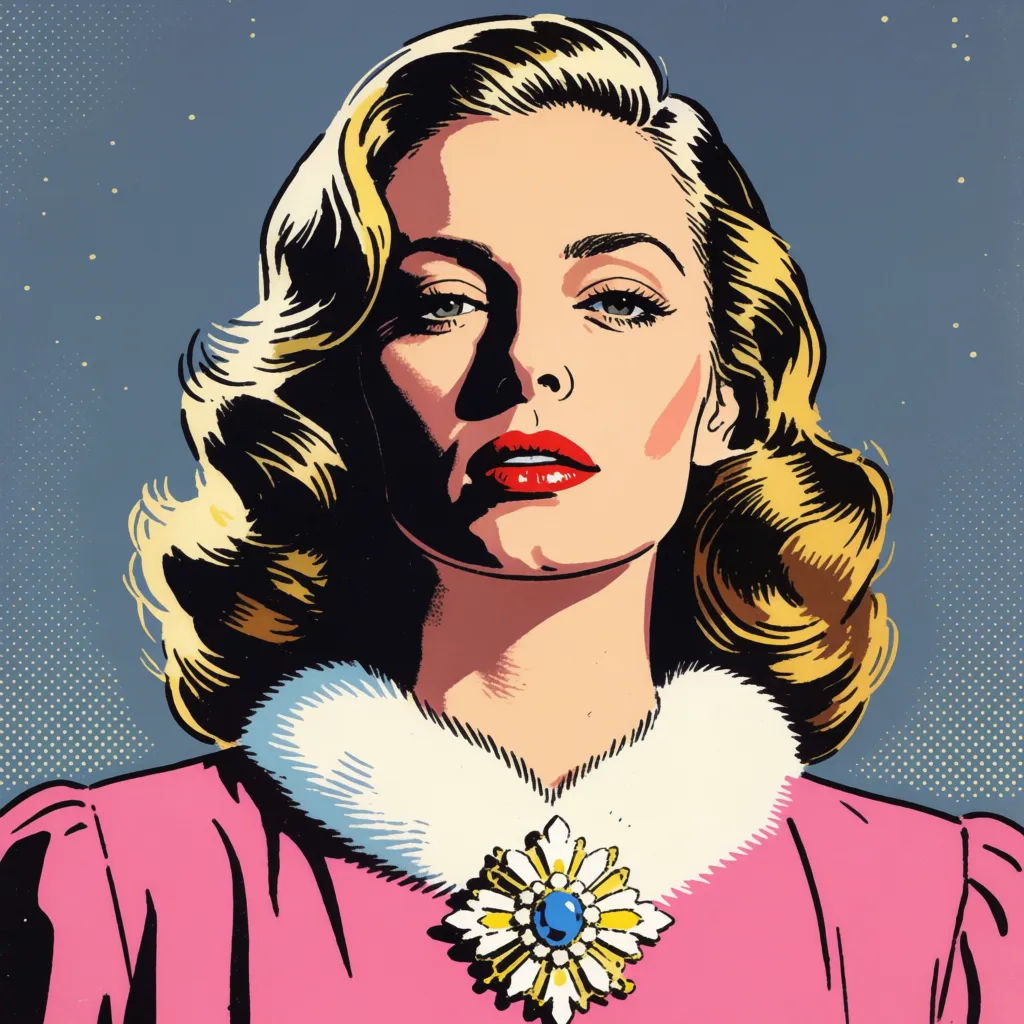
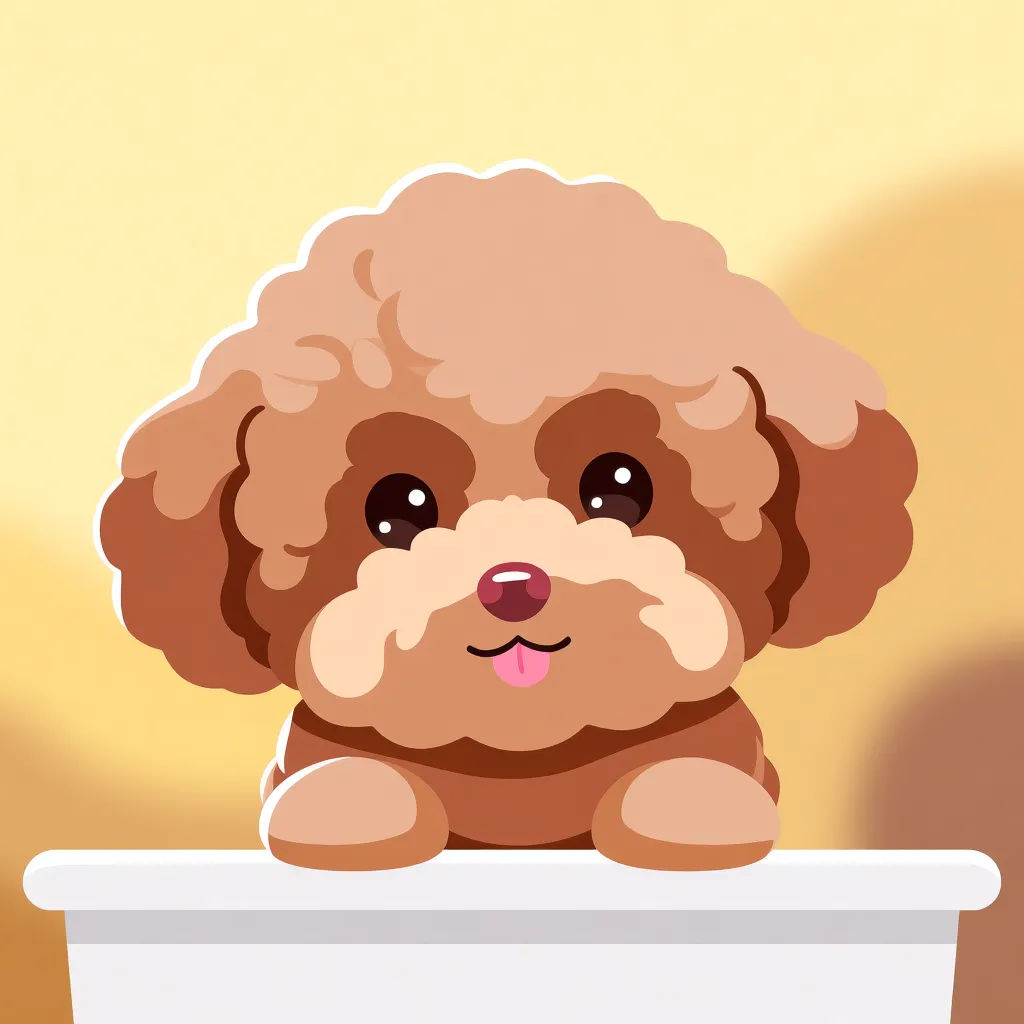
Evcil hayvan karikatürü
Bu evcil hayvan fotoğrafını büyük ifadeli gözler ve temiz düz stille karikatüre çevir
Edit prompt
Anime style transfer
Pick any anime illustration as your style guide. Apply its look to any image.

Sketch to render
Turn any sketch or drawing into a finished render.

Expressions
Take any character image and generate 6 distinct facial expressions on a single reference sheet.

Character lineup
All your characters on a single lineup image, side by side with height comparison.

Chibi sprite animation
Turn any photo or description into an animated chibi sprite. Dance, jump, wave, attack, and more.

Anime sticker pack
Turn any image into anime-style stickers in PNG. Ready for messaging apps or social media.
Hepsi Morphic'te
Her fotoğraf, size uyan bir karikatüre dönüşsünModeller
Nano Banana 2, Flux 2 Pro, Grok Imagine, Seedream 5 ve daha fazlası. Benzerliği en net koruyan modeli seçin, istediğiniz zaman değiştirin.
Benzerliği korur
Görselden görsele üretim gerçek fotoğrafınızdan başlar, bu yüzden karikatür hâlâ öznesine benzer.
Her stil
Düz vektör, çizgi roman, 3D veya el çizimi. Görünümü söyleyin, sonuç ona uysun.
Workflows
Bir karikatür stilini Workflow olarak kaydedin ve bütün bir fotoğraf setine uygulayın.
