Oluşturabileceğiniz render'lar
Üç adımda eskiz render edin
- 01
Morphic'i açın
Kaydolun ve özgürce akan, sınırsız görsel bir tuval üzerinde oluşturmaya başlayın.
- 02
Eskizinizi yükleyin
Bir çizim, çizgi çalışması veya kaba bir karalama bırakın.
- 03
Render edin ve indirin
Bir tarz seçin, kısa bir prompt ekleyin ve bitmiş görseli dışa aktarın.
Kullanım alanları
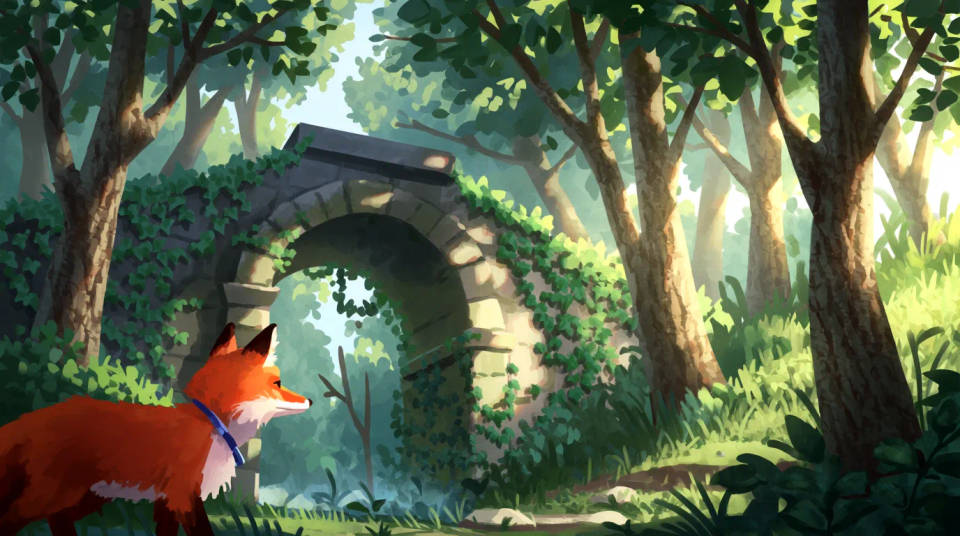
Konsepti hızlıca tamamlayın
Kaba bir fikri, yeniden çizmeden cilalı bir render'a taşıyın. Kompozisyonunuz korunurken detay ve renk kendiliğinden gelir.
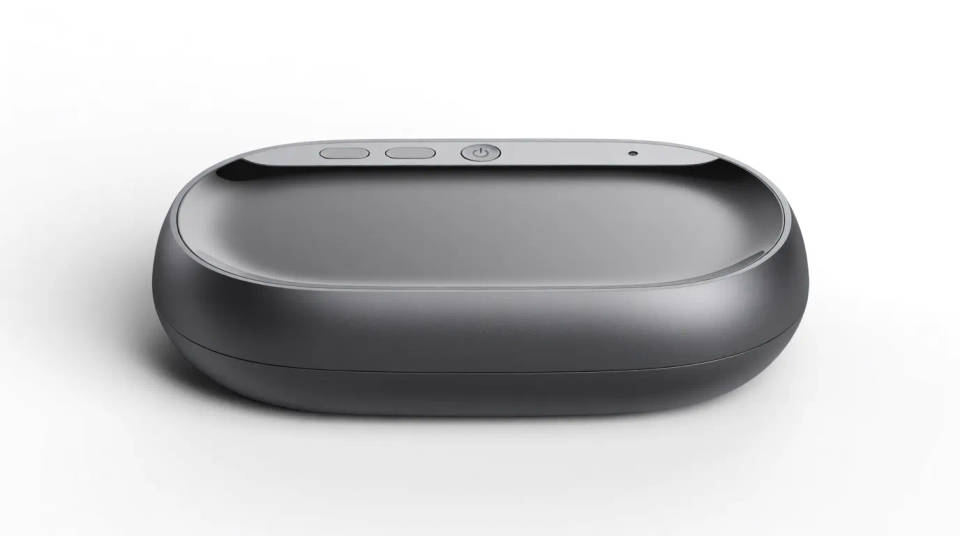
Ürün tasarlayın
Bir ürün eskizini, incelemek veya sunmak için temiz bir render'a dönüştürün. Paydaşlara basit bir çizimden bitmiş görünen bir konsept gösterin.
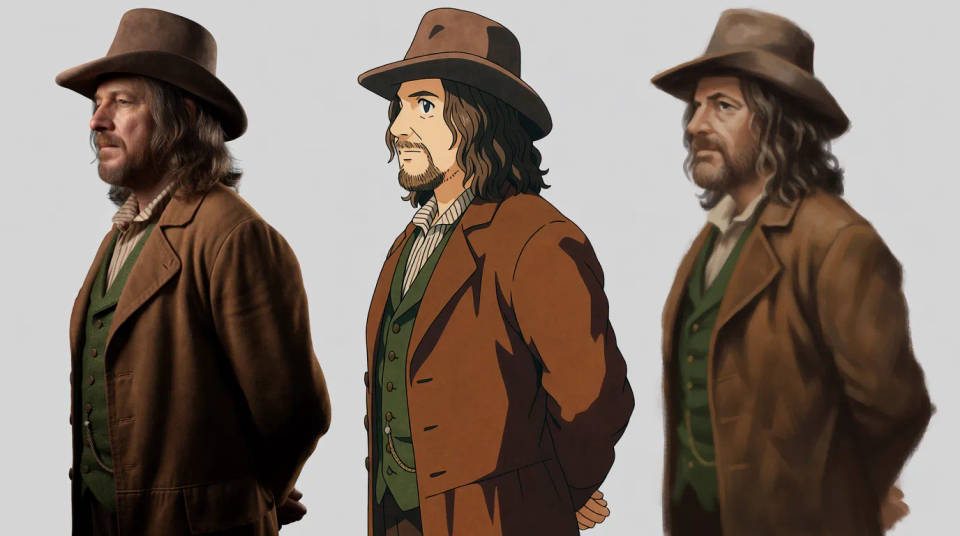
Karakterlere hayat verin
Bir karakter eskizini fotogerçekçi, anime veya resimsi tarzda render edin. Bir tasarımın farklı görünümlerde nasıl okunduğunu, karar vermeden önce keşfedin.
Varyasyonları keşfedin
Aynı eskizi birkaç tarzda deneyerek yönleri karşılaştırın. Birden çok bitişi tek seferde oluşturun ve en güçlüsünü seçin.

Oluşturabileceğiniz render'lar
Her biri kendi eskizinizle başlar. Herhangi bir prompt'u açıp düzenleyerek kendi görselinizi oluşturun.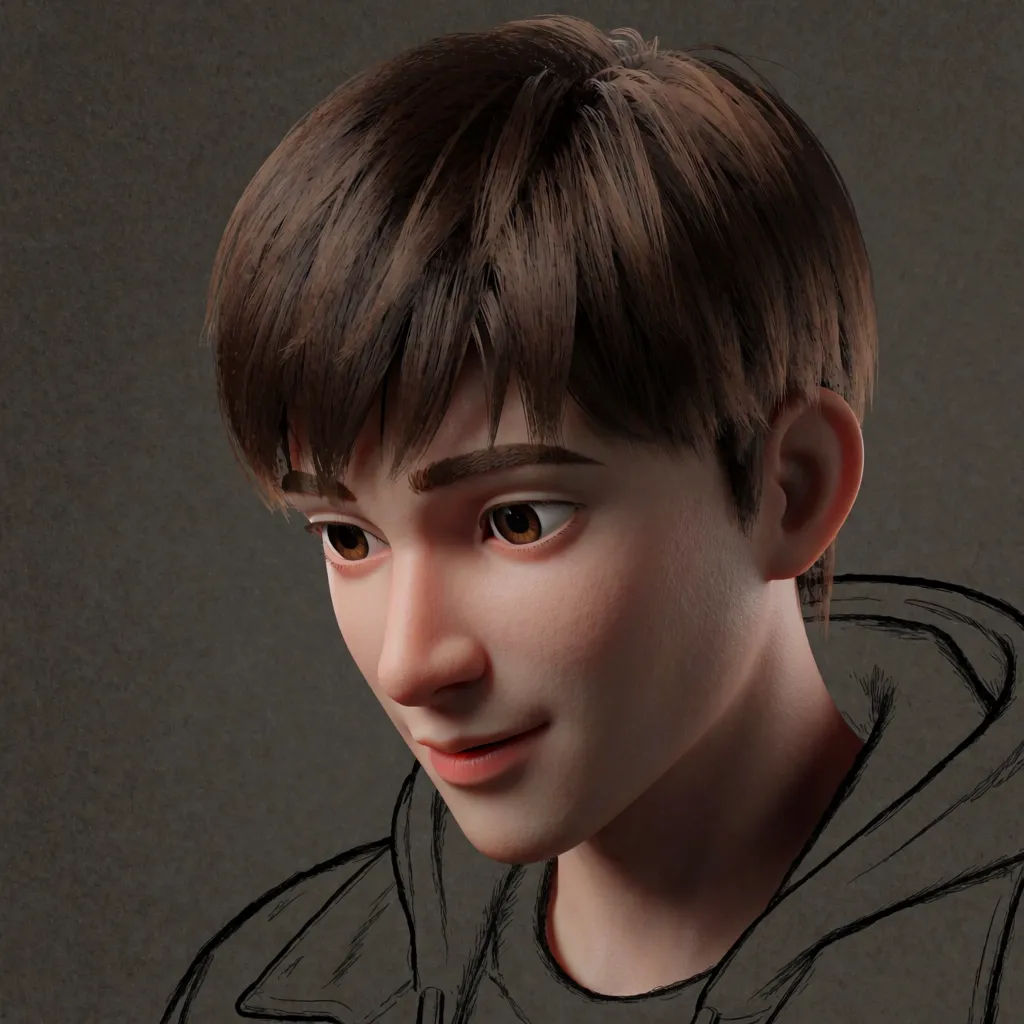
Fotogerçekçi karakter
Bu eskizi fotogerçekçi bir karakter olarak render et, dramatik ışıklandırma
Edit prompt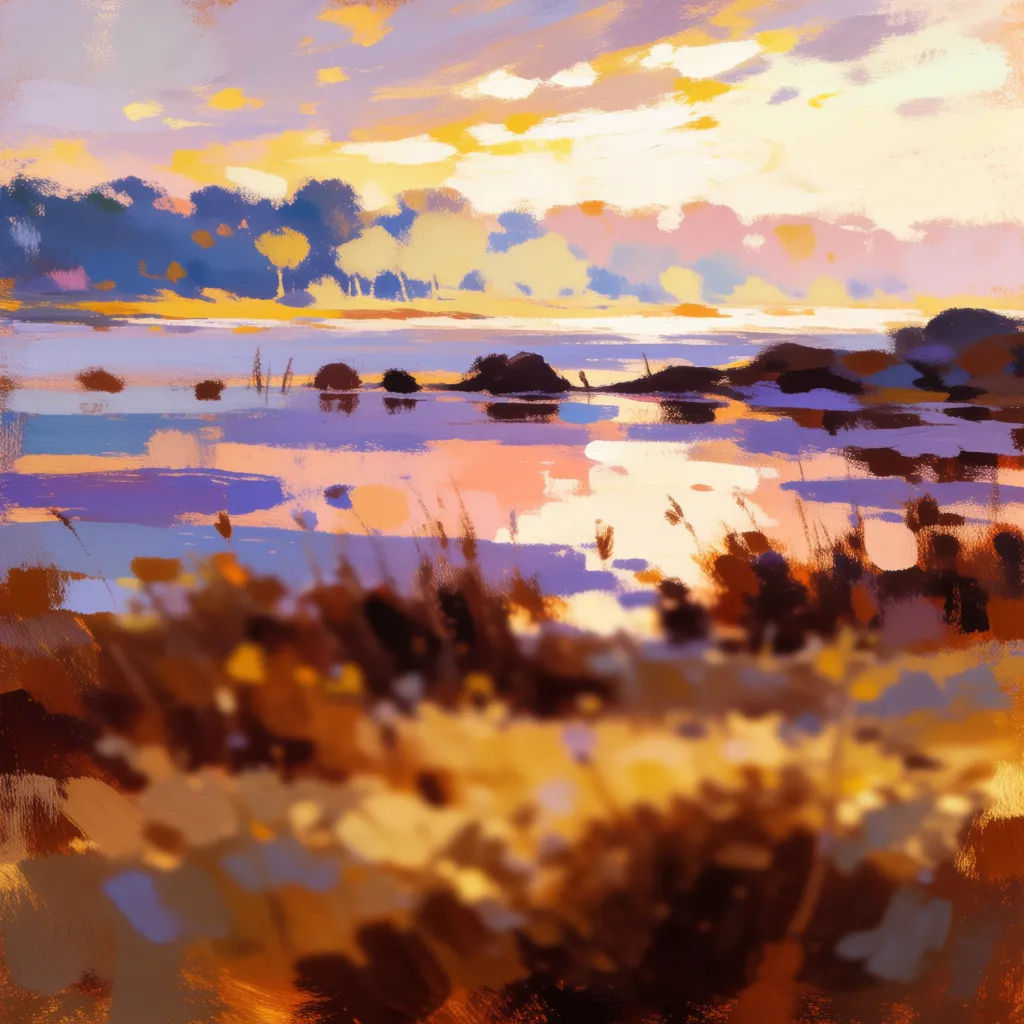
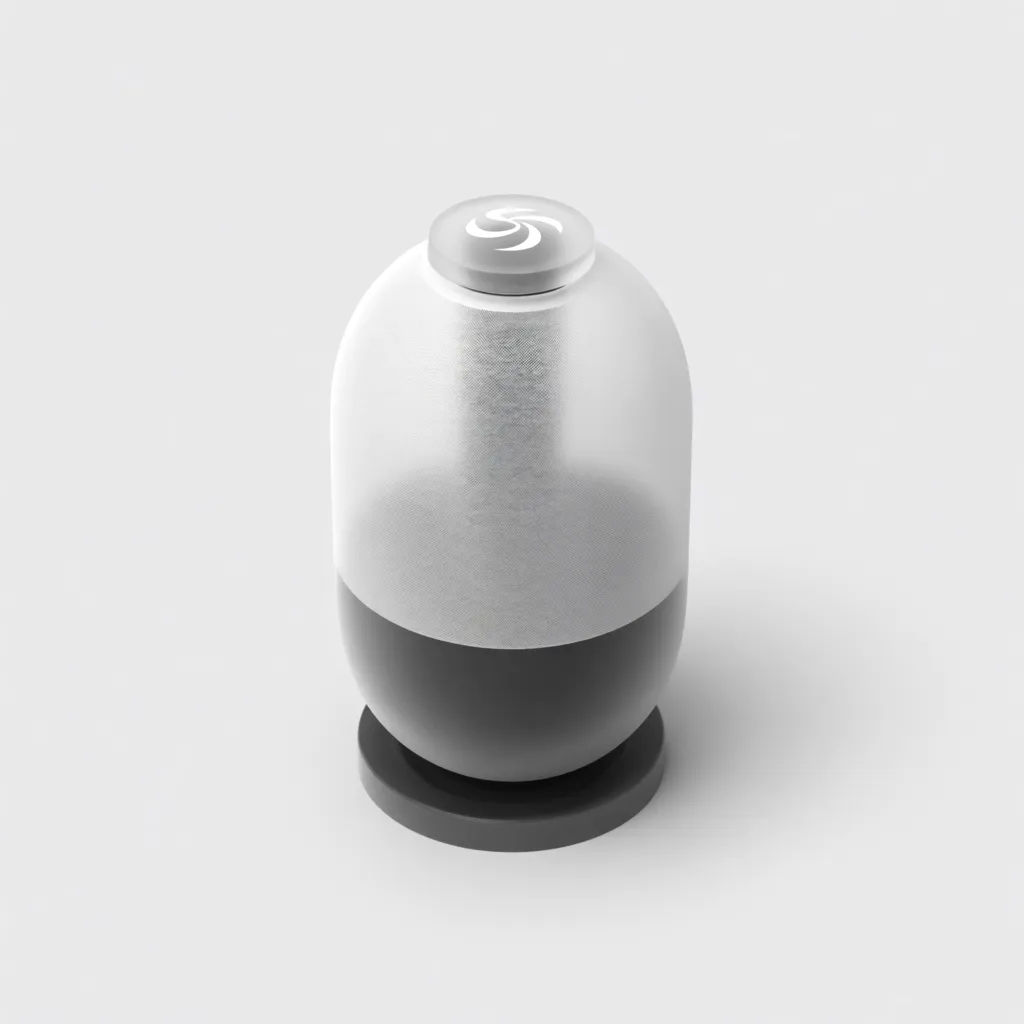
Ürün konsepti
Bu ürün eskizini temiz bir stüdyo render'ı olarak render et, yumuşak yansımalar
Edit prompt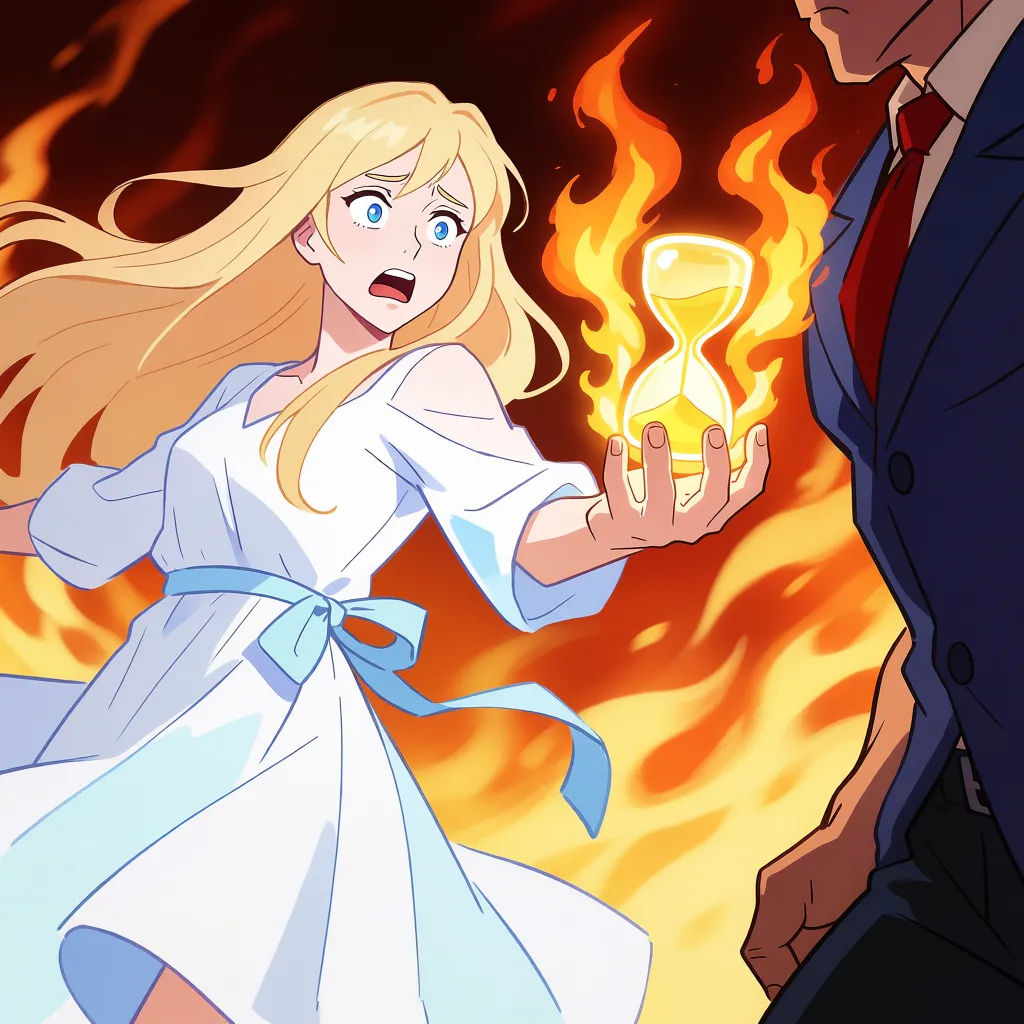
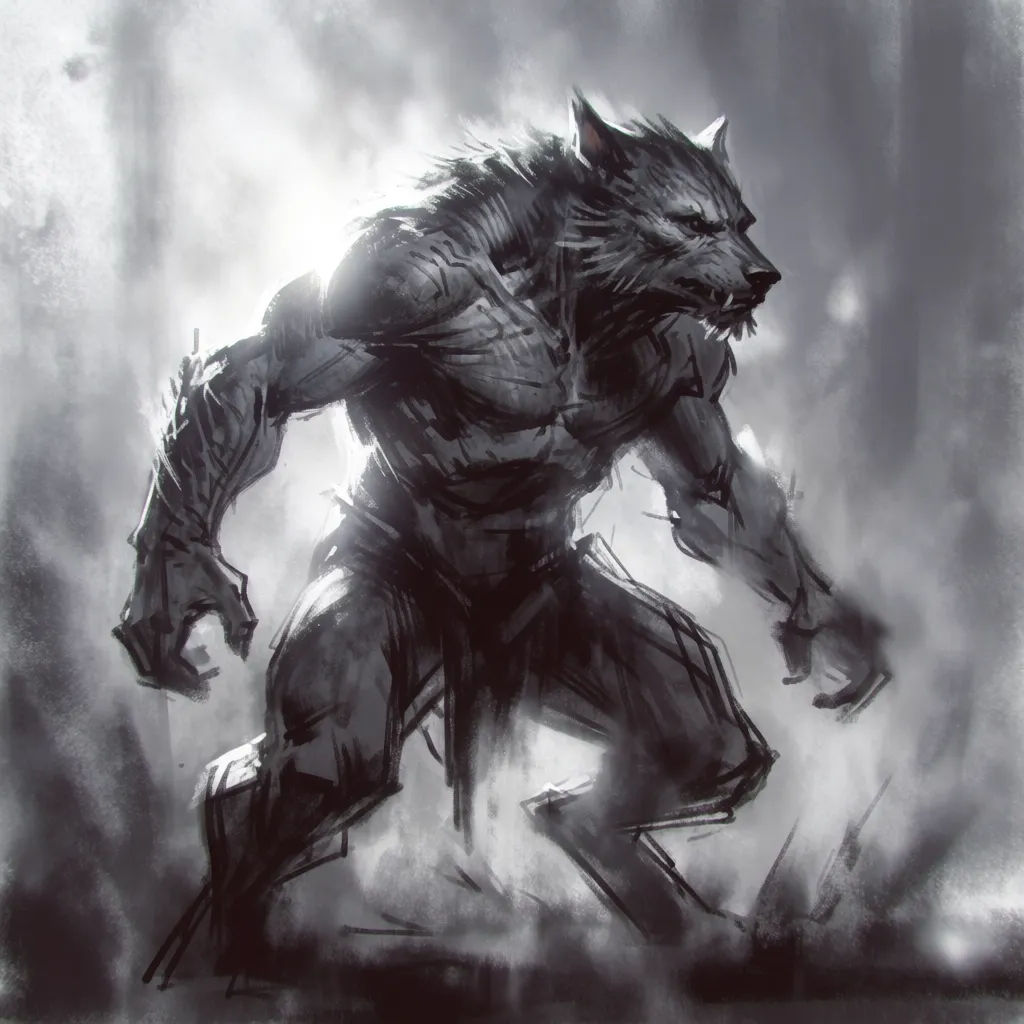
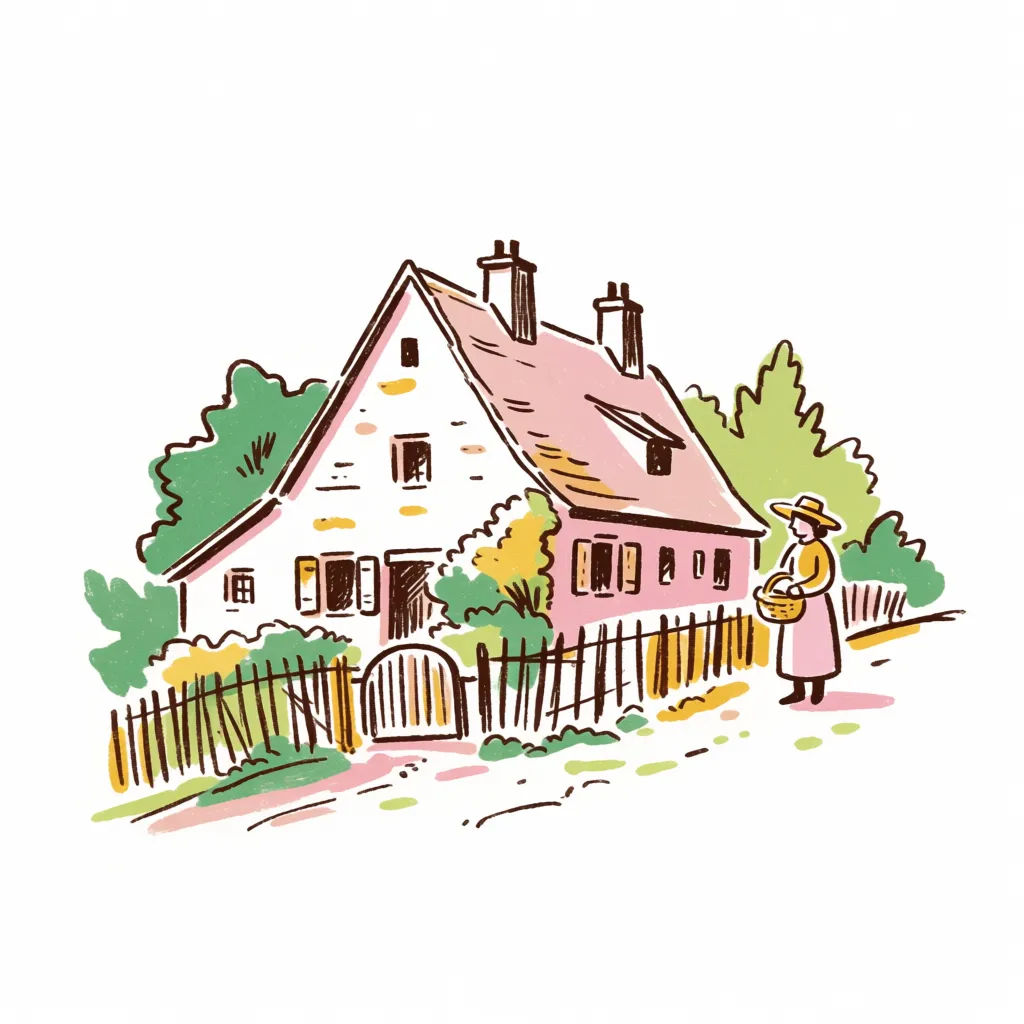
Karalamadan sanata
Bu kaba karalamayı sıcak bir palette detaylı bir illüstrasyona dönüştür
Edit prompt
Expressions
Take any character image and generate 6 distinct facial expressions on a single reference sheet.

Location reference sheet
Professional 7-panel location reference sheet from a single photo.

Sketch to render
Turn any sketch or drawing into a finished render.

Chibi sprite animation
Turn any photo or description into an animated chibi sprite. Dance, jump, wave, attack, and more.

Cinematic storyboard
Share a scene description with character references. Get a full storyboard with shot angles and mood.

Character lineup
All your characters on a single lineup image, side by side with height comparison.
Hepsi Morphic'te
Kaba eskizden bitmiş sanata, her tarzdaModeller
Nano Banana 2, Flux 2 Pro, Grok Imagine, Seedream 5 ve daha fazlası. Tarzınızı en iyi render eden modeli seçin, istediğiniz zaman değiştirin.
Çizgilerinizi korur
Görselden görsele, eskizinizi takip eder; böylece bitmiş görsel çizdiğiniz kompozisyonla eşleşir.
Her tarzda bitiş
Fotogerçekçi, resimsi, anime veya ürün render'ı. Tarzı söyleyin, eskiz onu takip etsin.
Workflows
Bir render tarzını Workflow olarak kaydedin ve bütün bir eskiz setini aynı tarzda bitirin.
