



Accent hit
Use it to punctuate a hard cut or a punchline so the edit lands with force.
0:00
0:02

Morphic turns a short description into the exact sound effect your cut is missing, so you stop scrubbing stock libraries for something close enough. You describe the sound you hear in your head and generate it to drop straight on the timeline. One workspace covers effects, music, and voiceover for the whole edit.
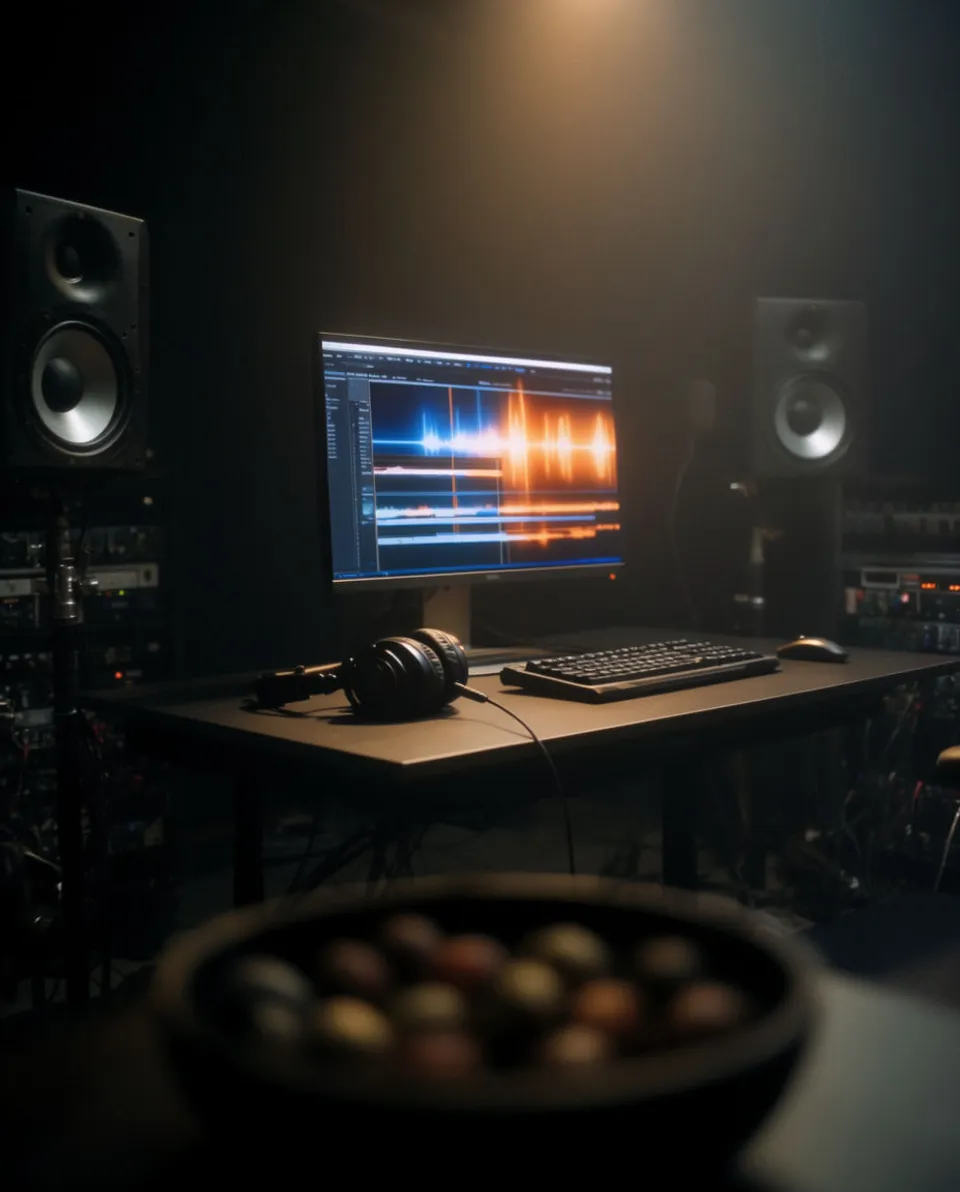
Write the effect the cut needs, like a rising stretch under a zoom or a door entry for a scene change, and Morphic generates it from the description.
Bring the file into Premiere, Resolve, Final Cut or your NLE and place it on an audio track, trimming it to hit the frame you are cutting to.
Set the level against dialogue and music so the effect lands without spiking, then export the finished cut.
Four examples of custom effects you can generate on demand for a cut.
Use it to punctuate a hard cut or a punchline so the edit lands with force.
Use it under a zoom or speed ramp to build tension into the next shot.

Use it on a location or time cut so the audience registers the shift.
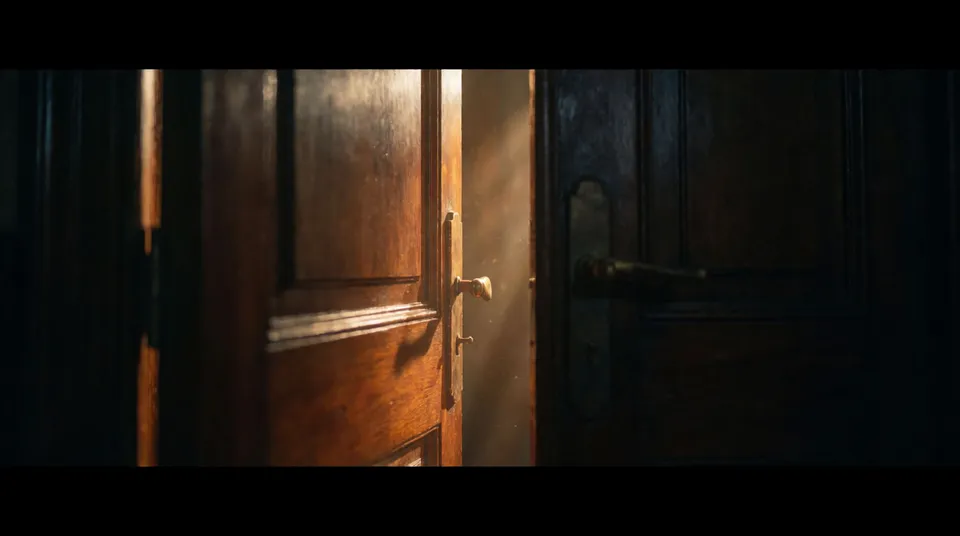
Use it under an exterior shot to give a quiet scene a sense of place.

Morphic makes the sound; your ear places it and cuts the mix.
Bugün ücretsiz başlayın, istediğiniz zaman yükseltme veya iptal etme seçeneğiyle.
Basic
2400 aylık kredi
1 yalnızca kullanıcı
Tüm modeller
Workflows
Standard
3625 aylık kredi
1 yalnızca kullanıcı
Tüm modeller
Workflows
Pro
6350 paylaşılan aylık kredi
1 kullanıcı
Tüm modeller
Workflows
Max
24650 paylaşılan aylık kredi
1 kullanıcı
Tüm modeller
Workflows
Enterprise
Daha yüksek limitler için
Özel
fiyatlandırma ve faturalandırma koşulları

Free
Denemek için
$0
kalıcı olarak ücretsiz