Tavşan deliğinden düşüş
Uzun dikey bir boşlukta Alice, mavi pinaforuyla yavaşça aşağı düşerken yanından uçuşan Viktorya dönemi mobilyalar, aydınlatılmış reçel rafları ve havada dönen eğik bir büyükbaba saati geçiyor.
Prompt'u düzenleyin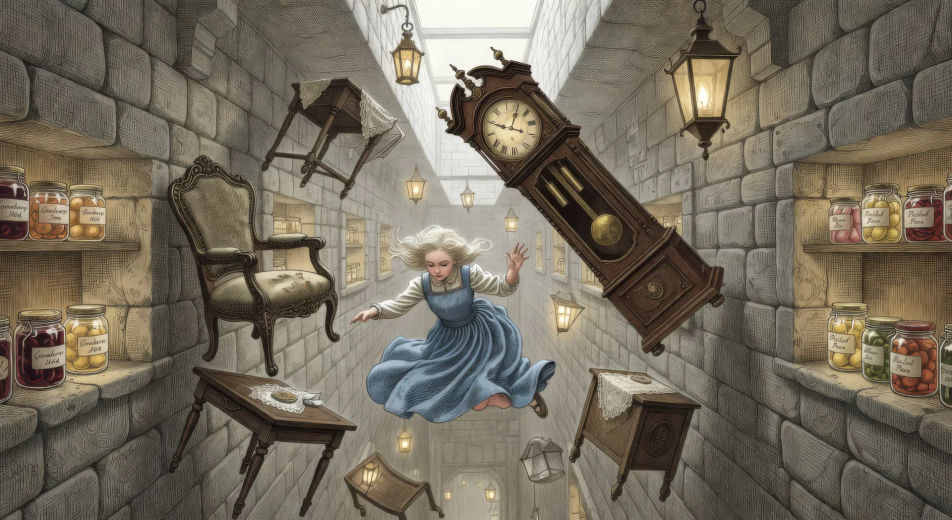
Morphic'in Alice Harikalar Diyarında yapay zeka video oluşturucusuyla Lewis Carroll'ın dünyasını tarayıcınızda yönetin. Alice'in mobilyaların arasından düşüşünü, Çılgın Şapkacı'nın çay partisini ya da Cheshire Kedisi'nin sırıtışını oluşturun. Kraliçeyi Speech ile seslendirin, Music ile müzikleyin, ardından pinaforu Character Lineup ile sabitleyin.
Uzun dikey bir boşlukta Alice, mavi pinaforuyla yavaşça aşağı düşerken yanından uçuşan Viktorya dönemi mobilyalar, aydınlatılmış reçel rafları ve havada dönen eğik bir büyükbaba saati geçiyor.
Prompt'u düzenleyinGüneş lekeli bir açıklıkta, mavi tırtıl kocaman mantarın üzerinde uzun bir nargile içerken Alice çenesi hizasında karşısında duruyor, aralarında yavaş duman halkaları kıvrılıyor.
Prompt'u düzenleyin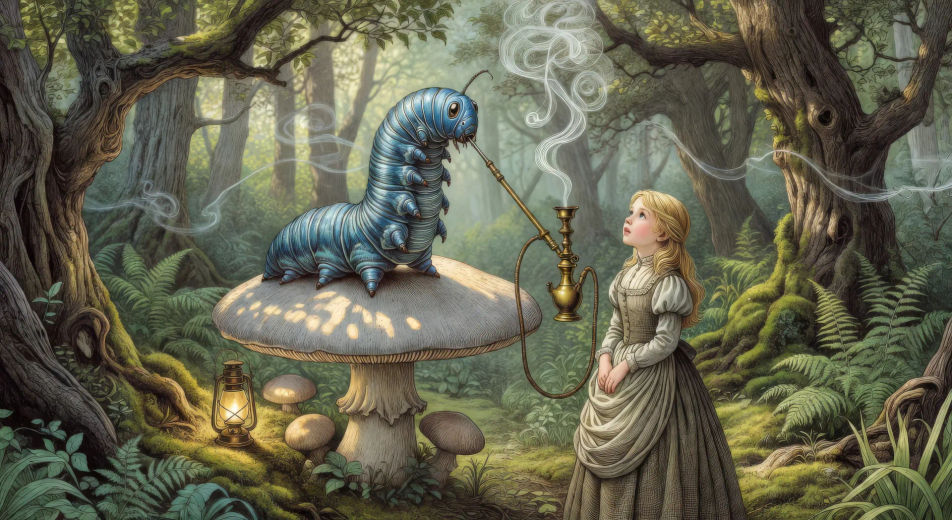
Sonsuza dek çay için hazırlanmış bir ağacın altındaki uzun eğri masada, Çılgın Şapkacı ve Mart Tavşanı çatlak fincanların üzerinden tartışırken Uyuklayan Fare çaydanlıkta uyuyor, Alice bir köşede şaşkın oturuyor.
Prompt'u düzenleyin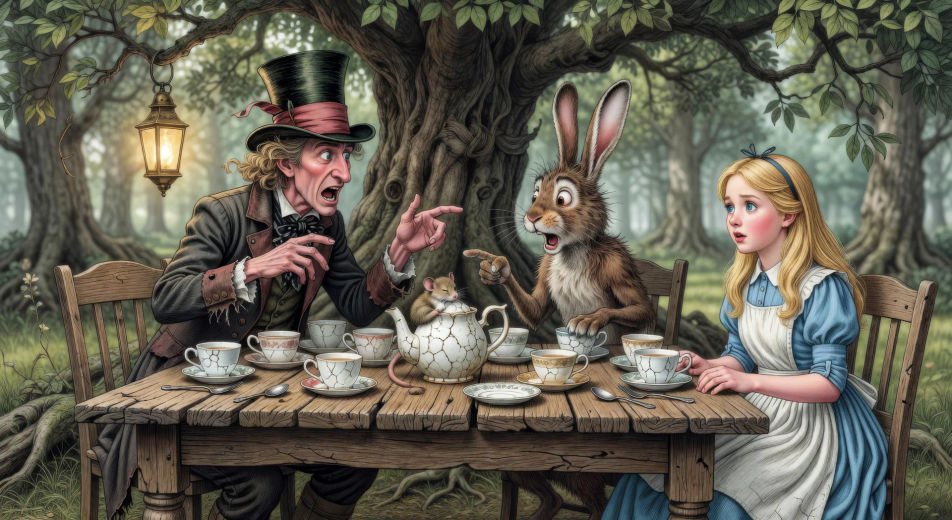
Harikalar Diyarı ağacının yüksek bir dalında, Cheshire Kedisi bütün gövdesinden inci gibi dişlerle asılı kalan bir gülümsemeye dönüşürken Alice aşağıdan, benekli orman ışığında yukarı bakıyor.
Prompt'u düzenleyin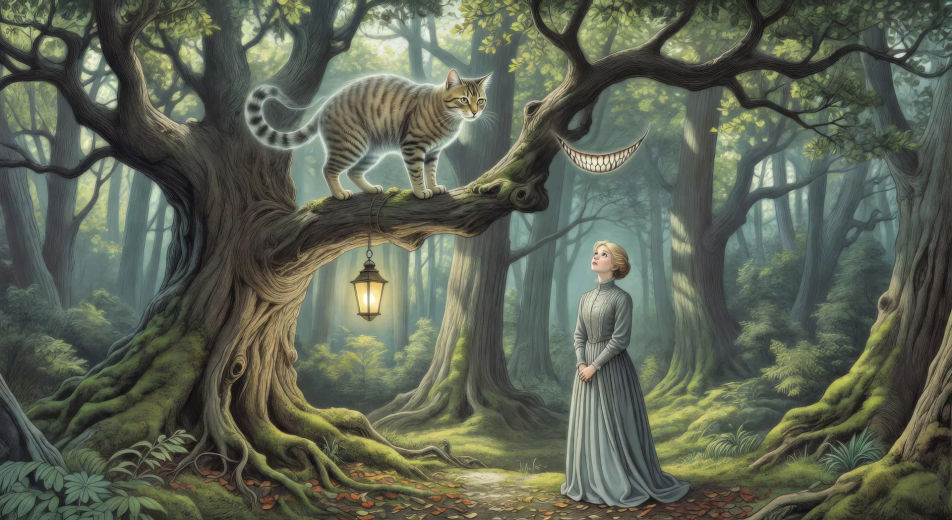
İstediğiniz Alice Harikalar Diyarında sahnesini sade sözcüklerle yazın.
Morphic, tuvalinizde saniyeler içinde sinematik, kareye hazır bir klip oluşturur.
Prompt'ta ince ayar yapın, varyasyonları yeniden oluşturun, ardından çekimi indirin veya paylaşın.

Share a scene description with character references. Get a full storyboard with shot angles and mood.

Feed in a single image. Get 9 cinematic beats laid out as a 3x3 storyboard grid.
One image to a 9-scene cinematic video.

Take any character image and generate 6 distinct facial expressions on a single reference sheet.
Cinematic time-freeze short film for any scene
Drop in a photo of yourself. Get a 12-second cinematic movie with animation and a matched soundtrack.
Kamu malı klasikler yapay zeka videoları
Morphic ile kamu malı klasik videoları oluşturun: Sherlock Holmes, Drakula, Frankenstein, Alice Harikalar Diyarında ve daha fazlası, tek promptla.
A Christmas Carol AI Videos
Create A Christmas Carol scenes, Scrooge's counting-house, Marley's ghost, the three spirits, the Cratchit dinner with Tiny Tim, and the redemption morning with Morphic. Generate Dickens videos from a single prompt.
20000 Leagues Under the Sea AI Videos
Create 20000 Leagues Under the Sea scenes, the Nautilus salon, Captain Nemo at the great organ, the giant squid, the Atlantis ruins, and the polar ice run with Morphic. Generate Jules Verne videos from a single prompt.
Art House AI Videos
Create powerful AI Art House videos with our Art House video generator. Find unique, cinematic Art House scenes for any project in seconds.
Bugün ücretsiz başlayın, istediğiniz zaman yükseltme veya iptal etme seçeneğiyle.
Basic
2400 aylık kredi
1 yalnızca kullanıcı
Tüm modeller
Workflows
Standard
3625 aylık kredi
1 yalnızca kullanıcı
Tüm modeller
Workflows
Pro
6350 paylaşılan aylık kredi
1 kullanıcı
Tüm modeller
Workflows
Max
24650 paylaşılan aylık kredi
1 kullanıcı
Tüm modeller
Workflows
Enterprise
Daha yüksek limitler için
Özel
fiyatlandırma ve faturalandırma koşulları

Free
Denemek için
$0
kalıcı olarak ücretsiz