Müzik klibi patlama kesmesi
Bir sanatçı düşüşe kadar kareyi tutuyor, sonra çekim bloklu renge patlayıp yeni bir mekan olarak yeniden şekilleniyor. Koyu doygun ışık, sabit kare; geçiş patlaması ritme tam oturuyor.
Prompt'u düzenleyin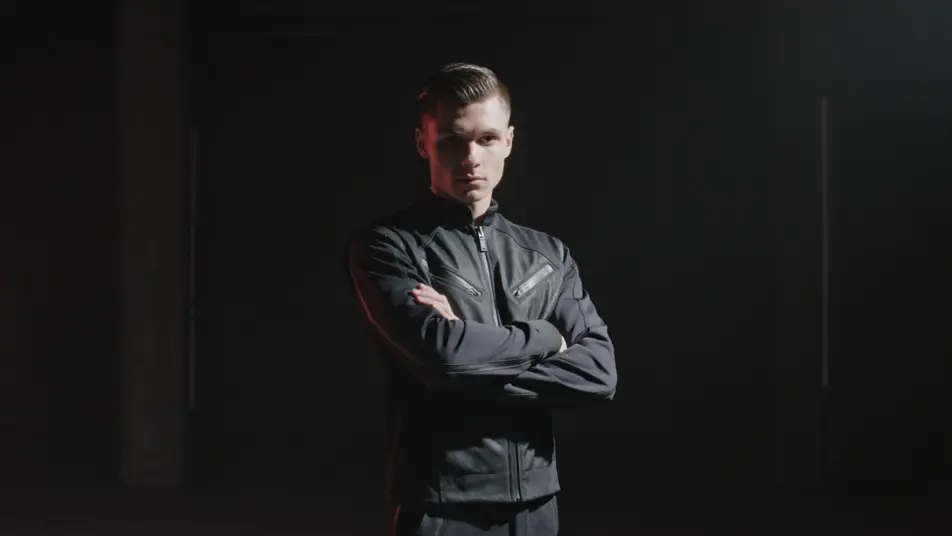
O sıvı, kanayan datamosh görünümünü tarayıcınızda Morphic'in datamosh efekti yapay zeka video üreticisiyle yönetin. Bir sahnenin bir sonrakine erimesini, sürüklenen piksellerle bulaşan renkleri ya da hareket izlerine bulanan bir dansçıyı üretin. İstiklal Caddesi kalabalığını sıkışma parıltısına dönüştürün, Music ile patlamayı müzikleyin, çekimleri Canvas'ta birleştirin.
Bir sanatçı düşüşe kadar kareyi tutuyor, sonra çekim bloklu renge patlayıp yeni bir mekan olarak yeniden şekilleniyor. Koyu doygun ışık, sabit kare; geçiş patlaması ritme tam oturuyor.
Prompt'u düzenleyinHer hareketi havuzlanıp sönümlenen uzun sürüklenen piksel izlerine bulanan tek bir dansçının orta çekimi, karamsar yan ışık, devinimin kareyi boyamasına izin veren yavaş bir yaklaşma.
Prompt'u düzenleyin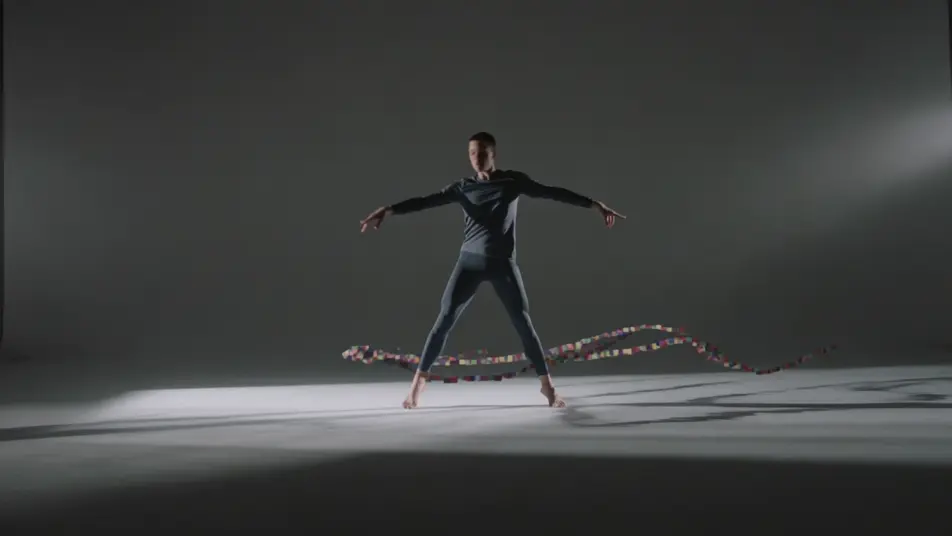
Kenarlardan sızan hayalet hareketin donmuş kareyi yavaşça izlerle doldurduğu boş bir odanın kilitli geniş çekimi, soğuk loş ışık, kameranın hiç oynamadığı; sızan bulaşma çekimi taşıyor.
Prompt'u düzenleyin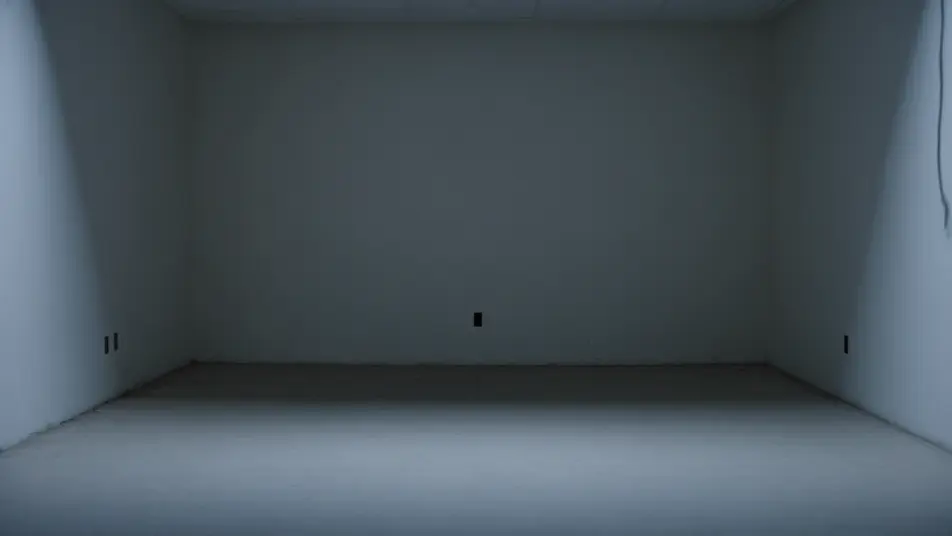
İstiklal Caddesi'nin kalabalık geçişinin yüksek çekimi, hızlı yürüyen figürler pürüzlü parıltı hâlelerine bulanırken kaldırım temiz kalıyor, düz kapalı ışık, eriyen kalabalık boyunca nazik bir sürüklenme.
Prompt'u düzenleyin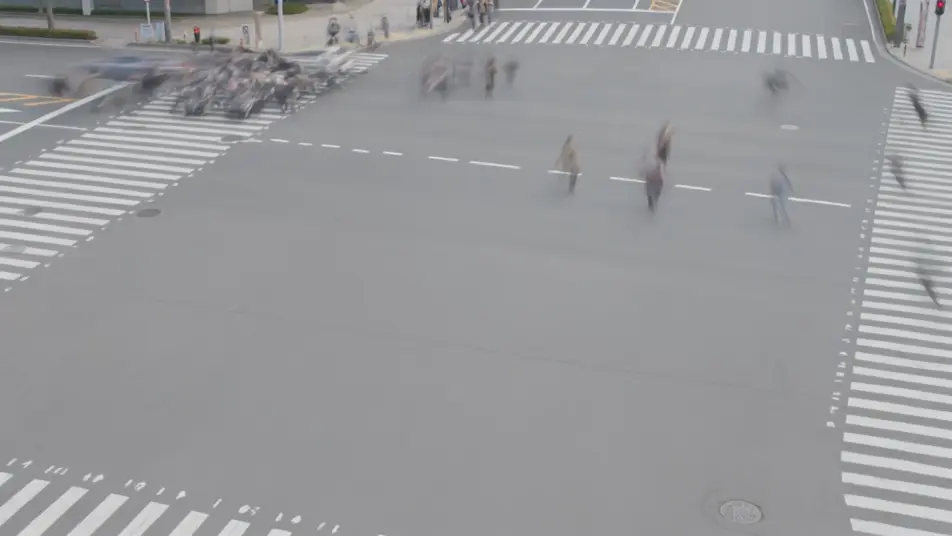
İstediğiniz Datamosh efekti sahnesini sade sözcüklerle yazın.
Morphic, tuvalinizde saniyeler içinde sinematik, kareye hazır bir klip oluşturur.
Prompt'ta ince ayar yapın, varyasyonları yeniden oluşturun, ardından çekimi indirin veya paylaşın.

Dramatize any text conversation into a cinematic multi-shot video.
Cinematic time-freeze short film for any scene

Generate a professional film title card from scratch, with optional cinematic animation.
Photo of any real-estate becomes a cinematic renovation timelapse video with construction SFX and music.
One image to a 9-scene cinematic video.
Drop in a photo of yourself. Get a 12-second cinematic movie with animation and a matched soundtrack.
AI Glitch Effect videos
Generate AI glitch videos with Morphic. Block corruption, signal dropout, RGB tears, and paste-ready glitch prompts that run end to end in your browser.
AI Pixel Sort Effect videos
Generate AI pixel sort videos with Morphic. Streaking color, sorted rows and columns, glitch-art smears, and paste-ready prompts that run in your browser.
Yapay zeka VFX videoları
Morphic ile VFX videoları üretin. Patlamalar, enerji efektleri, yıkım sahneleri ve yaratık dönüşümleri saniyeler içinde hazır.
Yapay zeka morph videoları
Morphic ile yapay zeka morph videoları üretin. Akıcı morph geçişleri, biçim değiştiren ifşalar, yüz yaşlandıran morphlar ve doğrudan çalışan ritme oturmuş morph-cut promptları.
Bugün ücretsiz başlayın, istediğiniz zaman yükseltme veya iptal etme seçeneğiyle.
Basic
2400 aylık kredi
1 yalnızca kullanıcı
Tüm modeller
Workflows
Standard
3625 aylık kredi
1 yalnızca kullanıcı
Tüm modeller
Workflows
Pro
6350 paylaşılan aylık kredi
1 kullanıcı
Tüm modeller
Workflows
Max
24650 paylaşılan aylık kredi
1 kullanıcı
Tüm modeller
Workflows
Enterprise
Daha yüksek limitler için
Özel
fiyatlandırma ve faturalandırma koşulları

Free
Denemek için
$0
kalıcı olarak ücretsiz