AI Digital Art Timelapse videos

Direct sped-up creation reveals in your browser with Morphic's digital art timelapse AI video generator. Generate a blank canvas filling in with a glowing portrait or a cityscape building up layer by layer. Sync each stroke to a rising beat with Music, then stitch the process on the Canvas.

Timelapse styles you can direct

Timelapse reveals you can stage

Portrait building from blank canvas

A locked overhead view of an empty digital canvas where a portrait forms as sped-up strokes lay down under-painting, features, and highlights. Even light, no camera movement, the finished face landing on the final beat.

Prompt'u düzenleyin
Landscape rendering in fast forward

A steady head-on shot of a scene painting itself in, horizon then mountains then sky then water, atmosphere deepening with each pass. Soft ambient light, gentle push-in as the vista resolves to full color.

Prompt'u düzenleyin

Pixel scene clicking into place

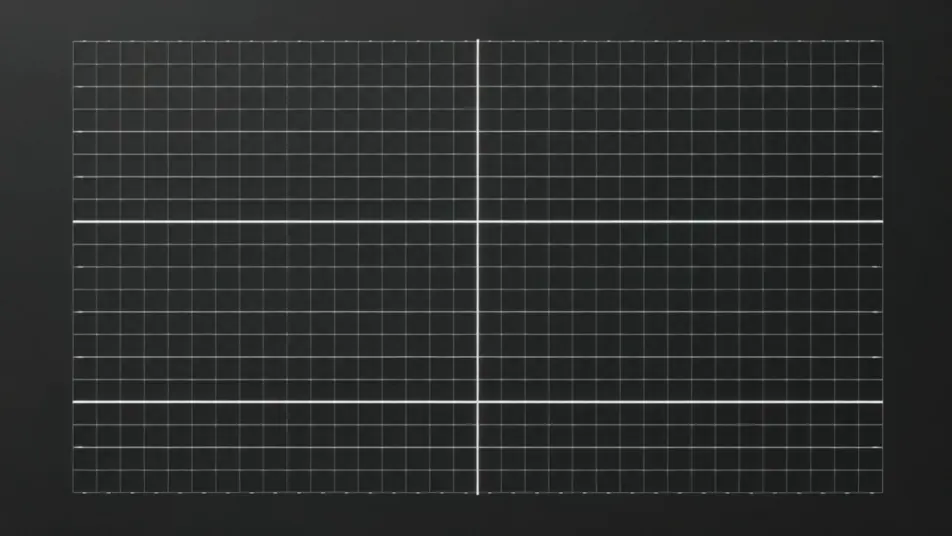
A tight, flat view of a grid canvas filling one colored block at a time until a small retro scene appears. Crisp lighting, static frame, a rhythmic build that reads clearly as a mechanical timelapse.

Prompt'u düzenleyin

Sketch to polished render

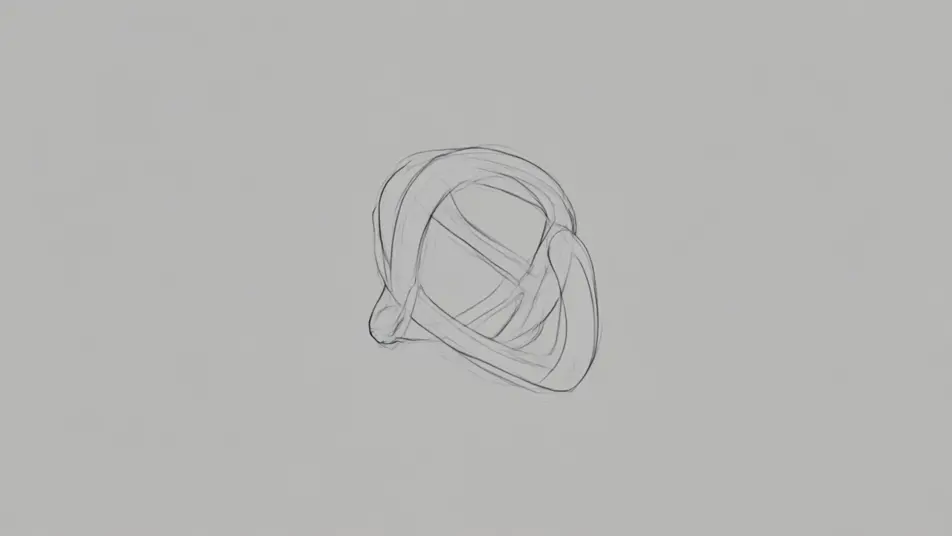
A centered shot of a rough gesture drawing that tightens into clean line-work and then renders into a lit, detailed final image. Neutral background, held camera, realism ramping up smoothly across the clip.

Prompt'u düzenleyin

digital art timelapse video videolarını üç adımda oluşturun

  1. 01

    digital art timelapse video sahnenizi açıklayın

    İstediğiniz digital art timelapse video sahnesini sade sözcüklerle yazın.

  2. 02

    Videoyu oluşturun

    Morphic, tuvalinizde saniyeler içinde sinematik, kareye hazır bir klip oluşturur.

  3. 03

    digital art timelapse video videonuzu iyileştirin

    Prompt'ta ince ayar yapın, varyasyonları yeniden oluşturun, ardından çekimi indirin veya paylaşın.

İlgili Workflow'lar

Şunları da beğenebilirsiniz

Basit fiyatlandırma

Bugün ücretsiz başlayın, istediğiniz zaman yükseltme veya iptal etme seçeneğiyle.

Basic

$9/ ay
şu şekilde faturalandırılır $0 yıl başına

900 aylık kredi

1 yalnızca kullanıcı

Tüm modeller

Workflows

Standard

$24/ ay
şu şekilde faturalandırılır $0 yıl başına

3200 aylık kredi

1 yalnızca kullanıcı

Tüm modeller

Workflows

Pro

$45/ ay
şu şekilde faturalandırılır $0 yıl başına

6200 paylaşılan aylık kredi

1 kullanıcı

+ en fazla 4 ek ücret karşılığında daha fazlası

Tüm modeller

Workflows

Pro Max

$170/ ay
şu şekilde faturalandırılır $0 yıl başına

24000 paylaşılan aylık kredi

1 kullanıcı

+ en fazla 9 ek ücret karşılığında daha fazlası

Tüm modeller

Workflows

Enterprise

Daha yüksek limitler için

Özel

fiyatlandırma ve faturalandırma koşulları

High-volume credits
Özel koltuk limitleri
Tüm modeller
Workflows
Pricing Gradient

Free

Denemek için

$0

kalıcı olarak ücretsiz

En fazla 20 kredi
Yalnızca 1 kullanıcı
Sınırlı modeller
Workflows

SSS

Where can I make digital art timelapse videos with AI?
You can create digital art timelapse videos directly in your browser on Morphic. Open the Text to Video tool, describe the artwork and how it should build from blank canvas to finished piece, and Morphic produces the timelapse clip. No screen recording and no drawing skills needed.
What kinds of timelapse reveals work best with AI video?
Clear, staged builds read best: a speed-paint portrait, a landscape filling in from the horizon, a line drawing gaining color and shading, or a pixel scene assembling block by block. Timelapses with a visible start point and an obvious finished state feel most satisfying because the eye can track the progress.
How do I write a good prompt for a timelapse video?
Name the subject, the medium, and the process order, blank canvas to under-painting to details, and add "timelapse" or "sped-up strokes." Calling out what appears first and what lands last gives the clip a clear arc. The more specific the stages, the more convincing the build Morphic returns.
How do I keep the build consistent across the clip?
Keep the camera locked and describe a single continuous subject so the artwork grows in one place rather than jumping. On the Canvas you can place timelapse clips in sequence and trim them so the reveal ramps smoothly from rough to finished without a break.
Can I add music and narration to my timelapse videos?
Yes. The Music tool produces an original soundtrack, and timelapses land hardest when the final reveal hits a rising beat. The Speech tool generates narration in the voice you choose, so you can talk through the process over the sped-up strokes like a real speed-paint walkthrough.
Do I need video editing experience to make a timelapse video?
No. Morphic runs in your browser and you direct it with plain-language prompts. If you can describe the artwork and the order it comes together, you can produce a digital art timelapse. The prompts on this page are written so anyone can paste and run.