Render golden hour shots in your browser with Morphic's golden hour AI video generator. Generate a 4300K rim-lit silhouette on a dust road or halation bloom on a lake horizon, score the palette with Music, and cut them into a short on the Canvas.

Golden hour scenes you can direct

4300K rim-lit silhouette on a dust road

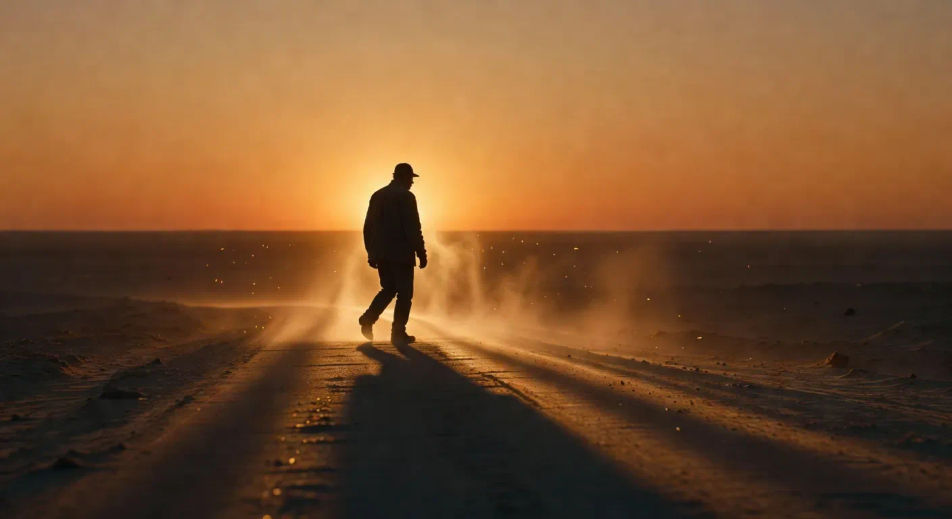
4300K low directional sun raking across a dust road at the moment ten minutes before sunset, single figure rim-lit horizon-line silhouette, halation bloom around the figure, slow tracking pan. Kodak Vision3 250D cast.

Prompt'u düzenleyin
4300K rim-lit silhouette on a dust road

Low directional sun raking a Vision3 250D field

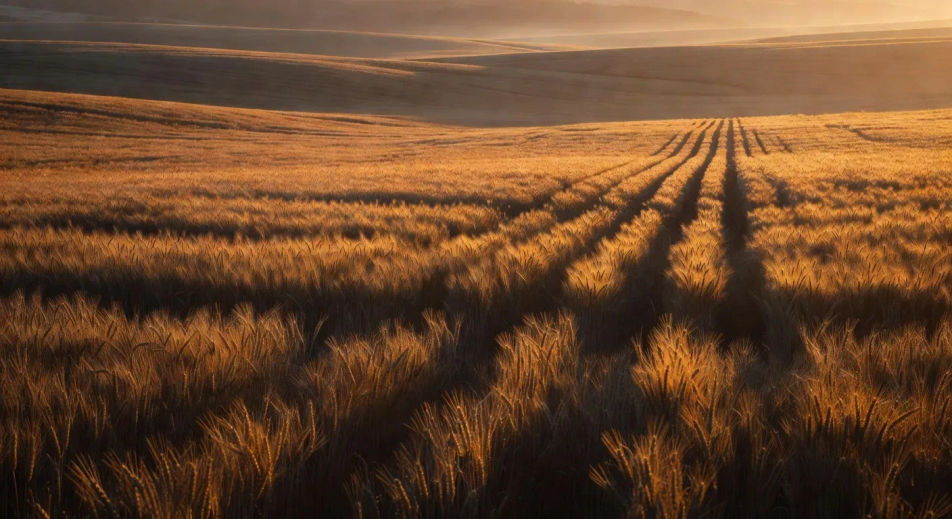
Wide grain field at golden hour, low directional sun raking horizontally across the heads of the wheat, long shadow geometry stretching toward camera, Kodak Vision3 250D warm tonality, atmospheric haze on the ridgeline.

Prompt'u düzenleyin
Low directional sun raking a Vision3 250D field

Halation bloom against a lake horizon

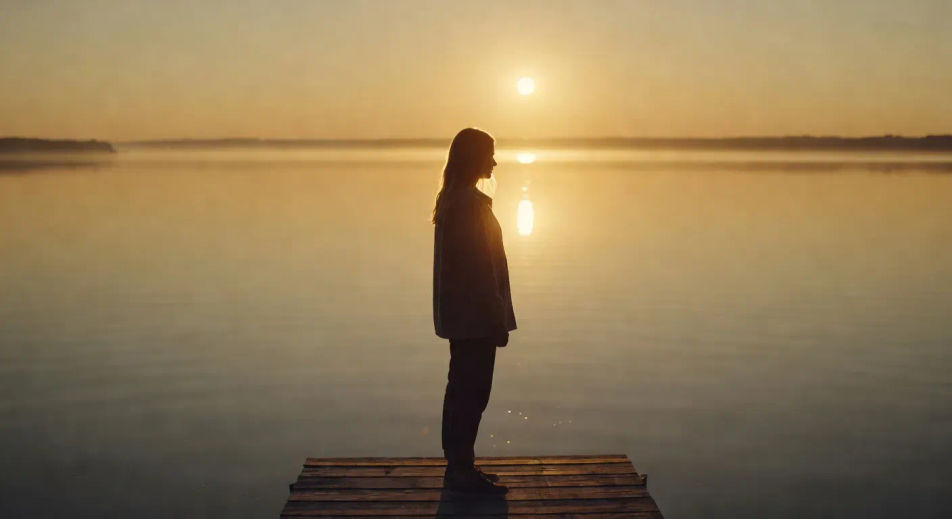
Lake-horizon shot at the last fifteen minutes of golden hour, single figure on a dock, halation bloom catching loose hair and the rim of the shoulder, water surface burnished gold, slow rack focus to the figure.

Prompt'u düzenleyin
Halation bloom against a lake horizon

Atmospheric haze lifting from a ridgeline

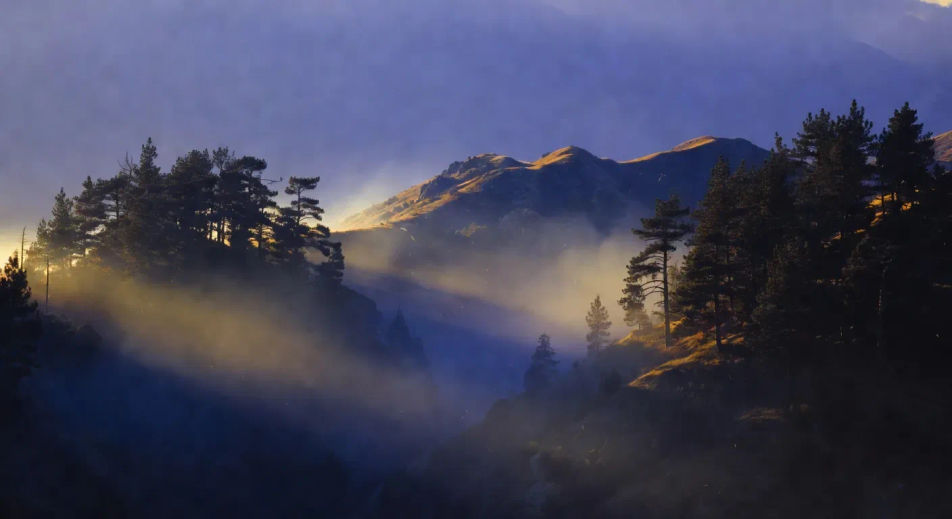
Mountain ridgeline at last light, atmospheric haze lifting between two pine stands, low directional sun cutting through the haze in defined shafts, deep warm-cool contrast (warm sun, cool shadow), slow tracking pull-back.

Prompt'u düzenleyin
Atmospheric haze lifting from a ridgeline

golden hour videolarını üç adımda oluşturun

  1. 01

    golden hour sahnenizi açıklayın

    İstediğiniz golden hour sahnesini sade sözcüklerle yazın.

  2. 02

    Videoyu oluşturun

    Morphic, tuvalinizde saniyeler içinde sinematik, kareye hazır bir klip oluşturur.

  3. 03

    golden hour videonuzu iyileştirin

    Prompt'ta ince ayar yapın, varyasyonları yeniden oluşturun, ardından çekimi indirin veya paylaşın.

İlgili Workflow'lar

Şunları da beğenebilirsiniz

Basit fiyatlandırma

Bugün ücretsiz başlayın, istediğiniz zaman yükseltme veya iptal etme seçeneğiyle.

Basic

$9/ ay
şu şekilde faturalandırılır $0 yıl başına

900 aylık kredi

1 yalnızca kullanıcı

Tüm modeller

Workflows

Standard

$24/ ay
şu şekilde faturalandırılır $0 yıl başına

3200 aylık kredi

1 yalnızca kullanıcı

Tüm modeller

Workflows

Pro

$45/ ay
şu şekilde faturalandırılır $0 yıl başına

6200 paylaşılan aylık kredi

1 kullanıcı

+ en fazla 4 ek ücret karşılığında daha fazlası

Tüm modeller

Workflows

Pro Max

$170/ ay
şu şekilde faturalandırılır $0 yıl başına

24000 paylaşılan aylık kredi

1 kullanıcı

+ en fazla 9 ek ücret karşılığında daha fazlası

Tüm modeller

Workflows

Enterprise

Daha yüksek limitler için

Özel

fiyatlandırma ve faturalandırma koşulları

High-volume credits
Özel koltuk limitleri
Tüm modeller
Workflows
Pricing Gradient

Free

Denemek için

$0

kalıcı olarak ücretsiz

En fazla 20 kredi
Yalnızca 1 kullanıcı
Sınırlı modeller
Workflows

SSS

Where can I make golden hour videos with AI?
You can create golden hour scenes directly in your browser on Morphic. Open the Text to Video tool, name the time of day, the light direction, the film-stock cast, and the atmospheric quality, and Morphic produces the clip. No installs and no specialist software needed.
When is golden hour and how do I prompt for it?
Golden hour is the thirty to sixty minute window after sunrise and before sunset, when the sun is low enough to rake horizontally across the scene. Prompt for it with the time anchor ("ten minutes before sunset", "dawn after"), the light direction ("low directional", "side rake", "backlit silhouette"), and the colour cast ("4300K cinematic rim", "Kodak Vision3 250D warm tonality"). Naming all three pulls the look out of generic sunset.
How do I prompt for halation bloom in a golden hour video?
Specify the bloom source and where it catches. For example: "halation bloom around the figure's rim, loose hair catching the gold edge, soft glow at the shoulders." Halation in real cinematography is light bleeding into the film stock around bright edges, so prompt it as a soft warm glow at the edge of high-luminance objects (rim of shoulder, hair, water surface).
Which film-stock reference should I use for a golden hour video?
Two references cover most stylistic intent. Kodak Vision3 250D (35mm daylight stock) for warm punchy contrast and rich amber tonality (Sicario, Once Upon a Time in Hollywood). Aaton 16mm grain for a more textured, slightly nostalgic register (Moonlight, indie golden-hour). Name one in the prompt to anchor the tonal feel and grain density.
Can I make golden hour videos at any time of day on Morphic?
Yes. Morphic generates the look from the prompt, not from a real-world clock, so you can create golden hour cinematography at 2am or any time you sit down to direct. Specify the time anchor (sunset, dawn, magic hour) in language and Morphic composes the lighting for the moment, regardless of when you press generate.
How do I avoid the generic-sunset look in a golden hour video?
Three moves separate cinematic golden hour from generic sunset. First, specify the rake direction ("low directional sun raking horizontally" beats "warm sunset"). Second, name halation bloom and atmospheric haze on the figure. Third, anchor with film-stock vocabulary (Vision3 250D, Aaton 16mm) rather than colour-temperature alone. Together they cue Morphic to compose for cinematography rather than a stock-photo cast.