Sahne performansı
Doygun renge boğulmuş bir sahne, sert arka ışığı yakalayan sis, merkezde solist, kesimle uyumlu süpüren ışın demetleri.
Prompt'u düzenleyin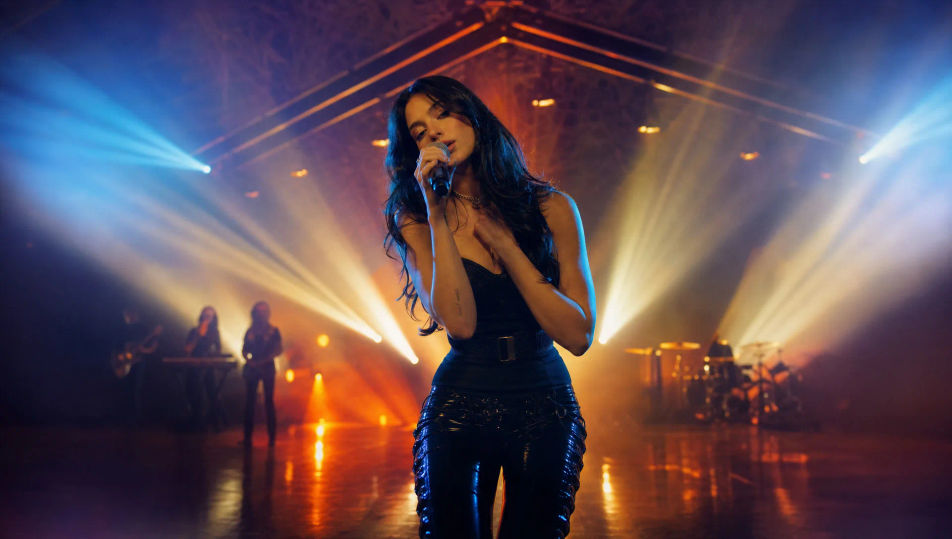
Müzik videolarını tarayıcınızda Morphic'in yapay zeka müzik videosu üreticisiyle yönetin. Renge boğulmuş bir sahne performansı, kıtalar arasında bir anlatı sahnesi ya da halayla açılan kesintisiz bir koridor yürüyüşü kurun. Kesimi Music ile müziklendirin, girişleri Speech ile seslendirin, sonra sahneleri Canvas'ta bitmiş bir videoya dönüştürün.
Doygun renge boğulmuş bir sahne, sert arka ışığı yakalayan sis, merkezde solist, kesimle uyumlu süpüren ışın demetleri.
Prompt'u düzenleyinSahneden uzakta, ruh hali için aydınlatılmış sinematik bir hikâye sahnesi, bir karakter anın ortasında, kıtalar arasında akan görsel ip.
Prompt'u düzenleyin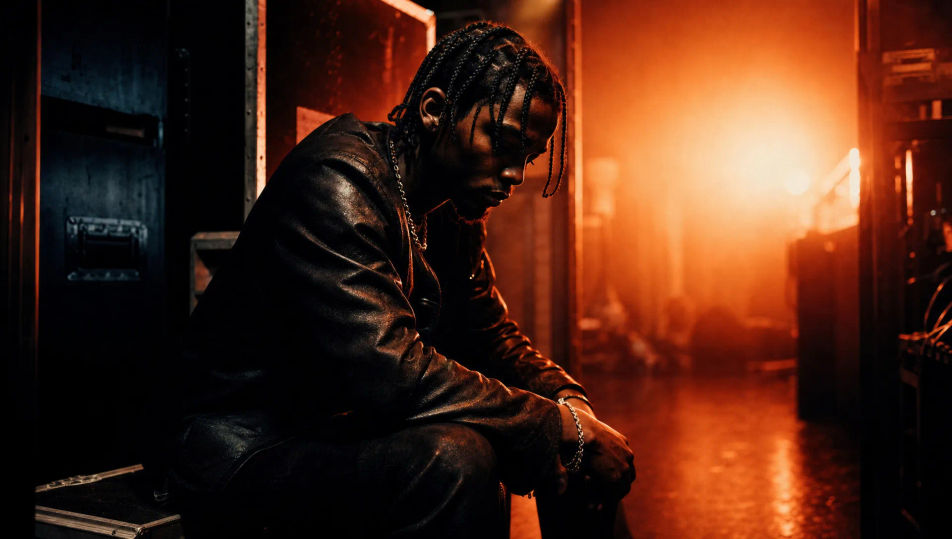
Neon tüpler ve geometrik objelerden kurulmuş stilize bir set, macenta-camgöbeği ışıkta çerçevelenen sanatçı, parlak zeminde yansımalar.
Prompt'u düzenleyin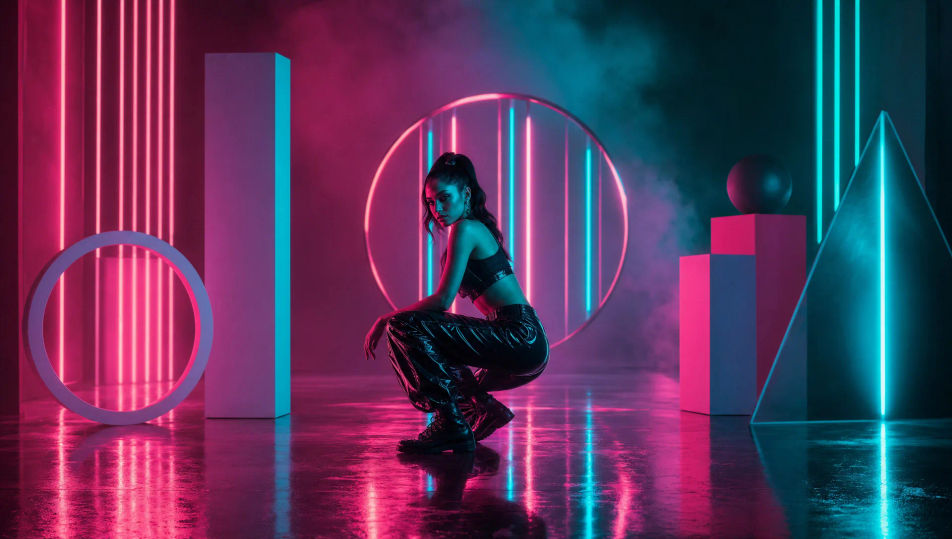
Uzun bir koridorda bir sanatçıyı izleyen kesintisiz tek bir çekim, çevrelerinde değişen dünya, ilerlerken değişen ışık.
Prompt'u düzenleyin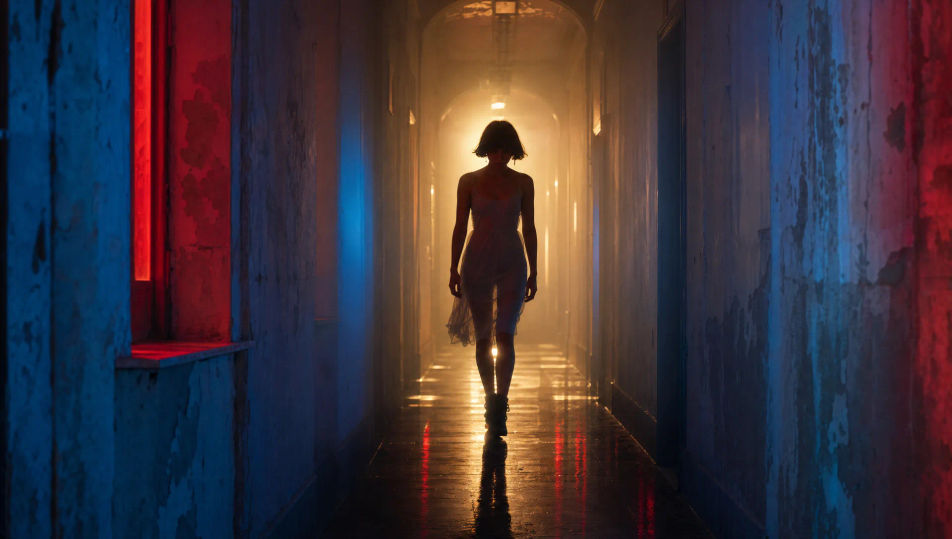
İstediğiniz Müzik videosu sahnesini sade sözcüklerle yazın.
Morphic, tuvalinizde saniyeler içinde sinematik, kareye hazır bir klip oluşturur.
Prompt'ta ince ayar yapın, varyasyonları yeniden oluşturun, ardından çekimi indirin veya paylaşın.
Cinematic time-freeze short film for any scene

Dramatize any text conversation into a cinematic multi-shot video.
One image to a 9-scene cinematic video.
Drop in a photo of yourself. Get a 12-second cinematic movie with animation and a matched soundtrack.

Share a scene description with character references. Get a full storyboard with shot angles and mood.

Feed in a single image. Get 9 cinematic beats laid out as a 3x3 storyboard grid.
Yapay zeka fragmanları
Morphic'te fragman oluşturun. Sessiz açılış, yükselen montaj, başlık kartı ve gerilimli kapanış, kurgu programı olmadan düz metinden.
80s AI videos
Generate 80s videos on Morphic. Neon grids, synthwave horizons, malls, arcades, and VHS-textured scenes from plain-language prompts, no software needed.
Siberpunk yapay zeka videoları
Morphic ile siberpunk videoları üretin. Neon mega şehir sokakları, beden artırımlı karakterler ve yağmurlu sahneler, düz dille yazılmış promptlardan.
Retro yapay zeka videoları
Morphic'te retro videolar üretin. Film greni, solgun renk ve dönem detayıyla 70'ler-90'lar sahnelerini düz metinle oluşturun, yazılım gerekmez.
Bugün ücretsiz başlayın, istediğiniz zaman yükseltme veya iptal etme seçeneğiyle.
Basic
2400 aylık kredi
1 yalnızca kullanıcı
Tüm modeller
Workflows
Standard
3625 aylık kredi
1 yalnızca kullanıcı
Tüm modeller
Workflows
Pro
6350 paylaşılan aylık kredi
1 kullanıcı
Tüm modeller
Workflows
Max
24650 paylaşılan aylık kredi
1 kullanıcı
Tüm modeller
Workflows
Enterprise
Daha yüksek limitler için
Özel
fiyatlandırma ve faturalandırma koşulları

Free
Denemek için
$0
kalıcı olarak ücretsiz