Emlak fotoğrafından odada yavaş bir dolly
Güneşli bir oturma odasının ilan fotoğrafı yavaş bir ileri dolly ile canlanır. Zeminde ışık birikir, tül perdeler dalgalanır, kadrajın gerisinde mutfak açılır.
Prompt'u düzenleyin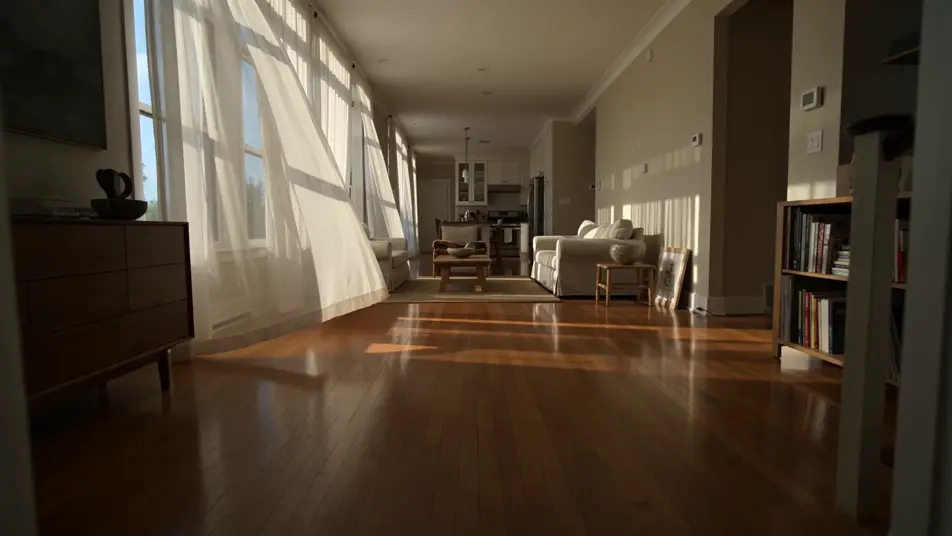
Gerçek fotoğraflarınızı tarayıcıda hareketli kliplere dönüştürün. Morphic'in fotoğraftan videoya yapay zeka üreticisiyle bir düğün karesindeki gelini yürütün, tatil fotoğrafına dalga katın ya da ürün fotoğrafını e-ticaret için canlandırın. Speech ile Türkçe anlatım ekleyin, kurguyu Canvas'ta tamamlayıp Instagram Reels ya da YouTube'da paylaşın.
Güneşli bir oturma odasının ilan fotoğrafı yavaş bir ileri dolly ile canlanır. Zeminde ışık birikir, tül perdeler dalgalanır, kadrajın gerisinde mutfak açılır.
Prompt'u düzenleyinSade bir stüdyo ürün fotoğrafı e-ticaret için bir reklam çekimine dönüşür. Şişe yumuşak bir ışık altında yavaşça döner, damlacıklar parlar, beyaz fon arkada temiz durur.
Prompt'u düzenleyin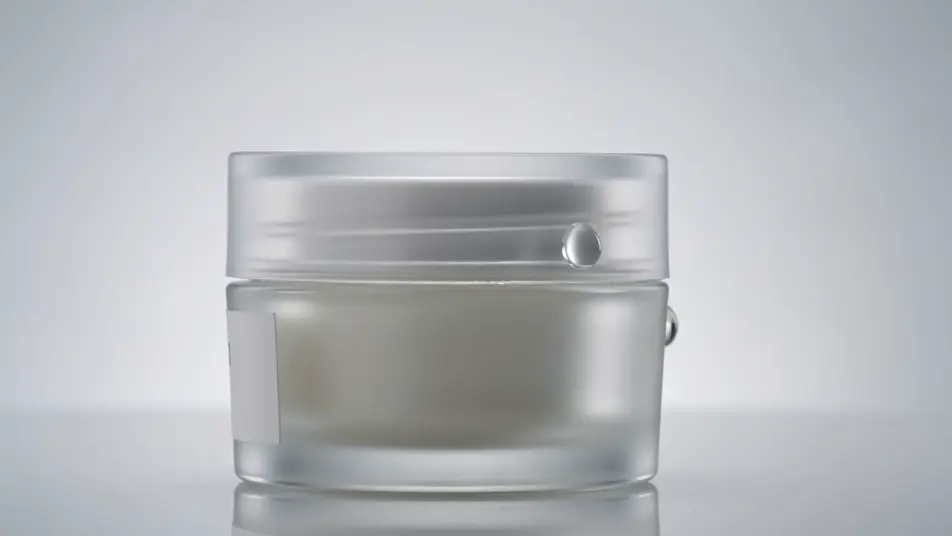
Şutunu vurmak üzere donmuş bir futbolcu fotoğrafı yeniden harekete geçer. Top ayaktan fırlar, savunma bir an geç kalır, kamera şutu izlerken kalabalık netleşir.
Prompt'u düzenleyin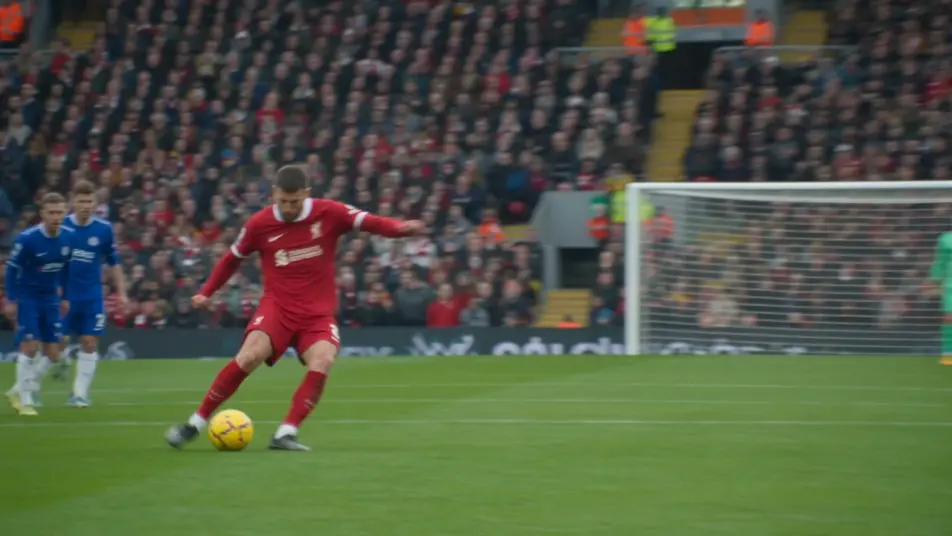
Bir dağ vadisinin geniş seyahat fotoğrafı yavaş bir ileri kaymayla açılır. Alçak bulutlar sırtın üzerinden geçer, öndeki otlar dalgalanır, güneş çıkarken ışık değişir.
Prompt'u düzenleyin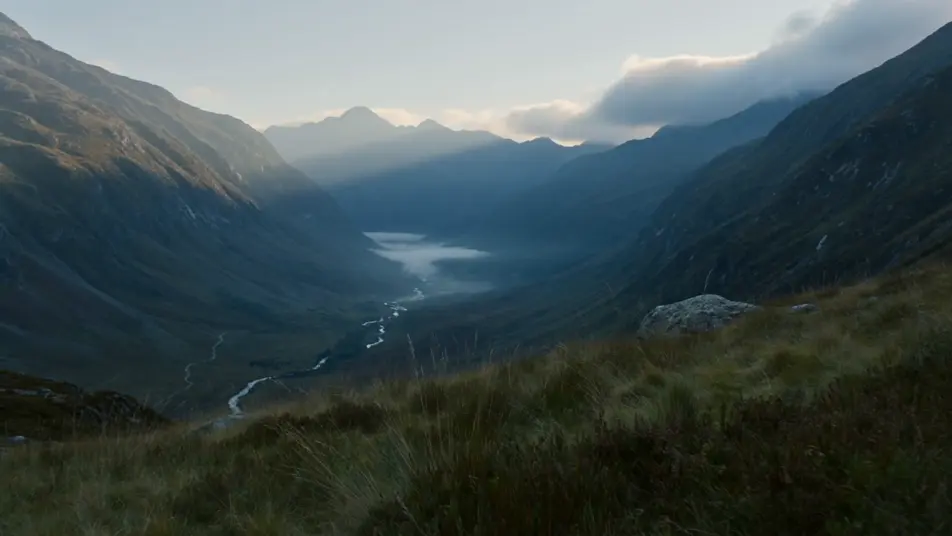
İstediğiniz fotoğraftan videoya sahnesini sade sözcüklerle yazın.
Morphic, tuvalinizde saniyeler içinde sinematik, kareye hazır bir klip oluşturur.
Prompt'ta ince ayar yapın, varyasyonları yeniden oluşturun, ardından çekimi indirin veya paylaşın.

Dramatize any text conversation into a cinematic multi-shot video.
Cinematic time-freeze short film for any scene

Generate a professional film title card from scratch, with optional cinematic animation.
Photo of any real-estate becomes a cinematic renovation timelapse video with construction SFX and music.
One image to a 9-scene cinematic video.
Drop in a photo of yourself. Get a 12-second cinematic movie with animation and a matched soundtrack.
Görselden videoya yapay zeka
Morphic ile görselden videoya yapay zeka klipleri yapın. Konsept çizim, poster, çizgi roman karesi ve 3D render, kamera hareketiyle gerçek çekimlere dönüşür.
Yapay Zeka Fotoğraf Animasyonu
Yapay zeka ile fotoğraf animasyonu yapın. Süzülen toz, mum titremesi, perde esintisi, parallax derinliği. Duruş aynı kalır. Ücretsiz deneyin.
AI Story Time videos
Make AI story time videos with Morphic. Narrated storytelling over matching visuals, faceless format, AI voiceover, and ready-to-run scene prompts.
Yapay zeka lirik videolar
Morphic ile yapay zeka lirik videolar oluşturun. Kinetik tipografi, el yazısı sözler, neon yazılar ve şarkınıza senkron sahneler.
Bugün ücretsiz başlayın, istediğiniz zaman yükseltme veya iptal etme seçeneğiyle.
Basic
2400 aylık kredi
1 yalnızca kullanıcı
Tüm modeller
Workflows
Standard
3625 aylık kredi
1 yalnızca kullanıcı
Tüm modeller
Workflows
Pro
6350 paylaşılan aylık kredi
1 kullanıcı
Tüm modeller
Workflows
Max
24650 paylaşılan aylık kredi
1 kullanıcı
Tüm modeller
Workflows
Enterprise
Daha yüksek limitler için
Özel
fiyatlandırma ve faturalandırma koşulları

Free
Denemek için
$0
kalıcı olarak ücretsiz