An antique portrait studio
A period sitting room in warm sepia, soft antique focus, a faded brown vignette, a slow gentle push.
Prompt'u düzenleyin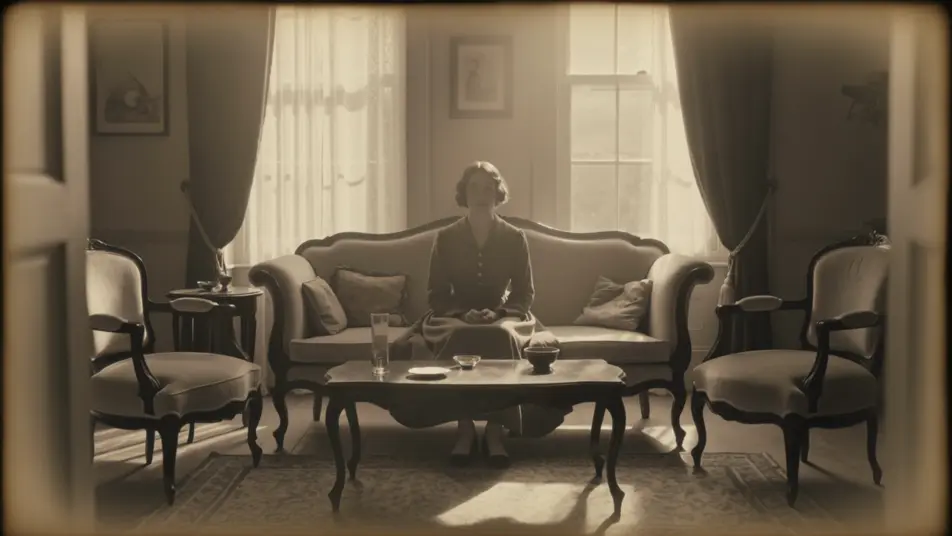
Step back in time in your browser with Morphic's sepia vintage AI video generator. Generate an antique portrait studio, a dusty frontier street, or a candle-lit period interior. Narrate and score every shot with Speech and Music, then stitch the footage into a sepia vintage short on the Canvas.
A period sitting room in warm sepia, soft antique focus, a faded brown vignette, a slow gentle push.
Prompt'u düzenleyinA sun-bleached old-world street in sepia, warm haze, aged grain, a steady wide shot.
Prompt'u düzenleyin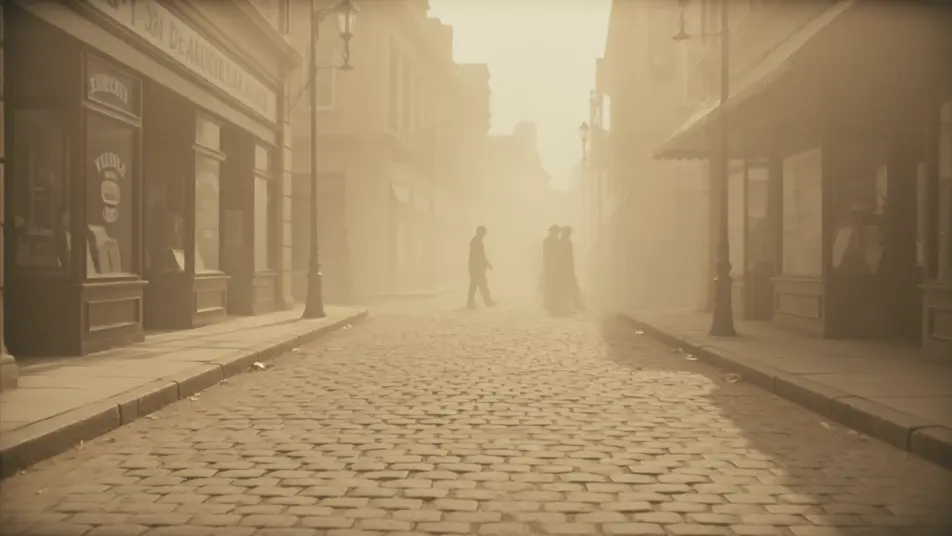
A period room in sepia by candlelight, warm brown glow, soft shadows, a slow pan.
Prompt'u düzenleyin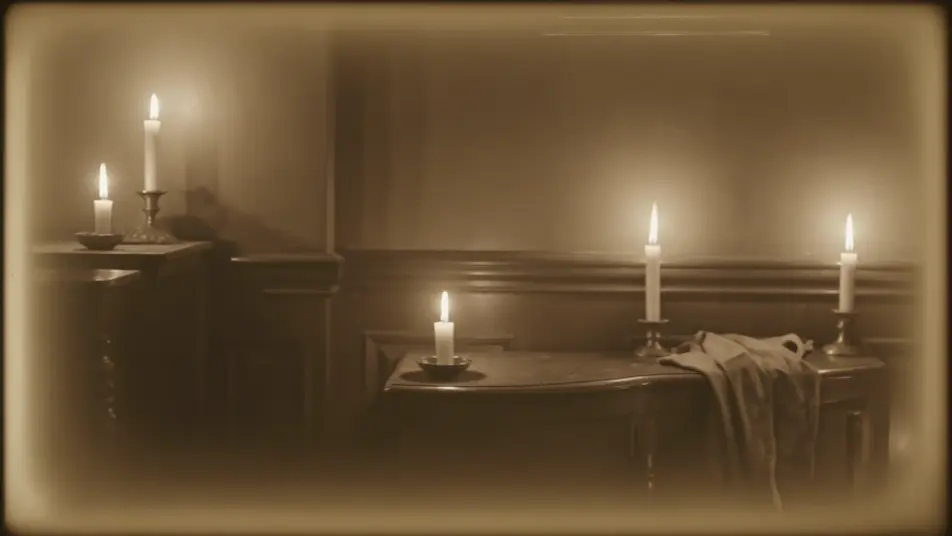
A tight sepia close-up with aged edges, warm monochrome, soft blur, a still nostalgic beat.
Prompt'u düzenleyin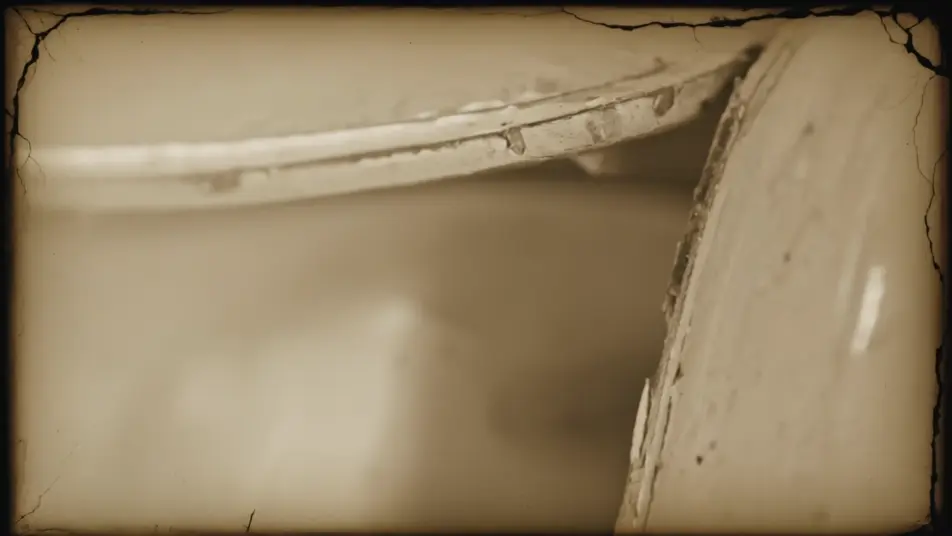
İstediğiniz sepia vintage sahnesini sade sözcüklerle yazın.
Morphic, tuvalinizde saniyeler içinde sinematik, kareye hazır bir klip oluşturur.
Prompt'ta ince ayar yapın, varyasyonları yeniden oluşturun, ardından çekimi indirin veya paylaşın.
Cinematic time-freeze short film for any scene

Dramatize any text conversation into a cinematic multi-shot video.
One image to a 9-scene cinematic video.
Drop in a photo of yourself. Get a 12-second cinematic movie with animation and a matched soundtrack.

Share a scene description with character references. Get a full storyboard with shot angles and mood.

Feed in a single image. Get 9 cinematic beats laid out as a 3x3 storyboard grid.
Polaroid Aesthetic AI Videos
Create AI Polaroid Aesthetic videos with Morphic. Generate authentic Polaroid Aesthetic scenes, looks, and visuals for any project in seconds.
Siyah beyaz film yapay zeka videoları
Morphic ile siyah beyaz film videoları oluşturun. Yeşilçam ışığı, gazino sahneleri, ıslak sokaklar, gümüş tane doku. Ücretsiz deneyin.
Sessiz film yapay zeka videoları
Morphic ile sessiz film videoları üretin. Caligari gölgeleri, Murnau'nun serbest kamerası, Eisenstein montajı ve jenerik tipografisi bir arada.
Retro yapay zeka videoları
Morphic'te retro videolar üretin. Film greni, solgun renk ve dönem detayıyla 70'ler-90'lar sahnelerini düz metinle oluşturun, yazılım gerekmez.
Bugün ücretsiz başlayın, istediğiniz zaman yükseltme veya iptal etme seçeneğiyle.
Basic
2400 aylık kredi
1 yalnızca kullanıcı
Tüm modeller
Workflows
Standard
3625 aylık kredi
1 yalnızca kullanıcı
Tüm modeller
Workflows
Pro
6350 paylaşılan aylık kredi
1 kullanıcı
Tüm modeller
Workflows
Max
24650 paylaşılan aylık kredi
1 kullanıcı
Tüm modeller
Workflows
Enterprise
Daha yüksek limitler için
Özel
fiyatlandırma ve faturalandırma koşulları

Free
Denemek için
$0
kalıcı olarak ücretsiz