A course intro title card
A bright campus backdrop where the programme name and level resolve in with clean type, gentle motion and a calm palette that reads clearly on a prospectus page or a phone.
Prompt'u düzenleyin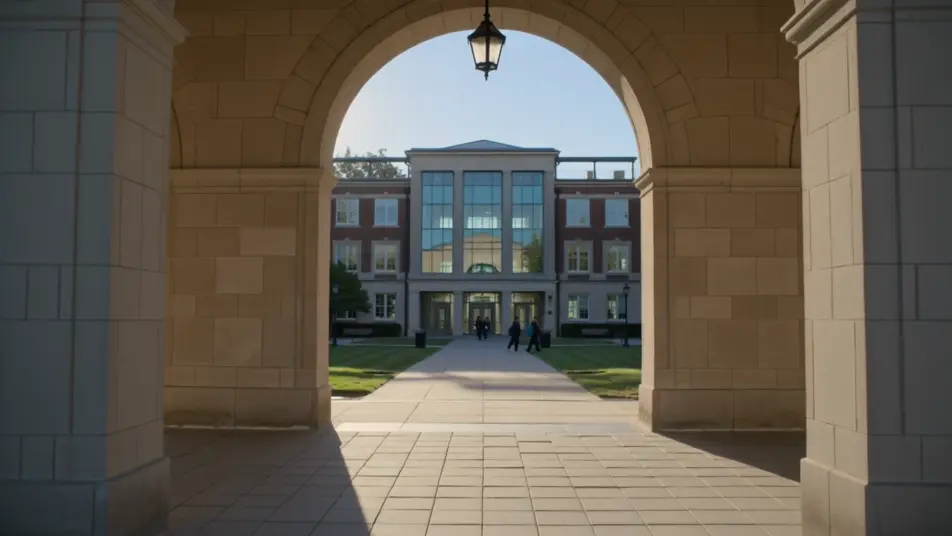
Direct a university course video in your browser with Morphic's video generator and show applicants what a programme actually offers. Generate a course intro card, an instructor welcome, a syllabus montage, and a graduate outcomes beat. Voice it with Speech, then assemble the segments into one film for internal and external use on Compose.
A bright campus backdrop where the programme name and level resolve in with clean type, gentle motion and a calm palette that reads clearly on a prospectus page or a phone.
Prompt'u düzenleyinA wide bright lecture space where the course lead speaks warmly to camera, soft natural light and shallow depth of field, the whiteboard behind left blank and out of focus. A steady, personal introduction.
Prompt'u düzenleyin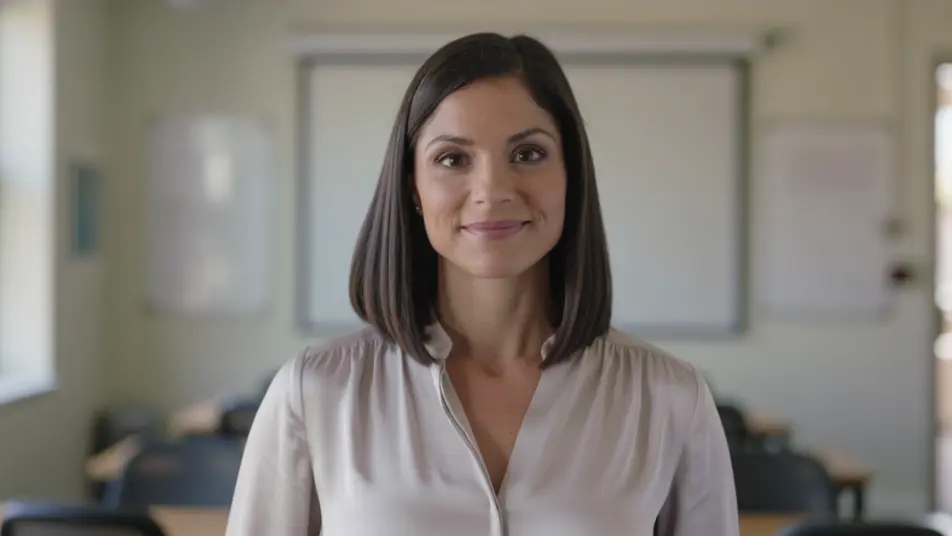
A sequence of titled module beats that read the programme scope at a glance, consistent type and clean transitions carrying one topic into the next at an easy pace.
Prompt'u düzenleyin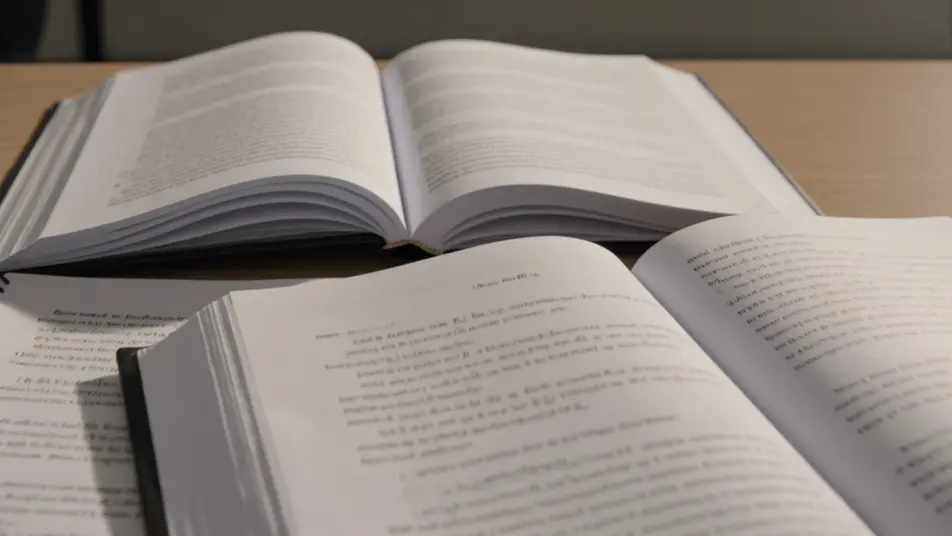
A branded closing frame holding the application deadline and start date, gentle motion on the type, a calm palette that keeps the key details clear and unmissable.
Prompt'u düzenleyin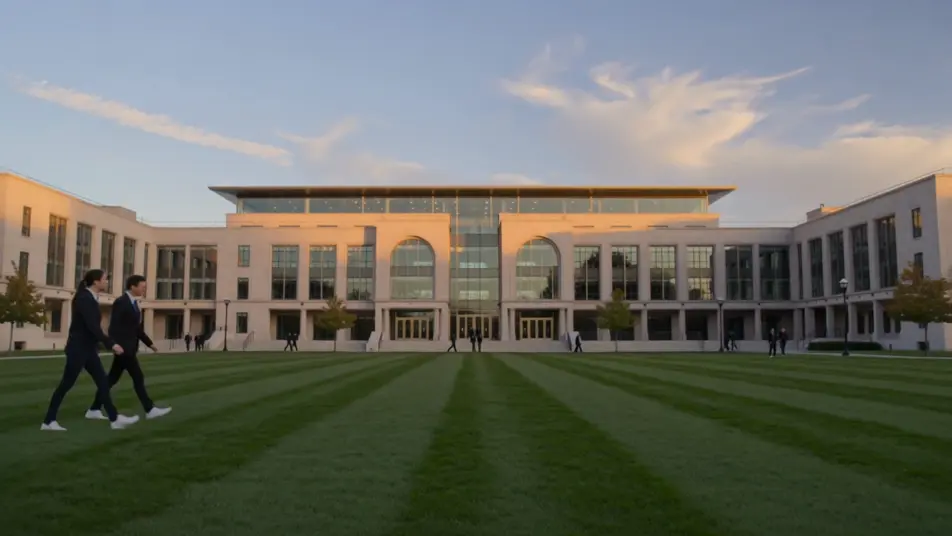
İstediğiniz university course video sahnesini sade sözcüklerle yazın.
Morphic, tuvalinizde saniyeler içinde sinematik, kareye hazır bir klip oluşturur.
Prompt'ta ince ayar yapın, varyasyonları yeniden oluşturun, ardından çekimi indirin veya paylaşın.

Dramatize any text conversation into a cinematic multi-shot video.
Cinematic time-freeze short film for any scene

Generate a professional film title card from scratch, with optional cinematic animation.
Photo of any real-estate becomes a cinematic renovation timelapse video with construction SFX and music.
One image to a 9-scene cinematic video.

Describe a first-person scenario. Get sequential POV frames animated into video clips with audio.
AI School open day videos
School open day video, built in your browser: a head teacher welcome, filmed-style campus tours, and student voices. Generate yours with Morphic now.
AI Onboarding tutorial videos
Onboarding tutorial video, produced in-house on Morphic. Build a welcome intro, a setup walkthrough, and a first-task run. Publish the same day.
AI Clinic tour videos
Produce a clinic tour video in minutes, not weeks. Direct a reception walk-in, treatment rooms, and staff intros, then update it anytime. Produce.
AI Franchise recruitment videos
Franchise recruitment videos from a description. Show the model, the support, and the path to opening, then refresh it as the process changes. Make it now.
Bugün ücretsiz başlayın, istediğiniz zaman yükseltme veya iptal etme seçeneğiyle.
Basic
2400 aylık kredi
1 yalnızca kullanıcı
Tüm modeller
Workflows
Standard
3625 aylık kredi
1 yalnızca kullanıcı
Tüm modeller
Workflows
Pro
6350 paylaşılan aylık kredi
1 kullanıcı
Tüm modeller
Workflows
Max
24650 paylaşılan aylık kredi
1 kullanıcı
Tüm modeller
Workflows
Enterprise
Daha yüksek limitler için
Özel
fiyatlandırma ve faturalandırma koşulları

Free
Denemek için
$0
kalıcı olarak ücretsiz