A finale night on the couch
A warm living room packed for a big finale, blankets and snacks everywhere, the group leaning in as one. Low lamp light and screen flicker, a slow dolly across the reacting faces.
Prompt'u düzenleyin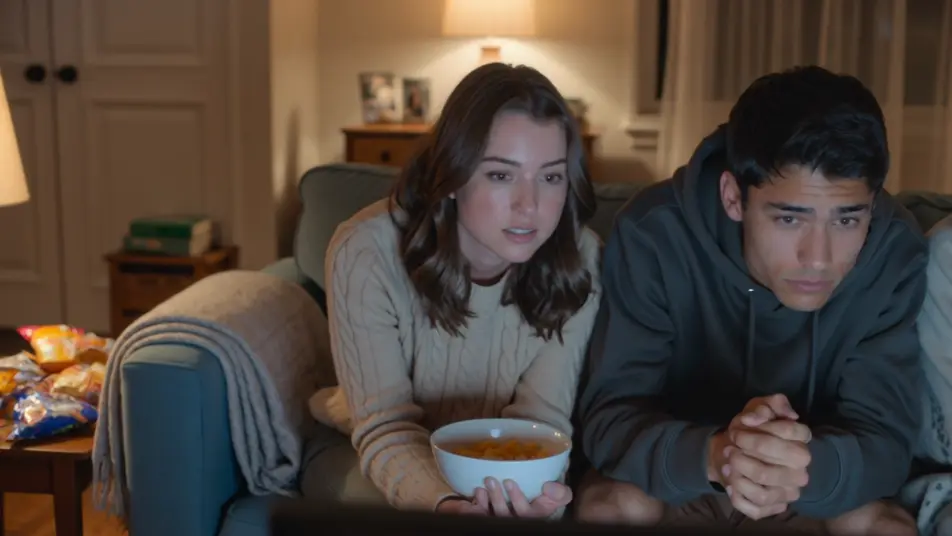
Direct the reaction in your browser with Morphic's watch party AI video generator. Generate a couch of friends gasping in the glow of a big screen, or a webcam-style reaction grid lighting up at the same beat. Land the commentary with Speech, then stitch it into one watch party on the Canvas.
A warm living room packed for a big finale, blankets and snacks everywhere, the group leaning in as one. Low lamp light and screen flicker, a slow dolly across the reacting faces.
Prompt'u düzenleyinA clean layout of stacked webcam windows, each a friend in a different room, all synced to the same beat. Even soft light in each cell, a subtle scale-up on whichever window reacts hardest.
Prompt'u düzenleyin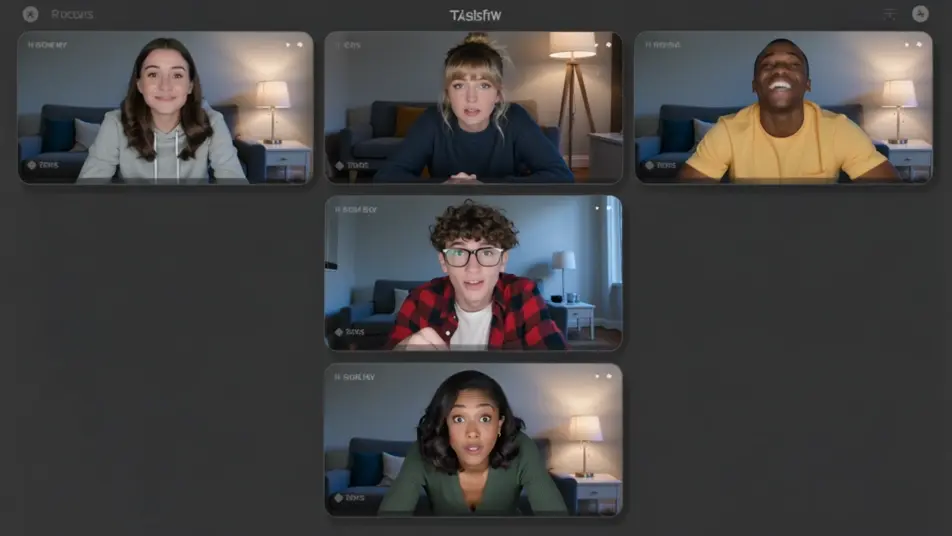
An outdoor evening with a projector throwing a huge image on a hung sheet, friends sprawled on blankets under string lights. Deep blue dusk behind, a slow crane that reveals the whole yard.
Prompt'u düzenleyin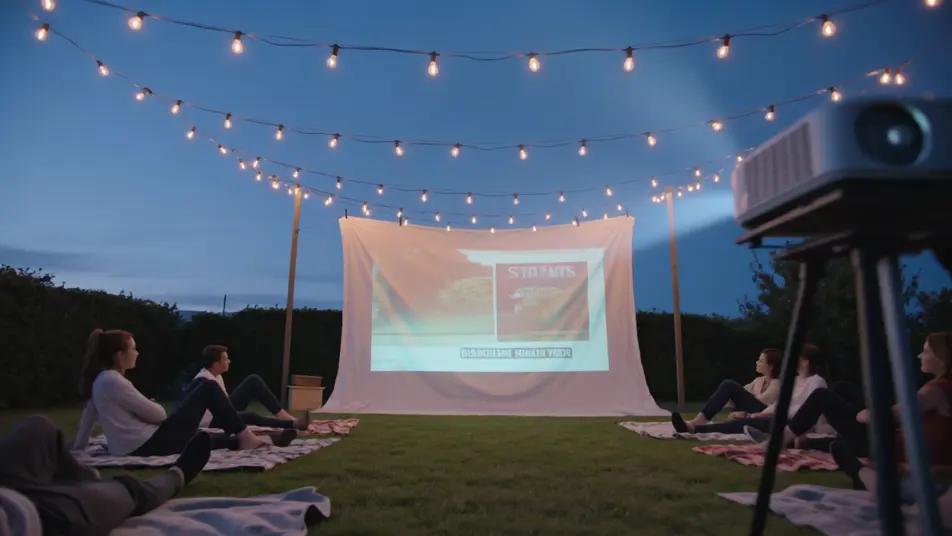
A lively room fixed on a big screen, everyone jumping up at a turning moment, arms raised. Bright screen bounce and warm overheads, a handheld that swings with the surge of the crowd.
Prompt'u düzenleyin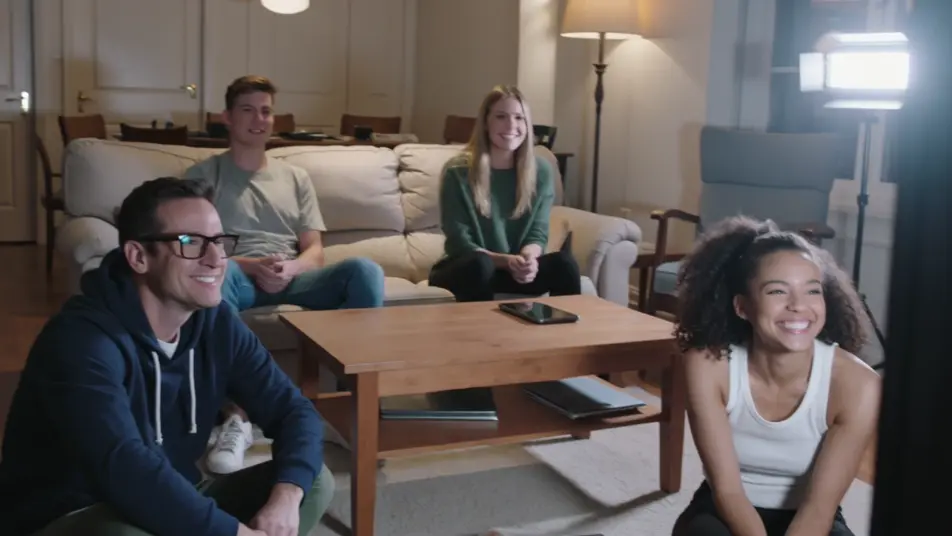
İstediğiniz watch party video sahnesini sade sözcüklerle yazın.
Morphic, tuvalinizde saniyeler içinde sinematik, kareye hazır bir klip oluşturur.
Prompt'ta ince ayar yapın, varyasyonları yeniden oluşturun, ardından çekimi indirin veya paylaşın.

Dramatize any text conversation into a cinematic multi-shot video.
Cinematic time-freeze short film for any scene

Generate a professional film title card from scratch, with optional cinematic animation.
Photo of any real-estate becomes a cinematic renovation timelapse video with construction SFX and music.
One image to a 9-scene cinematic video.

Describe a first-person scenario. Get sequential POV frames animated into video clips with audio.
AI Live Stream Highlight videos
Generate AI live stream highlight videos with Morphic. Clutch-moment clips, webcam reactions, overlay-framed segments, and highlight-reel prompts that just run.
AI Clip Show videos
Generate AI clip show videos with Morphic. Host wraparounds, themed best-of runs, memory montages, and clip-episode prompts that just run.
ASMR yapay zeka videoları
Morphic ile ASMR videoları oluşturun. Yakın çekim tetikleyiciler, ortam sesleri, fısıltılı anlatım; YouTube ve TikTok için hazır klipler.
Yapay zeka POV videoları
Morphic ile yapay zeka POV videoları yapın. Sürükleyici birinci şahıs yürüyüşler, aksiyon anları ve günlük hayat anları. Örnek sahneler, deneyim gerekmez.
Bugün ücretsiz başlayın, istediğiniz zaman yükseltme veya iptal etme seçeneğiyle.
Basic
2400 aylık kredi
1 yalnızca kullanıcı
Tüm modeller
Workflows
Standard
3625 aylık kredi
1 yalnızca kullanıcı
Tüm modeller
Workflows
Pro
6350 paylaşılan aylık kredi
1 kullanıcı
Tüm modeller
Workflows
Max
24650 paylaşılan aylık kredi
1 kullanıcı
Tüm modeller
Workflows
Enterprise
Daha yüksek limitler için
Özel
fiyatlandırma ve faturalandırma koşulları

Free
Denemek için
$0
kalıcı olarak ücretsiz