A punch into a stare
A wide shot of a figure at the end of a hallway snaps in a single hard zoom to a tight close-up of their eyes, cold overhead light, the push stopping dead on the beat with no drift.
Prompt'u düzenleyin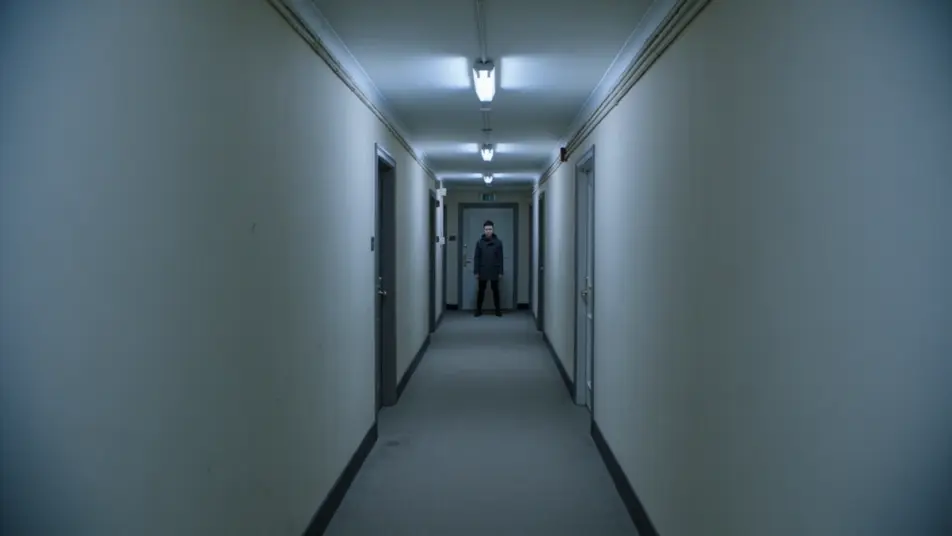
Direct snappy zoom-punch shots in your browser with Morphic's zoom punch AI video generator. Generate a sudden hard push into a subject's eyes on a beat, or a rapid rack toward a doorway that stops on the reveal. Pair with Music to time every punch, then stitch the sequence on the Canvas.
A wide shot of a figure at the end of a hallway snaps in a single hard zoom to a tight close-up of their eyes, cold overhead light, the push stopping dead on the beat with no drift.
Prompt'u düzenleyinA market scene where the camera punches from face to face in quick succession, each hit landing on its own beat, warm afternoon light, motion streaks smearing between the rapid reveals.
Prompt'u düzenleyin
A wide interior establishes a cluttered desk, then punches down to a single folded note, dim lamp light isolating the detail, the zoom snapping to a stop that holds the reveal steady.
Prompt'u düzenleyin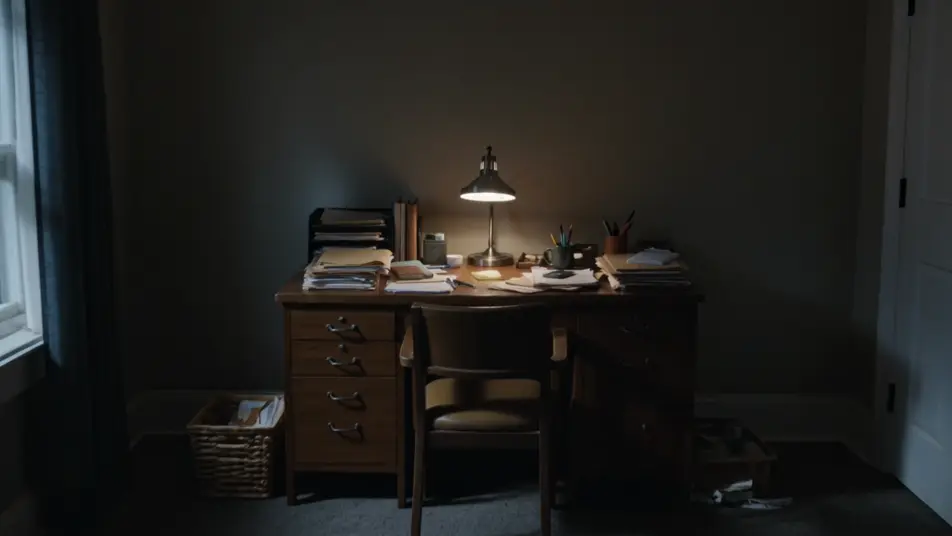
A performer on a dark stage is caught in a zoom punch that overshoots and recoils to frame on the music drop, hard spotlight, the recoil selling the impact as the beat lands.
Prompt'u düzenleyin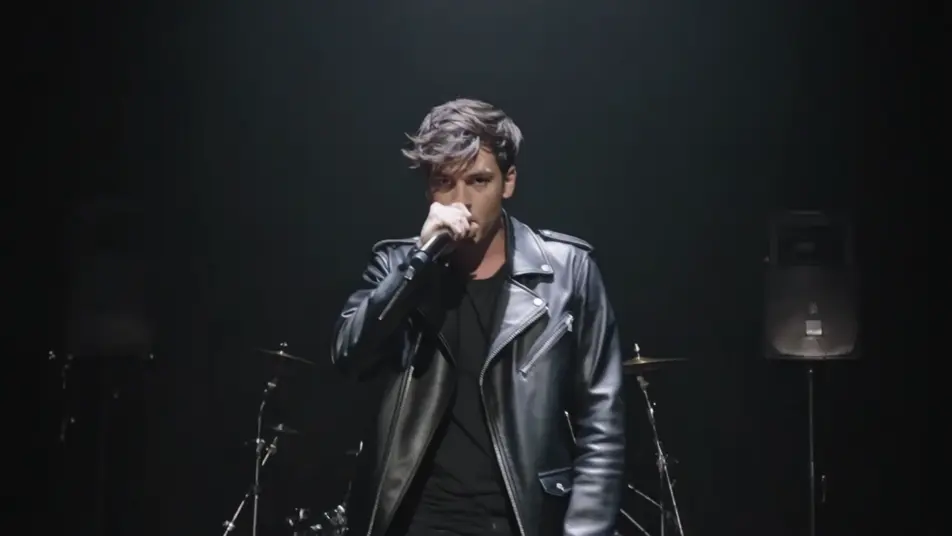
İstediğiniz zoom punch sahnesini sade sözcüklerle yazın.
Morphic, tuvalinizde saniyeler içinde sinematik, kareye hazır bir klip oluşturur.
Prompt'ta ince ayar yapın, varyasyonları yeniden oluşturun, ardından çekimi indirin veya paylaşın.

Dramatize any text conversation into a cinematic multi-shot video.
Cinematic time-freeze short film for any scene

Generate a professional film title card from scratch, with optional cinematic animation.
Photo of any real-estate becomes a cinematic renovation timelapse video with construction SFX and music.
One image to a 9-scene cinematic video.
Drop in a photo of yourself. Get a 12-second cinematic movie with animation and a matched soundtrack.
Savurma çekimi
Savurma çekimi (whip pan), kamerayı hızla yana savurup kesmeyi bulanıklıkla gizler. Morphic'te tek promptla oluşturmayı öğrenin.
Eşleşen kurgu
Eşleşen kurgu, iki çekimi ortak bir şekille birbirine bağlar. Jump cut'tan farkını görün, eşleşen kareleri Morphic'te oluşturun.
Yapay zeka VFX videoları
Morphic ile VFX videoları üretin. Patlamalar, enerji efektleri, yıkım sahneleri ve yaratık dönüşümleri saniyeler içinde hazır.
Yapay zeka POV videoları
Morphic ile yapay zeka POV videoları yapın. Sürükleyici birinci şahıs yürüyüşler, aksiyon anları ve günlük hayat anları. Örnek sahneler, deneyim gerekmez.
Bugün ücretsiz başlayın, istediğiniz zaman yükseltme veya iptal etme seçeneğiyle.
Basic
2400 aylık kredi
1 yalnızca kullanıcı
Tüm modeller
Workflows
Standard
3625 aylık kredi
1 yalnızca kullanıcı
Tüm modeller
Workflows
Pro
6350 paylaşılan aylık kredi
1 kullanıcı
Tüm modeller
Workflows
Max
24650 paylaşılan aylık kredi
1 kullanıcı
Tüm modeller
Workflows
Enterprise
Daha yüksek limitler için
Özel
fiyatlandırma ve faturalandırma koşulları

Free
Denemek için
$0
kalıcı olarak ücretsiz