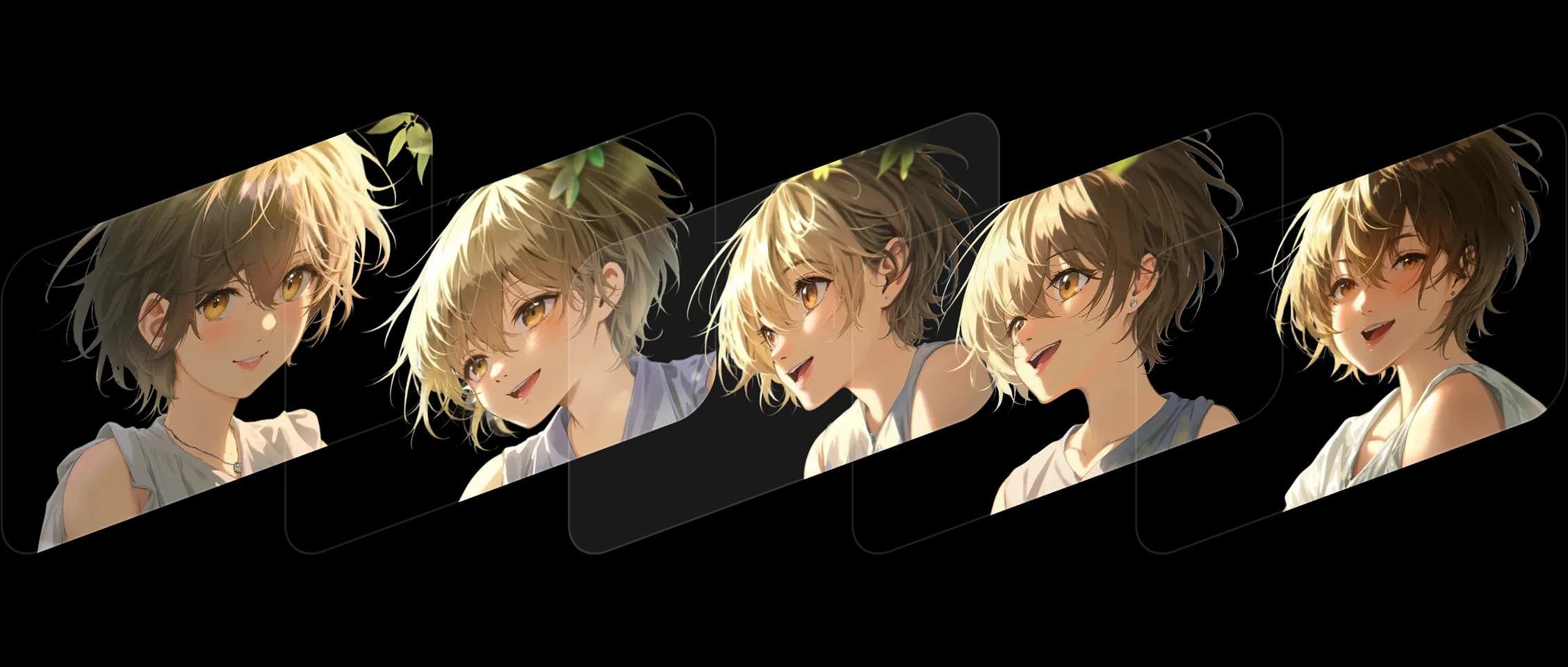
اختر إطاراتك وحدد ترتيبها، وتملأ Morphic ما بينها مع الحفاظ على اتساق أسلوبك وقصتك.
ينتقل كل تحول بسلاسة، محافظاً على التفاصيل والتعابير التي تُضفي الحياة على مشهدك. ويعمل بشكل رائع عبر مختلف الأساليب، من الفن الرقمي إلى الصور الحية الثابتة.
لا تكتفي Morphic بتحريك التغييرات، بل تفهمها. تبقى الألوان والتكوين والمشاعر وفية طوال الوقت.
حوّلت بضعة إطارات ثابتة إلى لقطة متحركة. شعرت وكأنني أشاهد عملي الفني وهو ينبض بالحياة.
شاهد كيف تعمل ميزة Frames to Video داخل Morphic.
إليك ما أنشأه المبدعون برفع إطارين فقط.



مرّر المؤشر لعرض إطارات الإدخال
في Morphic، نبني أدوات تربط بين السكون والحركة. تواصل ميزة Frames to Video هذه الرؤية، فتحوّل اللحظات الثابتة إلى قصص متصلة. جرّب الآن
Frames to Video FAQs
What is Frames to Video?
Give a first and a last frame plus the motion between them, and Morphic generates one clip. You direct the beats of the shot.
How many frames can I use?
Two on every model. Morphic Edit (Flux 3) and FLUX 3 Max take up to ten, with the extra frames landing as keyframes.
Can I control the motion between the frames?
Yes. The frames fix the beats and you describe the motion the model fills in between them.
Which models support more than two frames?
Morphic Edit and FLUX 3 Max accept up to ten frames.
Is Frames to Video the same as animating a still?
It turns your key frames into a moving clip by generating the in-between motion, so you set the start and end rather than animating a single image.
What is it best for?
Precise shots where the first and last frame are fixed and you want to control the motion in between.