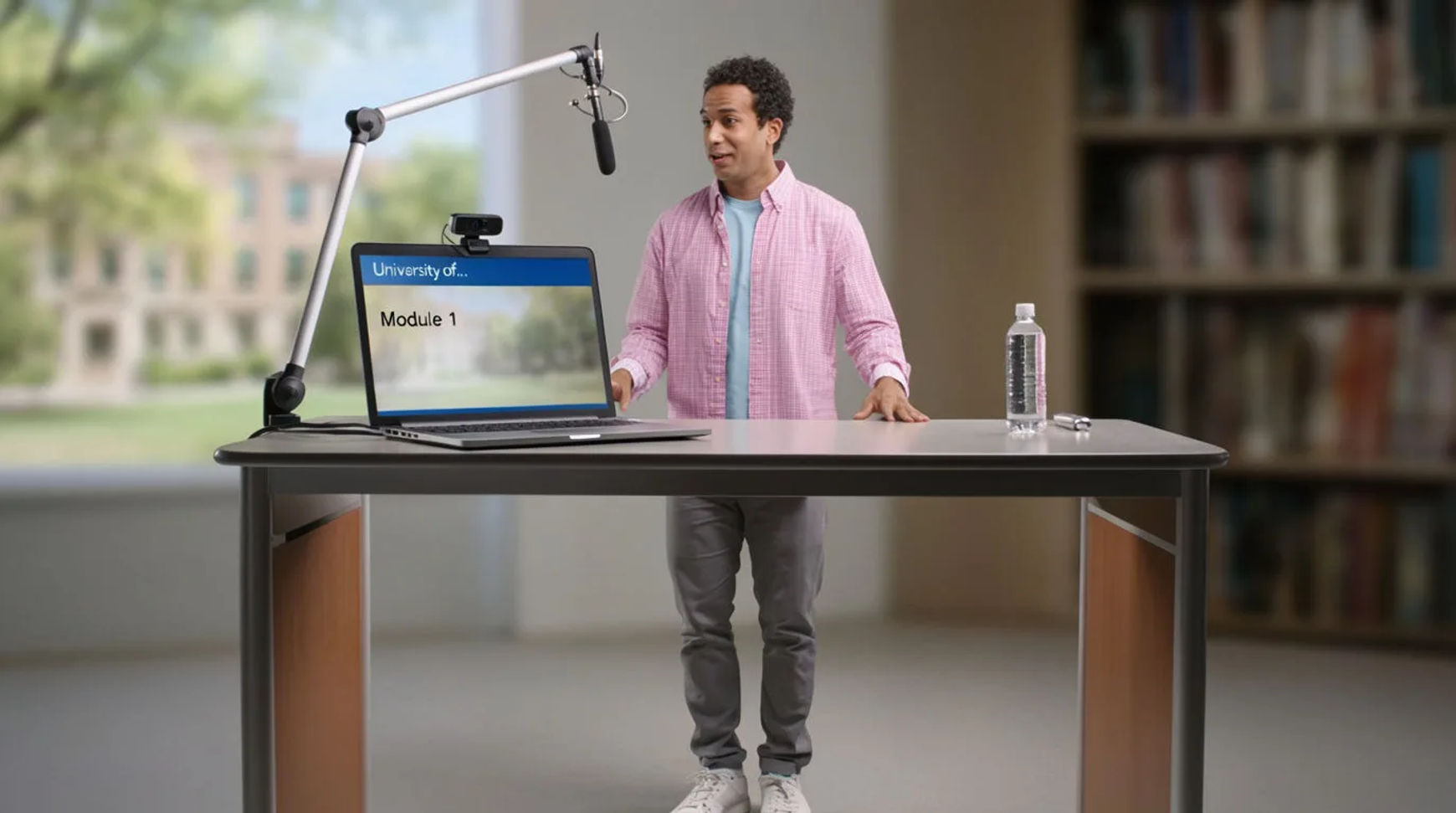
Universities scale course content by producing narrated modules with AI video instead of booking a studio and crew for every lecture segment. The workflow is short: script the module, generate the voiceover and on-screen presence, produce the supporting visuals, then update or localize without a reshoot. A curriculum that once moved at the speed of studio bookings starts moving at the speed of editing, and a correction that used to mean rebooking a shoot becomes a regeneration of one segment.
Steps at a glance
- Script the module from your existing material
- Generate the voiceover and on-screen presence
- Produce the supporting visuals
- Localize and update without reshoots
- Hold one look across the whole course with reference sheets
How higher-ed teams produce course video at scale, step by step
Script the module from your existing material
Start from what faculty already wrote: reading lists, lecture notes, a syllabus. Copilot reads a PDF or a document natively, so the brief you already have becomes the brief it works from rather than something you retype into a prompt box. Turn each module into a clear script with the segments a learner needs, and you have the backbone of the video before a single frame renders.
Generate the voiceover and on-screen presence
Generate a narrated voiceover in the read the material calls for, directed for pace and tone rather than accepted flat, and pair it with the on-screen presence the module needs. A consistent narrator across every module is what makes a course feel produced rather than assembled, and it comes from the same project as everything else, with no separate voice vendor in the chain.
Produce the supporting visuals
Most teaching video is carried by its supporting visuals: the diagram, the scene, the example that makes an abstract point concrete. Generate those from the script as stills and clips, keep the ones that read clearly, and adjust the rest. What would have needed a designer, a stock license, or a location becomes a prompt in the same place the narration lives.
Localize and update without reshoots
This is where higher-ed feels the difference most. Transcribe the module, translate the transcript, and burn in styled captions for another cohort as a step in the same project. When the material changes, regenerate the affected segment instead of rebooking a shoot. Assemble the final cut on the timeline and export. A paid plan exports at higher resolution for delivery.
Here are a few finished course segments this produces, each generated from a script rather than filmed:
Module intro
Concept visual
Explainer segment
Studio filming versus AI-assisted
The saving is less about any single module and more about how each stage of a curriculum changes when studio time stops being the gate. Here is the shift, honestly drawn.
| Stage | Studio filming | AI-assisted |
|---|---|---|
| A new module | A studio booking | The same week |
| Supporting visuals | A designer or a license | A prompt in the project |
| A content update | A reshoot | A regeneration |
| A second language | A separate vendor | A step in the same project |
| Best used for | Faculty on camera, labs | Narrated modules at scale |
Put it together
Scaling course content with AI video is not about removing faculty from the work; it is about removing the studio dependency from the parts that never needed it. Script from the material you have, generate the narration and visuals, and update or localize without a reshoot. The value that compounds is the update loop: a curriculum you can keep current cheaply is worth more than one that was expensive to make and is now slightly wrong. The lowest-risk way to feel it is to rebuild one existing module this way and compare the production time honestly. The text-to-video generator turns a script segment into a clip, and the AI voiceover generator covers narrating a module in a directed, consistent read.