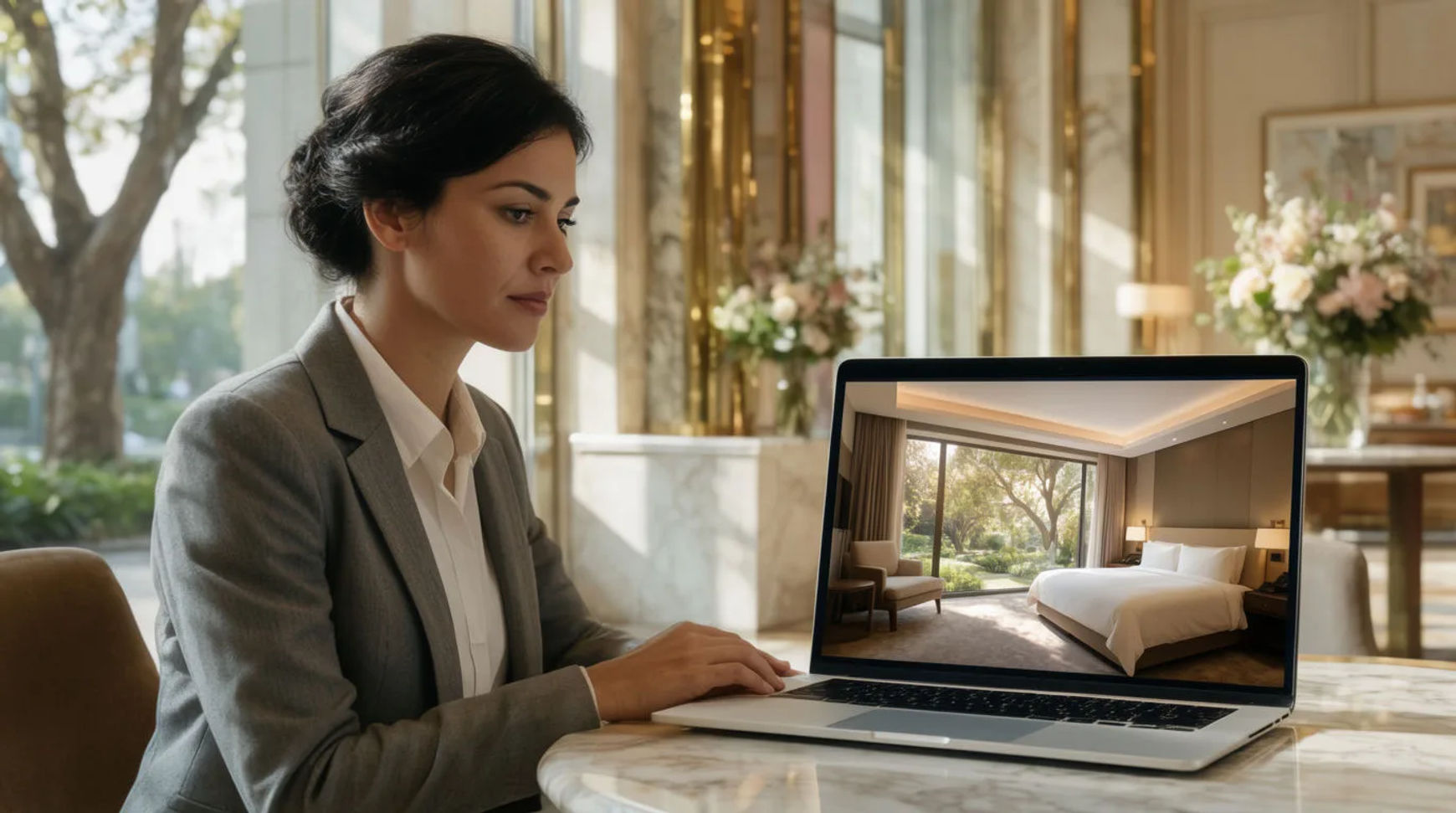
Hotels and venues produce marketing video without a production crew by starting from the property photos they already have, then animating them into walkthroughs and scenes, adding narration and music, and exporting per channel, all in one platform. The workflow is short: start from property photos, animate them into walkthroughs and scenes, add narration and music, then brand and export per channel. Because every step lives in the same project, the video that used to wait on a booked shoot becomes something the marketing team makes in-house that same week.
Steps at a glance
- Start from the property photos you already have
- Animate them into walkthroughs and scenes
- Add narration and music
- Brand and export a version per channel
- Keep a reference sheet so the property looks like itself
How hotels and venues produce marketing video, step by step
Start from the property photos you already have
Begin with the library you already paid for: the suite, the lobby at golden hour, the terrace, the ballroom set for an event. These stills are the raw material, not a mood board. Choosing which images carry the brand and which spaces sell a stay is the part that stays human, because it is where a property's taste and positioning actually live. The rest of the workflow builds on the shots you pick here.
Animate them into walkthroughs and scenes
Turn each still into gentle motion: a slow push through the suite, a drifting pan across the terrace, a scene of the ballroom coming to life. Direct it like a filmmaker, naming the light and the pace of the move, so the motion feels like a considered walkthrough rather than a nervous zoom. A space you only had as one photograph becomes a moving shot without moving a camera.
Add narration and music
Generate a voiceover in the read the property wants, calm and refined for a luxury stay, brighter for a family resort, and lay a music bed underneath. A seasonal offer or a new amenity becomes a regeneration you make yourself rather than a re-record you book. A paid plan exports at higher resolution for paid placements and the site.
Brand and export a version per channel
Bring the animated scenes onto the Compose timeline, set the music against the narration, add your logo and titles, and cut the piece. Then export what each channel needs: a landscape walkthrough for the site, a vertical cut for social, and a short teaser for ads, each a reframe or trim of the same project. One property becomes a full set of channel-ready videos.
Here are a few of the finished pieces this produces, each built from property photos rather than a shoot:
Suite walkthrough
Terrace scene
Social teaser
Production crew versus AI-assisted
The saving is less about any single clip and more about how in-house production changes when the video stops waiting on a booked shoot. Here is the shift, honestly drawn.
| Stage | Production crew | AI-assisted |
|---|---|---|
| Source material | A scheduled shoot | Photos you already have |
| First video | A booked crew day | The same week, in-house |
| Narration | A booth and a re-record | A step in the same file |
| Channel versions | A re-edit each | A reframe or a trim |
| Best used for | A flagship brand film | Routine channel content |
Put it together
Producing hotel and venue marketing video without a crew is not about matching a flagship brand film; it is about turning the property photos you already own into months of channel content without a booking. Start from the photos, animate them into walkthroughs, add narration and music in the same place, then brand and export per channel. The saving that matters is the loop from a spare afternoon to a posted video, which is where a small marketing team keeps its channels alive instead of going quiet between shoots. The image-to-video generator is the fastest place to turn a property photo into motion, and how to make an AI video from a photo covers directing that motion so it looks like a considered walkthrough.