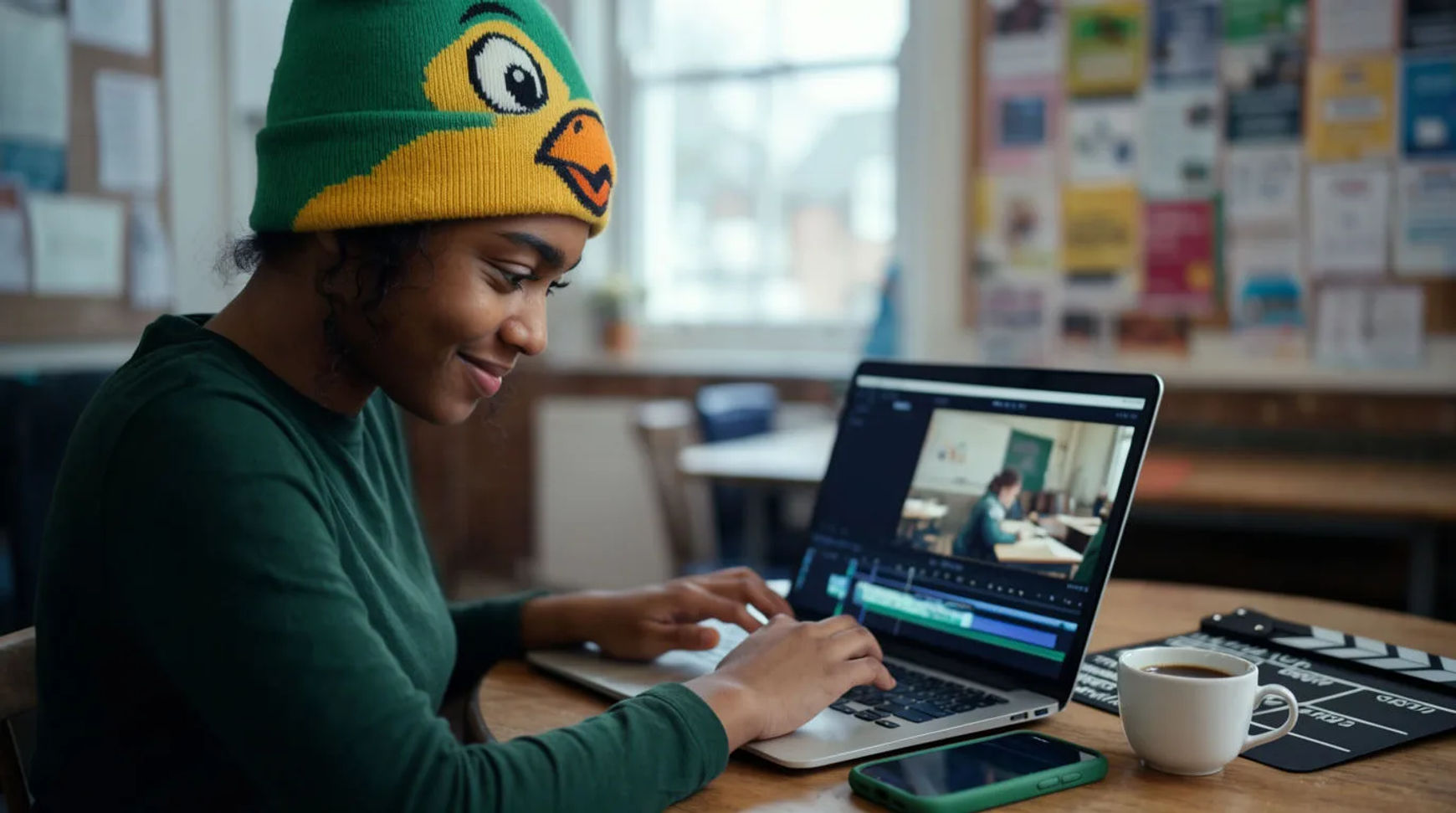
Nonprofits tell their story with AI video on a volunteer budget by shaping the story first, then generating the visuals, adding a warm voiceover and music, and cutting the piece in one platform instead of hiring a producer. The workflow is short: shape the story, generate the visuals, add a warm voiceover and music, then cut and share. Because every step lives in the same project and there is nothing to hand off to a specialist, a story video that used to need a budget nobody had becomes something a volunteer can produce in an afternoon.
Steps at a glance
- Shape the story you want to tell
- Generate the visuals that frame it
- Add a warm voiceover and music
- Cut the piece and share it across channels
- Keep the real faces and testimony as real footage
How nonprofits produce a story video, step by step
Shape the story you want to tell
Start with the story, not the software: who you serve, what changed, and the single moment that carries the whole appeal. This is the part that stays human, because it is where the cause and the honesty actually live. Written out as a short script or a beat sheet, the story becomes something you can produce step by step rather than a blank timeline you stare at without a budget to fill it.
Generate the visuals that frame it
Generate the connective visuals the story needs: the setting, the context, the illustrative moments you could not film. Direct them plainly, naming the light and the mood, so they carry warmth rather than looking like stock. Keep the real faces and real testimony of the people you serve as real footage, with their consent, and use generation to frame those true moments rather than to stand in for them.
Add a warm voiceover and music
Generate a voiceover in a warm, human read that suits the cause, and lay a gentle music bed underneath. A change to the ask, a new figure, or a seasonal appeal becomes a regeneration a volunteer makes themselves rather than a re-record nobody can afford to book. A paid plan exports at higher resolution when the piece is going out for a campaign.
Cut the piece and share it across channels
Bring the visuals and testimony onto the Compose timeline, set the voiceover against the music, add captions, and cut the story to length. Then share it where it reaches people: a landscape cut for the site and email, a vertical version for social, and a short teaser for the appeal, each a reframe of the same project. One story reaches every channel without a second production.
Here are a few of the finished pieces this produces, each built to frame a true story:
Story film
Context scene
Appeal teaser
Paying a producer versus AI on a budget
The saving is less about any single clip and more about whether the video gets made at all when there is no production budget. Here is the shift, honestly drawn.
| Stage | Paying a producer | AI on a budget |
|---|---|---|
| Getting started | A quote you cannot meet | A script and an afternoon |
| The visuals | A booked shoot | Generated to frame the story |
| Voiceover | A booth and talent | A step in the same file |
| Another language | A second production | A regenerated voice track |
| Best used for | A flagship gala film | Appeals, recaps, updates |
Put it together
Telling a nonprofit's story with AI video is not about faking a cause; it is about removing the budget barrier so a true story actually gets made and seen. Shape the story, generate the visuals that frame it, add a warm voiceover in the same place, then cut and share it across every channel, keeping the real faces real. The thing that matters is that the appeal exists at all, which is where a small nonprofit either reaches its people or stays quiet. The text-to-video generator is the fastest place to turn a script into a scene, and how to make an AI video covers directing a shot so it carries warmth rather than reading as stock.