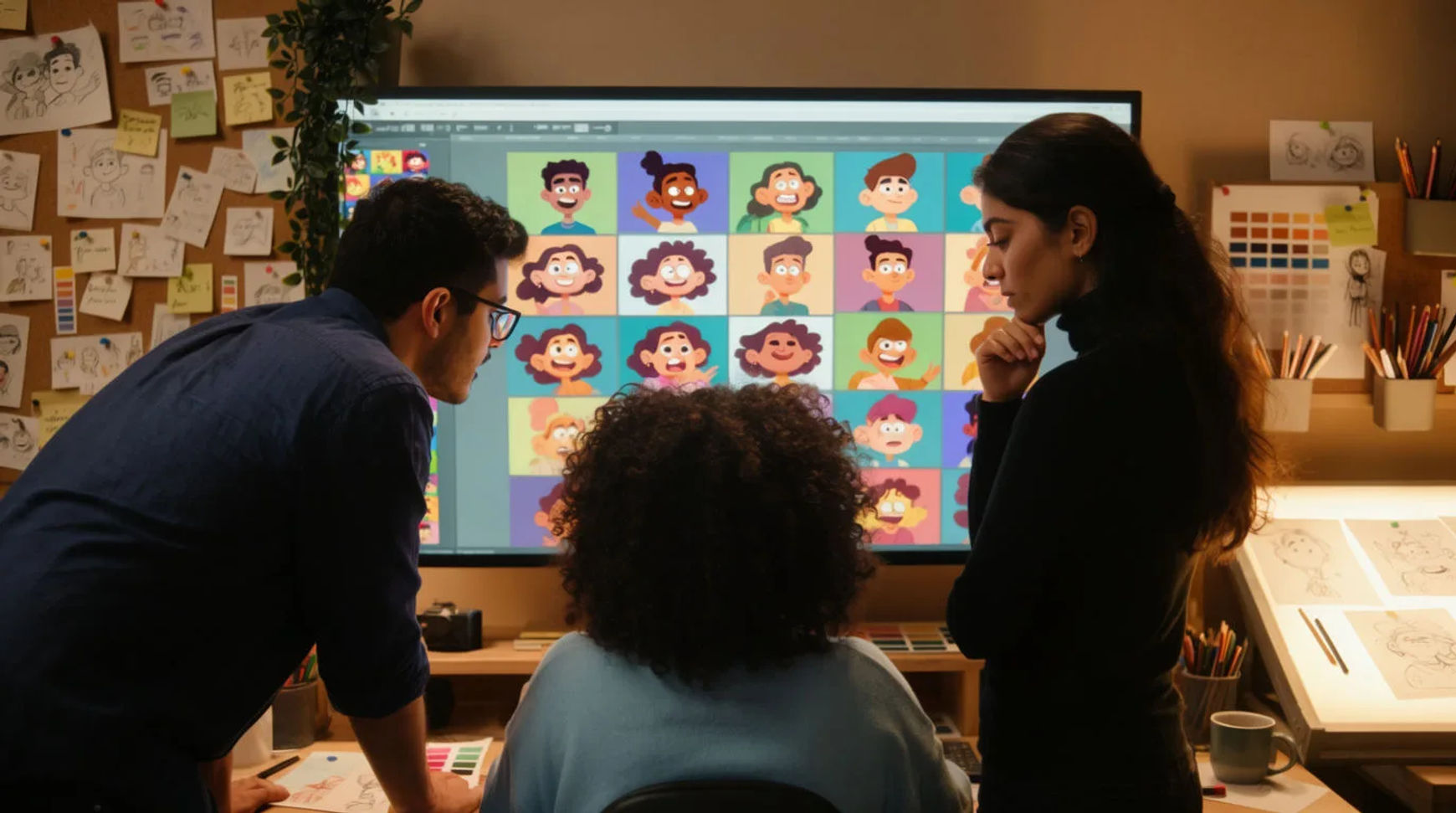
A small animation studio replaces four tools with one AI platform by consolidating design, animation, voice, and editing into a single project so the work stops moving between apps. For a 10-person team, the cost was never any one tool; it was the handoff between them, where every export, re-upload, and re-sync ate time and let a character's look quietly drift. The path is short: map the four tools, rebuild one project in one place, measure the handoffs removed, then standardize on one platform.
Steps at a glance
- Map what each of the four tools really does
- Rebuild one project in one place
- Measure the handoffs you removed
- Standardize the studio on one platform
- Keep character and set reference sheets so the look holds
How a studio consolidates four tools into one, step by step
Map what each of the four tools really does
List the four tools and the one job each does: design and image work, animation or video generation, voice and audio, and the editor that assembles the cut. Then mark every point where a file leaves one tool and enters the next. For most small studios that map is the argument on its own, because the handoffs are where the schedule actually goes, not the shots themselves.
Rebuild one project in one place
Take a recent piece and remake it end to end inside a single platform: generate the character frames and backgrounds, animate the shots, add a directed voiceover, and assemble the cut on the same timeline. The aim is not to prove one tool beats another in isolation, but to feel how the work flows when there is nothing to export and re-import between design, animation, voice, and edit.
Measure the handoffs you removed
Compare the two runs on the number that matters to a studio: how many times the work left a tool and came back. Each removed handoff is an export, a re-upload, and a re-sync that no longer happens, plus one fewer place for a character's colour or face to drift between stages. Most teams find the removed handoffs, not any single faster render, are where the delivery time comes back.
Standardize the studio on one platform
Once one project proves out, make the single platform the studio's default and keep only what it genuinely cannot do. A team can work on the same Canvas together, so review happens on the current state of the work rather than on an exported version somebody posts for notes. A paid plan exports at higher resolution for delivery.
Here are a few of the finished shots one project produces, each generated from a brief rather than passed between four tools:
Character shot
Animated scene
Finished cut
Four tools versus one platform
The saving is less about any single render and more about how each stage of a studio job changes when the handoffs disappear. Here is the shift, honestly drawn.
| Stage | Four tools | One platform |
|---|---|---|
| Design to animation | Export and re-import | Same project, no handoff |
| Character consistency | Re-describe per tool | Reference sheets carried through |
| Adding voice | A separate audio app | A step in the same file |
| A client note | Round trip through tools | A regeneration in place |
| Review | Post an exported version | Together on one Canvas |
Put it together
Consolidating four tools into one does not change a studio's craft; it removes the tax on every handoff, which for a small team is where the delivery time was quietly going. Map the four tools, rebuild one project in a single place, measure the handoffs you removed, then standardize on one platform. The result is a shorter path from a client note to a fresh cut, and a character that stays the same character because it was never scattered across four apps. Start with how to make an AI video to direct a shot, then keep the cast consistent with creating consistent AI characters using reference sheets rather than re-describing the design in each tool.