شريط نكتة بأربع لوحات
شريط أفقي من أربع لوحات متساوية بحدود نظيفة، إعداد يتصاعد عبر ثلاث لوحات وقفلة في اللوحة الأخيرة، مع مساحة لفقاعات الحوار.
تعديل الأمر النصي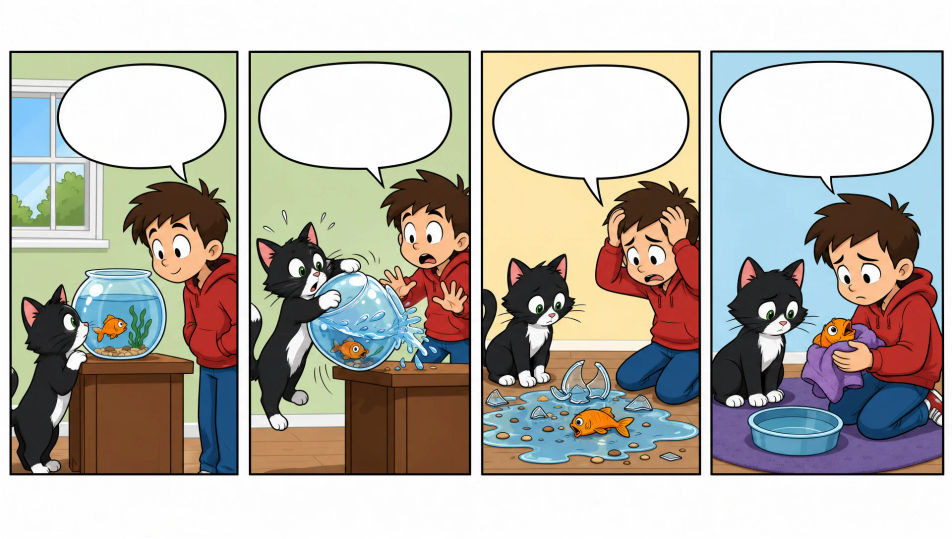
ارسم شرائط كوميدية مباشرة من متصفحك مع مولّد الشريط الكوميدي بالذكاء الاصطناعي من Morphic. أنشئ نكتة مكتبية بأربع لوحات، إعدادًا وقفلة بثلاث لوحات، أو مزحة بصرية بلا كلمات. حافظ على ثبات الشخصيات مع Character Lineup، ثم رتّب اللوحات والحوار على Canvas.
شريط أفقي من أربع لوحات متساوية بحدود نظيفة، إعداد يتصاعد عبر ثلاث لوحات وقفلة في اللوحة الأخيرة، مع مساحة لفقاعات الحوار.
تعديل الأمر النصيشريط أفقي من ثلاث لوحات متساوية، لوحتان للإعداد ولوحة للقفلة، حدود نظيفة، تكوين بسيط، ومساحة متروكة للكتابة.
تعديل الأمر النصي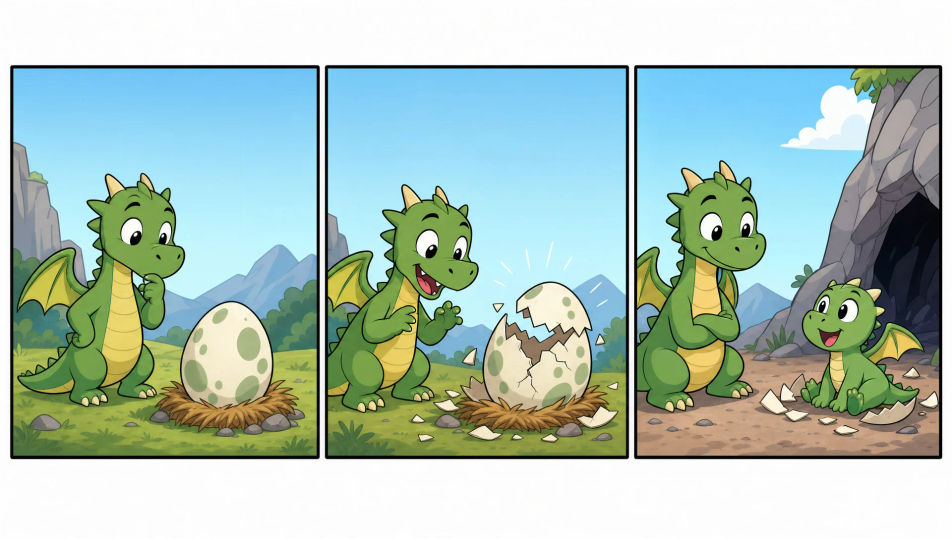
لوحة واحدة محاطة بحدود تحمل نكتة كاملة في صورة واحدة، بخطوط كرتونية نظيفة، وحدث بصري واضح، ومساحة لتعليق أسفلها.
تعديل الأمر النصي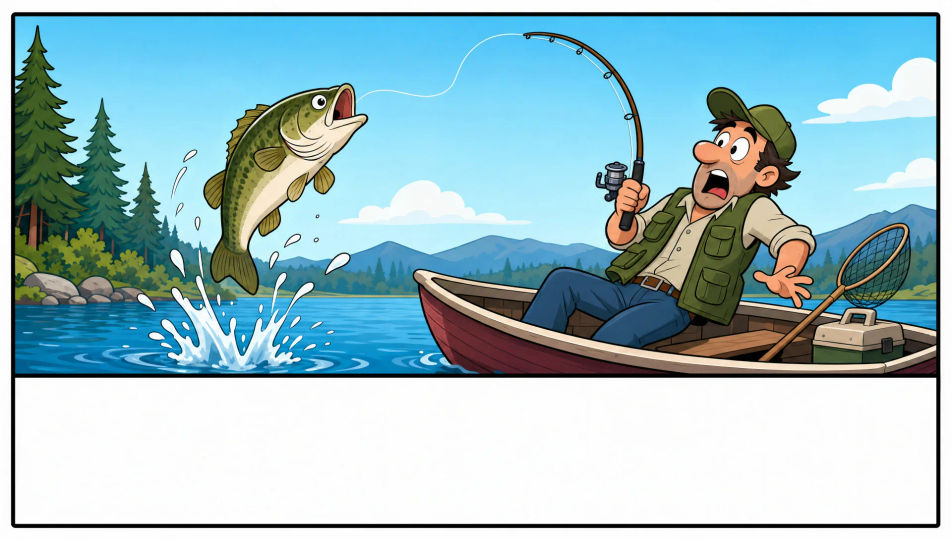
شريط أكبر متعدد الصفوف بلوحة عنوان وأحجام لوحات متفاوتة، حدود نظيفة، ألوان أكثر إشراقًا، ومساحة للفقاعات وشريط عنوان.
تعديل الأمر النصي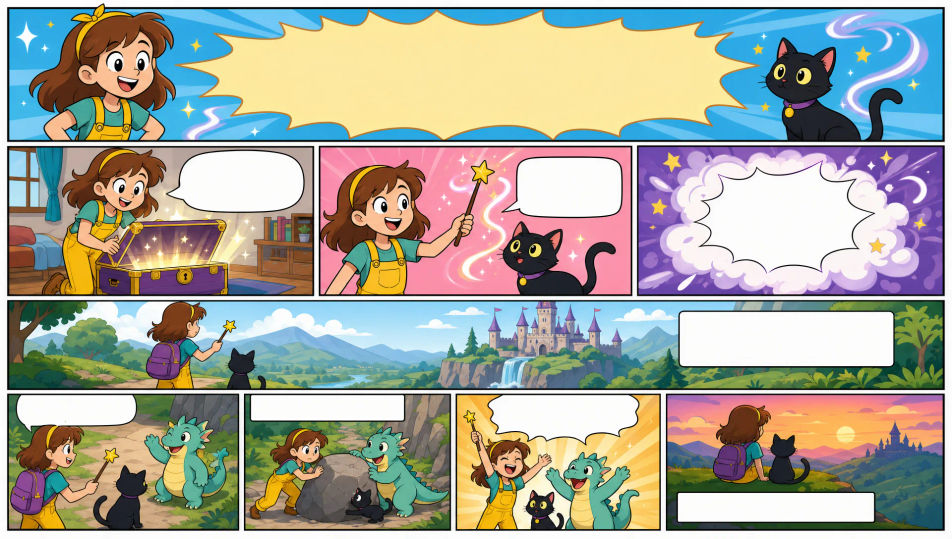
صف شريط كوميدي الذي تريده، بكلمات بسيطة.
ينشئ Morphic صورة نظيفة جاهزة للنشر على لوحتك خلال ثوانٍ.
عدّل الأمر النصي، وأعد إنشاء التنويعات، ثم نزّل الإطار أو شاركه.

Share a scene description with character references. Get a full storyboard with shot angles and mood.

Feed in a single image. Get 9 cinematic beats laid out as a 3x3 storyboard grid.
One image to a 9-scene cinematic video.

Take any character image and generate 6 distinct facial expressions on a single reference sheet.
Cinematic time-freeze short film for any scene
Drop in a photo of yourself. Get a 12-second cinematic movie with animation and a matched soundtrack.
Comic book AI Images
Create comic book panels, character designs, and full pages with Morphic. Splash pages, action sequences, decompressed beats, and indie-comic styles from a single prompt.
Graphic novel art AI generator
Create graphic novel art with Morphic. Painterly ink-and-colour panels, cinematic framing, moody palettes, and on-model characters from a single prompt.
مولّد فن كاواي بالذكاء الاصطناعي
أنشئ فن كاواي بالذكاء الاصطناعي مع Morphic. مسكوتات باستيلية مستديرة، شخصيات بعيون كبيرة، أوراق ملصقات، ورسومات كاواي لطيفة من وصف نصي واحد.
Picture book character AI generator
Create picture book characters with Morphic. Original character designs, turnaround sheets, expression sets, and on-model art across every page.
ابدأ مجاناً اليوم، مع إمكانية الترقية أو الإلغاء في أي وقت.
Basic
2400 شهرياً أرصدة
1 مستخدم فقط
جميع النماذج
Workflows
Standard
3625 شهرياً أرصدة
1 مستخدم فقط
جميع النماذج
Workflows
Pro
6350 مشترك شهرياً أرصدة
1 مستخدم
جميع النماذج
Workflows
Max
24650 مشترك شهرياً أرصدة
1 مستخدم
جميع النماذج
Workflows
Enterprise
لحدود أعلى
مخصص
شروط الأسعار والفوترة

Free
للتجربة والاستكشاف
$0
مجاني إلى الأبد