Neon green cityscape
Wide portrait scene of a figure against a neon-green lit alley, glowing signs, moody nighttime cyberpunk.
تعديل الأمر النصي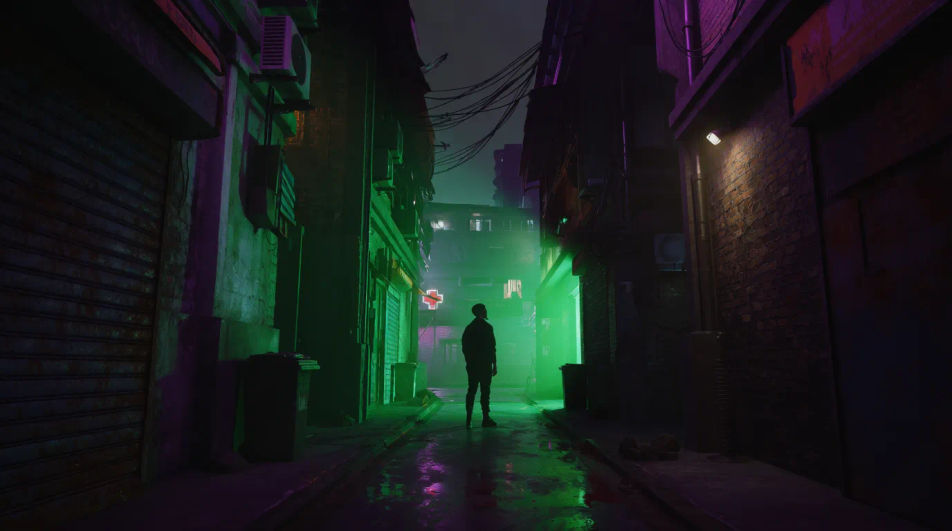
Design green profile pictures in your browser with Morphic's AI image generator. Generate nature-toned portraits, neon green avatars, matcha aesthetics, or moody forest looks. Lock your color and framing with Style Transfer, then iterate on the details. Every render is unique yet cohesive, perfect for a green-themed social profile or gaming handle.
Wide portrait scene of a figure against a neon-green lit alley, glowing signs, moody nighttime cyberpunk.
تعديل الأمر النصيLandscape avatar banner with a person framed by dense green foliage, dappled sunlight, natural forest calm.
تعديل الأمر النصي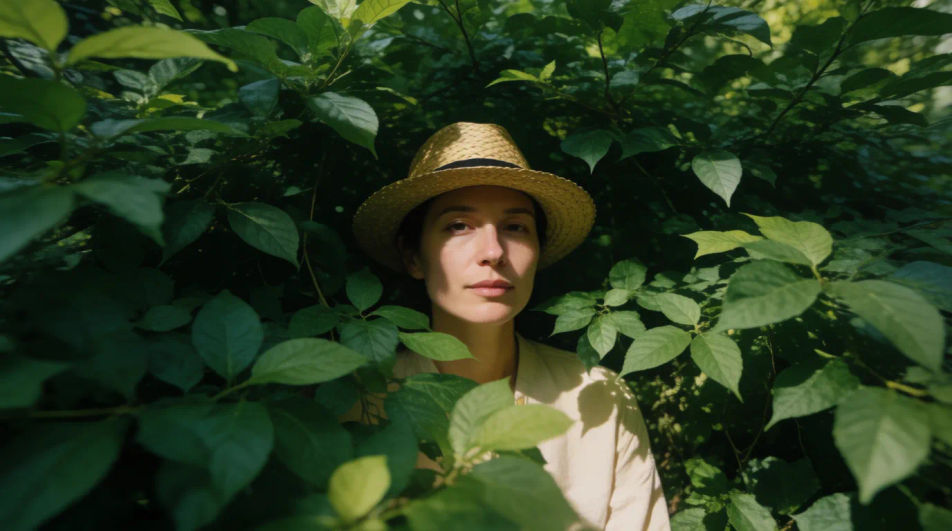
Wide minimalist studio scene with a soft matcha green seamless backdrop, even light, clean pastel aesthetic.
تعديل الأمر النصي
Full-width scene with a person against a rich emerald-to-forest gradient wall, warm glow, luxurious mood.
تعديل الأمر النصي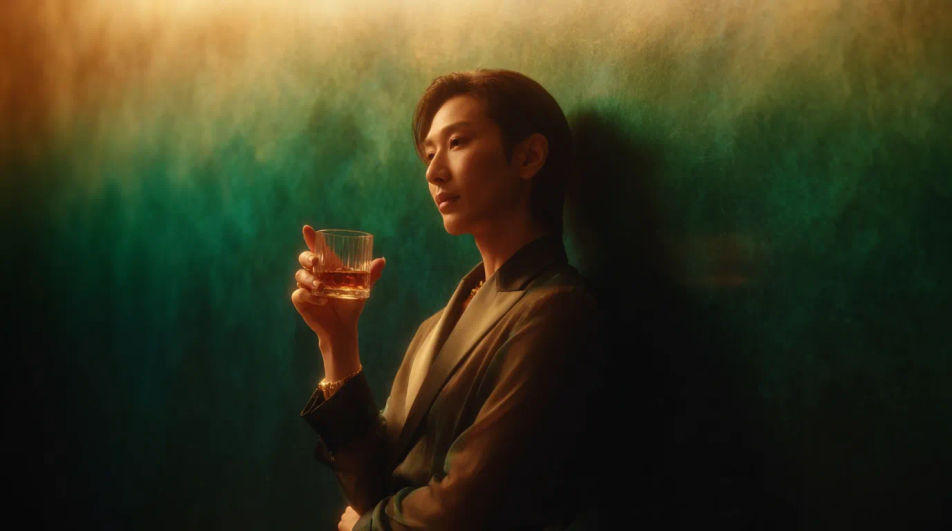
صف green profile picture الذي تريده، بكلمات بسيطة.
ينشئ Morphic صورة نظيفة جاهزة للنشر على لوحتك خلال ثوانٍ.
عدّل الأمر النصي، وأعد إنشاء التنويعات، ثم نزّل الإطار أو شاركه.
One selfie becomes a set of professional headshots. Studio-quality, multiple styles.
Convert any image to a new aspect ratio. Smart crop or extend the edges to fit.

Generate a female AI influencer. Vertical output, ready for socials.
Bring back any damaged, blurry, or low-res image. Get a sharp, detailed 4K version with natural clarity restored.
Full model photoshoot from one photo of you
Fix plastic-looking AI skin. Adds natural texture, pores, and imperfections for realism.
Blue AI profile pictures
Create AI blue profile pictures with our blue avatar generator. Find vibrant blue profile pictures for any project in seconds.
Black PFP AI generator
black pfp to download in HD. Browse unique AI-generated profile pictures for WhatsApp, Instagram, and Discord, or make your own with Morphic.
Aesthetic PFP AI generator
aesthetic pfp to download in HD. Browse unique AI-generated profile pictures for WhatsApp, Instagram, and Discord, or make your own with Morphic.
Stylish DP AI generator
stylish dp to download in HD. Browse unique AI-generated profile pictures for WhatsApp, Instagram, and Discord, or make your own with Morphic.
ابدأ مجاناً اليوم، مع إمكانية الترقية أو الإلغاء في أي وقت.
Basic
2400 شهرياً أرصدة
1 مستخدم فقط
جميع النماذج
Workflows
Standard
3625 شهرياً أرصدة
1 مستخدم فقط
جميع النماذج
Workflows
Pro
6350 مشترك شهرياً أرصدة
1 مستخدم
جميع النماذج
Workflows
Max
24650 مشترك شهرياً أرصدة
1 مستخدم
جميع النماذج
Workflows
Enterprise
لحدود أعلى
مخصص
شروط الأسعار والفوترة

Free
للتجربة والاستكشاف
$0
مجاني إلى الأبد