Hood close crop
A close crop of a hacker hood with only a sliver of green light under the brim, the rest of the frame near black.
تعديل الأمر النصي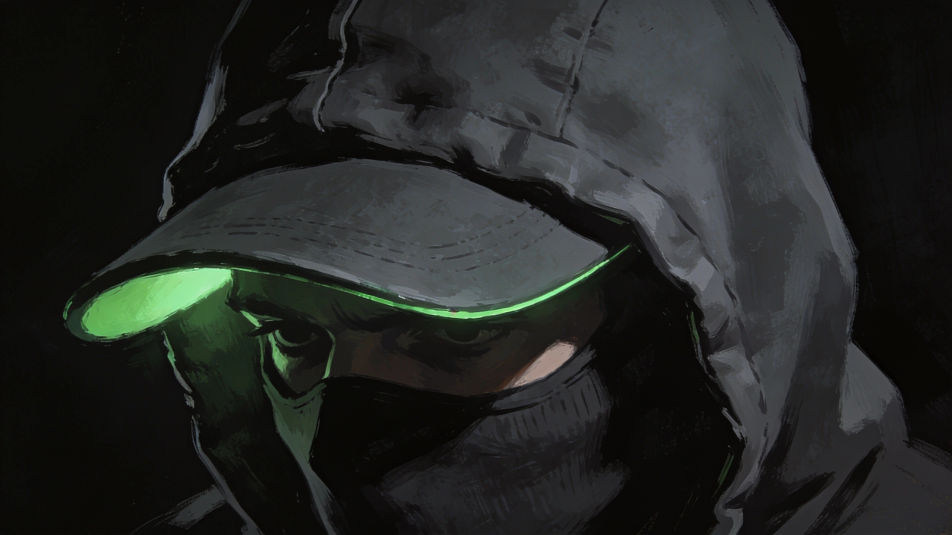
Create a hacker DP in the Image tool on Morphic by describing the hood, the glow, and the palette you want behind your name. Go for a faceless figure lit by a green screen, a glitch-art portrait, or a pixel avatar at a keyboard, keep the crop tight, and download an original picture that looks sharp in a small chat circle.
A close crop of a hacker hood with only a sliver of green light under the brim, the rest of the frame near black.
تعديل الأمر النصيA hacker seen from the side at a keyboard, screen light spilling across the hands and hood, dark room, shallow focus.
تعديل الأمر النصي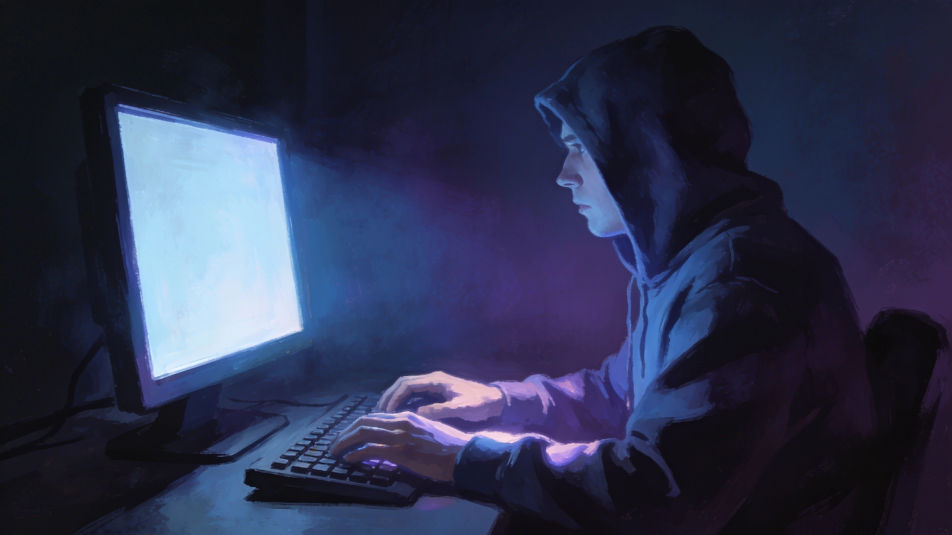
A hooded hacker by a rainy window at night, blurred abstract screen glow reflected in the glass, no readable text.
تعديل الأمر النصي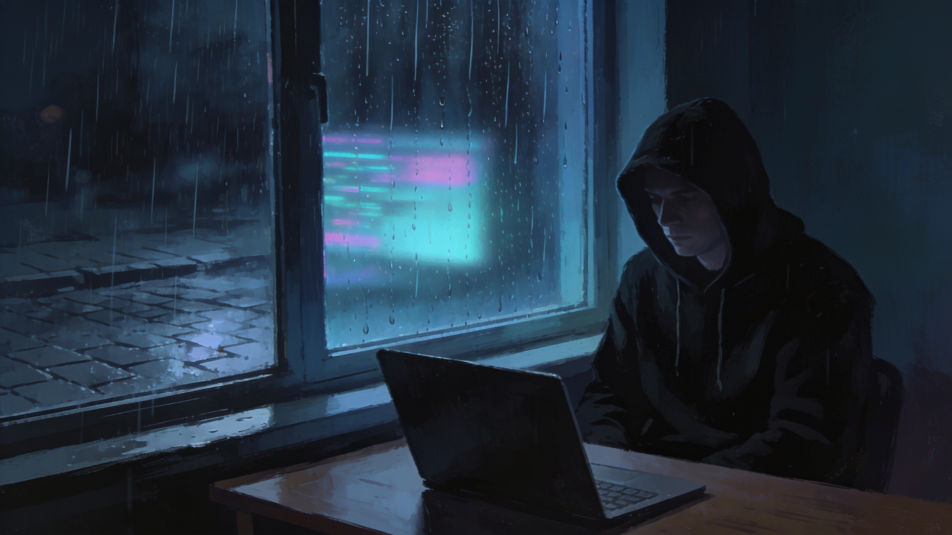
A hacker seen from behind in a plain dark hoodie in a dim room, facing two monitors filled edge to edge with glowing abstract teal wave patterns, no interface.
تعديل الأمر النصي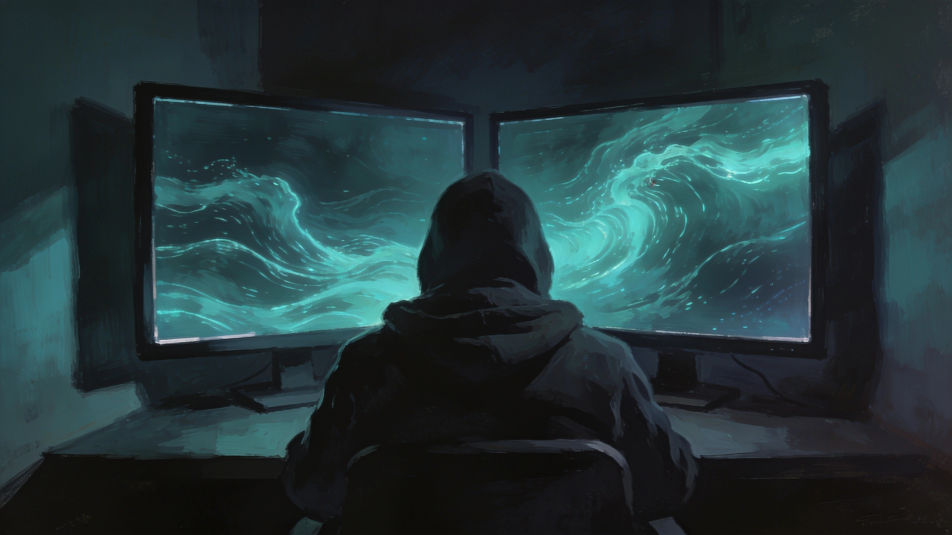
صف Hacker DP الذي تريده، بكلمات بسيطة.
ينشئ Morphic صورة نظيفة جاهزة للنشر على لوحتك خلال ثوانٍ.
عدّل الأمر النصي، وأعد إنشاء التنويعات، ثم نزّل الإطار أو شاركه.
Convert any image to a new aspect ratio. Smart crop or extend the edges to fit.
One selfie becomes a set of professional headshots. Studio-quality, multiple styles.

Generate a female AI influencer. Vertical output, ready for socials.
Bring back any damaged, blurry, or low-res image. Get a sharp, detailed 4K version with natural clarity restored.
Full model photoshoot from one photo of you
Fix plastic-looking AI skin. Adds natural texture, pores, and imperfections for realism.
صور هاكر بالذكاء الاصطناعي
أنشئ صور هاكر بالذكاء الاصطناعي باستخدام مولّد صور الهاكر لدينا. اعثر على صور هاكر احترافية خلال ثوانٍ. أنشئ صور أمن سيبراني واقعية بإضاءة سينمائية وبيئات تقنية أصيلة للمحتوى والتسويق.
Anonymous PFP generator
Browse anonymous profile pictures and regenerate any in your own style, palette, and crop. Make shadowed-hood, minimal-silhouette, and glitch-static avatars that hide identity, then download original PFPs in HD, sharp at a small crop, all in Morphic.
Mask AI Profile Pictures
Create AI mask profile pictures with our mask avatar generator. Find professional mask profile pictures for any project in seconds.
Anime boy PFP maker
Make an anime boy pfp image in Morphic. Describe the look you want on your profile, generate options to compare.
ابدأ مجاناً اليوم، مع إمكانية الترقية أو الإلغاء في أي وقت.
Basic
2400 شهرياً أرصدة
1 مستخدم فقط
جميع النماذج
Workflows
Standard
3625 شهرياً أرصدة
1 مستخدم فقط
جميع النماذج
Workflows
Pro
6350 مشترك شهرياً أرصدة
1 مستخدم
جميع النماذج
Workflows
Max
24650 مشترك شهرياً أرصدة
1 مستخدم
جميع النماذج
Workflows
Enterprise
لحدود أعلى
مخصص
شروط الأسعار والفوترة

Free
للتجربة والاستكشاف
$0
مجاني إلى الأبد