Saturated street-market frame
A busy street market on toy-camera film, oversaturated reds and yellows, heavy vignette, punchy contrast, a warm light leak across one edge, lo-fi optics, lively candid framing.
تعديل الأمر النصي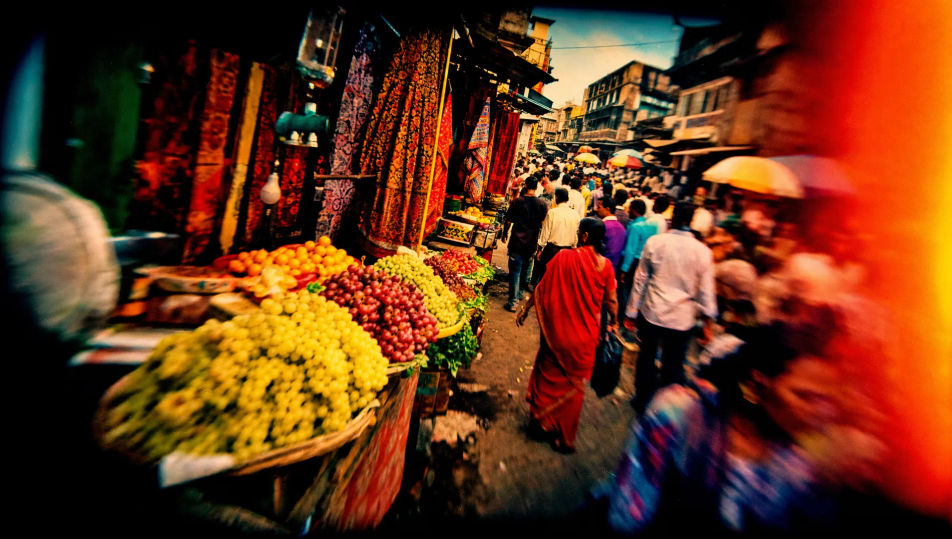
Shoot Lomography frames in your browser with Morphic's Lomography AI image generator. Generate a vignetted, oversaturated frame or a light-leaked sunburst snapshot, lock the toy-camera look with Style Transfer, then animate any lo-fi frame with Image to Video.
A busy street market on toy-camera film, oversaturated reds and yellows, heavy vignette, punchy contrast, a warm light leak across one edge, lo-fi optics, lively candid framing.
تعديل الأمر النصيA park scene cross-processed into surreal green-and-cyan tones, blown highlights, heavy vignette, crushed contrast, soft toy-camera focus, dreamlike colour crossover across the grass and sky.
تعديل الأمر النصي
A beach scene split by a streaking warm light leak and a sunburst flare, oversaturated sky and water, heavy vignette, punchy contrast, lo-fi optics, spontaneous summer snapshot energy.
تعديل الأمر النصي
A skate spot shot on a fisheye toy camera, curved barrel distortion bowing the ground, oversaturated colour, heavy vignette, deep contrast, dynamic low-angle lo-fi framing.
تعديل الأمر النصي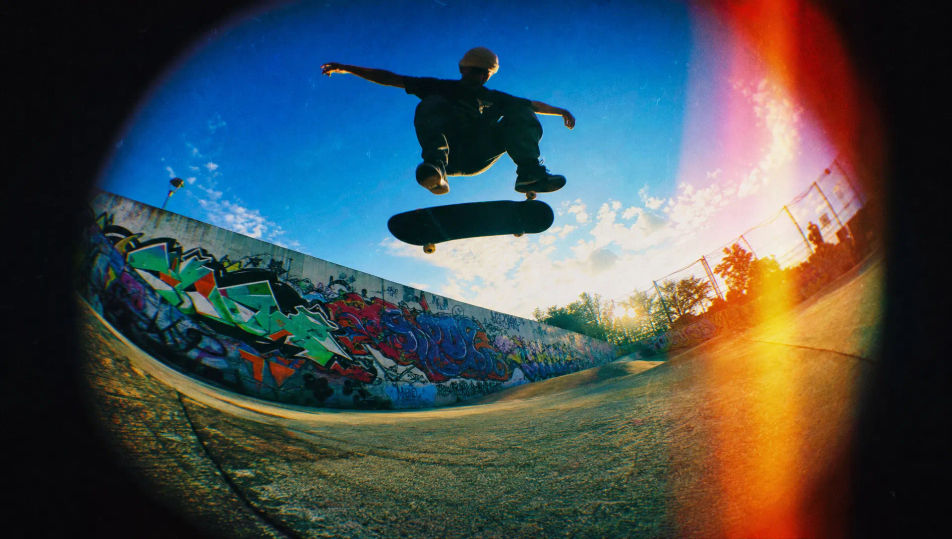
صف Lomography الذي تريده، بكلمات بسيطة.
ينشئ Morphic صورة نظيفة جاهزة للنشر على لوحتك خلال ثوانٍ.
عدّل الأمر النصي، وأعد إنشاء التنويعات، ثم نزّل الإطار أو شاركه.
Fix plastic-looking AI skin. Adds natural texture, pores, and imperfections for realism.
One selfie becomes a set of professional headshots. Studio-quality, multiple styles.
Convert any image to a new aspect ratio. Smart crop or extend the edges to fit.
Set the look with one reference image. Apply that exact grade to any scene or batch.
Choose your viewing angles and get precise perspective shifts of any image with full camera control.
Bring back any damaged, blurry, or low-res image. Get a sharp, detailed 4K version with natural clarity restored.
تصوير الفيلم الأنالوجي بالذكاء الاصطناعي
أنشئ صور تصوير الفيلم الأنالوجي بالذكاء الاصطناعي مع Morphic. حبيبات فيلم 35 مم دافئة، ألوان باهتة، وإطارات فيلمية أصيلة في ثوانٍ من متصفحك.
Polaroid AI Images
Create AI Polaroid images with Morphic. Generate Polaroid shots, portraits, and visuals for any project in seconds.
Cyanotype AI Images
Create AI Cyanotype images with Morphic. Generate Cyanotype prints, silhouettes, and visuals for any project in seconds.
Street Photography AI Images
Create AI Street Photography images with Morphic. Generate Street Photography shots, portraits, and visuals for any project in seconds.
ابدأ مجاناً اليوم، مع إمكانية الترقية أو الإلغاء في أي وقت.
Basic
2400 شهرياً أرصدة
1 مستخدم فقط
جميع النماذج
Workflows
Standard
3625 شهرياً أرصدة
1 مستخدم فقط
جميع النماذج
Workflows
Pro
6350 مشترك شهرياً أرصدة
1 مستخدم
جميع النماذج
Workflows
Max
24650 مشترك شهرياً أرصدة
1 مستخدم
جميع النماذج
Workflows
Enterprise
لحدود أعلى
مخصص
شروط الأسعار والفوترة

Free
للتجربة والاستكشاف
$0
مجاني إلى الأبد