Standard 2:3 pin
A tall vertical pin at the ideal 2:3 ratio with a strong focal image and clean space reserved for a title.
تعديل الأمر النصي
Design Pinterest pins in your browser with Morphic's AI image generator. Create a bright recipe pin, a cozy home-decor pin, or a bold blog-promo graphic in the tall 2:3 format Pinterest loves. Customize colors, imagery, and layout, then download in HD.
A tall vertical pin at the ideal 2:3 ratio with a strong focal image and clean space reserved for a title.
تعديل الأمر النصيAn extra-tall pin composition with stacked visual sections, styled for a step-by-step or list format.
تعديل الأمر النصي
A high-resolution version of the pin design composed for a poster or printed page, crisp and rich in color.
تعديل الأمر النصي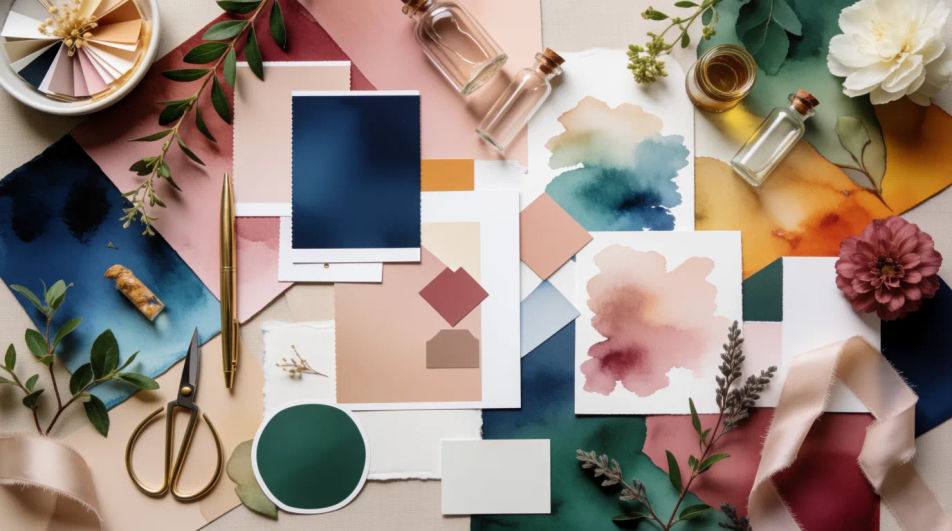
A soft full-bleed vertical layout sized for a phone-first idea pin, legible and clean behind overlay text.
تعديل الأمر النصي
صف Pinterest pin design الذي تريده، بكلمات بسيطة.
ينشئ Morphic صورة نظيفة جاهزة للنشر على لوحتك خلال ثوانٍ.
عدّل الأمر النصي، وأعد إنشاء التنويعات، ثم نزّل الإطار أو شاركه.

Turn any sketch or drawing into a finished render.
Pick a reference image, apply its visual style to your own photo or artwork.
Convert any image to a new aspect ratio. Smart crop or extend the edges to fit.

Take any character image and generate 6 distinct facial expressions on a single reference sheet.

Get a detailed prompt extracted from a reference image, and then a fresh recreation.

Share a scene description with character references. Get a full storyboard with shot angles and mood.
Album Cover Design AI Images
Produce album cover design in any style you need. Generate variations until one lands, then refine it. Commercial rights included.
Amazon Listing AI Images
Make amazon listing images from a text prompt. Adjust style, colour and composition until it fits the brief. No stock licence needed.
Annual Report Cover AI Images
Create annual report cover without a photoshoot. Generate variations until one lands, then refine it. No stock licence needed.
Happy birthday meme generator
Make happy birthday meme images in Morphic. Describe the scene and the joke, generate versions to compare, then refine the prompt until the picture lands.
ابدأ مجاناً اليوم، مع إمكانية الترقية أو الإلغاء في أي وقت.
Basic
2400 شهرياً أرصدة
1 مستخدم فقط
جميع النماذج
Workflows
Standard
3625 شهرياً أرصدة
1 مستخدم فقط
جميع النماذج
Workflows
Pro
6350 مشترك شهرياً أرصدة
1 مستخدم
جميع النماذج
Workflows
Max
24650 مشترك شهرياً أرصدة
1 مستخدم
جميع النماذج
Workflows
Enterprise
لحدود أعلى
مخصص
شروط الأسعار والفوترة

Free
للتجربة والاستكشاف
$0
مجاني إلى الأبد