Emoji reaction row
A row of running emoji marks in one shared style, each in a slightly different stride, evenly spaced on a plain flat backdrop.
تعديل الأمر النصي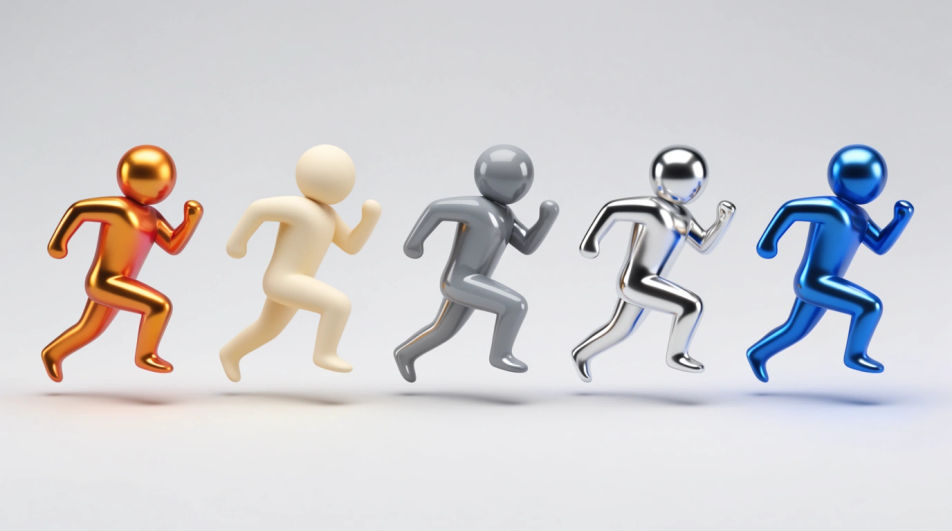
Generate running emoji images in Morphic's Image tool by describing the pose, the energy, and the colour you want in the mark. You control the outline weight, the gloss, the palette, and the crop, so you finish with an original running emoji you can drop into a chat, a deck, or a club badge.
A row of running emoji marks in one shared style, each in a slightly different stride, evenly spaced on a plain flat backdrop.
تعديل الأمر النصيA running icon set laid out on a clean grid, matched line weight and palette across every mark, generous space around each shape.
تعديل الأمر النصي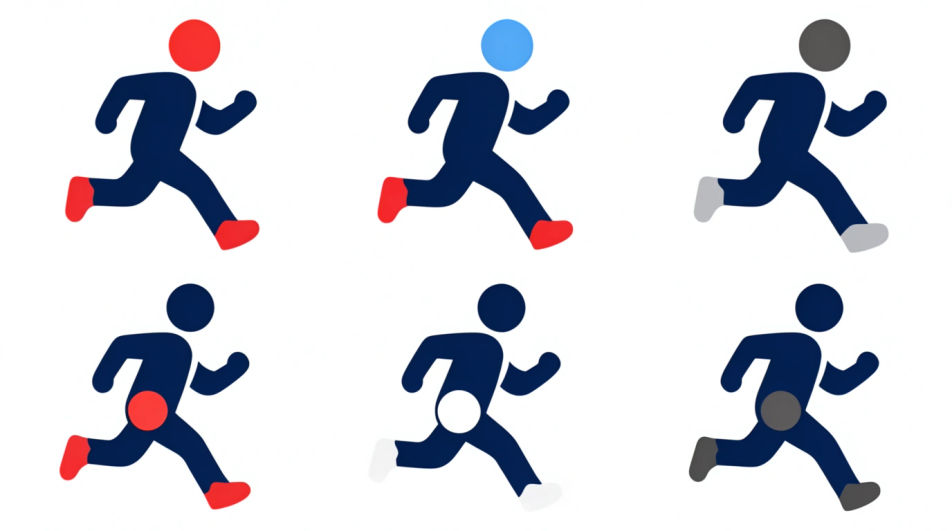
A running emoji figure repeated across the frame with growing motion streaks, warm-to-cool colour shift, energy building left to right.
تعديل الأمر النصي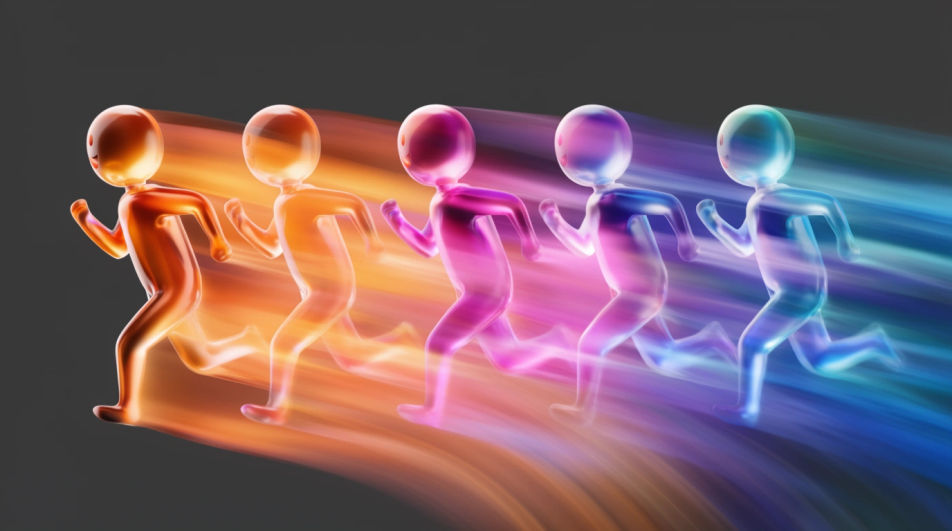
A running emoji mark placed inside a circular club badge, laurel rim and blank banner beneath it, flat muted print colours.
تعديل الأمر النصي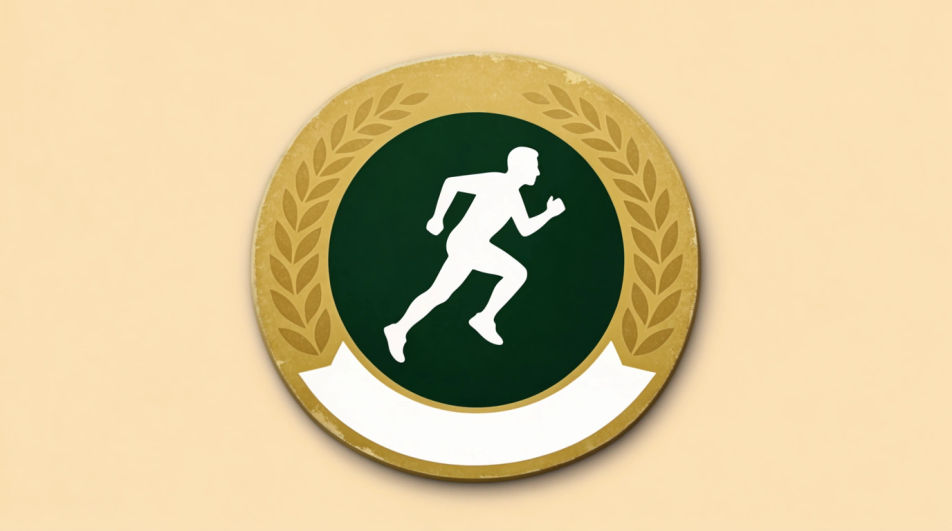
صف Running Emoji الذي تريده، بكلمات بسيطة.
ينشئ Morphic صورة نظيفة جاهزة للنشر على لوحتك خلال ثوانٍ.
عدّل الأمر النصي، وأعد إنشاء التنويعات، ثم نزّل الإطار أو شاركه.
Drop in a photo of yourself. Get a 12-second cinematic movie with animation and a matched soundtrack.

Dramatize any text conversation into a cinematic multi-shot video.
Cinematic time-freeze short film for any scene
Set the look with one reference image. Apply that exact grade to any scene or batch.
Choose your viewing angles and get precise perspective shifts of any image with full camera control.
Bring back any damaged, blurry, or low-res image. Get a sharp, detailed 4K version with natural clarity restored.
Emoji design AI images
Make emoji design AI images in your browser: glossy face sets, custom reactions, outlined sticker emoji. Build a matched pack fast. Start creating.
صور جري بالذكاء الاصطناعي
أنشئ صور جري بالذكاء الاصطناعي عبر مولّد صور الجري لدينا. اعثر على صور جري سينمائية لأي مشروع في ثوانٍ.
Standing emoji generator
Generate standing emoji images in Morphic. Describe the expression, colour and style you want, generate options, then refine the prompt and download it.
Basketball court drawing generator
Turn a basketball court drawing idea into a finished image in Morphic. Describe the line work and style, generate variations, then refine it on the canvas.
ابدأ مجاناً اليوم، مع إمكانية الترقية أو الإلغاء في أي وقت.
Basic
2400 شهرياً أرصدة
1 مستخدم فقط
جميع النماذج
Workflows
Standard
3625 شهرياً أرصدة
1 مستخدم فقط
جميع النماذج
Workflows
Pro
6350 مشترك شهرياً أرصدة
1 مستخدم
جميع النماذج
Workflows
Max
24650 مشترك شهرياً أرصدة
1 مستخدم
جميع النماذج
Workflows
Enterprise
لحدود أعلى
مخصص
شروط الأسعار والفوترة

Free
للتجربة والاستكشاف
$0
مجاني إلى الأبد