Human to creature with AI Recast
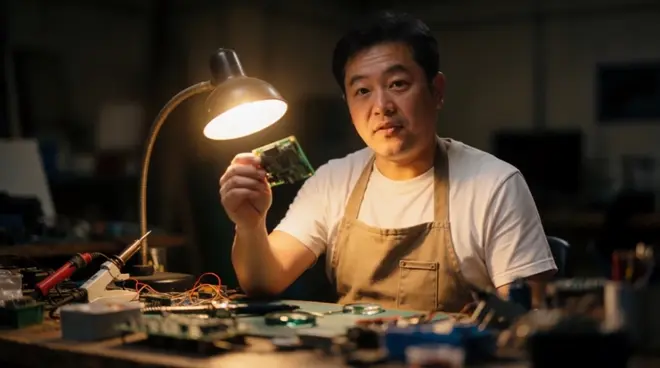
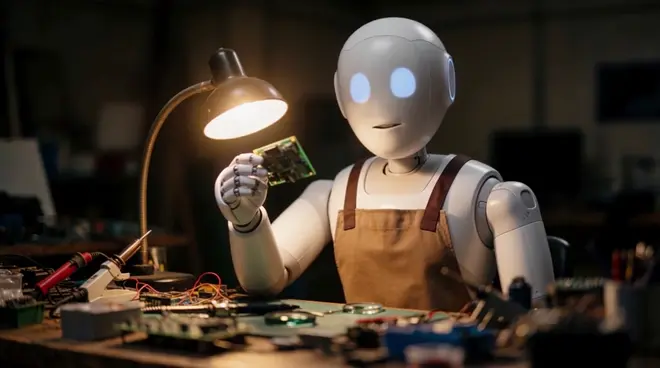
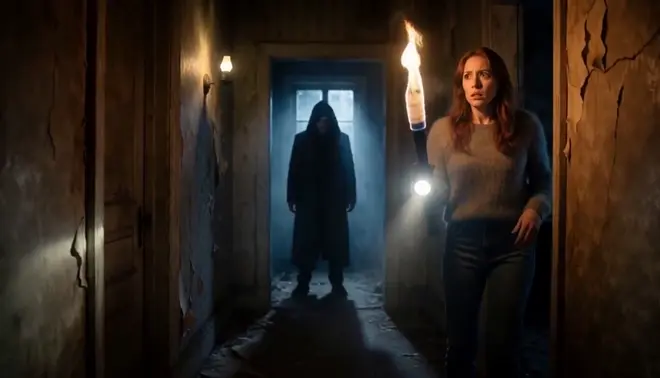
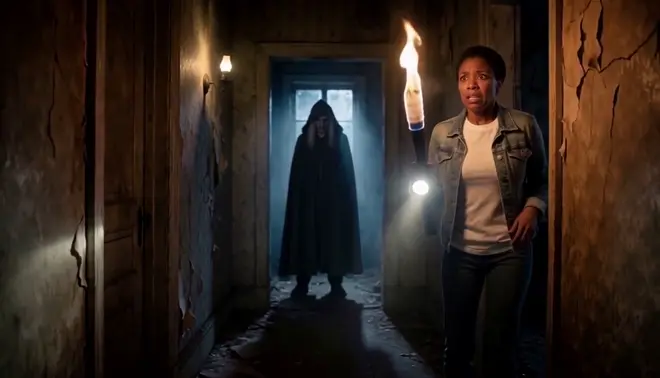
Morphic Recast swaps the actors in finished footage while keeping the original performance, camera and timing, so an actor can become a creature without prosthetics or a full CG build. Give it one creature design: the turn, the smile and the line are the actor's, in the same misty forest.
- مقاطع حتى 30 ثانية
- صورة واحدة لكل شخص
- الباقات المدفوعة
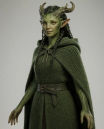
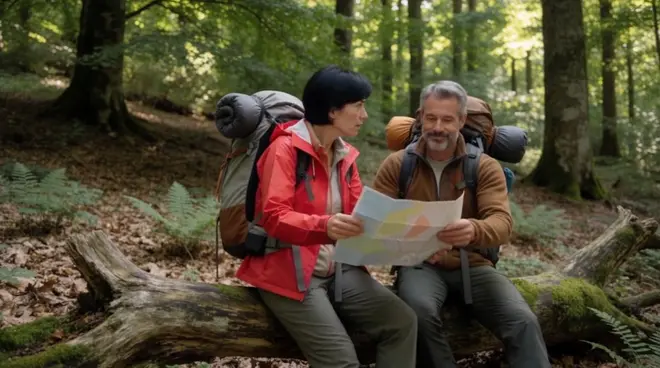
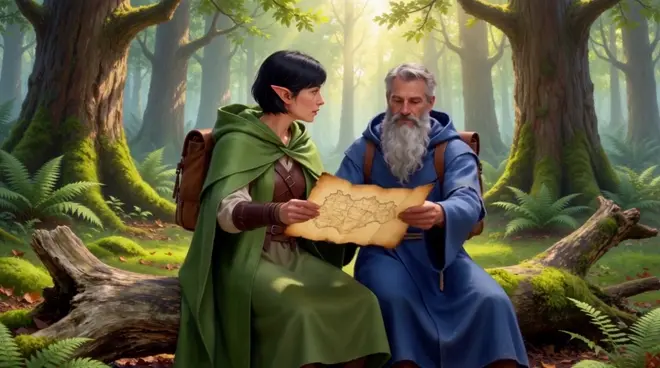
A forest scene, now a creature. One creature design. The turn toward the sound, the smile and the line are the actor's performance; the forest and the dawn light stay real. Play with sound.
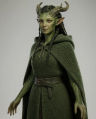 The woman in the green cloakAn original mossy forest creature
ما الذي يتغيّر وما الذي يبقى
| ما يتغيّر | ما يبقى كما صُوِّر |
|---|---|
| The actor, as your creature design | Every glance, smile and line |
| Skin, horns and eyes from the design | The forest, the mist and the framing |
| Nothing else in the shot | Dawn light, timing and the sound |
أمثلة على الاستخدام
Creature without prosthetics
An actor plays the creature on set, then becomes it in post, without long make-up days.
Previz a creature role
See how a creature plays in a real location before the design and budget are locked.
Test the creature design
Try a few creature designs on the same take and see which one reads best in motion.
How do I turn an actor into a creature in a video with AI?
- 01
Upload the shot
Add one clip up to 30 seconds. For a longer sequence, recast it shot by shot and cut the shots together on the Compose timeline.
- 02
Add your creature design
One image of the creature, front-on and well lit. An original design works best; anyone you give no image stays as shot.
- 03
Name the swap and run it
Ask Copilot, for example: the woman in the green cloak becomes the creature in the image. The forest and light stay as shot.
هل تستبدل شخصًا واحدًا فقط؟ لا يحتاج سير العمل المشترك إلا إلى المقطع وصورة واحدة.
افتح سير العململاحظات الإنتاج
Consent and releases
Recast only footage you hold releases for, and use photos of people who agreed to appear. Every example here uses generated people, not real actors.
When to also dub
The recast keeps the original soundtrack. For new lines or another language, run Morphic Dub on the recast shot so the voices and lips match.
Recast or reshoot
Recasting a creature scene skips a new shoot day and calling the cast back, and one take can carry a cast per market. Reshoot only when the action must change.
Review it as a team
Keep the source shot, the cast photos and every take in one project, where teammates in your workspace open the same versions and comment on each.