غيّر صوتًا في ثلاث خطوات
- 01
افتح Morphic
سجّل وابدأ على مساحة عمل بصرية لا نهائية وحرة التدفق.
- 02
ارفع مقطعك
أدرج التسجيل الذي تريد تغيير صوته. كلامك وتوقيتك يبقيان كما هما.
- 03
اختر صوتًا وأنشئ
اسمِ الصوت الجديد أو اختره. يُعاد بناء السطر به، جاهزًا للتنزيل.
السطر نفسه، بكل صوت
امرأة شابة
مشرق وطبيعي ودافئ
رجل مسن
متعب الصوت ومتزن
راوٍ عميق
ثري ومنخفض بطابع سينمائي
مشرق ونشيط
مرح وحيوي
شخصية خشنة
خشن ومليء بالطابع
هادئ وناعم
لطيف وقريب من الميكروفون
حالات الاستخدام
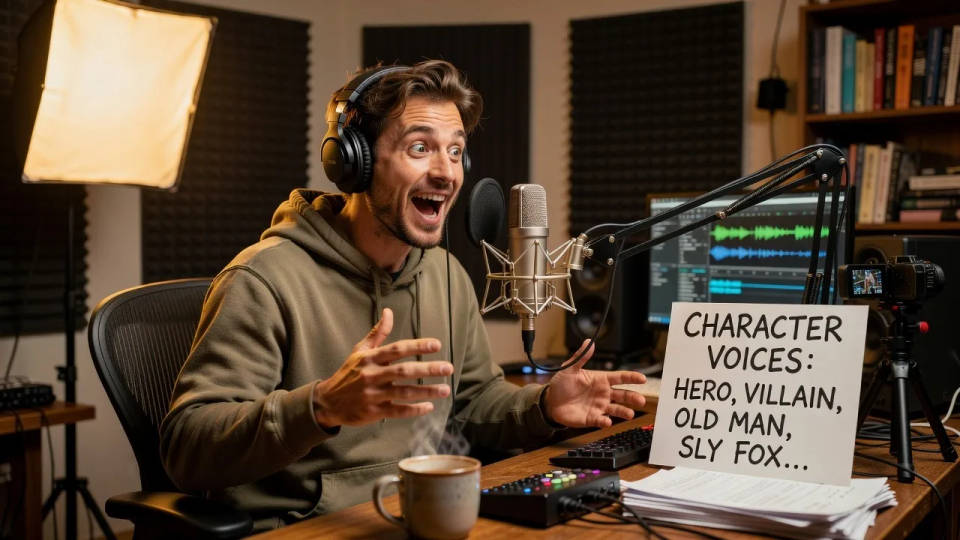
أعط كل شخصية صوتها الخاص
أدِّ المشهد مرة واحدة، ثم غيّر كل سطر إلى صوت شخصية مختلف. يتحوّل ممثل واحد إلى طاقم كامل، دون استوديو أو تسجيل إضافي.
بدّل المسار المؤقت بصوت نهائي محترف
سجّل قراءة أولية لضبط التوقيت، ثم غيّرها إلى الصوت النهائي. يبقى التوقيت الذي حددته في مكانه بالضبط.
حافظ على صوت واحد عبر الحلقات
غيّر كل حلقة أو مقطع إلى الصوت نفسه، فتبدو القناة أو البرنامج متّسقًا مهما اختلف من سجّل اللقطة.
جرّب السطر بصوت مختلف
اسمع كيف يبدو النص بصوت أصغر أو أكبر سنًا أو أكثر دراميةً قبل الالتزام. قارن الأداءات دون إعادة تسجيل أي شيء.
Time-freeze effect
Cinematic time-freeze short film for any scene

Cinematic storyboard
Share a scene description with character references. Get a full storyboard with shot angles and mood.
Dance your character
Upload a character image and make it dance in any style.

Messages to cinematic scene
Dramatize any text conversation into a cinematic multi-shot video.
Put yourself in a movie
Drop in a photo of yourself. Get a 12-second cinematic movie with animation and a matched soundtrack.

Title sequence
Generate a professional film title card from scratch, with optional cinematic animation.
كل ذلك على Morphic
عدّتك الكاملة لتغيير الصوتأي صوت تسمّيه
غيّر التسجيل إلى متحدث أو عمر أو شخصية مختلفة. صف الصوت أو اختر نموذجًا جاهزًا.
أداؤك يبقى كما هو
كلماتك وسرعتك وتأكيدك تنتقل كما هي. يتغيّر الصوت فقط، ويبقى الأداء كما قدّمته.
أصوات وصوتيات
أنشئ تعليقًا صوتيًا من نص، وأضف موسيقى ومؤثرات، وشكّل المقطوعة كاملة في جلسة واحدة.
Workflows
ثبّت صوتًا واحفظه Workflow. أعد تشغيله على المقطع التالي، فيشترك كل سطر بصوت واحد.
