مبارزة كاتانا على سطح عند الغروب
سيّافان في منتصف الاشتباك على سطح في طوكيو، نصلان متشابكان بحواف تُقدح شرراً، سماء أرجوانية في الساعة الذهبية، وتأطير بطولي بزاوية منخفضة.
تعديل الأمر النصي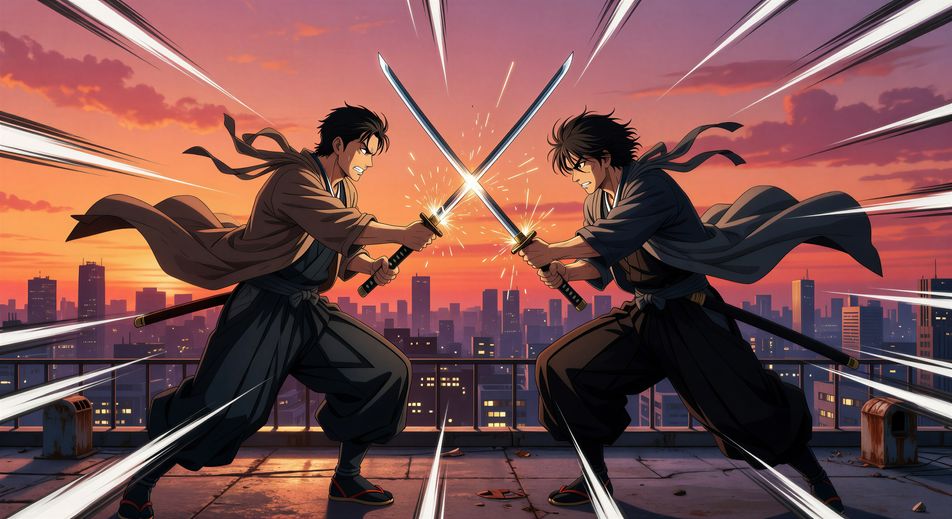
أخرِج القتال داخل متصفحك مع مولّد فيديو مشاهد قتال anime بالذكاء الاصطناعي من Morphic. ولّد مبارزة كاتانا على سطح عند الغروب أو أشعة طاقة فوق الغيوم، وأضف أصوات shounen وموسيقى synth-rock بأداتي Speech وMusic، واقطع تسلسل حركة anime.
سيّافان في منتصف الاشتباك على سطح في طوكيو، نصلان متشابكان بحواف تُقدح شرراً، سماء أرجوانية في الساعة الذهبية، وتأطير بطولي بزاوية منخفضة.
تعديل الأمر النصيساحر شاب يقذف دائرة تعويذة زرقاء متوهّجة نحو محارب ذي قرون عبر حلبة حجرية محطّمة. حطام معلّق في الهواء.
تعديل الأمر النصي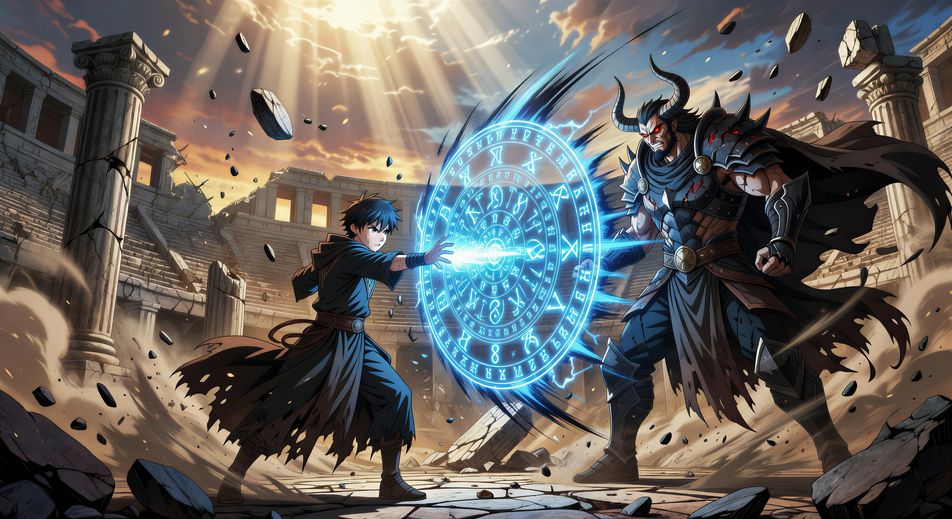
مقاتلان في الجوّ فوق الغيوم، أشعة قرمزية وسماوية تتصادم بينهما. ضوء الفجر من الأسفل، ولقطة واسعة تبعث الدوار.
تعديل الأمر النصي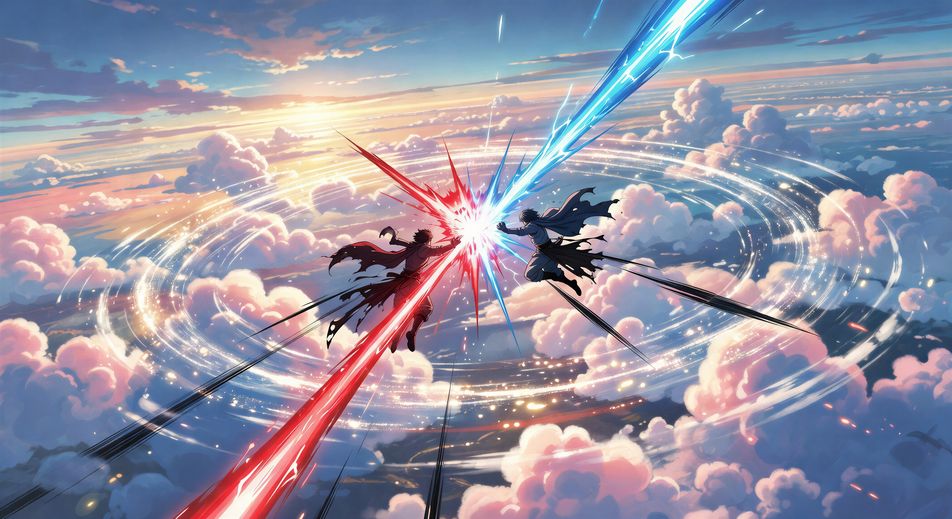
نينجا بشعر فضي يقفز بين أعواد الخيزران، أثر كوناي يلمع، والخصم يظهر في منتصف الصدّ تحت ضوء القمر. لوحة ألوان زرقاء باردة.
تعديل الأمر النصي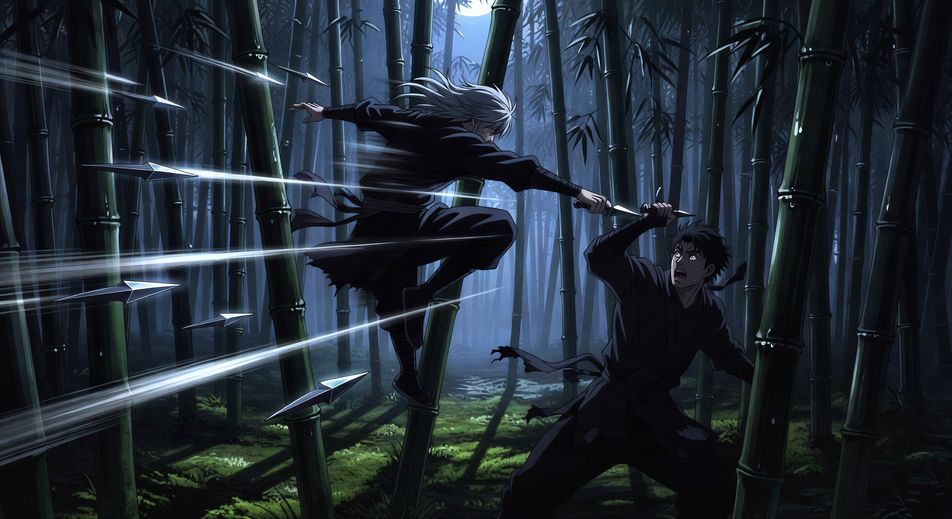
اكتب مشهد Anime الذي تريده، بكلمات بسيطة.
ينشئ Morphic مقطعا سينمائيا جاهزا للإطارات على لوحتك خلال ثوانٍ.
عدّل الأمر النصي، وأعد إنشاء التنويعات، ثم نزّل اللقطة أو شاركها.

Pick any anime illustration as your style guide. Apply its look to any image.

Turn any sketch or drawing into a finished render.

Take any character image and generate 6 distinct facial expressions on a single reference sheet.

All your characters on a single lineup image, side by side with height comparison.

Turn any photo or description into an animated chibi sprite. Dance, jump, wave, attack, and more.
Reimagine any anime character as a photorealistic, high-fashion live-action portrait.
فيديوهات أنمي لوفاي بالذكاء الاصطناعي
أنشئ فيديوهات أنمي لوفاي بالذكاء الاصطناعي مع Morphic: مشاهد مذاكرة قابلة للتكرار، ومطر على النافذة، وأسطوانة تدور، من موجّه واحد.
فيديوهات الفتاة الساحرة بالذكاء الاصطناعي
أنشئ فيديوهات الفتاة الساحرة بالذكاء الاصطناعي مع Morphic: مشهد تحوّل بالشرائط، وضربة ختامية، وكشف الزيّ، وحلقة كاملة تخرج عمودية لتيك توك.
فيديوهات رسوم المانغا المتحركة بالذكاء الاصطناعي
أنشئ فيديوهات رسوم المانغا المتحركة على Morphic: حبر أبيض وأسود، وتظليل شبكي، وخطوط سرعة، ولقطات درامية من وصف عربي بسيط.
فيديوهات أنيميشن المانهوا بالذكاء الاصطناعي
أنشئ فيديوهات أنيميشن المانهوا بالذكاء الاصطناعي مع Morphic: اعتراف على السطح، اشتباك أكشن، ولحظة مقهى بألوان رقمية نظيفة وتأطير ويبتون.
ابدأ مجاناً اليوم، مع إمكانية الترقية أو الإلغاء في أي وقت.
Basic
2400 شهرياً أرصدة
1 مستخدم فقط
جميع النماذج
Workflows
Standard
3625 شهرياً أرصدة
1 مستخدم فقط
جميع النماذج
Workflows
Pro
6350 مشترك شهرياً أرصدة
1 مستخدم
جميع النماذج
Workflows
Max
24650 مشترك شهرياً أرصدة
1 مستخدم
جميع النماذج
Workflows
Enterprise
لحدود أعلى
مخصص
شروط الأسعار والفوترة

Free
للتجربة والاستكشاف
$0
مجاني إلى الأبد